

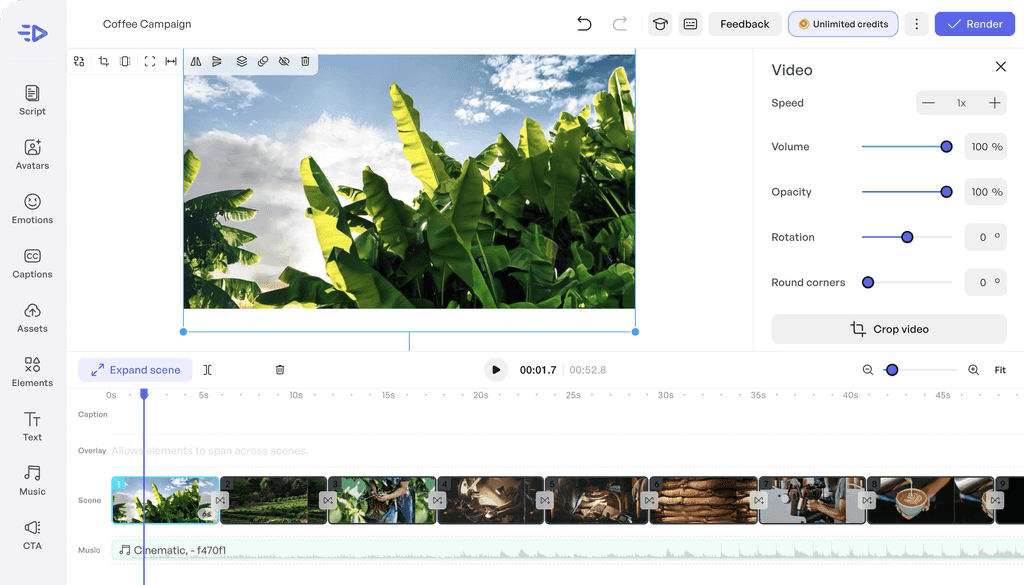
URL, image, angle
starting points
Creatify highlights ad creation from a product URL, visuals or a more open starting angle.
1,500+
avatars cited in the docs
Creatify documentation mentions a large persona library for producing talking videos.
100 000
SBC credits/month
Included in the Spybox offer at 29.99 EUR/month.
Creatify becomes useful when a team already has a product, offer or ad angle but needs more speed to create enough videos to test. It helps produce short ads, talking avatars and variants without launching a full video production.
Inside Spybox, it sits between research and finishing: Minea, Dropispy, ShopHunter or Foreplay provide signals; Creatify turns those signals into videos; Submagic can then improve captions, pacing and social exports.
The trap to avoid
Generating ten videos is not useful if they all test the same vague message. Creatify should support one clear hypothesis: an angle, audience, objection or promise to validate.
Tool preview
Move from product source to testable video
These previews show the Creatify workflows worth watching: product link, AI Video Ads, Avatar Video, profile choice, editor and variant comparison.
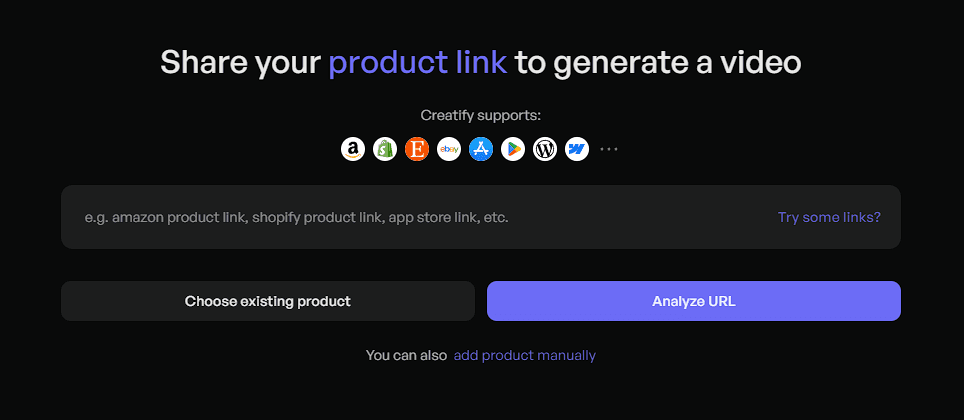
Start from a product page
The most useful flow starts with a clear product page, then lets Creatify extract the first inputs. Source quality matters: offer, benefits, images, price and visible proof.
View AI Video Ads help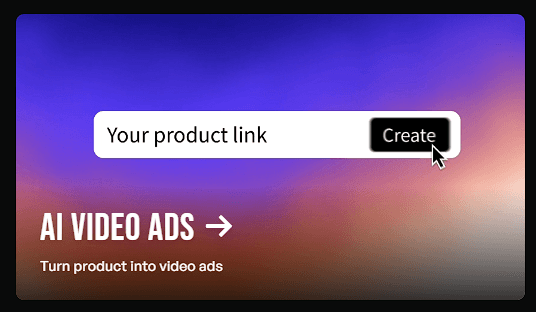
Turn the link into a video ad
Creatify presents AI Video Ads as a way to convert a product URL into a personalized ad video. Inside Spybox, the point is to create several testable directions around the same product.
View AI Video Ads help
Use a talking avatar
Avatars give a short message a face and a voice. They help test an angle before funding a real UGC shoot, or localize an ad across several markets.
View Avatar Video help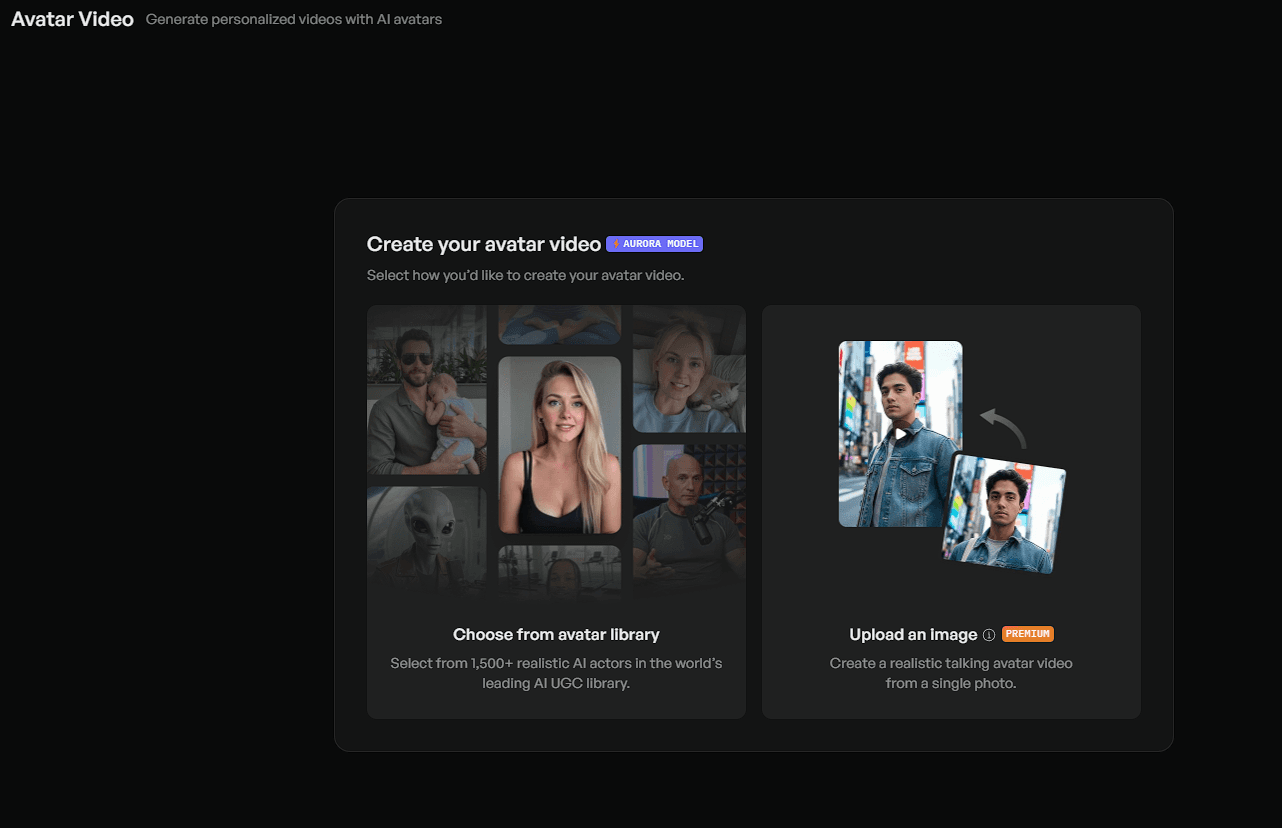
Choose a coherent profile
Avatar choice should not be purely aesthetic. Review the audience, country, language, tone and credibility of the message before creating a set of variants.
View Avatar Video help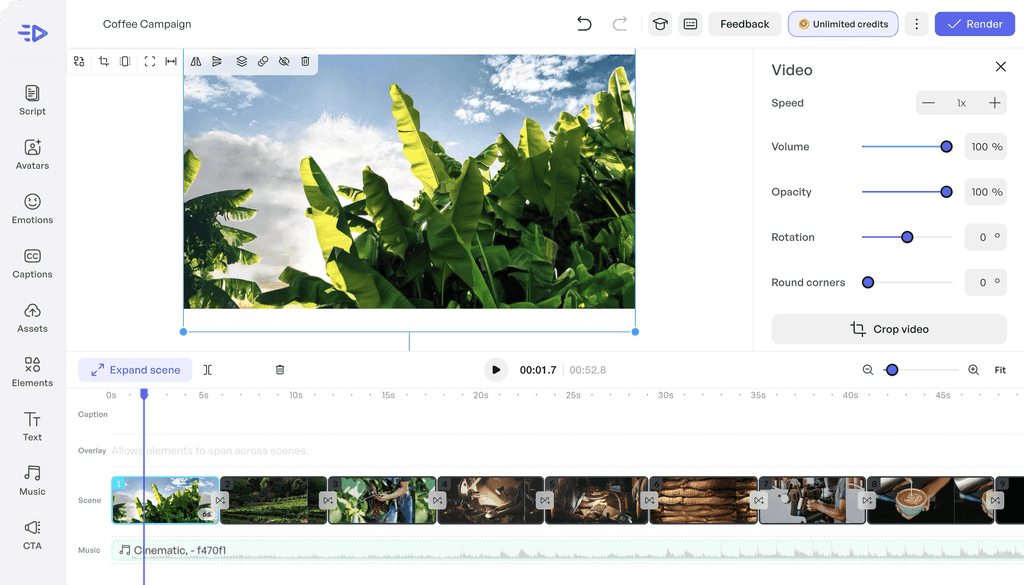
Review and adjust the ad
A video generator provides a starting point, but review makes the difference: hook, scene order, voice, pacing, captions, visuals and call to action.
View AI Video Generator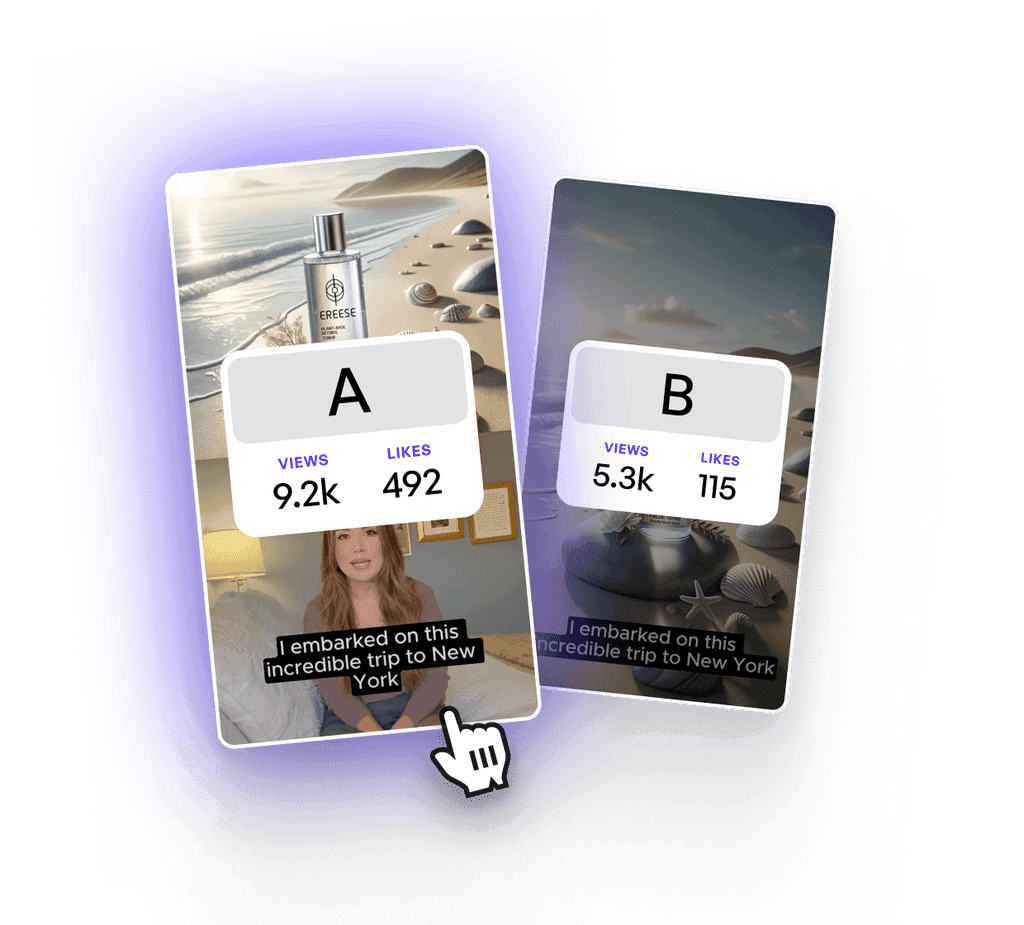
Compare several variants
Creatify becomes most useful when it creates a family of creatives: same product, several angles, several avatars or several opening scenes to compare.
View URL to VideoWhat to look at
Offer
The video should reflect a true promise, current price, proof point and benefit from the product page.
Angle
The starting point should be clear: problem, desire, comparison, objection, demonstration or expected result.
Script
Short sentences often win: one hook, one proof point, one action. Sensitive claims need review.
Avatar
The face, voice and language should feel credible for the target market, not just visually clean.
Format
Ratio, duration, pace and call to action change across TikTok, Reels, Shorts, Meta Ads and YouTube.
Measurement
A Creatify output should be tied to a hypothesis: hook rate, click, CPA, comments or sales.
Six-step production method
Identify the product signal
Start from a product found in Minea, Dropispy, Kalodata, ShopHunter or from a reference saved in Foreplay.
Choose the source
Give Creatify a clean product page, an image, a short offer note or assets that actually represent the product.
Set the ad angle
Decide what the video should make clear: saving time, showing a result, answering an objection or comparing an alternative.
Select avatar, voice and format
Choose a profile that fits the audience, then define language, ratio, duration and distribution channel.
Generate several directions
Create a few variants with different hooks or scenes instead of looking for one perfect video on the first run.
Review before testing
Check the message, rights, prices, claims, pacing and mobile readability before publishing or sending the video to Submagic.
Choose the right Creatify mode
URL to Video
The product page already contains the images, benefits and proof needed.
Generate a first ad, then fix what the source page did not communicate well.
AI Video Ads
The team needs to create several creatives quickly for the same product.
Compare hooks, avatars and promises instead of judging one video in isolation.
Avatar Video
The message benefits from a visible person and a clear voice.
Test the avatar on a short sentence before producing the whole set.
AI Shorts
The ad should feel more social, vertical and paced.
Keep one message per video, then improve readability in Submagic if needed.
Batch Generation
Several audiences, countries or angles need to be compared.
Limit variables: change one major element per variant so results stay readable.
Ad Cloner or Inspiration
A competitor reference gives a useful structure.
Reuse the logic, not the brand, exact text or protected elements.
Use cases by profile
Creatify mainly serves teams that need to produce enough video to learn quickly, without confusing speed with lack of control.
Ecommerce operator
Turn a product page into a short video to validate an angle before a more expensive production.
Dropshipper
Quickly produce several UGC-style variants for a product found with Minea, Dropispy or ShopHunter.
Paid social agency
Prepare video batches by offer, audience or country, then keep the creatives that deserve spend.
UGC creator
Draft a hook, demonstration or script structure before filming a real version.
SaaS or course business
Turn a simple promise into an acquisition video, with an avatar or voice explaining the benefit.
Local brand
Test vertical ads without a heavy studio setup while keeping a strict claims review.
Choose the right starting source
The right starting point depends on product and goal. A URL is enough when the page is clean; otherwise provide an image, short script or selected creative reference.
Ecommerce product page
Products with clean visuals, clear benefits, current prices and visible proof.
Short ad focused on a problem, result or demonstration.
Product image
Products that are easy to understand visually: accessories, beauty, home or gadgets.
Product video or avatar variant that presents the item in context.
Foreplay reference
A structure, rhythm, emotion or ad angle already observed.
New creative inspired by a logic, without copying the exact ad.
Short script
Offers that need explanation: SaaS, courses, services or apps.
Avatar Video or AI Shorts with a tightly controlled opening line.
Existing video
UGC, demo or phone footage that already has proof but lacks pace.
Shorter version, then caption and B-roll finishing in Submagic if needed.
Adapt the video to the channel
Creatify can speed up production, but each channel changes how the video is judged. Before export, know where it will run and which signal matters.
TikTok Ads
Very fast visual hook, direct language, proof before long explanation.
Does the first second give a reason to stop scrolling?
Meta Ads
Clear comparison between promise, problem and offer.
Is the message understandable without sound and without context?
Organic Reels
More natural pace, less ad-like tone, visible proof or tip.
Does the video feel watchable as content, not only as an ad?
YouTube Shorts
Explicit opening, quick progression, simple final action.
Can the video be understood outside a social feed?
Landing page
Offer clarity, credible avatar, short demonstration.
Does the video support the decision instead of repeating the page copy?
Cross it with other Spybox tools
Foreplay
Keep references, angles and structures before producing videos.
Dropispy
Observe ecommerce ads and identify recurring formats.
Submagic
Finish captions, cuts, B-roll and social exports after Creatify.
Akool
Compare a more spokesperson-led avatar video workflow with localization checks.
Hoox
Compare a UGC production flow centered on avatar, product, B-roll and ad variants.
ChatGPT
Clarify the angle, shorten the script and prepare several hooks.
Video chain
Combine Creatify without losing the hypothesis
Creatify is more useful when it has a precise role: produce enough variants to learn, then let other tools support research, finishing and analysis.
Before Creatify
Minea, ShopHunter or Dropispy
Check whether the product, store or observed ad deserves a video test.
Creative direction
Foreplay
Keep examples that reveal a useful format, emotion or structure.
Production
Creatify
Turn the product source into an avatar video, short ad or family of variants.
Finishing
Submagic
Clean pacing, add captions, strengthen B-roll and export social formats.
Analysis
ROAS and ad optimization
Compare variants, keep winning hypotheses and cut weak creatives.
Questions before publishing
Is the source page clear enough?
A vague product page will create a vague video. Before generating, check price, images, benefits, guarantees and restrictions.
Does the avatar build trust?
An avatar can help when voice and face match the market. If it creates distance or feels artificial, change profile or return to a product demo.
Does the video test one idea?
A variant should isolate one main angle. If everything changes at once, it becomes hard to know why it wins or fails.
Is the proof verifiable?
Reviews, numbers, before/after claims, results and comparisons should be confirmed before publishing. A fast video should not speed up a fragile promise.
Final check before export
A generated video should be treated as an ad creative. Before launching it, the team should be able to explain what it tests and why it can be published.
The product shown in the video matches the offer being sold.
The hook is readable without sound and without knowing the brand.
The script does not include medical, financial or result claims that cannot be proven.
Prices, discounts, guarantees and delivery claims match the final page.
Avatar, voice and language fit the target market.
Rights for images, logos, music and competitor references are respected.
The video is checked on mobile before launch.
Each variant has a clear name so results can be compared later.
AI avatar
The avatar should support understanding and trust. If it draws more attention to its artificial feel than to the offer, simplify or change approach.
Product video
The product should remain identifiable. An overloaded creative can hide the main proof: what the product does, who it helps and why to buy it.
What Creatify does not replace
Creatify speeds production up, but it does not fix a weak offer or a confusing product page.
An AI avatar does not always replace real product proof, especially for physical, sensitive or personal use cases.
Generated outputs need review: text, voice, pronunciation, prices, claims and call to action.
Competitor references should inspire structure, not be copied exactly.
Available features can vary depending on access, credits and Creatify updates.
A good video should end in a measurable test, not a collection of variants that never ship.
Test Creatify with Spybox
Start with a clear product page, two angles, two avatars and one short variant per channel. The goal is to produce videos that can truly be compared.
Try Spybox with GET25