
130+
studio avatars
Akool's Talking Avatar help page mentions more than 130 studio-quality avatars for talking video workflows.
500+
voice choices
The Avatar Video page highlights voice selection, voice cloning and audio upload for matching the tone to the message.
100 000
SBC credits/month
In the Spybox offer at 29,99 €/mois, with access to a 90+ premium-tool stack depending on available credits.
Akool becomes useful when a brand needs a virtual spokesperson, an explainer video, a localized message or a commercial clip without organizing a full shoot. The tool can turn text, documents, ideas or existing content into avatar video, but the quality mostly depends on what happens before generation.
In a Spybox routine, Akool comes after research and writing. Minea, Foreplay, PiPiAds, AdSpy or ShopHunter identify the product, objection, ad angle or format worth testing. ChatGPT and Claude help shape natural spoken copy. Akool adds face, voice and presence. Submagic, Canva and ElevenLabs finish the output when captions, visual assets or audio need work.
Akool's public pages show several families: Avatar Video for creating avatar-led videos, Talking Avatar for making an avatar speak from text or audio, Video Translation for localization, Live Camera for real-time avatar presence, and Open API for integrations. This page keeps the workflow practical: choose the right use case, render short, review before publishing.
Akool pages checked : Avatar Video, Talking Avatar, Video Translation, Live Camera.
The point not to miss
An avatar video carries trust. It can resemble a person, carry a voice, show a brand and make a claim. Before publishing, review image rights, consent, voice use, translation, captions, ad context and offer clarity.
Visual references
Understand Akool before generating an avatar video
The references below combine Akool pages available without an account and Spybox diagrams. They connect visible features to a decision: when to use an avatar, when to localize a video, when to use the API and when a voice-over is enough.

An avatar as a spokesperson
The avatar page shows the most direct commercial use case: a face delivering a message. It is useful only when the spokesperson clarifies the offer, reassures the viewer or explains an action.
Akool Avatar Video
Script, voice and scene
The Avatar Video interface shows the production logic: text, audio, avatar, scene and output. In Spybox, it is best used for a short test before heavier production.
Avatar Video page
Talking Avatar for short scripts
Akool's help page explains the simple flow: choose or create an avatar, select a voice or upload audio, then generate a talking video.
Talking Avatar help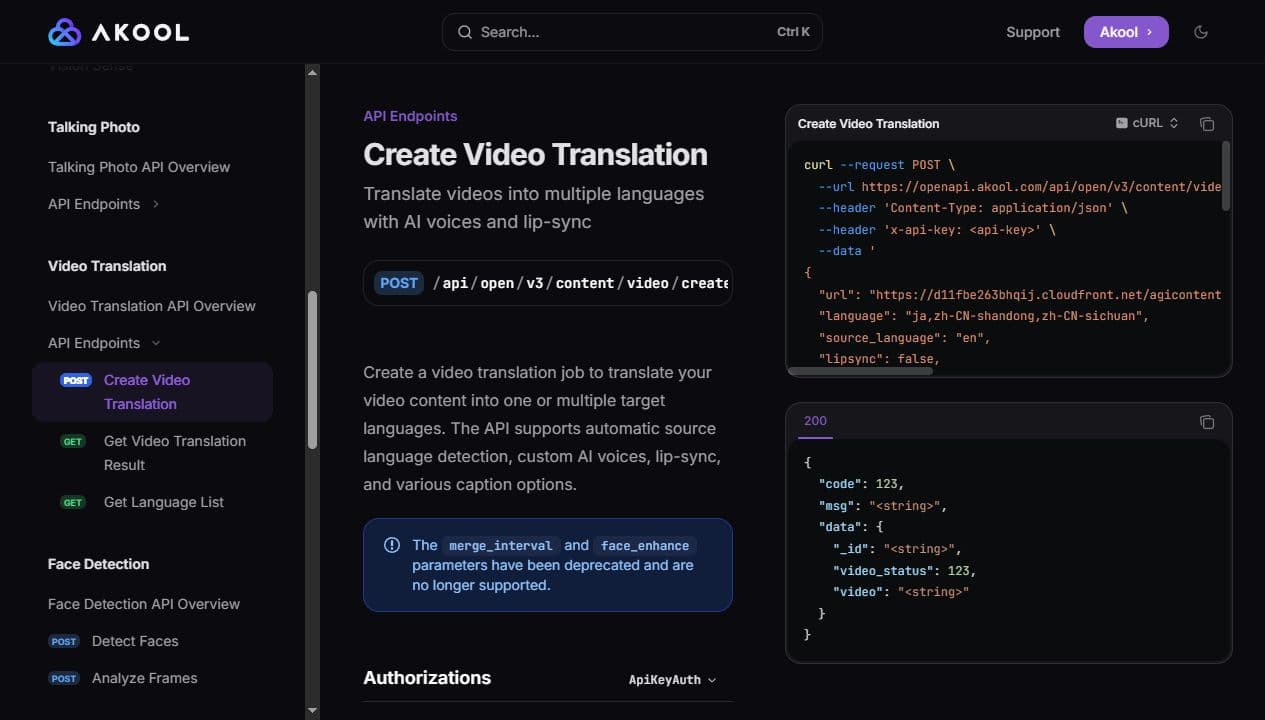
Localize an existing video
The Video Translation docs mention language detection, AI voices, lip-sync and caption options. This is useful when a video already works in one language.
Video Translation docs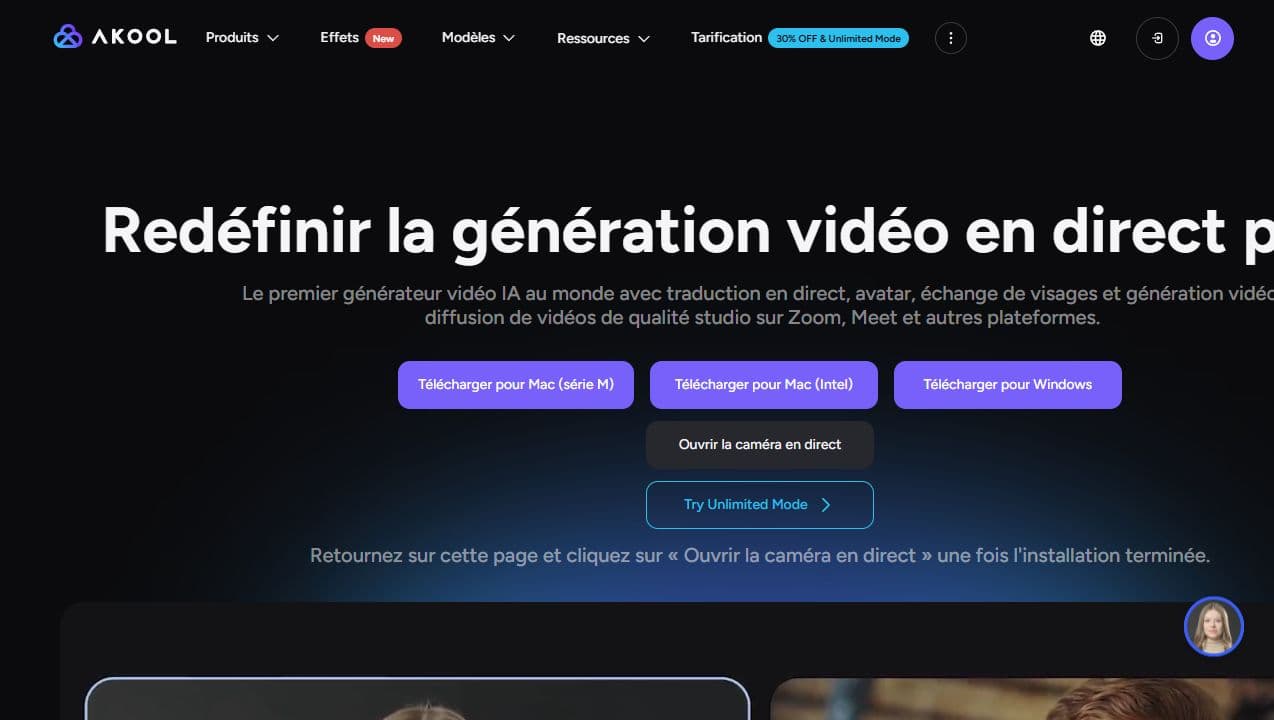
Live Camera for real-time presence
Live Camera targets meetings, presentations and live content. In Spybox, this use case should stay explicit: clear context, disclosed identity and consent rules.
Akool Live Camera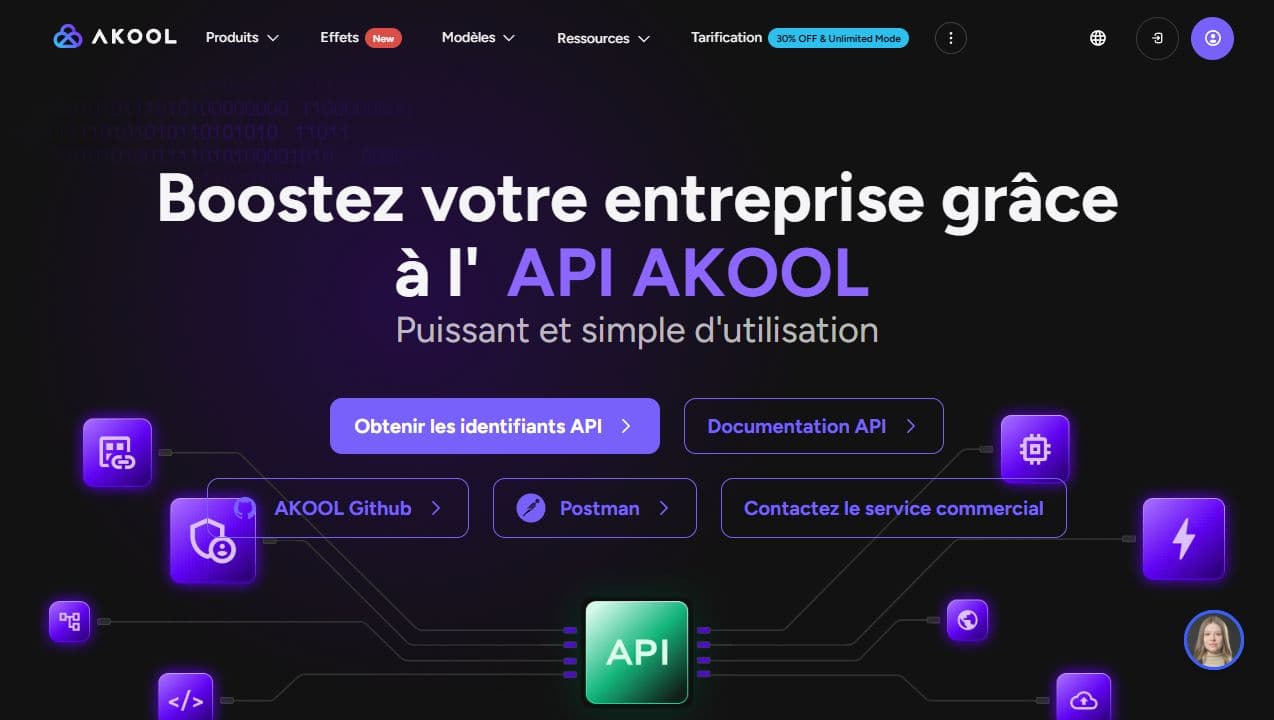
API for technical workflows
The Open API page lists many Akool products. It is mainly relevant for teams that want to industrialize renders, not just create one manual video.
Akool Open API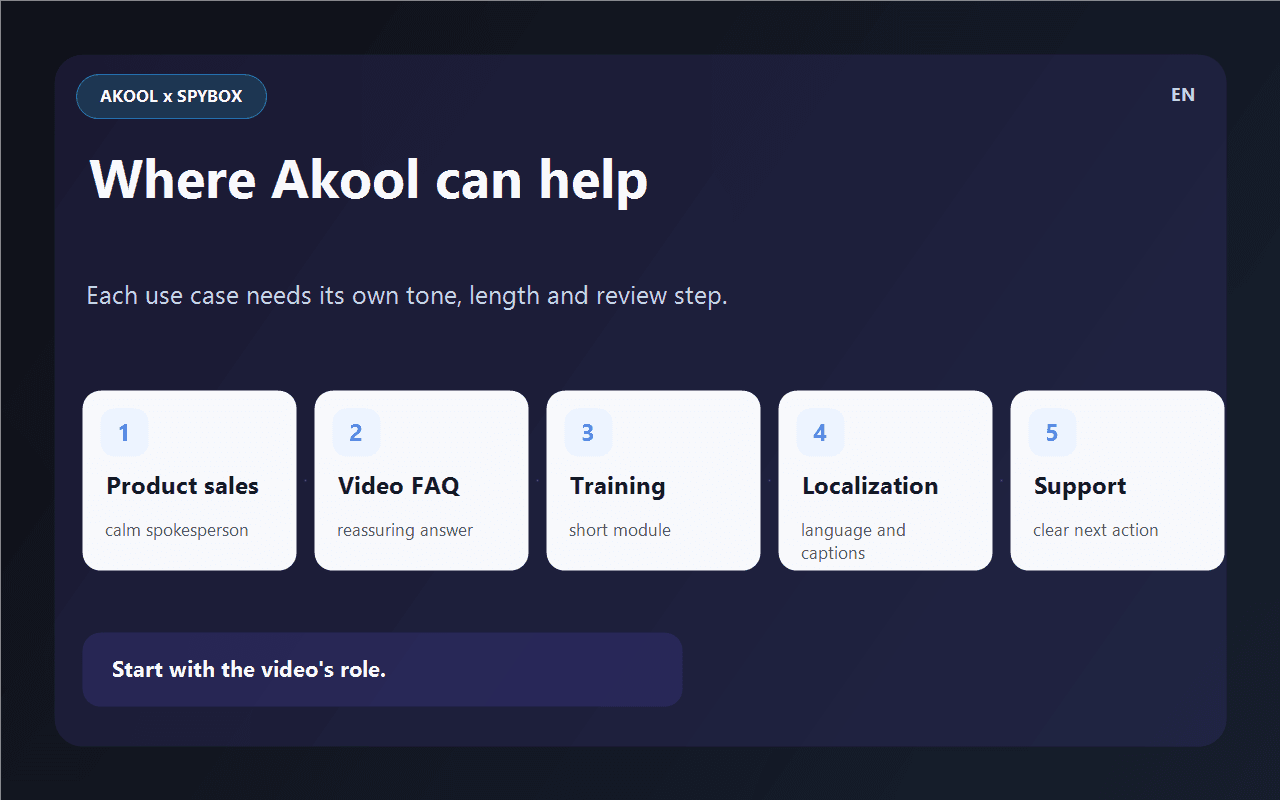
Choose the role of the video
Product sales, video FAQ, training, localization or support: the role changes the length, tone, visuals and review steps.
Compare AI avatars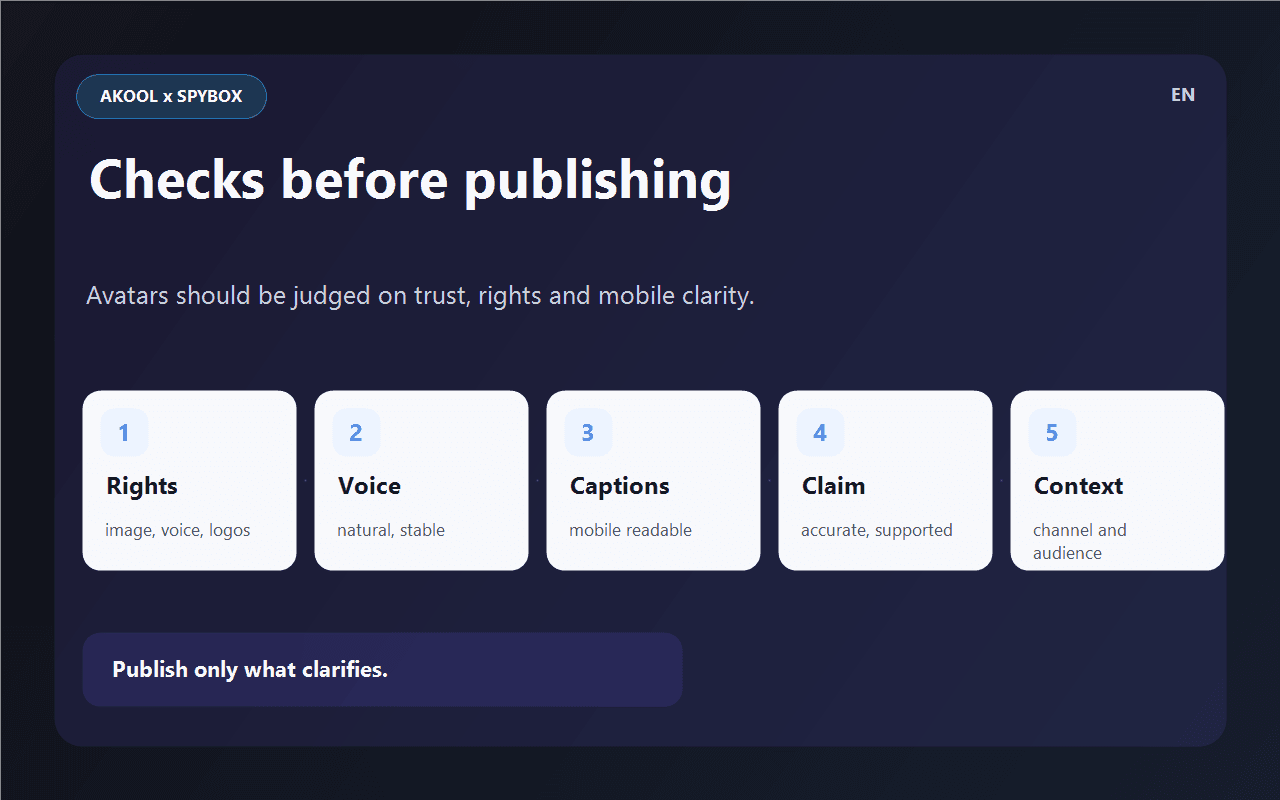
Review before publishing
The final video should be tested on mobile, with and without sound, while reviewing rights, voice, captions and the commercial claim.
See Submagic in SpyboxWho Akool is really for
Akool is most useful for teams that already know what message they want an avatar to deliver. It does not replace angle research; it gives video presence to copy that is already shaped.
Ecommerce operator
Turn an objection into a short video: the avatar introduces the issue, the product appears on screen, and the message stays calm and verifiable.
Dropshipper
Test a virtual spokesperson for a product found in Minea, Kalodata or ShopHunter before ordering real UGC content.
Acquisition agency
Compare several spoken angles, avatars or languages without booking a production team for every variant.
Trainer
Create a module intro, action reminder or short recap with a consistent face and voice.
Support team
Answer a recurring question in video when a human-facing explanation can reduce friction before purchase or after signup.
International team
Adapt a validated video for another market, then review language, accent, captions and the commercial claim.
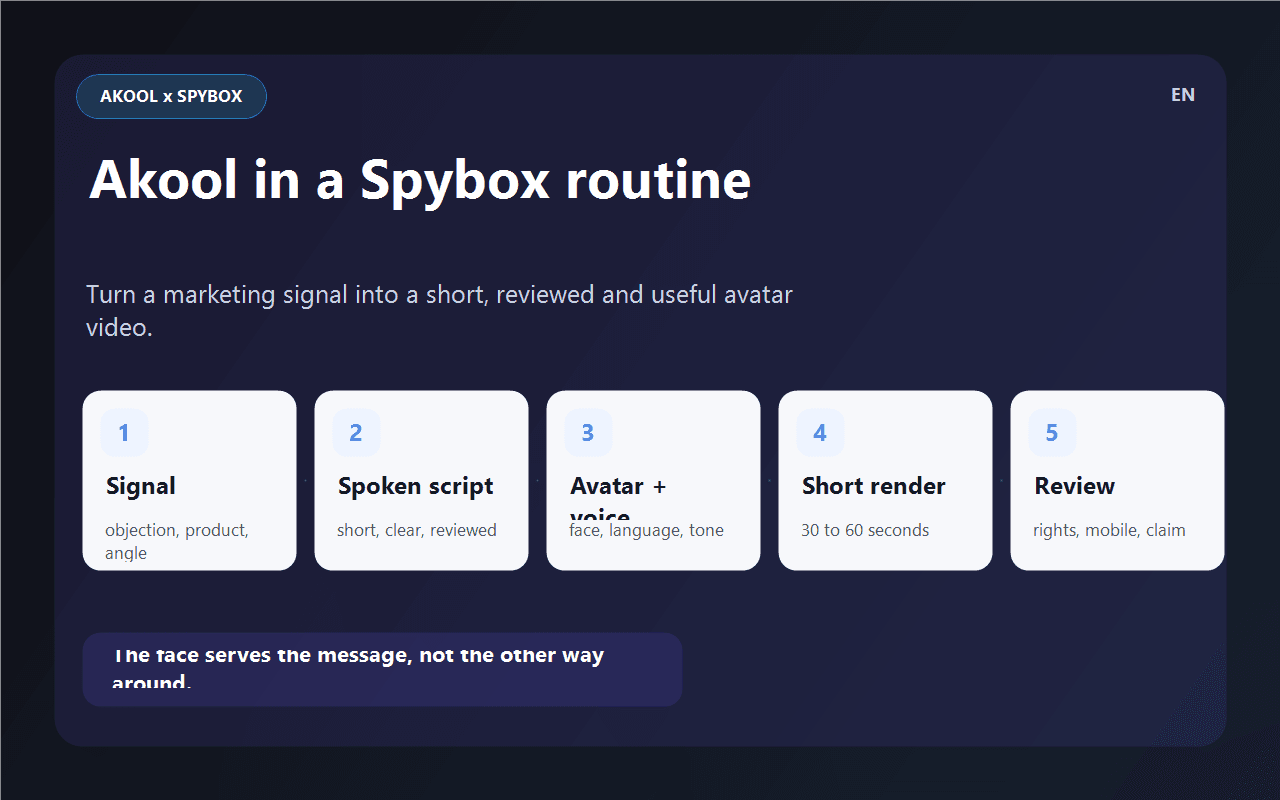
Akool method in 6 steps
Avatar video can waste time quickly when copy changes after rendering. The method is to lock the meaning before generation.
Choose the role
Sales, FAQ, training, support, localization or presentation. If the role is unclear, the avatar will talk without helping the decision.
Write for voice
Short sentences, spoken vocabulary, one idea per sentence, a precise benefit and no claim you cannot support.
Prepare visuals
Product, screenshot, logo, example, captions, background and proof to show. The face should not carry the whole video alone.
Choose avatar and audio
Face, language, voice, accent, pace and background should match the audience and the channel.
Render short
Start with a short version. A 30 to 60 second clip is often enough to judge diction, eye contact and trust.
Review and finish
Check rights, voice, sync, captions, mobile playback and claim accuracy, then finish in Submagic, Canva or ElevenLabs if needed.
Turn a video need into a decision
Akool becomes useful when each render answers a specific question. This matrix helps decide what to produce and what to fix.
One objection keeps returning
The customer needs a clear answer, not an overloaded ad.
Create a short video FAQ, show proof on screen, then add captions in Submagic.
A competitor video works with face camera
A human-facing format may help, but the angle should not be copied or framed as fake testimony.
Analyze hooks in Foreplay, write two calm scripts, produce an Akool test with a spokesperson avatar.
An offer needs testing in another language
The priority is to preserve meaning and tone, not translate word for word.
Use video translation or a fresh avatar version, then ask someone who understands the market to review it.
The face distracts from the product
The avatar takes too much attention or does not improve understanding.
Reduce avatar presence, show more product on screen or switch to an ElevenLabs voice-over.
The output feels too artificial
Trust drops even if the copy is technically correct.
Change voice, avatar, length, background or go back to product video without a visible face.
Adapt Akool to the channel
The same avatar should not be used everywhere. The channel decides length, detail level, product presence and tone.
TikTok, Reels, Shorts
Testing a short face-led message with a clear benefit and readable captions.
The first sentence should be useful without context. The product should appear early.
Product page
Reassuring, explaining a use case or answering an objection close to purchase.
The avatar introduces, but proof should come from the product, screenshots or concrete information.
Support and FAQ
Turning a recurring answer into a human-facing clip that is easy to follow.
The video must stay accurate, short and aligned with the real documentation.
Training
Opening a module, recapping a lesson or reminding users of an action to take.
Style should stay calm, pace understandable and content easy to update.
Localization
Adapting a validated message for another language or market.
Review spoken naturalness, cultural references, captions and the commercial claim.
Tools to combine with Akool
Akool gains value when it sits between good spoken copy and proper finishing. It does not replace research, audio work or editing.
AI avatars
Compare Akool with HeyGen, ElevenLabs and virtual presenter use cases.
HeyGen
Compare another avatar, tutorial and video localization workflow.
ElevenLabs
Work on voice-over, dubbing and audio when a visible face is not needed.
Submagic
Caption, cut, pace and prepare short-video exports.
Creatify
Turn a product page into a video ad when the goal is more UGC-style advertising.
Canva
Prepare visuals, inserts, thumbnails and brand assets around the avatar.
Claude AI
Review spoken copy, weaken risky claims and make the message more natural.
Runway
Create product-led video shots when the offer needs to be shown rather than spoken by an avatar.
Video chain
Where Akool fits in a Spybox routine
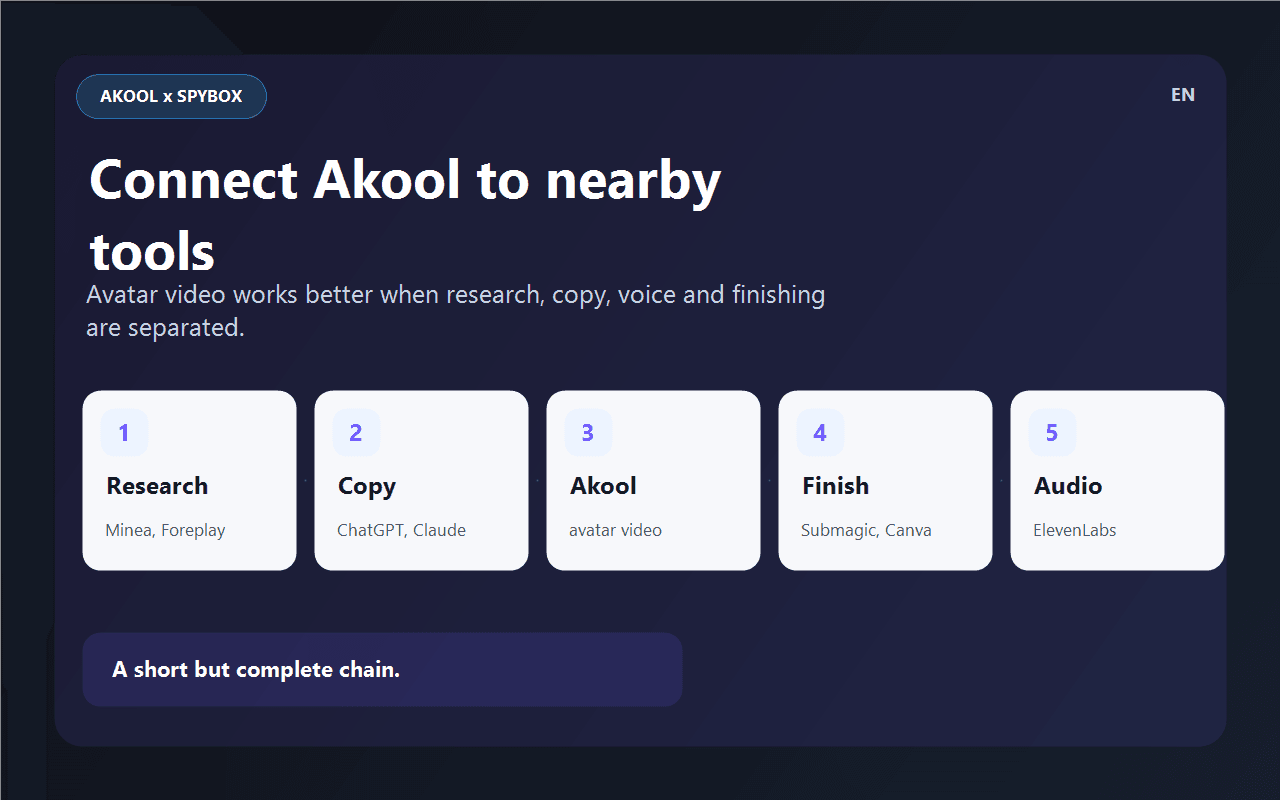
Akool enters when the message needs human presence. Before it, you need the signal and the copy. After it, you need finishing, audio and review.
Before Akool
Minea, Foreplay, AdSpy, ShopHunter
Find the product, objection, ad angle or format that deserves an avatar-led video.
Preparation
ChatGPT, Claude, Canva
Write spoken copy, prepare visible proof, adjust tone and keep the first version short.
Avatar production
Akool
Choose avatar, voice and language, then produce a clip that can truly be compared.
After Akool
Submagic, ElevenLabs, Canva
Add captions, refine audio, insert visuals and export to a usable format.
Alternative
Runway, Kling, Hailuo, Higgsfield
Use product video or an AI video shot when an avatar does not add enough trust.
Checks before publishing
An avatar video should be judged on trust as much as render quality. These checks matter before ads, product pages or support sequences.
The viewer understands why an avatar is speaking within the first few seconds.
Voice, face, apparent age, language and background fit the offer.
The script sounds spoken, not like a product sheet read aloud.
The avatar is not presented as a real customer, expert or existing person without a solid basis.
Image rights, voice use, logos, screenshots and brand elements are under control.
Captions remain readable on mobile and do not hide the product.
The commercial claim matches the landing page.
The localized version has been reviewed by someone who understands the language and sales context.
Useful limits to know
FAQ about Akool in Spybox
What is Akool used for in Spybox?
Akool is mainly used for talking-avatar videos, voice, translation and live avatar workflows. In Spybox, it helps test a virtual spokesperson, video FAQ, sales clip or localization.
Does Akool replace a UGC creator?
No. Akool can help test an angle or produce a fast version, but a real creator is often more credible for testimonials, field demos or personal stories.
Should I use Akool or HeyGen?
Both address avatar video. Akool is interesting for talking avatars, commercial use cases, Live Camera and API workflows. HeyGen is often compared for tutorials, avatars and localization. The right choice depends on output quality and available access at test time.
Can Akool localize a video?
Yes, Akool documents video translation with AI voices, lip-sync and caption options. The final version still needs review for spoken naturalness, cultural references and claim accuracy.
What is the best first test?
Start from a customer objection, write a 30 to 45 second answer, choose a calm avatar, add a product visual and check mobile playback before producing several variants.
Test Akool inside a complete Spybox stack
Spybox gives access to 90+ premium tools with 100 000 SBC credits/month. Akool is more useful when connected to product research, copy, audio and video finishing.
Try Spybox with GET25