

Brand Kit
visual consistency
Canva highlights colors, fonts, logos and brand assets to keep designs consistent.
40+
AI tools on Canva Pro
The official Canva Pro page presents AI tools, premium content, templates, media and productivity features.
100 000
SBC credits/month
In the Spybox offer at 29,99 €/mois, alongside the premium tools listed in the platform.
Canva becomes useful in Spybox when the research or creative idea already exists, but the team needs to make it visible, clean and easy to adapt. An ad saved in Foreplay, a product found in Minea or a short script prepared with ChatGPT becomes easier to turn into a real asset.
The value is not just making a good-looking design. The useful workflow is source, promise, format, brand system, variation and measurable next step.
The trap to avoid
Canva can quickly make a design look polished, but a clean visual does not fix a vague offer. Before adapting ten formats, know what the asset must prove: benefit, comparison, product proof or clear action.
Canva preview
Produce, adapt and stay on-brand without starting from scratch
These visuals show the Canva uses that matter for Spybox: all-in-one creation, brand identity, social formats, product cutouts, planning, creative AI, templates and presentations.
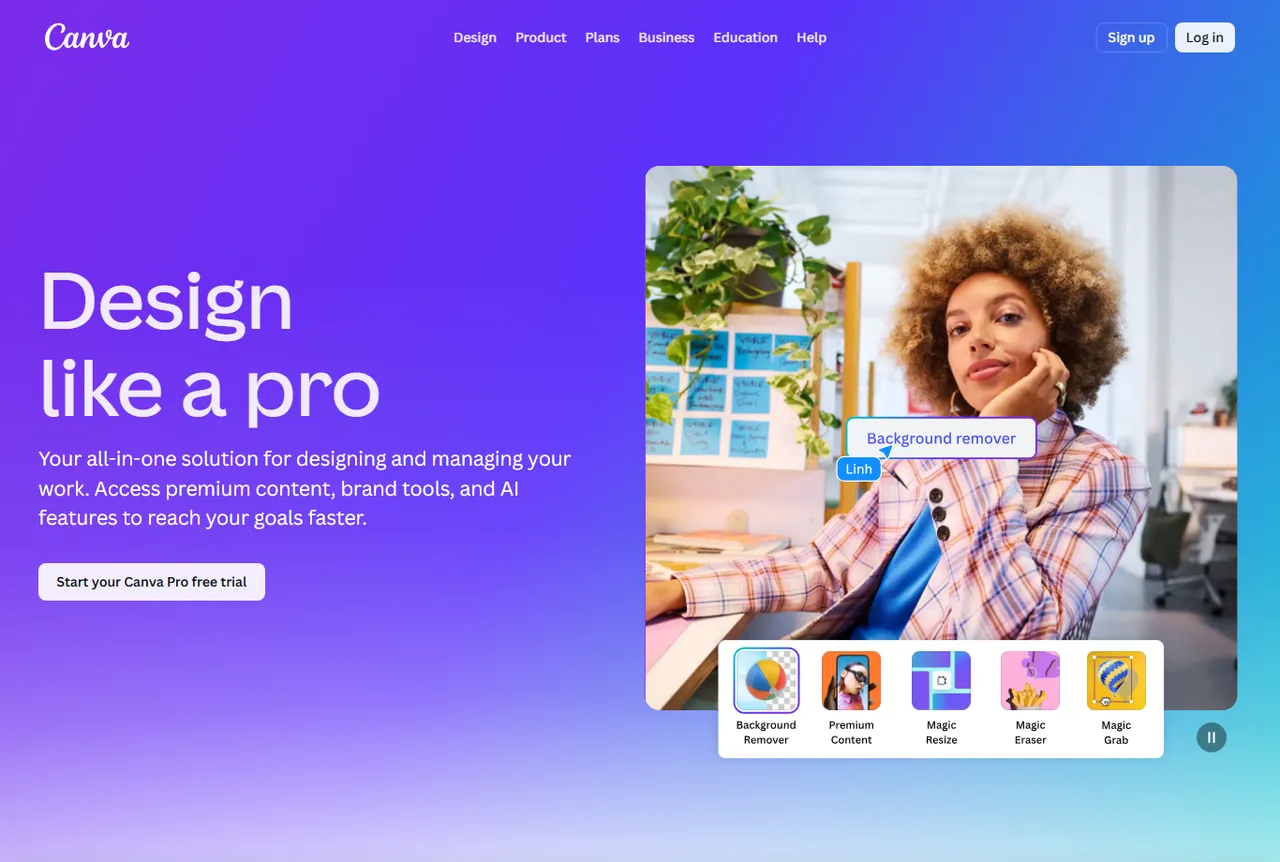
Create professional assets
Canva Pro is presented as a way to design, manage and speed up content with premium resources, brand tools and AI features.
See Canva Pro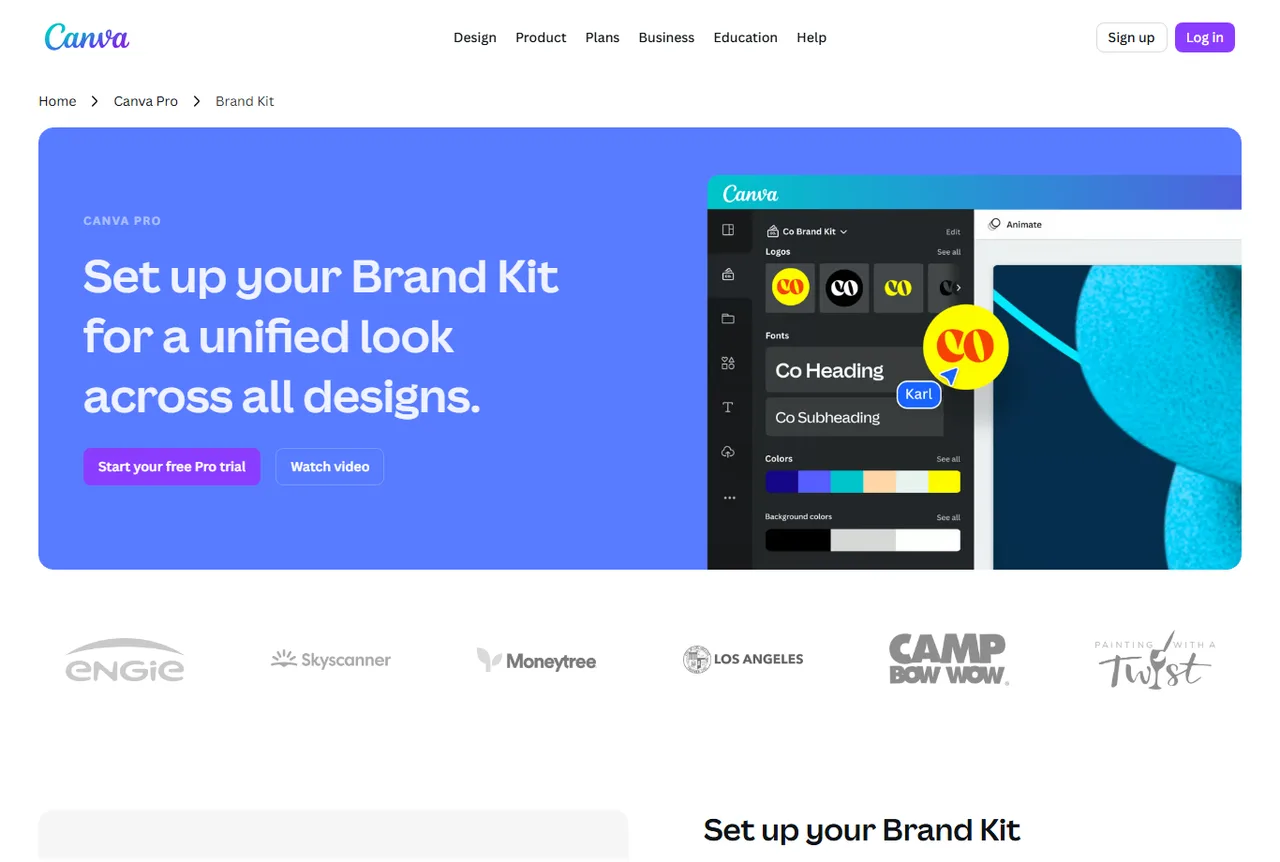
Keep a stable identity
Brand Kit groups colors, fonts, logos, images and guidelines. It matters when several creative variants must still feel like the same brand.
See Brand Kit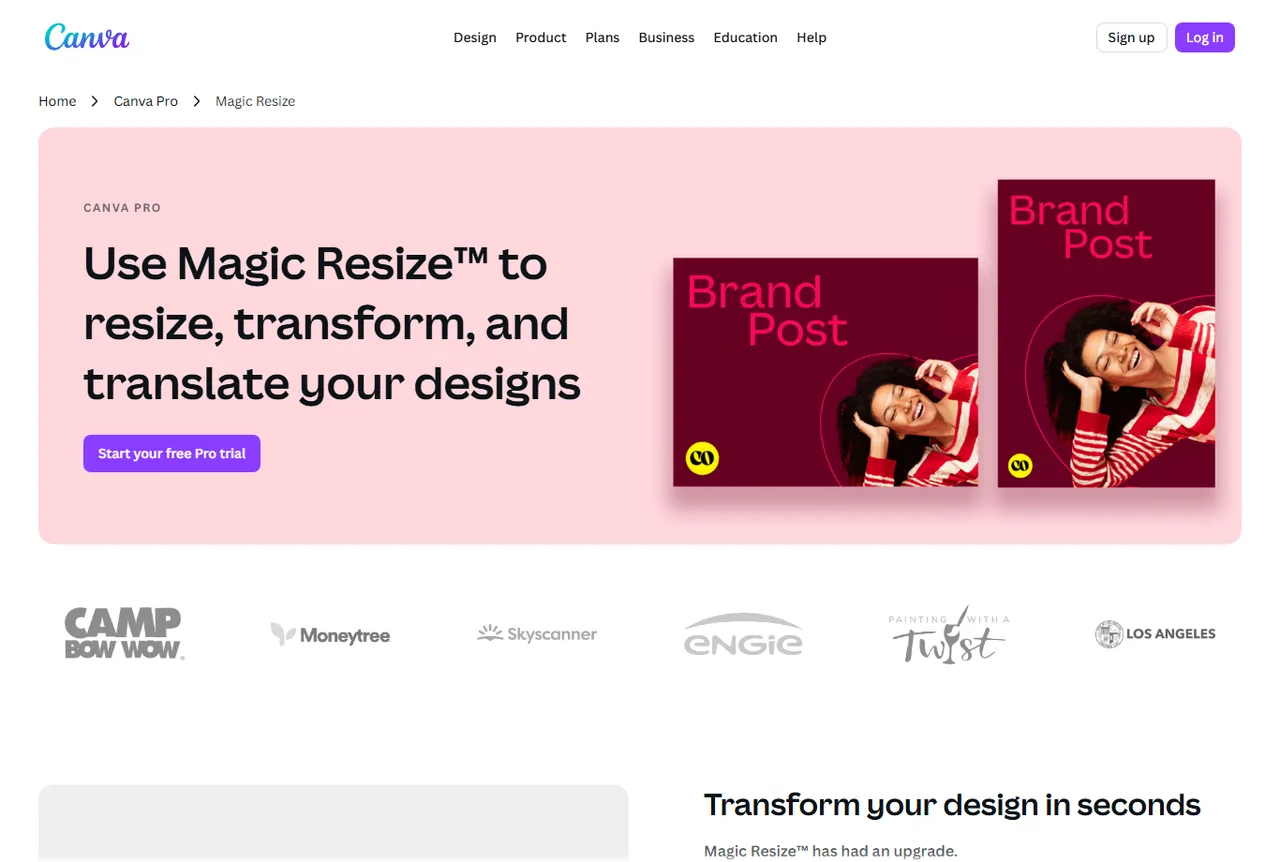
Adapt one design into several formats
Resize helps turn one idea into social, banner, story, presentation or ad formats without rebuilding the whole composition.
See Canva Pro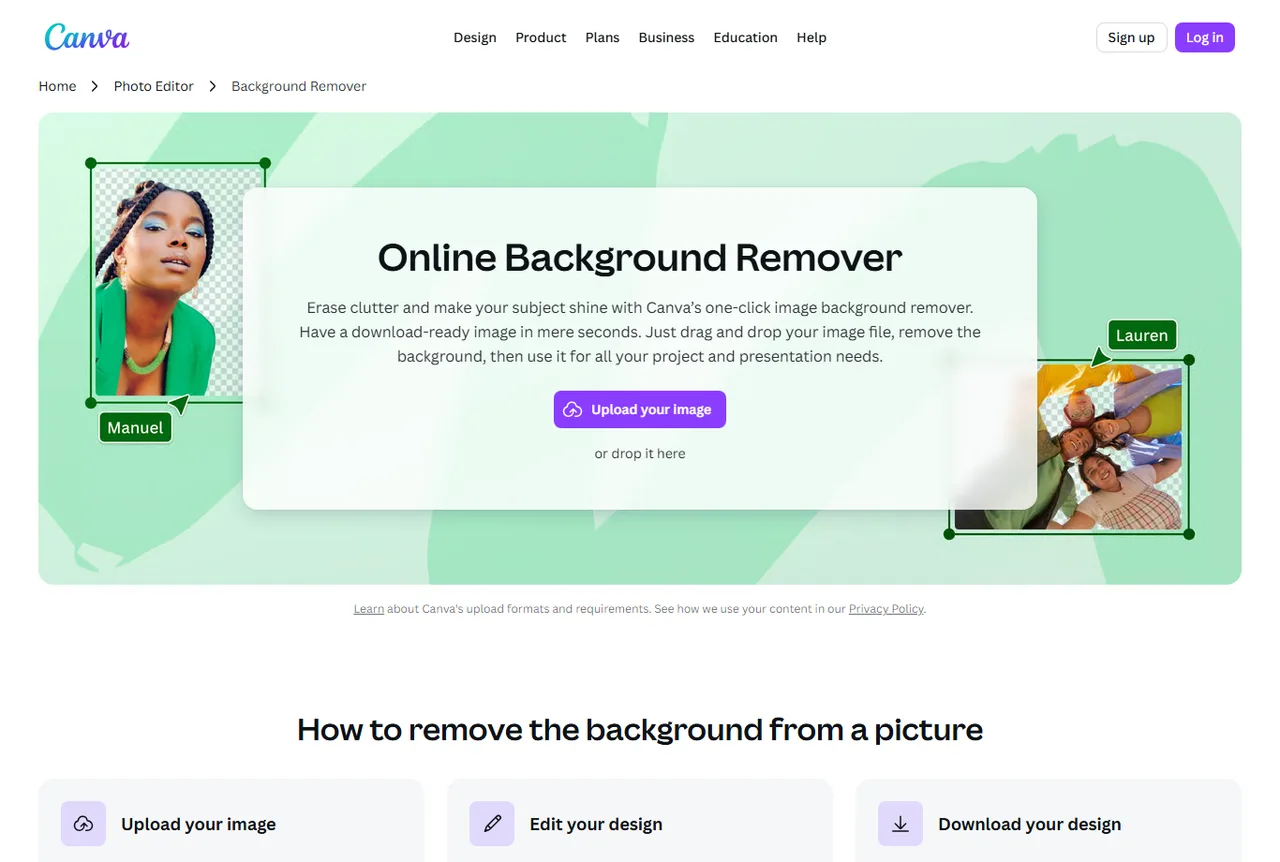
Clean a product image
Background removal helps isolate a product, portrait or visual element before building a clearer thumbnail, page visual or ad.
See Canva Pro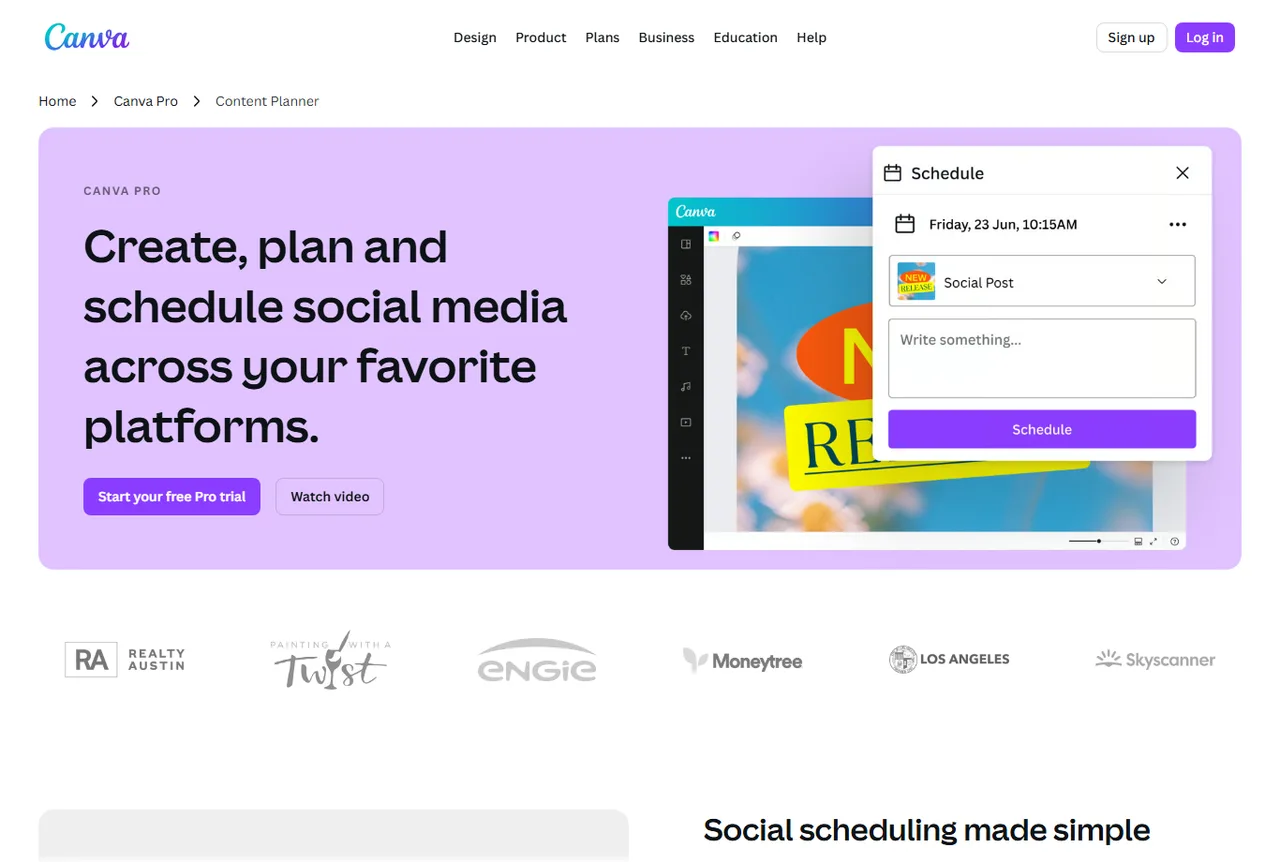
Organize publishing
The planner is useful when a brand prepares several assets ahead of time: organic posts, ads, events, launches or test sequences.
See Canva Pro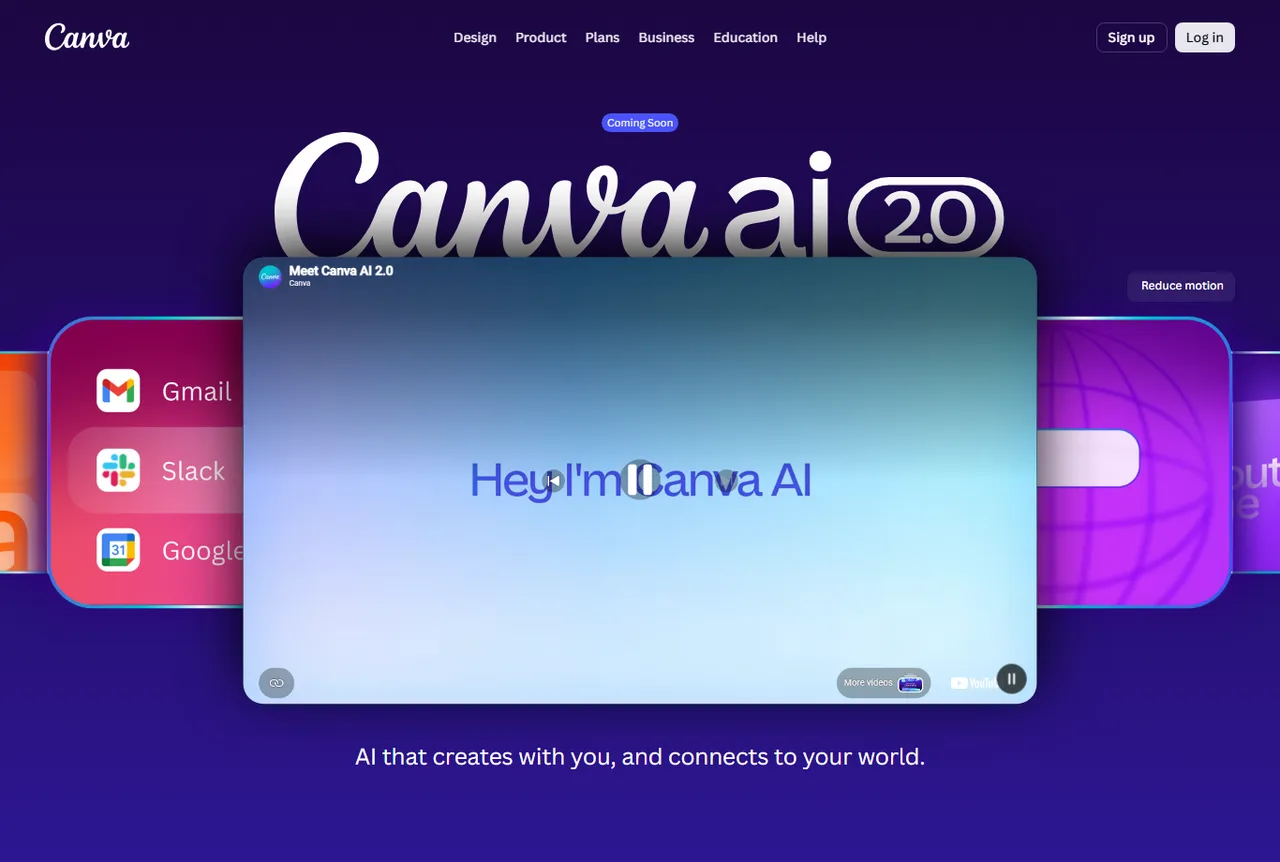
Speed up visual ideation
Canva AI and Magic Studio help generate, adapt, write and edit creative assets. The output still needs review and alignment with the real offer.
See Canva AI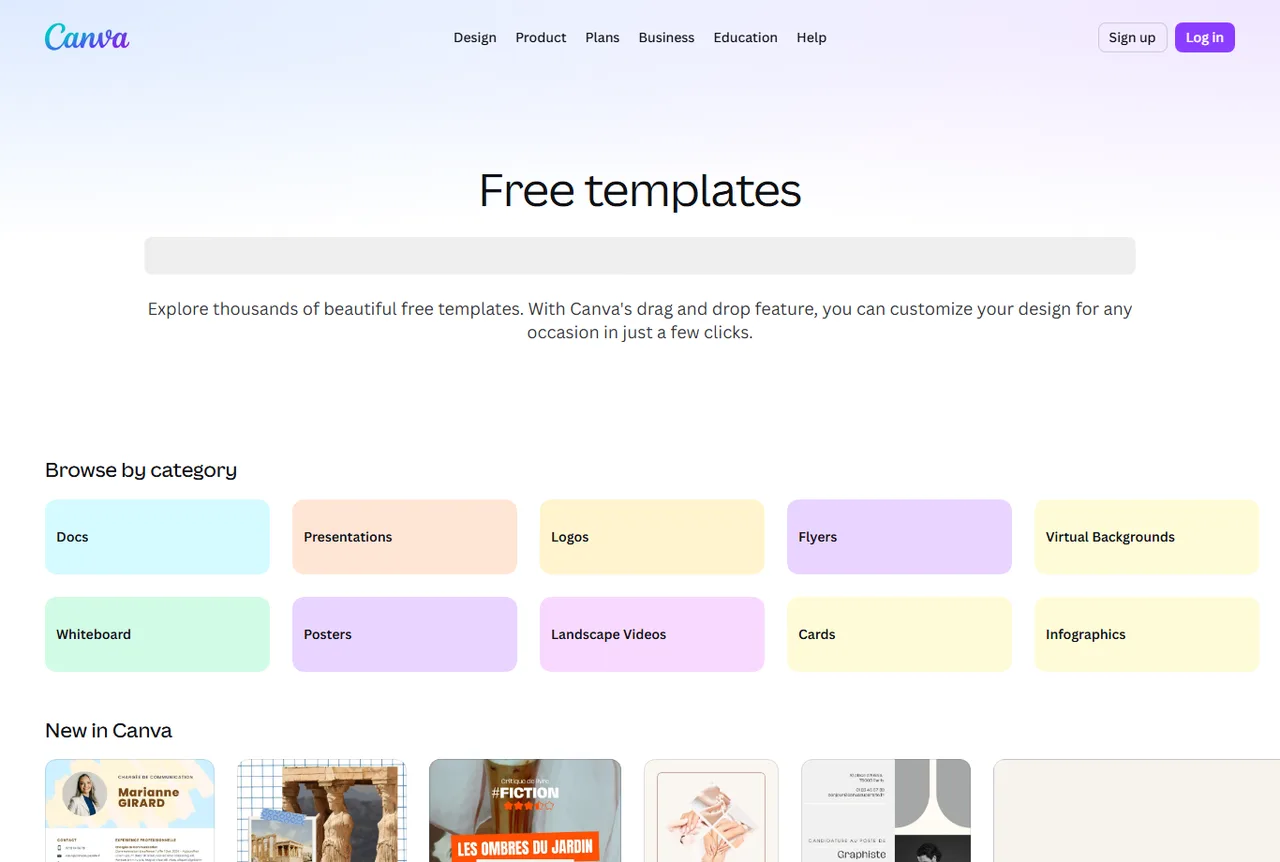
Start from a template, not a blank page
The template library helps prepare posts, posters, documents, infographics, banners or social assets quickly before adapting them to the brand.
See templates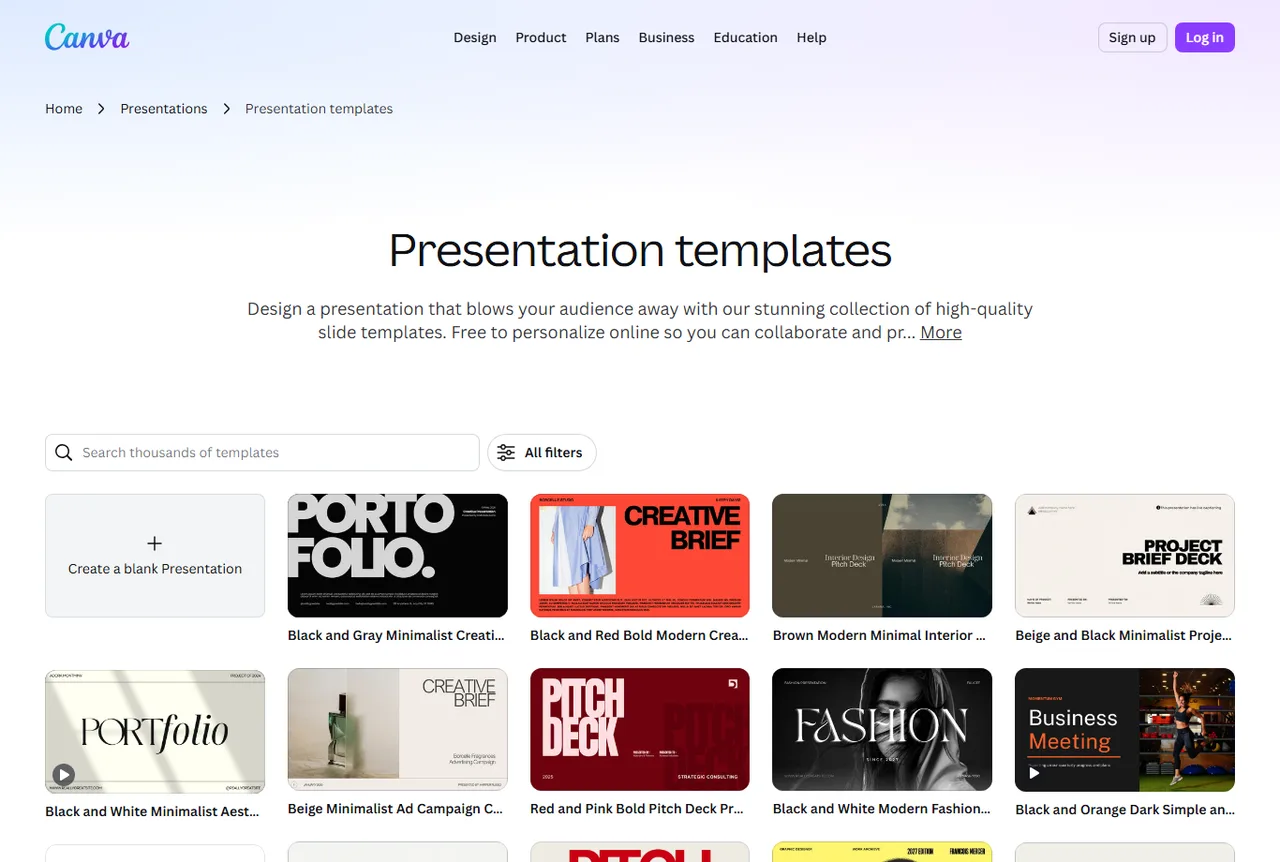
Prepare client-facing documents
Canva presentations can support audits, offers, creative briefs, reports and sales documents when the output needs to be clear.
See Canva ProWhat to check before designing
Source
Start from a product, ad, angle or brief that is already clear. Canva should make the idea visible, not invent the strategy for the team.
Brand
Colors, typography, logo, tone and finish should stay stable, especially when several people produce variants.
Format
A YouTube thumbnail, story, Meta post and slide are not read the same way. The asset should be built for its channel.
Proof
An ecommerce visual should show the product, benefit or main proof. Too many decorative elements can weaken the message.
Rights
Photos, templates, fonts, music and elements must stay compatible with the intended use and platform rules.
Measurement
Each variation should match one hypothesis: hook, product image, offer, color, audience or channel.
Six-step production method
Canva works better when it sits inside a simple chain: find, frame, produce, adapt, review and measure.
Choose the reference
Start from a creative saved in Foreplay, a product found in Minea or an angle prepared with ChatGPT.
Define the asset
Decide whether the output is a thumbnail, ad, slide, banner, product visual or social series.
Apply the brand system
Set colors, fonts, logo and contrast before multiplying variations.
Assemble the elements
Use templates, images, shapes, short text, cutouts and layout without overloading the asset.
Adapt cleanly
Turn the same angle into the formats that matter: square, vertical, story, banner, presentation or document.
Review before export
Check mobile readability, promise, rights, brand consistency, CTA and file naming before publishing.
Move from creative signal to action
Good Canva use is not random production. Each signal should lead to a clear asset and a test decision.
A competitor ad has a strong hook
The attention structure may be worth testing, without copying the brand or exact copy.
Create two Canva variants with the same reading pattern, but your own offer and visual.
A product lacks visual proof
The page or ad does not show the use case quickly enough.
Prepare a before/after visual, mini demonstration or benefit-focused composition.
A campaign must run across several channels
The message is good, but the format must change depending on where it is seen.
Adapt to square, vertical, story, banner and slide formats, then check readability for each one.
The brand is producing too many styles
Creative volume is increasing, but consistency is falling.
Return to Brand Kit, limit the palette and create a few reusable layouts.
An idea needs a commercial document
Plain text is not enough to convince a client, partner or team.
Create a short presentation with problem, signal, proposal, examples and next step.
Use cases by profile
Canva serves many profiles. In Spybox, the point is connecting it to research and production rather than treating it as an isolated design app.
Ecommerce operator
Create product visuals, banners, social content and promotional assets around an offer to test.
Dropshipper
Turn a product found in Minea or Dropispy into quick creatives for a first hypothesis.
Paid social agency
Prepare clean sets of variations by angle, client, audience, format or funnel stage.
UGC creator
Build thumbnails, covers, media kits, briefs, slides and presentation visuals around videos.
SEO or content freelancer
Turn audits, editorial plans and results into clearer client-facing assets.
Local brand
Keep a simple brand system for ads, events, seasonal offers and recurring posts.
Adapt Canva to the right format
The same visual does not work everywhere. Before export, know where it will be seen and what the user must understand first.
Meta Ads
Compare one promise, product image and CTA across several audiences.
The main text remains readable without zoom and the image does not feel overloaded.
TikTok or Reels
Create a cover, visual hook, proof sticker or vertical variation.
The first frame clearly says why to stay, even without reading the caption.
YouTube
Prepare thumbnails, visual titles and contrast variations.
The face, object or main subject stays recognizable at small size.
Product page
Add an infographic, comparison, benefit visual or usage proof.
The asset clarifies the offer instead of adding decoration.
Presentation
Package an analysis, creative brief, audit or client proposal.
Each slide carries one idea and the sequence remains obvious.
Cross it with other Spybox tools
Canva is rarely the start of research. It becomes stronger when it turns signals found elsewhere into testable assets.
Foreplay
Save ad references, then turn selected angles into Canva assets.
Creatify
Move from a visual or offer to UGC-style video, while Canva handles covers and static assets.
Submagic
Finish shorts and use Canva for thumbnails, covers and campaign variations.
ChatGPT
Prepare titles, angles, briefs, short copy and variants before layout.
Minea
Find a product or ecommerce angle, then create the test visual in Canva.
Ecommerce ad creatives
Connect Canva with creative trends, hooks and ad formats worth watching.
Creative chain
Give Canva a precise role
Canva should not do everything. It mainly turns a signal into a readable asset and keeps consistency when production speeds up.
Before Canva
Foreplay, Dropispy, Minea
Choose the signals: products, creatives, angles, formats, competitors and proof to reuse.
During Canva
Brand Kit, templates, cutouts, resizing
Build a clean asset, adapt formats and keep the brand consistent.
After Canva
Creatify, Submagic, product pages
Turn the asset into video, finish a short or place the visual on a page and measure.
Questions before publishing
Does the asset serve one idea?
If the visual mixes too many benefits, icons, prices and promises, it becomes hard to read in a feed.
Does the brand remain recognizable?
A variation can be different without breaking the palette, tone, logo or usual structure.
Is the channel respected?
A vertical format, thumbnail and slide do not have the same rhythm. Canva should adapt the layout, not only resize it.
Can the file be reused later?
Clear naming, version, source, format, date and test hypothesis prevent the best variants from getting lost.
Final check before export
The last pass should review substance as much as appearance. A polished but poorly framed creative can waste a test.
The text stays readable on mobile and no important word is cut off.
The product, benefit or main object is identifiable in less than two seconds.
The promise stays aligned with the real offer, price and visible conditions.
Visuals, fonts, music and elements are compatible with the intended use.
The variation has one main variable to compare.
The exported file is named with channel, angle and version.
Brand Kit
Brand Kit works as a guardrail when production speeds up: it reduces inconsistent variants and makes content series easier to manage.
Creative output
The best output is not the most decorated file, but the asset that makes an idea clearer and easier to test.
What Canva does not replace
A real offer strategy: Canva makes the idea visible, but does not prove margin, demand or logistics.
A credible product photo when real proof is needed.
Legal and commercial review for sensitive claims.
Ad testing: a clean design does not predict ROAS on its own.
Brand direction if nobody defines rules before production.
Rights and licence checks for elements used in the final asset.
FAQ about Canva in Spybox
Is Canva only useful for social media posts?
No. It can support thumbnails, banners, presentations, client documents, product visuals, video covers, infographics and campaign assets.
Why combine Canva with Foreplay?
Foreplay helps choose ad references and angles. Canva then turns those angles into clean assets that are easier to adapt and keep on-brand.
Does Canva replace Creatify or Submagic?
No. Canva is strongest for static visual assets and variations. Creatify is more useful for video generation, and Submagic for shorts finishing.
Should Brand Kit be used early?
Yes when several assets are planned. Even a simple brand system prevents visuals from looking like they belong to different brands.
Are Canva AI outputs ready to publish immediately?
They can speed up ideas and execution, but the output still needs review: offer, rights, brand fit, mobile readability and commercial claims.
Use Canva inside a real Spybox creative chain
Start with a reference, angle and format. Produce one clean Canva version, adapt only the formats that matter, then measure what each variation was meant to test.
Try Spybox with GET25