
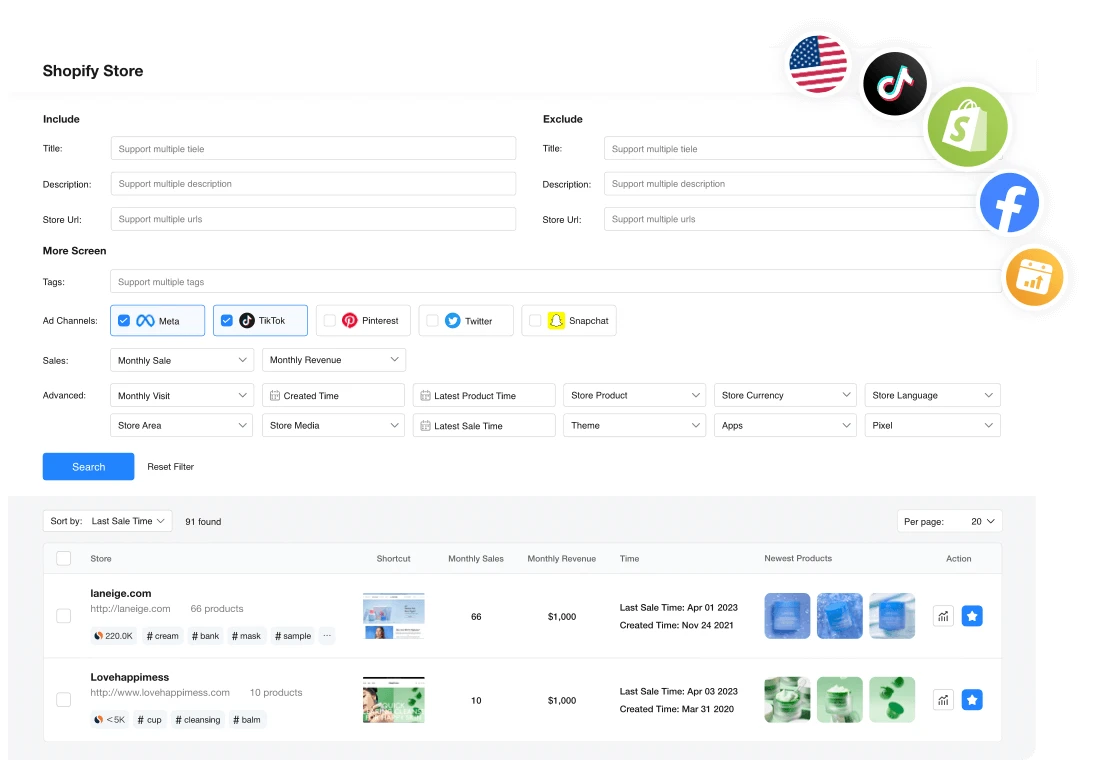
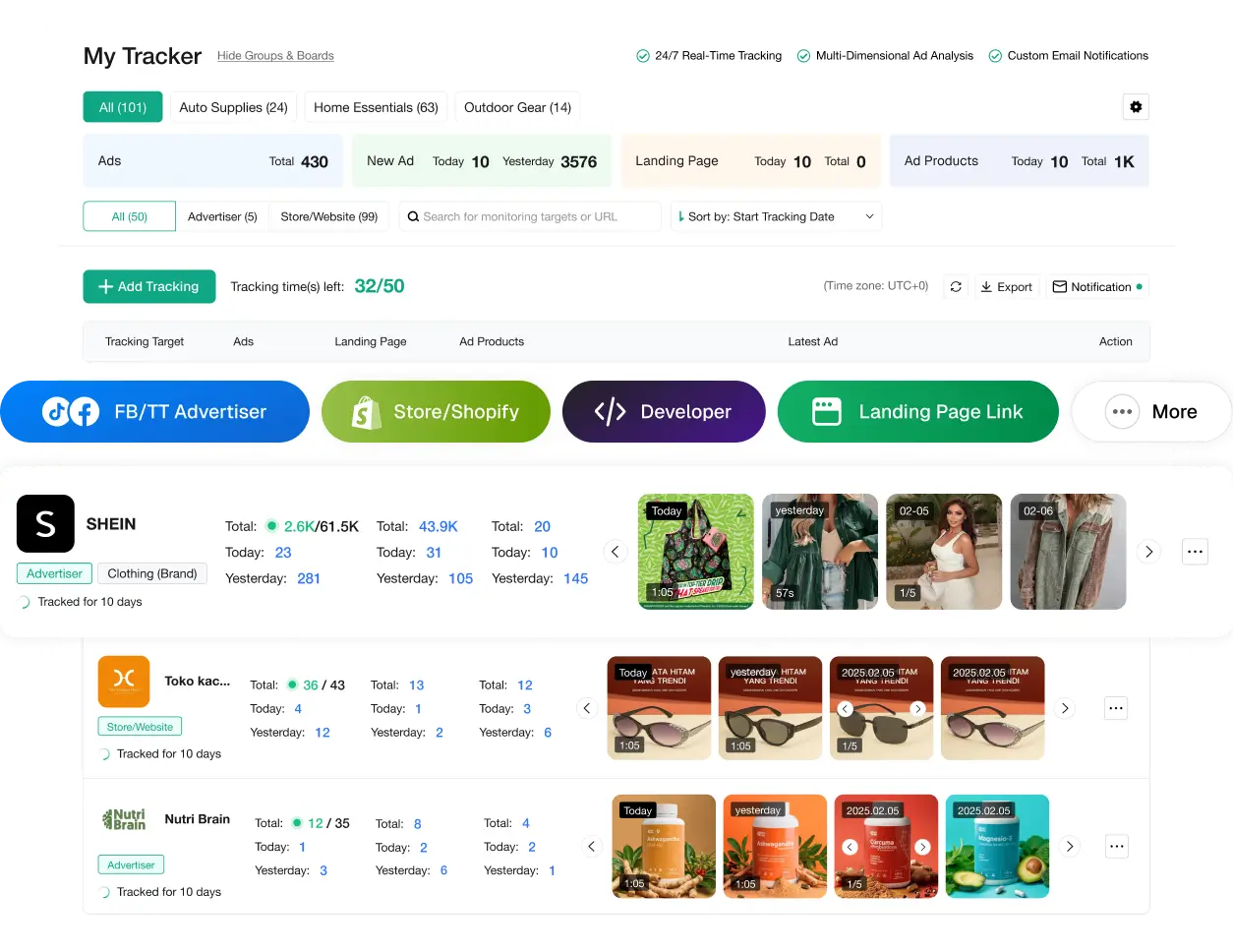
4. Prepare a consistent product page and creatives
Give ChatGPT confirmed information: dimensions, material, package contents, use and limitations. Have it draft a description and script, then compare every statement with the sample and quote. Remove unsupported specifications, fake reviews and benefits you cannot demonstrate.
Film the real product first. For a pouch, show what fits, how it closes and how much room it takes in the bag. Animation or a generated setting must not imply a capacity, result or finish that does not exist. Keep original footage so you can revise the edit without repeating the entire shoot.
Use Canva to prepare the formats needed for your chosen channel. In Submagic, review captions and check that text does not cover the object being shown. Watch the video without sound and open the page on a phone as a customer: are the bundle contents, price and delivery clear? Give each version a different name so you can identify the one actually used in the campaign.
- Keep the same item, quantity and promise in the ad and on the page.
- Use your own photos and footage, or material used with permission.
- Keep text readable on a phone, captions corrected and the product visible.
- Name a distinct variant instead of making many changes that cannot be compared.
Keep : A reviewed page, original files and exported versions for the test.
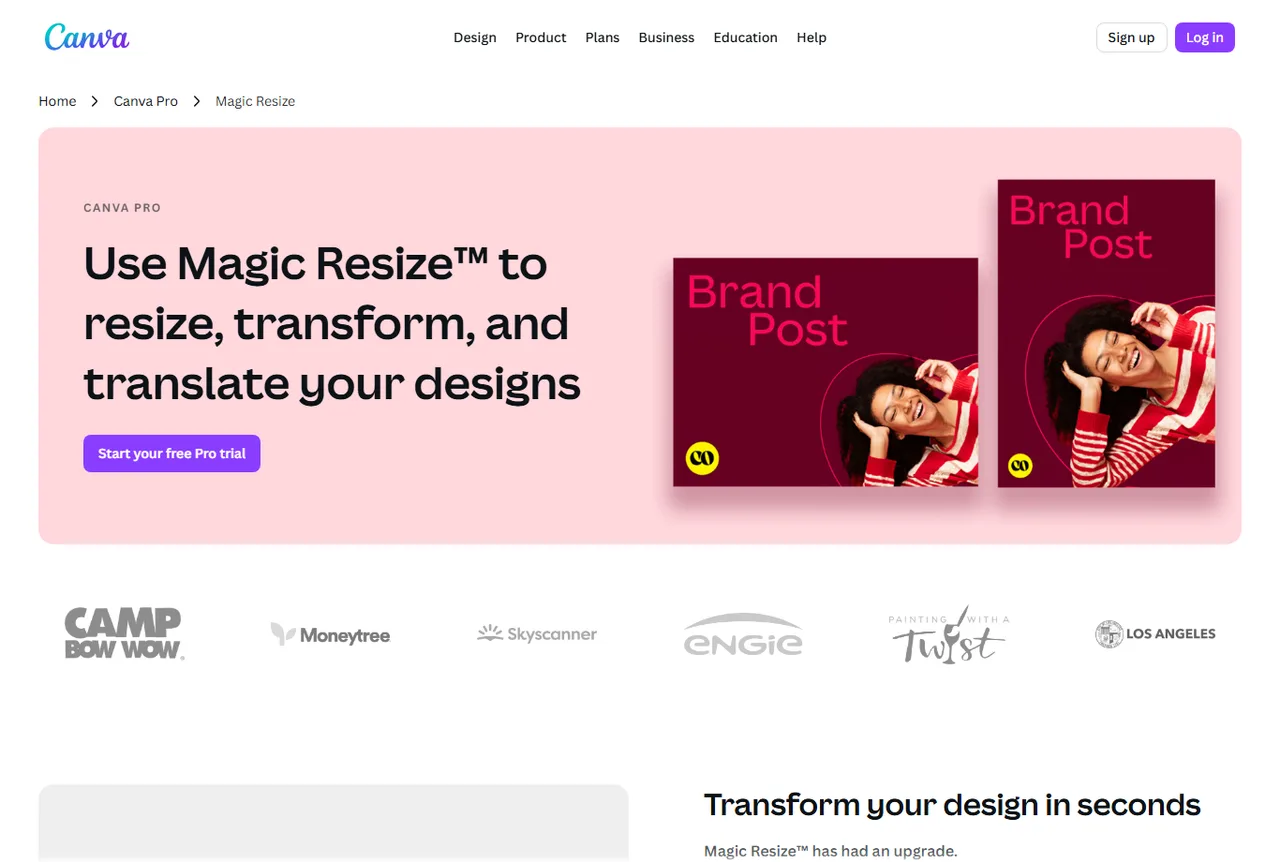
Canva: adapt the format, then check the framing
This public capture presents design resizing. After adapting it, check your photograph, price and the channel's safe areas. A format change does not guarantee that every line remains readable in the final ad.
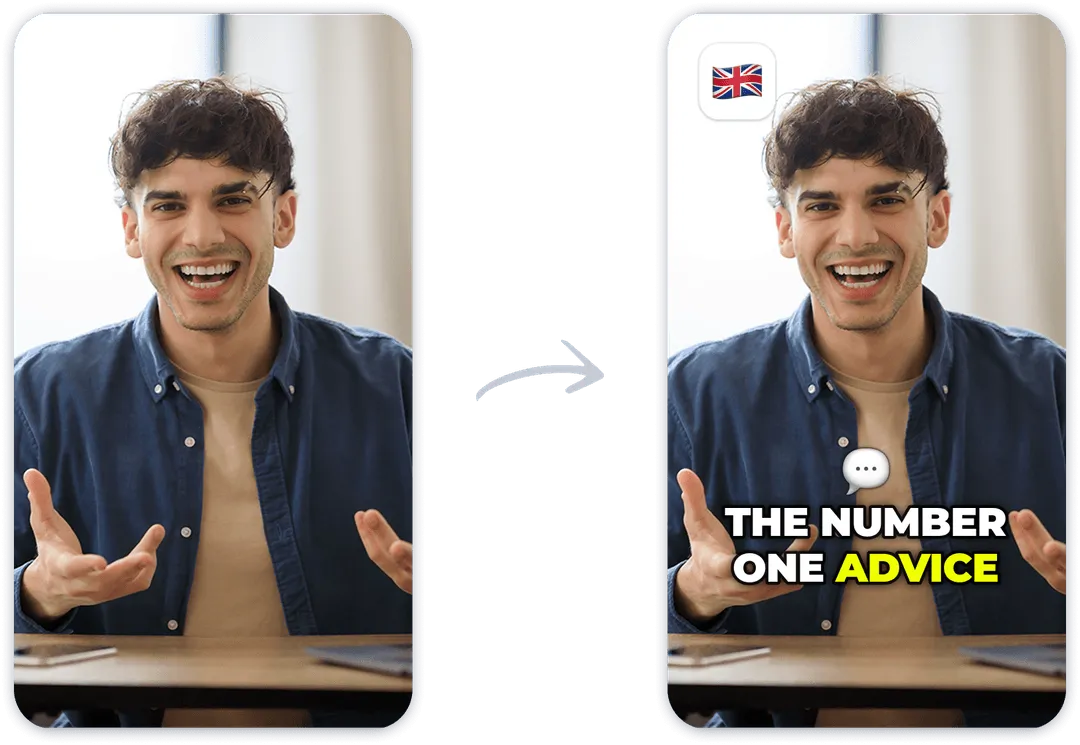
Submagic: make the demonstration clear without sound
The public example shows captions being added, not an ad from our exercise. Review the transcription of your own video and avoid covering the zip, dimensions or item being handled. Effects matter less than what the customer needs to see.