

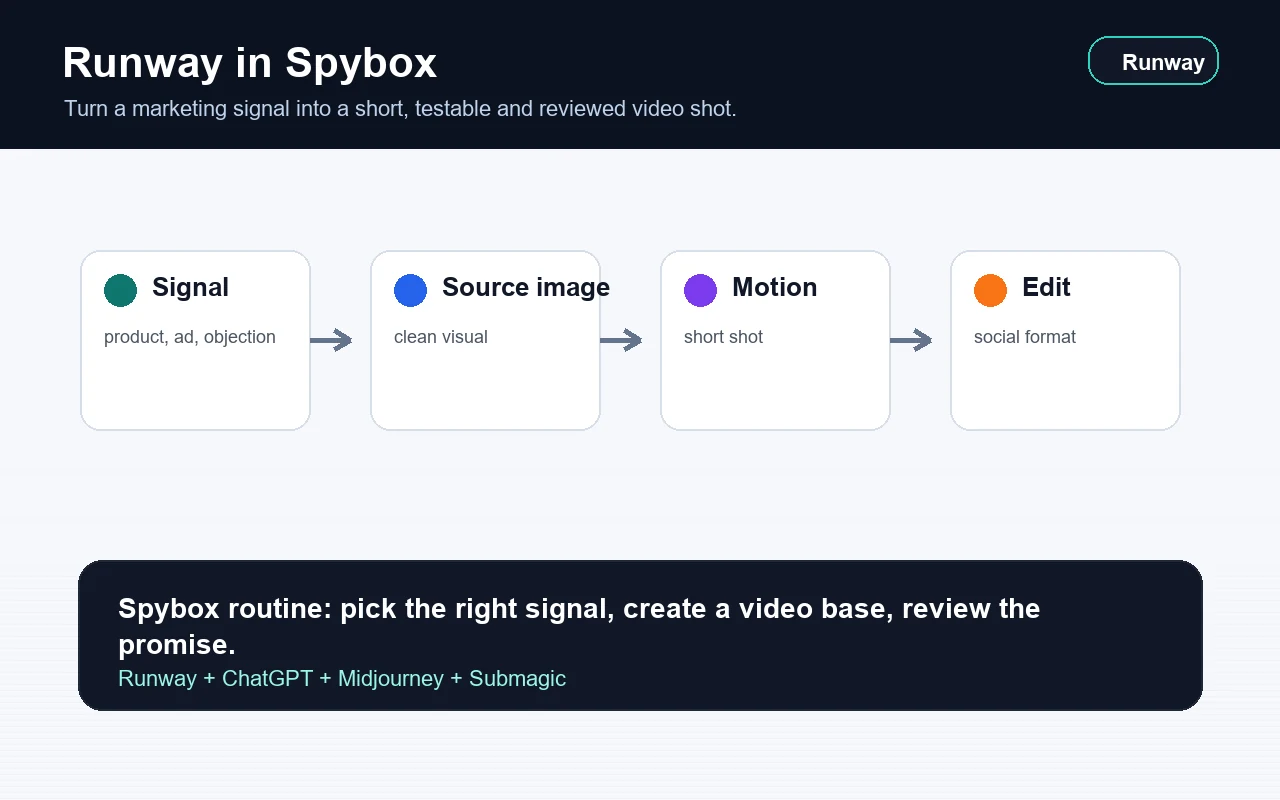
Gen-4 / Gen-4.5
video models
Runway presents Gen-4 around scene consistency and Gen-4.5 around motion quality, visual fidelity and adherence to video instructions.
Create, Edit, references
workspace
Runway combines generation, video editing, images and audio or video references depending on the model and available features.
100 000
SBC credits/month
Included in the Spybox offer at 29,99 €/mois, with access to the premium tool stack listed in the platform.
AI video is useful when it answers a specific decision. Should you show a product use case? Create a stronger first frame? Turn a Midjourney image into a vertical clip? Test an ad angle found in Foreplay? Prepare a base that Submagic can make clearer?
Runway can produce impressive output, but the practical routine stays simple: make short shots, compare variants and keep only what serves the offer. Ecommerce teams can test a product demo. Agencies can prepare client concepts. Creators can animate a still image. Content teams can show a step that text alone explains poorly.
The point to keep in mind
A visually successful sequence is not enough. Before publishing, review product consistency, rights, format, mobile readability, artifacts, commercial promise and the clip's role in the real journey.
Views and method
Understand Runway as a short-shot workspace
The views below combine publicly accessible Runway pages and Spybox diagrams. The goal is to show how to move from idea to usable sequence without exposing a private account.
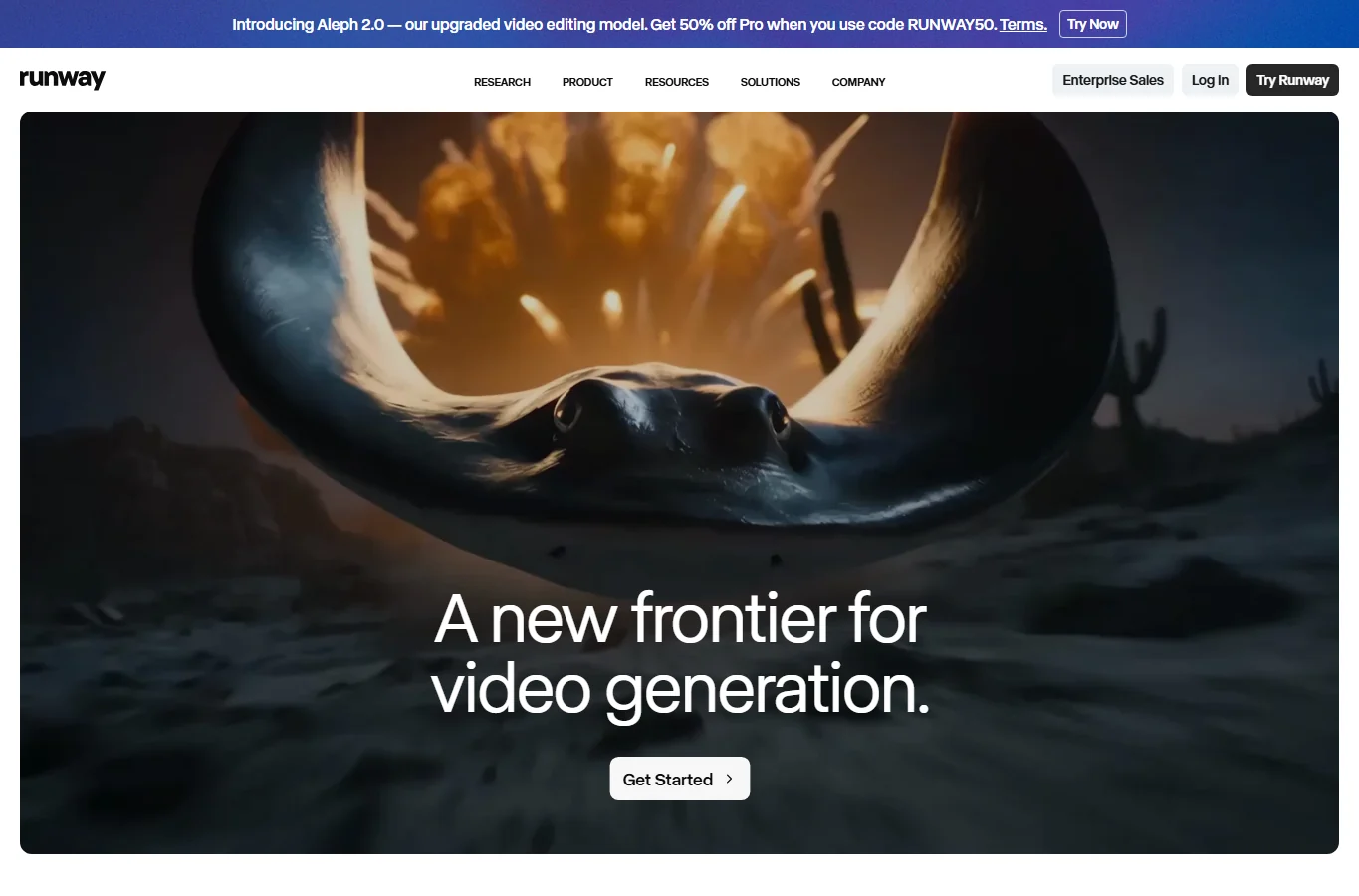
See the video platform
Runway's product page presents a workspace for video, image and editing. For Spybox, this positions Runway as a motion workspace rather than an isolated generator.
Runway product page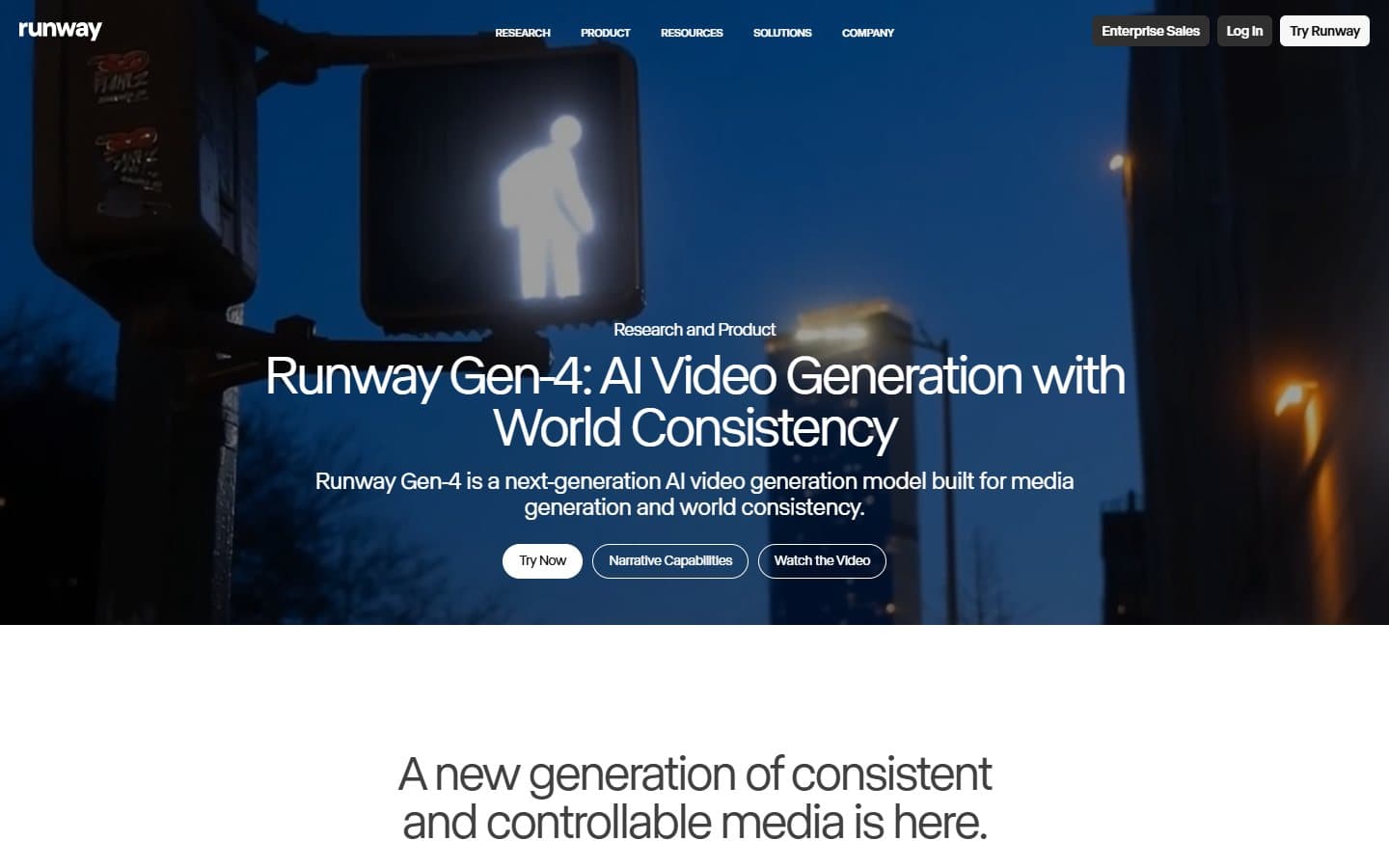
Look for scene consistency
Runway presents Gen-4 around world and scene consistency. That helps when testing a product sequence or campaign mood before heavier production.
Runway Gen-4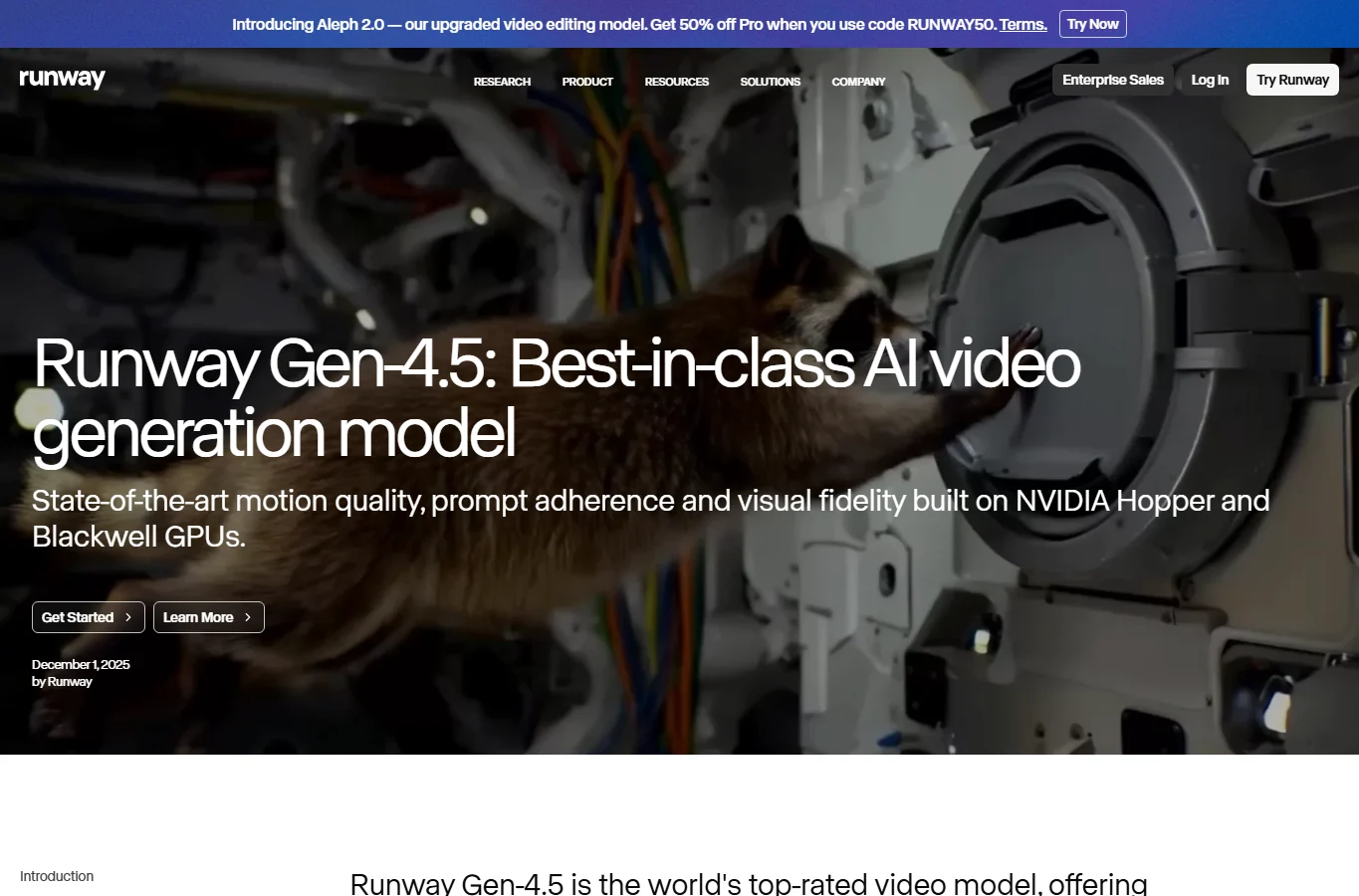
Compare newer models
The Gen-4.5 page emphasizes motion quality, visual fidelity and precision. In Spybox, that means choosing the engine according to the shot being produced.
Runway Gen-4.5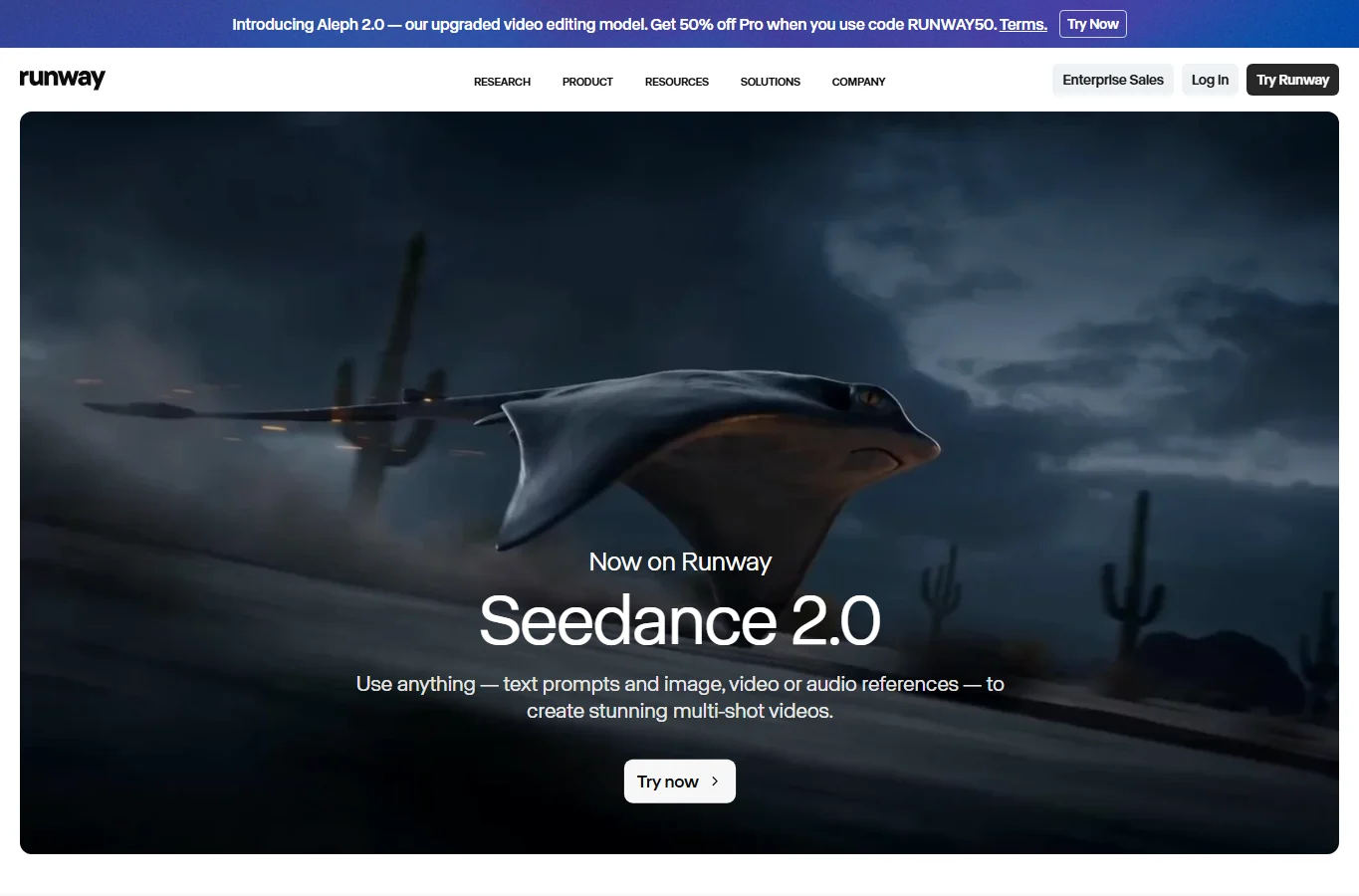
Think in multi-shot sequences
Seedance 2.0 on Runway highlights multi-shot videos using text, image, video or audio references. It is useful when a simple animation is not enough.
Seedance 2.0 on Runway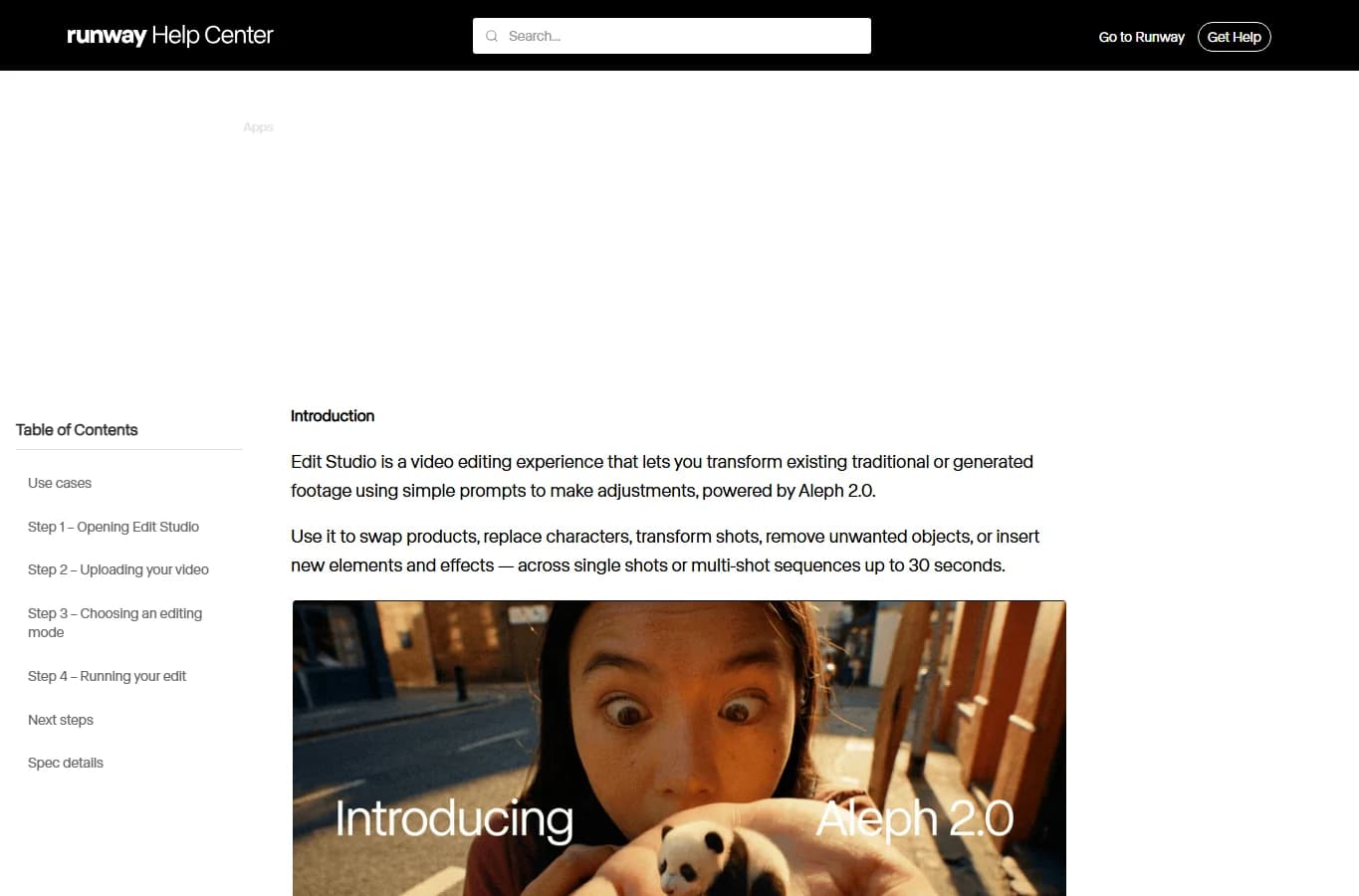
Edit an existing sequence
Runway documentation describes Edit Studio, powered by Aleph 2.0, as a way to transform existing sequences by replacing, adjusting or inserting elements.
Edit Studio documentation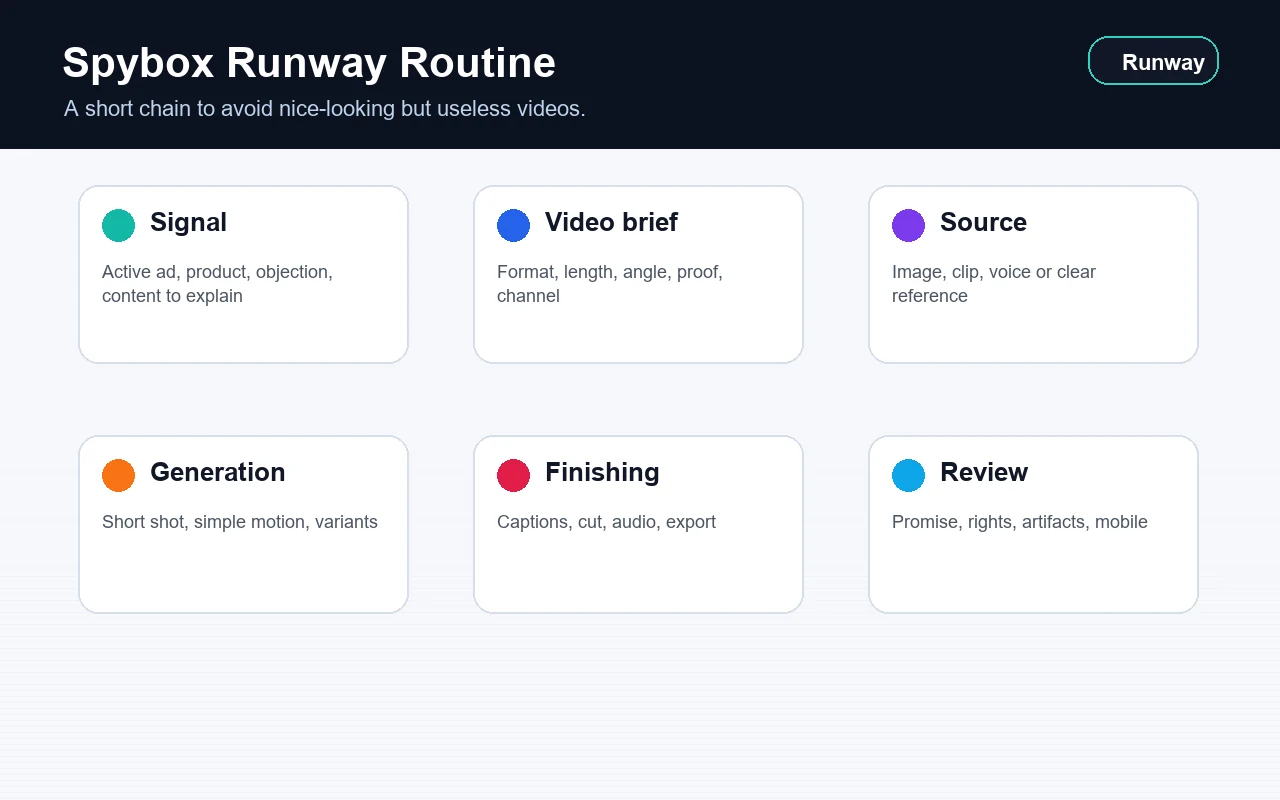
Keep the routine short
The Spybox routine connects signal, video direction, source, generation, finishing and review. It avoids producing attractive but useless clips.
View AI video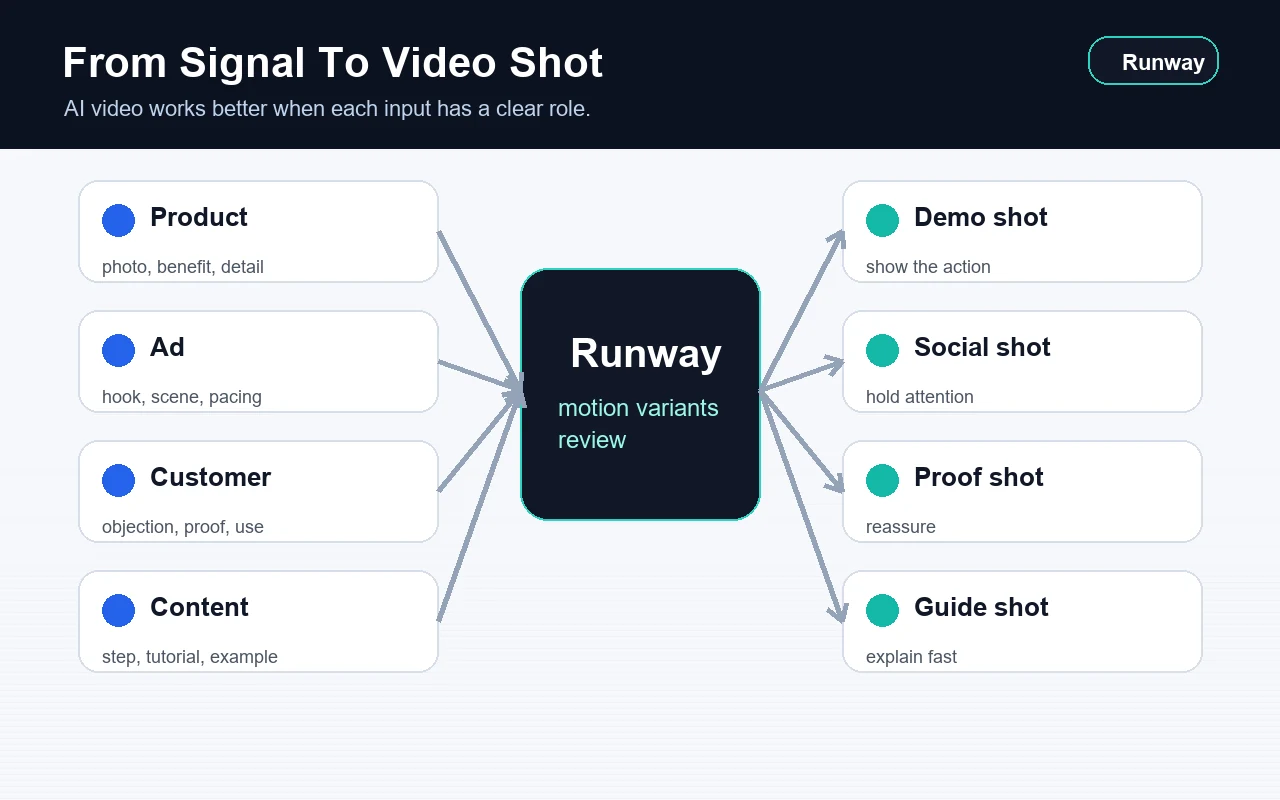
Turn a signal into a shot
A product, ad, objection or content page can lead to a different shot: demo, social, proof or explanation.
View UGC creatives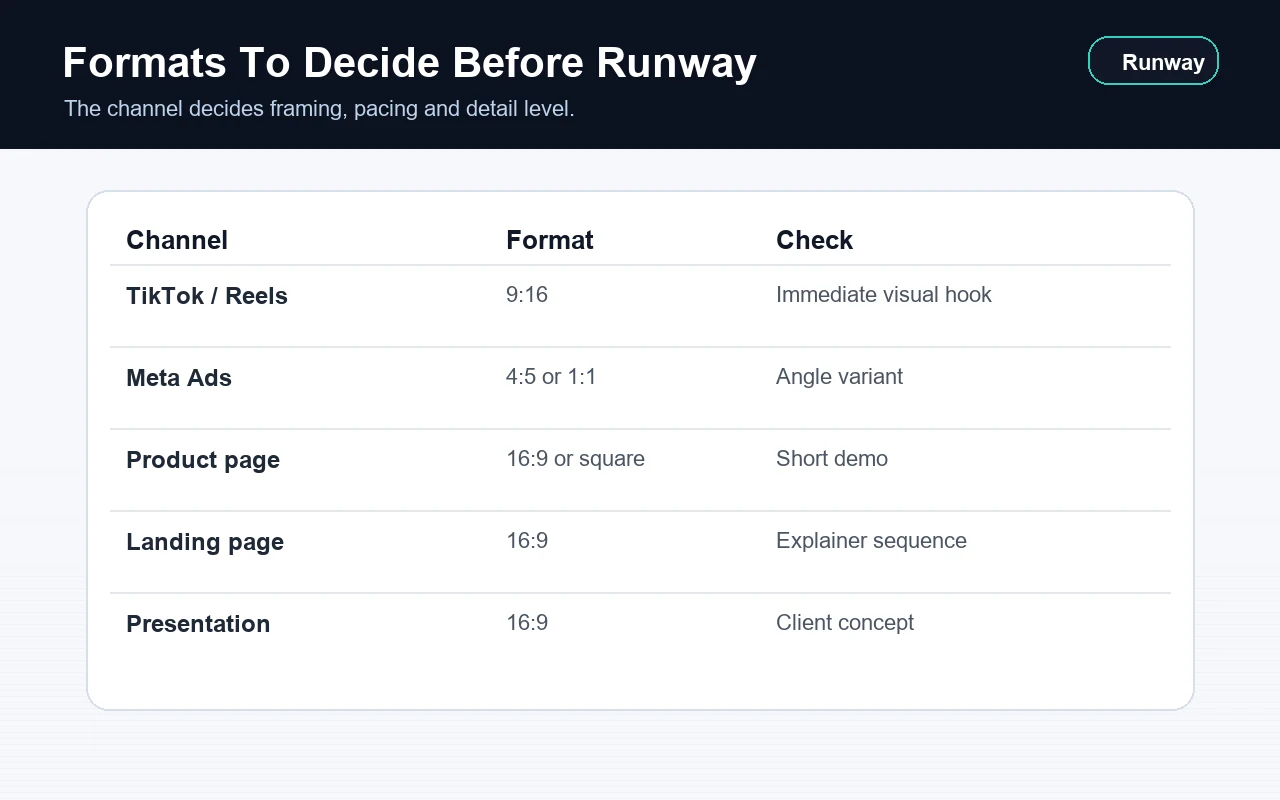
Decide the channel before production
TikTok, Meta Ads, product pages, landing pages and client presentations do not need the same format or pacing.
View ad optimization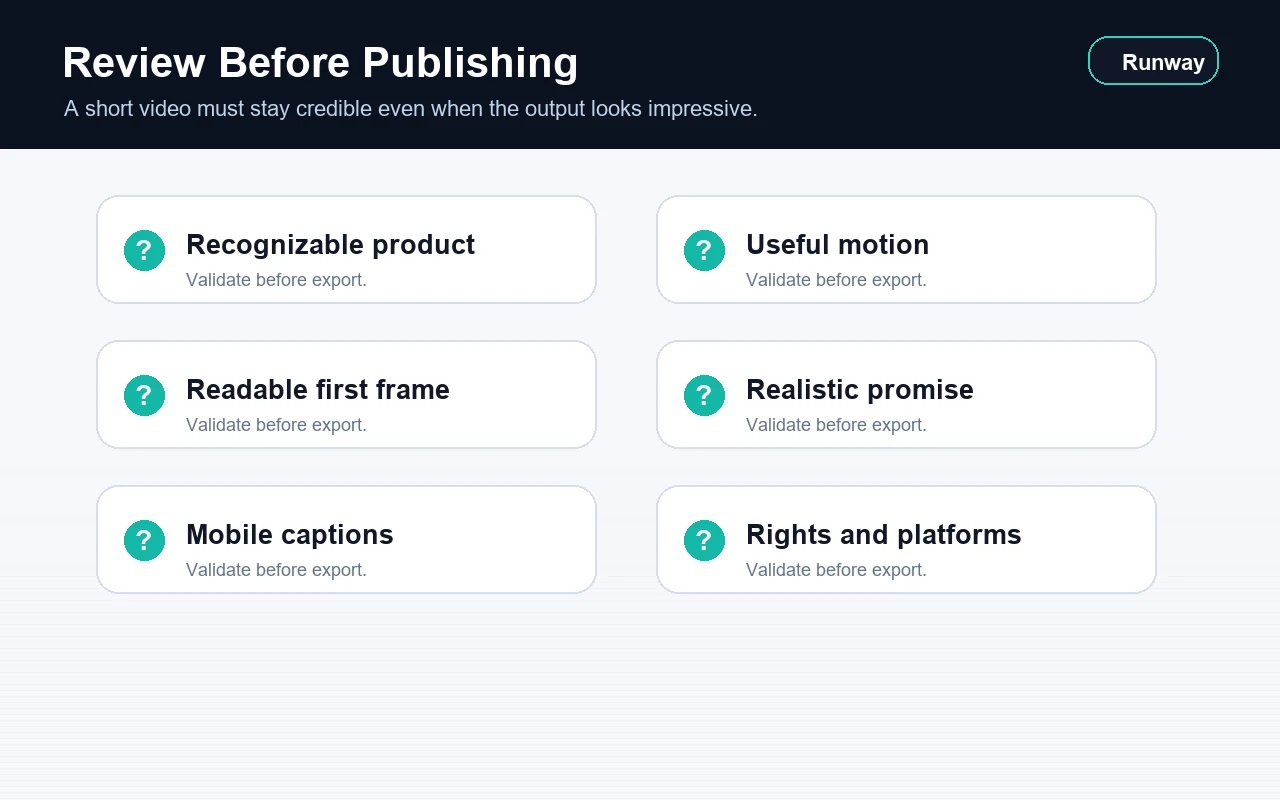
Review before export
The clip must stay credible: recognizable product, useful motion, clear rights, readable captions and realistic promise.
View video methodWho gets the most value from Runway
Runway is most useful for teams that need to test video shots quickly before arranging heavier production.
Ecommerce operator
Animate a product image, show a usage gesture, prepare a short demo or enrich a product page when photos are not enough.
Dropshipper
Test several angles around a product before ordering UGC production, a shoot or a batch of ads.
Paid social agency
Turn an angle found in Foreplay, AdSpy or PiPiAds into an original video concept, then prepare variants for Meta Ads or TikTok.
Content creator
Animate images, produce transitions, create a first frame or prepare a support shot for a short format.
Content consultant
Show a step, mechanism or use case with a short sequence that is clearer than a paragraph or still image.
Local brand
Prepare campaign concepts, seasonal stories, showcase videos or animated visuals suited to the brand level.
A 6-step Runway method
The best result comes from a simple chain. Each step reduces ambiguity before generation, then reviews the output before publishing.
Start from a real signal
Picked product, active ad, customer objection, niche angle, strong image or content that deserves video support.
Name the clip's role
Decide whether the shot should attract, demonstrate, reassure, explain, compare or prepare a creative variant.
Prepare the source
Choose the starting image, sequence, reference, short script or voice. A clear source makes review easier.
Describe the motion
Specify subject, action, camera, length, pacing, setting, light and beginning-to-end movement with a simple intent.
Compare several variants
Keep tests that are meaningfully different: slow motion, demo, premium shot, social ad scene or explainer sequence.
Finish the format
Use Canva or Submagic for text, captions, cuts, vertical export and preparation for the real test.
Turn a signal into a video decision
Runway pays off when every shot answers a hypothesis. The matrix below avoids producing a video gallery with no decision behind it.
A Midjourney image performs well
The visual attracts attention, but it is too static for a short social format.
Create two simple motions: camera push-in and product reveal, then finish in Submagic.
An angle repeats in Foreplay
The attention mechanic is useful, but direct copying would be weak.
Reuse the logic, then change subject, setting, framing and visible proof.
A product appears in Minea or ShopHunter
The product deserves a short demo before investing in real production.
Create a usage scene, product-detail shot and before-after plan to compare.
An objection keeps coming back
Text alone may not reassure fast enough.
Create a proof clip with short voice-over, readable captions and a clear product detail.
A long page lacks rhythm
An important step is hard to understand through reading only.
Add a short explainer sequence that shows the action or expected result.
Match Runway to the right channel
Format should be set before generation. A vertical social ad clip is not built like an explainer sequence for a page or presentation.
TikTok and Reels
Visual hook, fast demo, simple movement, strong first frame.
The main subject is understood without sound in under three seconds.
Meta Ads
Test an angle, problem-solution scene or product variant.
The clip leaves enough room for captions and later text.
Product page
Show use, detail, texture, size, assembly or transformation.
The video clarifies the product without replacing real proof.
Landing page
Illustrate a mechanism, step or promise with a short sequence.
The shot supports the copy instead of stealing attention.
Client presentation
Show a campaign direction before final production.
The output is framed as a concept, not as final proof.
Combine it with other Spybox tools
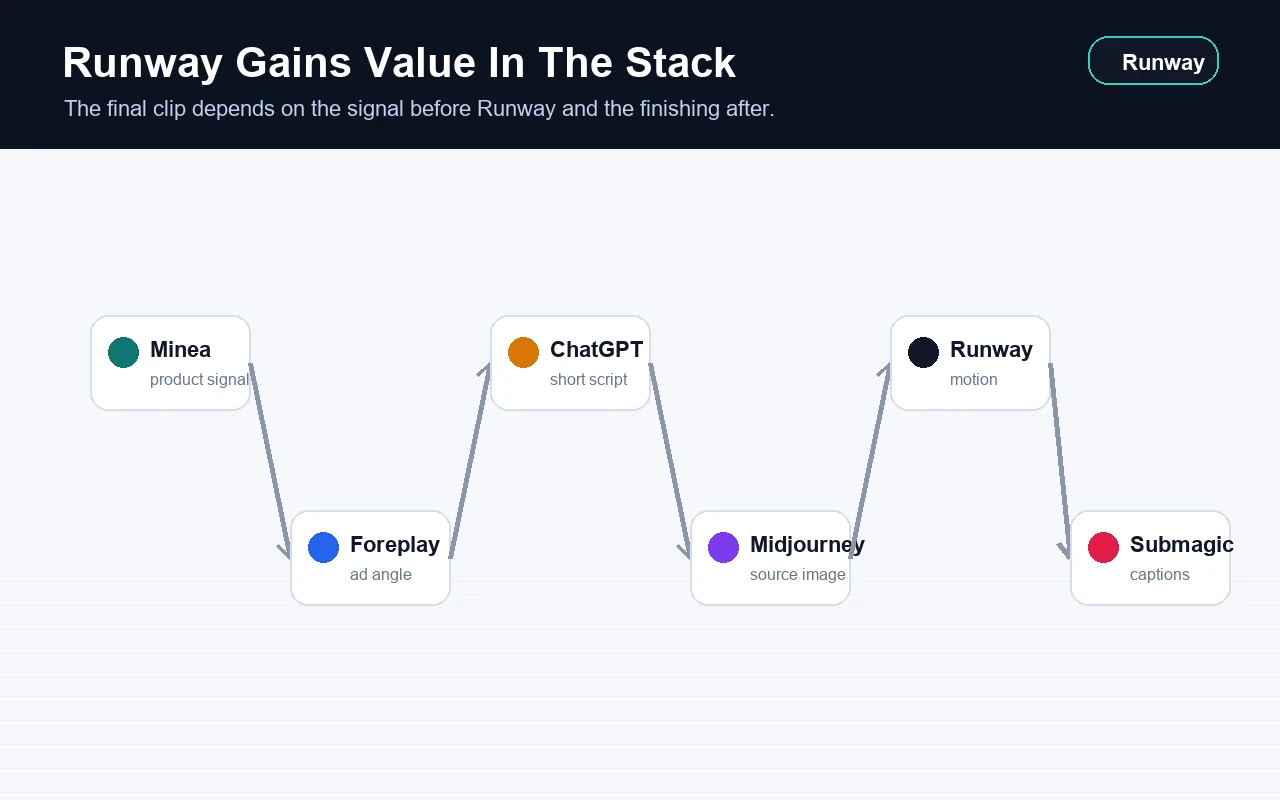
Runway gets its value from the chain around it: research, angle, script, visual, motion, finishing and test.
Midjourney
Prepare source images, product scenes or visual directions to animate later.
ChatGPT
Write the angle, short structure, voice-over and message variants before video.
Kie AI
Compare model families before choosing the video or image engine to test.
Higgsfield
Choose a precise camera move when the shot needs stronger direction before editing.
Foreplay
Study ad mechanics and prepare an original version to produce.
Minea
Start from a product, niche or store signal before creating a demo shot.
Submagic
Caption, cut, pace and make the short video clearer before publishing.
Canva
Add text, brand system, format, thumbnails and variants after selecting the shot.
Video chain
Give Runway a precise role
Runway should not take over the whole production. It is strongest when the direction already exists and the team needs motion.
Before Runway
Minea, Foreplay, ChatGPT, Midjourney
Identify the product, angle, scene, source image and promise to test.
During Runway
Gen-4, Gen-4.5, Seedance, Edit Studio
Create, compare or edit short shots while keeping a clear motion intent.
After Runway
Canva, Submagic, ElevenLabs
Add text, voice, captions, cuts, social export and final review.
Questions before keeping a clip
What decision does this shot help make?
If it does not serve the angle, demo or reassurance, it may be only decorative.
Does the motion clarify the message?
A spectacular but confusing movement can weaken a creative. Clarity comes first.
Does the product stay credible?
Shape, size, material, use, visible text, packaging and context must remain aligned with the offer.
Is the final channel respected?
Length, format, framing, captions and pacing must fit TikTok, Meta Ads, product page or presentation.
Quality review before export
Review the actual video, not the overall impression. A beautiful but misleading variant should be reworked or dropped.
The product or main subject remains recognizable throughout the clip.
The motion helps the action to understand, not only the visual effect.
The first frame gives a reason to keep watching.
The video contains no unreadable text, invented logo or detail that changes the promise.
Captions, voice and pacing remain readable on mobile.
Rights, faces, brands, music and platform rules are checked.
Visible artifacts are fixed before publishing.
The final file matches the channel: vertical, square, horizontal or presentation.
Limits to know
FAQ
Is Runway included in Spybox?
Spybox presents Runway inside its video and AI stack. As with every premium tool, exact availability depends on the dashboard, credits and configuration available when you use it.
Does Runway replace a video editor?
Not always. Runway helps produce or edit short shots. Final pacing, captions, proof and channel adaptation may still need Canva, Submagic or human review.
Should you start from an image or text?
For marketing use, a clean source image often gives more control. Text can frame the idea, but the image helps preserve product, style and framing.
Is Runway useful for dropshipping?
Yes, when the goal is to test angles and demos before filming. Stay careful: the video should not invent a benefit or show an impossible use.
Use Runway inside a full creative stack
Spybox connects product research, ad angles, text, images, video, design and captions so teams can produce creative tests faster.
Access Spybox