

1 API
video, image, music, LLM
Kie AI describes itself as a multimodel layer for accessing video, image, music and LLM models through one API.
Model market
task-based comparison
The Kie AI market groups models by task type, including video, image, music, voice, chat and editing depending on availability.
100 000
SBC credits/month
Inside the Spybox offer at 29,99 €/mois, with access to the 90+ premium-tool stack according to available credits.
Kie AI is useful when a team has not yet decided which engine to use. The same creative idea can call for a video model, an image model, a voice, music or a text assistant. Choosing too quickly can burn credits on an impressive output that is hard to use.
In a Spybox routine, Kie AI sits at the decision point. It helps compare model family, duration, aspect ratio, expected quality, source material and likely cost. The selected output then moves into specialist tools: Runway for the shot, Midjourney or Recraft for visuals, ElevenLabs for voice, Submagic for captions and Claude or ChatGPT for message clarity.
What to keep in mind
The exact Spybox experience can differ from the direct Kie AI platform. Check the Spybox workspace when using the tool, especially for recent models, costs, durations, ratios and credit limits.
Visuals and method
Understand Kie AI as a model selector
The visuals below mix account-free official pages and Spybox diagrams. The goal is to connect Kie AI to a real production decision: what to generate, with which engine, for which channel and with which controls.
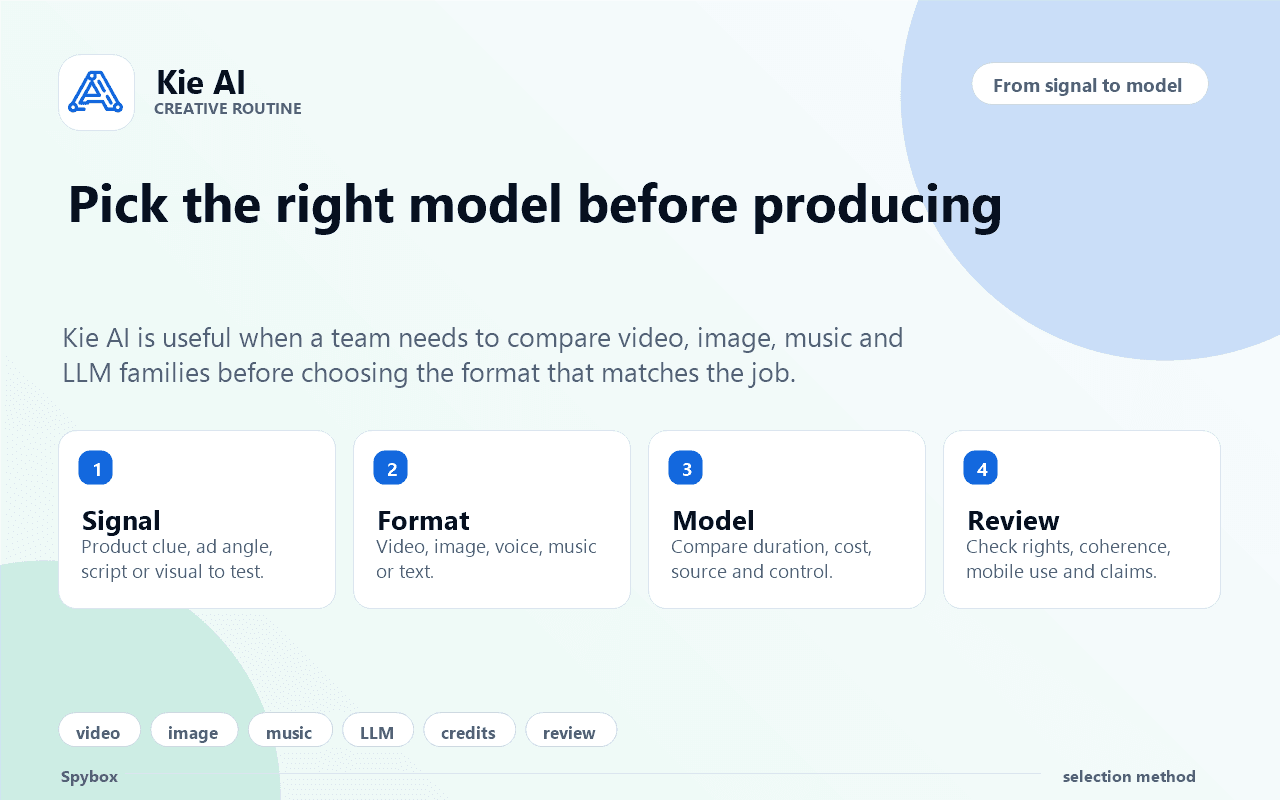
Start from the job, not the model
The Spybox method starts with the signal and the expected format. Kie AI becomes useful when choosing between video, image, music, voice or LLM before spending credits.
AI video tools
A multimodel layer
The official page positions Kie AI as an API for video, image, music and LLM models. That breadth is what makes it relevant inside a creative stack.
Kie AI official page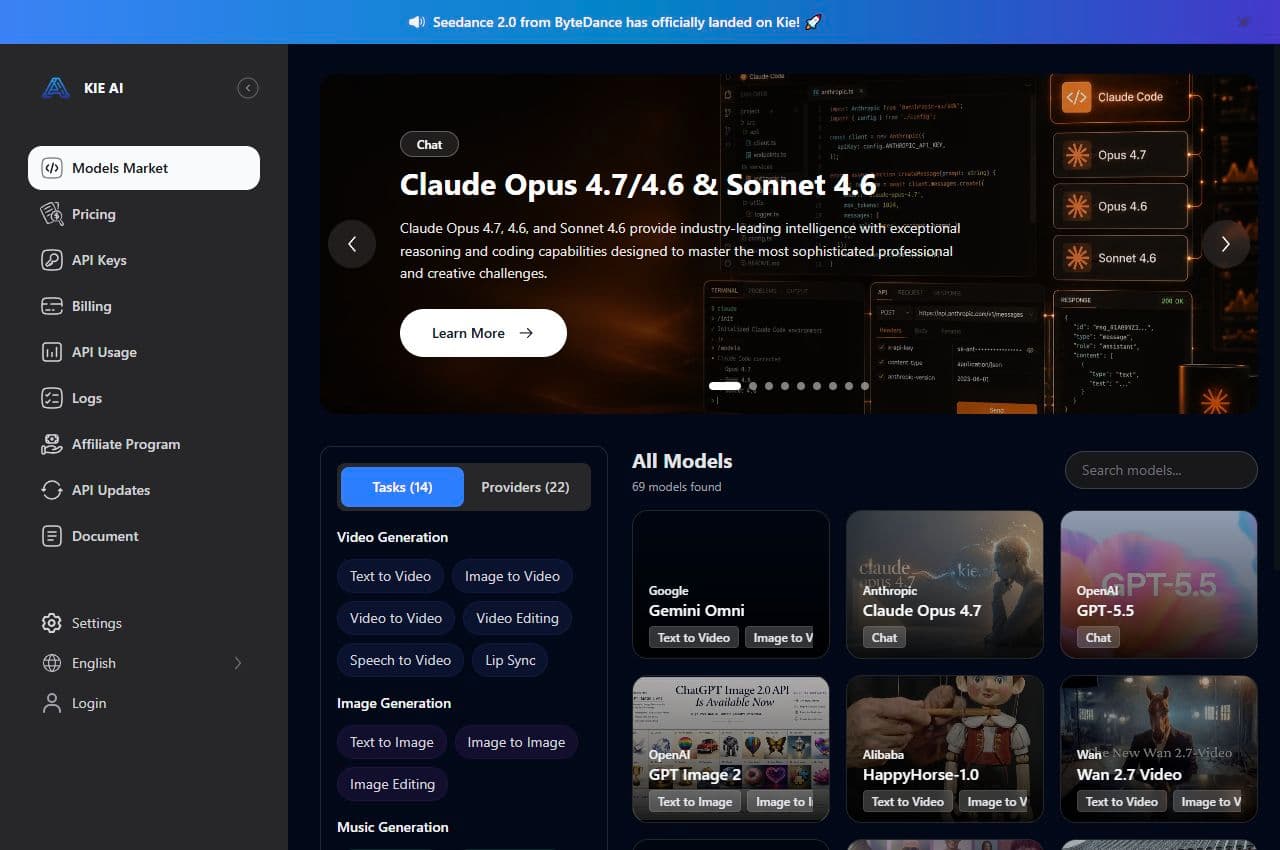
Compare available tasks
The Kie AI market shows families such as video generation, image generation, music generation and chat. In Spybox, that helps decide the output type before producing.
Kie AI market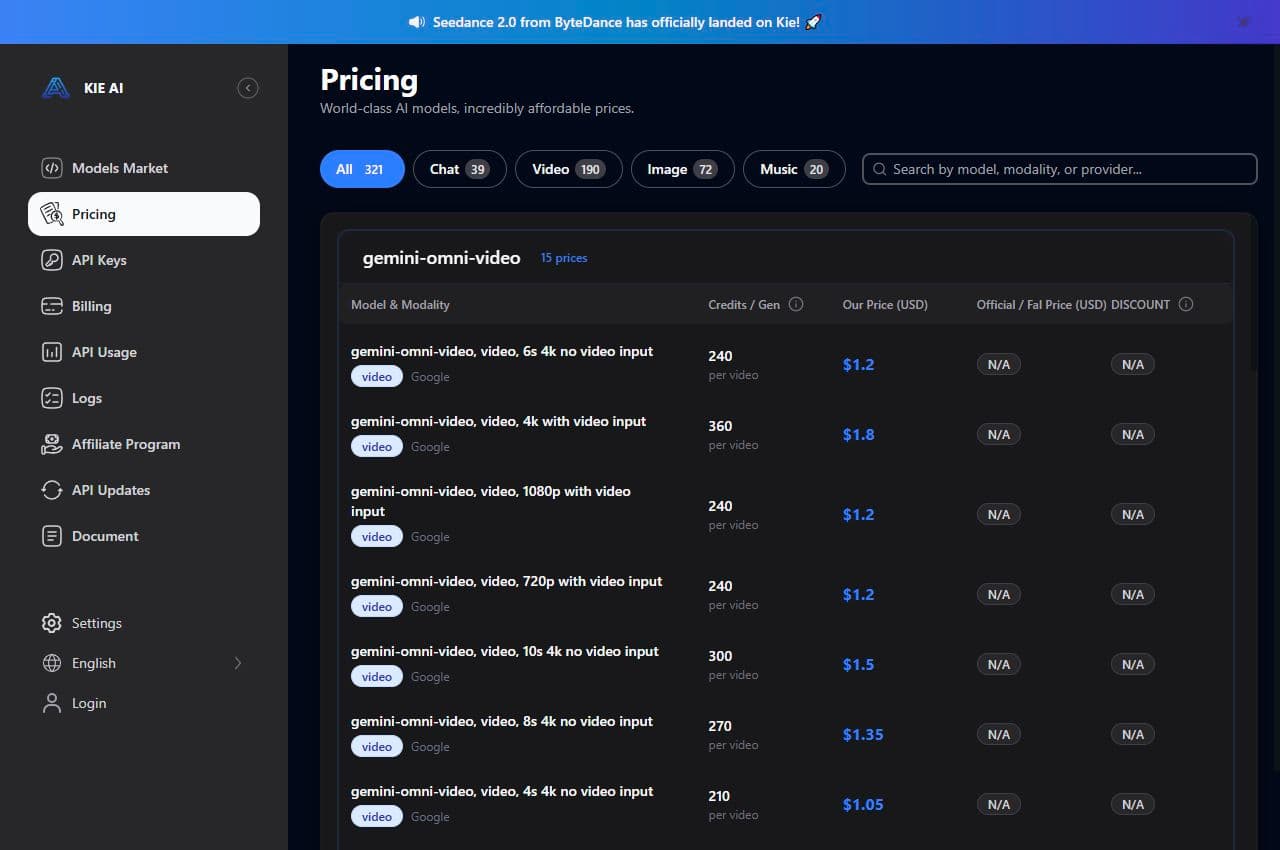
Watch credits and model pricing
The pricing page shows a model-and-modality cost logic. For a team, it is a useful reminder: a test should stay proportionate to the credit budget.
Kie AI pricing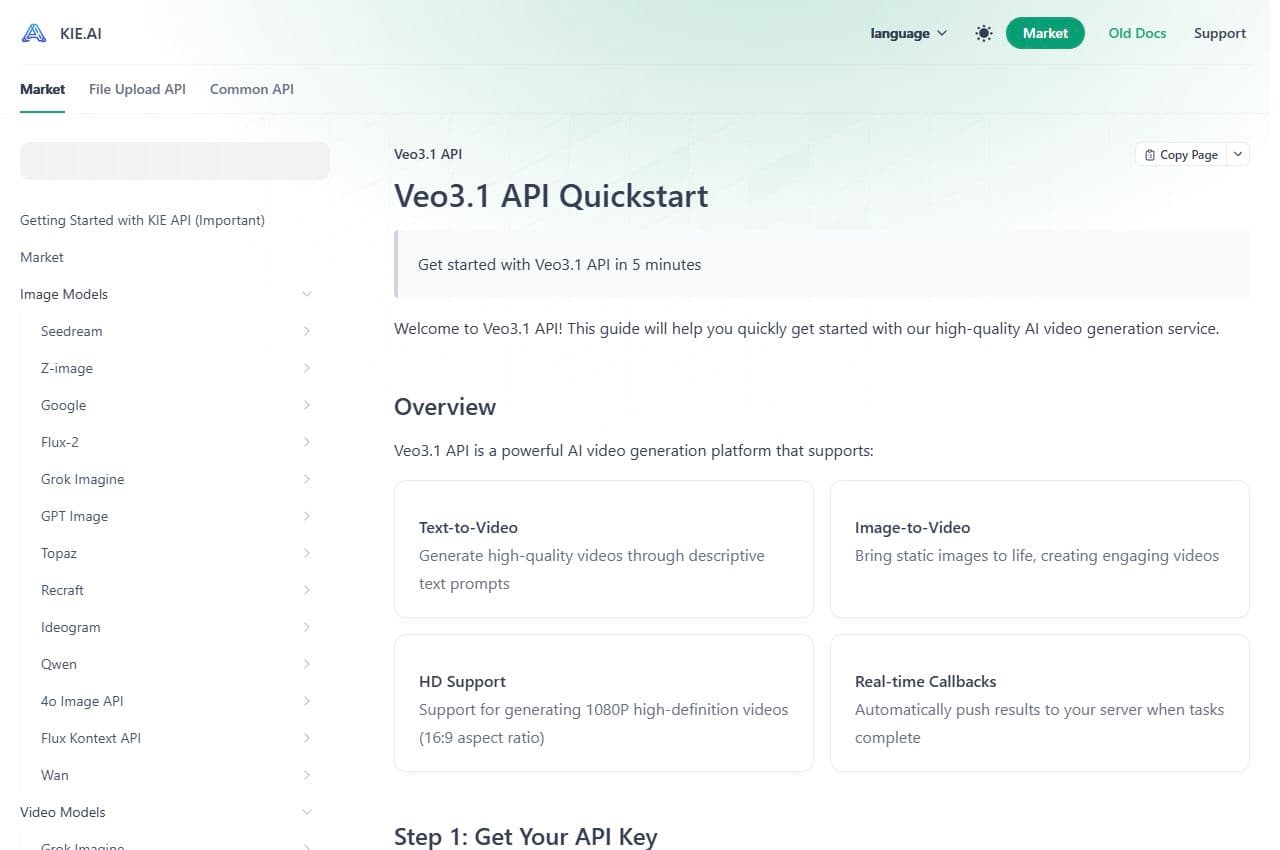
Think about task tracking
The video documentation presents text-to-video, image-to-video, HD support and task status. Even without coding, it explains why tracking attempts matters.
Kie AI documentation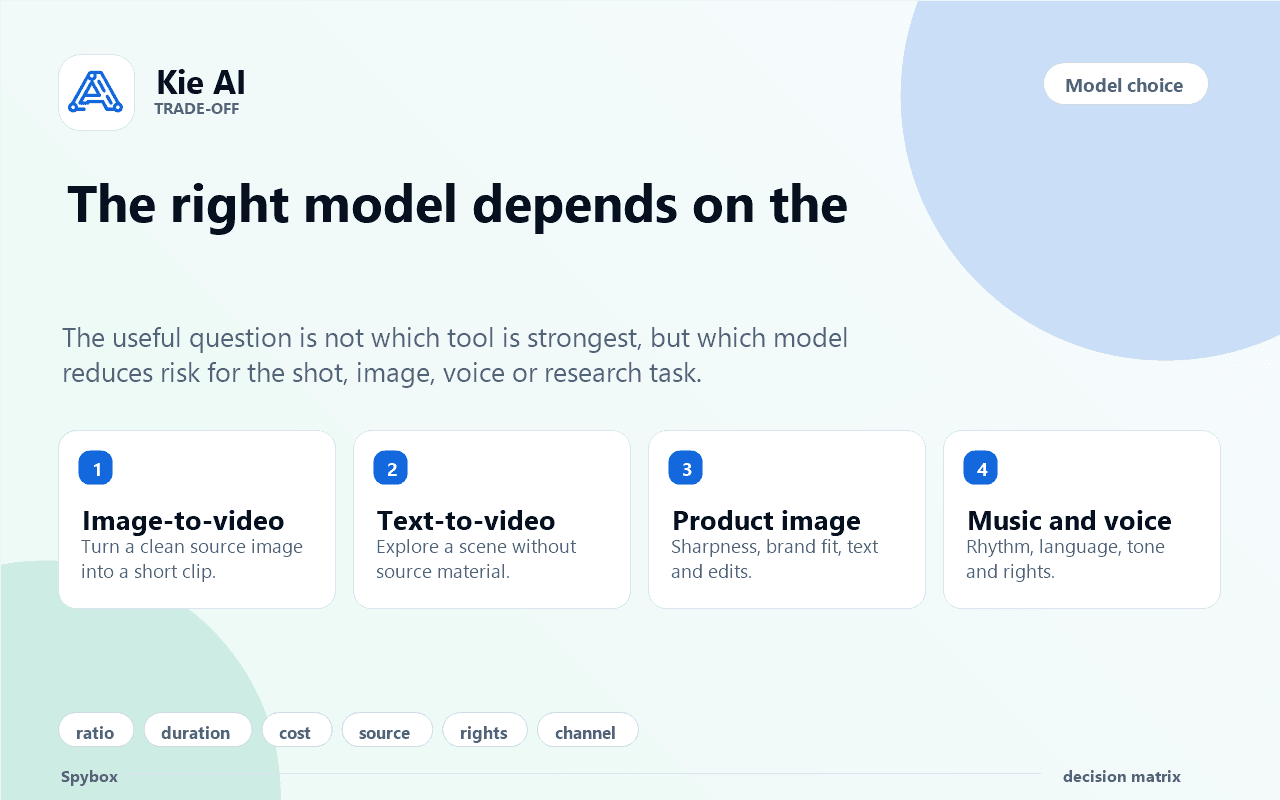
Choose by expected output
A clip, product image, voice or text does not use the same success criteria. The model should serve the output, not the novelty effect.
AI image tools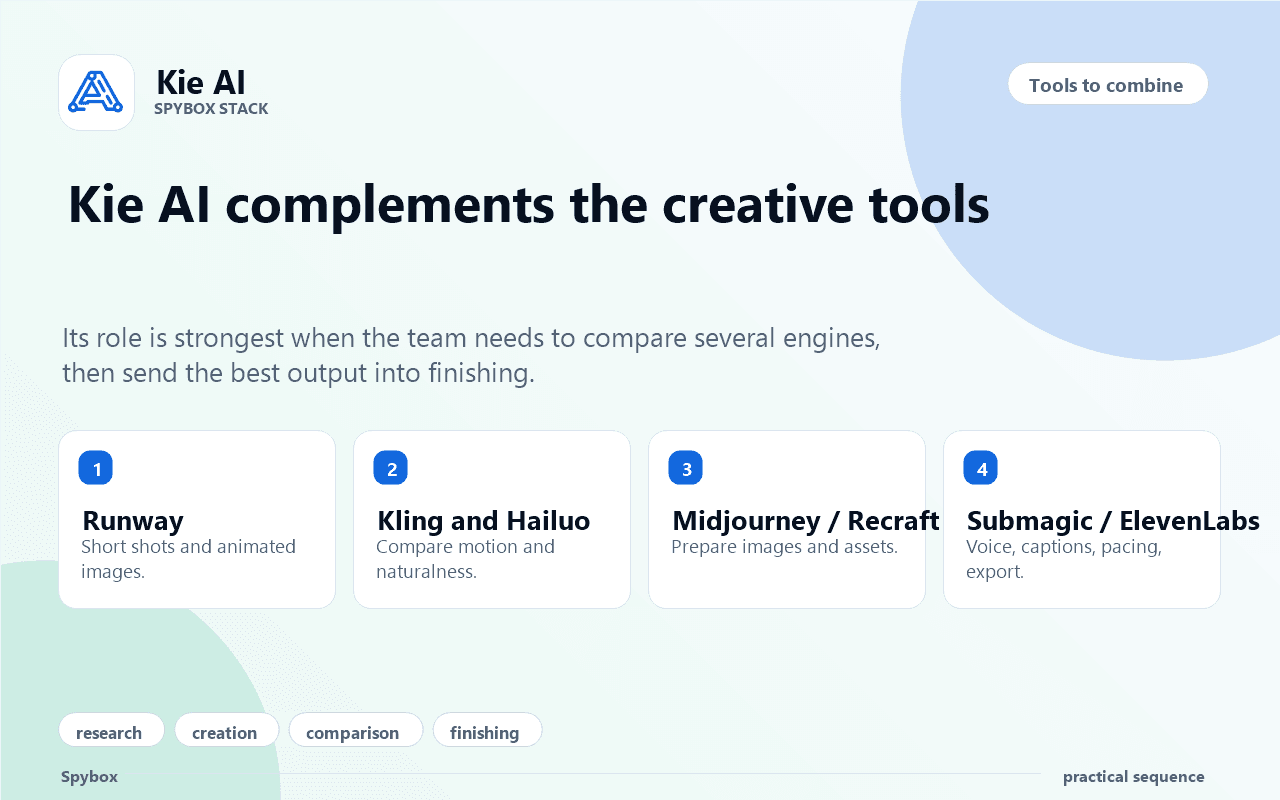
Connect Kie AI to other tools
Kie AI is stronger when it guides the choice, then lets specialist tools finish the work: video, image, voice, captions and review.
Explore AI tools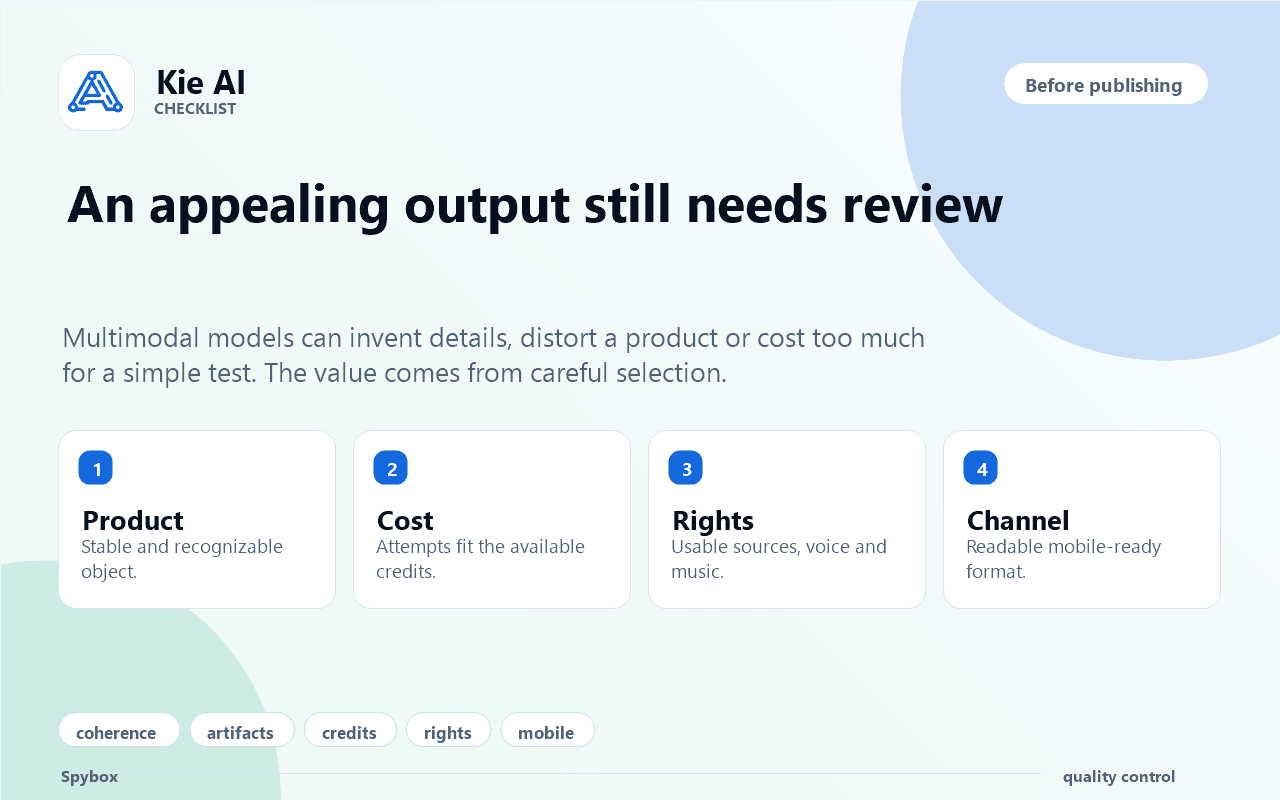
Review before publishing
The final selection should filter outputs that cost too much, distort the product, create rights questions or fail mobile readability.
Video methodWho gets the most from Kie AI
Kie AI is most useful for people comparing several AI outputs or rationalizing a creative workflow before execution.
Performance agency
Compare several engines for the same creative idea, keep the strongest variants and finish editing or captioning elsewhere.
Ecommerce operator
Test whether a product deserves a video, edited image, voice-over or short demonstration before spending more.
Dropshipper
Move from a product found in Minea, ShopHunter or PPSPY to a first set of testable visuals and clips.
Creator
Choose between image, short video, music or voice when one idea can become several social formats.
SEO consultant
Produce or select explanatory visuals for a page, guide or client deck without launching heavy production immediately.
Technical operator
Understand credits, models, tasks and results before shaping an automation workflow for a client.
A 6-step Kie AI method
The best way to use Kie AI is to reduce uncertainty before generating. Every step should help choose the engine and know what to do with the result.
Name the signal
Start with a product, ad, client outline, page to enrich, short script or useful source image.
Pick the format
Decide whether the real need is short video, image, voice, music, text or a combination.
Compare model families
Look at task type, duration, ratio, quality, cost, source material and expected control.
Limit attempts
Run a small number of comparable variants. The goal is to learn quickly, not exhaust credits.
Filter outputs
Reject outputs that distort the product, blur the message, raise rights concerns or miss the channel.
Move to finishing
Finish in Runway, Canva, Submagic, ElevenLabs, Recraft, Claude or ChatGPT depending on the selected output.
Turn a model choice into a decision
Kie AI becomes useful when each signal leads to a clear decision: what output to test, what to review and which tool to use next.
A product image is strong but static
The visual can become a short clip if the product remains stable.
Compare image-to-video, then finish with Runway or Submagic if the motion supports the offer.
An ad angle needs variants
The same idea can become an image, clip, voice-over or short sequence depending on channel.
Pick the priority format, produce a few variants and keep a comparison grid.
Testing cost rises too fast
The selected engine may not fit the test volume or required quality.
Reduce duration, switch model, test a still image or return to the script first.
The scene is impressive but unclear
Visual impact is not enough if product, benefit or proof disappear.
Drop the variant or rebuild it with a cleaner source and simpler instruction.
A deliverable may be automated
API logic can help, but secrets, credits and results need controls.
Prepare a control sheet: rights, cost, logs, human review and output storage.
Adapt Kie AI to the right format
The format should be selected before the model. A social video, product image and voice-over do not share the same success criteria.
Short video
Animate a product, illustrate usage, create an ad shot or test motion.
The message works without sound and the product stays recognizable.
Product image
Create a visual variant, lifestyle scene, edit or base for video.
Brand fit, proportions, visible text and rights stay controlled.
Audio or voice
Prepare voice-over, short narration, ambience or multilingual version.
Tone matches the offer and does not hide an overstrong claim.
LLM or text
Structure a script, context note, variant or production instruction.
Facts, prices, dates and sources are reviewed before publishing.
Tools to combine with Kie AI
Kie AI helps choose. The other Spybox tools then produce, fix, edit, source or publish.
Runway
Turn an image or idea into a short video shot to compare.
Kling AI
Test image-to-video, short motion and talking images from a visual source.
Hailuo AI
Compare another short video generation from a source image.
Higgsfield
Choose a precise camera move when the shot needs direction before finishing.
Midjourney
Prepare source images or visual directions before animation.
Recraft
Create brand assets, clean visuals, logos, SVG and controlled compositions.
Submagic
Finish short videos with captions, pacing and social export.
ElevenLabs
Prepare voice-over, audio and tone variants when the message needs to be heard.
Creative chain
Where Kie AI fits inside a Spybox routine
Kie AI should help make a model decision. The final value then comes from combining research, creation, finishing and review tools.
Before Kie AI
Minea, Foreplay, ChatGPT
Find the product, ad angle, script or question to turn into an output.
During Kie AI
Model market and pricing
Compare task family, cost, duration, ratio and expected control.
After Kie AI
Runway, Recraft, Submagic, ElevenLabs
Finish video, image or audio in the tool that fits the channel.
Final review
Claude, Perplexity, internal checklist
Review the message, sources, rights and claim coherence.
Questions before generating
Which format will be published?
Without a clear channel, a beautiful output may be impossible to use.
Which source is reliable?
A blurry image, badly framed product or vague script rarely gives a strong result.
How many attempts are acceptable?
Cost should be defined before comparing several models.
Which detail must stay exact?
Product, face, text, logo, size, material or voice do not tolerate the same margin.
Who reviews before publishing?
An AI output needs selection and correction before it is shown to a client or published.
Which tool finishes the job?
Kie AI can guide the choice, but finishing often happens elsewhere in the Spybox stack.
Quality checks
Multimedia models can look convincing at first glance, then become fragile once reviewed as a deliverable.
The product, logo or main object stays stable throughout the output.
The cost of attempts remains coherent with the value of the test.
The final format fits the channel: 9:16, square, horizontal, audio-only or page support.
Rights around images, voices, music, brands and people are checked.
The output does not invent a detail that changes the commercial promise.
The result is reviewed on mobile, with sound off when the channel requires it.
The chosen variant has a clear business reason: attract, demonstrate, reassure or explain.
Recent information, prices or model names are checked against an official source.
Limits to know
Kie AI in Spybox FAQ
Is Kie AI mainly a video tool?
No. Video is an important use case, but Kie AI also covers image, music, LLM and other families depending on the models listed by the platform.
Do I need to be a developer to benefit from it in Spybox?
Not necessarily. Even without coding, understanding model, task, cost and output logic helps choose the right tool inside Spybox.
Does Kie AI replace Runway or Midjourney?
No. Kie AI mainly helps compare and access several engines. Runway, Midjourney, Recraft, ElevenLabs or Submagic remain useful for more focused jobs.
What should be checked before using a Kie AI output?
Product coherence, rights, cost, source material, visual stability, mobile readability, commercial claim and real model availability.
Do the official Kie AI page and Spybox show the exact same interface?
Not necessarily. This page explains Kie AI’s role and possible uses, but real access should be checked in the Spybox workspace when working.
Test Kie AI inside a real creative stack
Start with a concrete need: a product to show, an image to animate, a voice-over to create or a page to enrich. Kie AI helps choose the engine, Spybox helps connect the surrounding tools.
Try Spybox with GET25