
Recraft page
Recraft as a creative suite
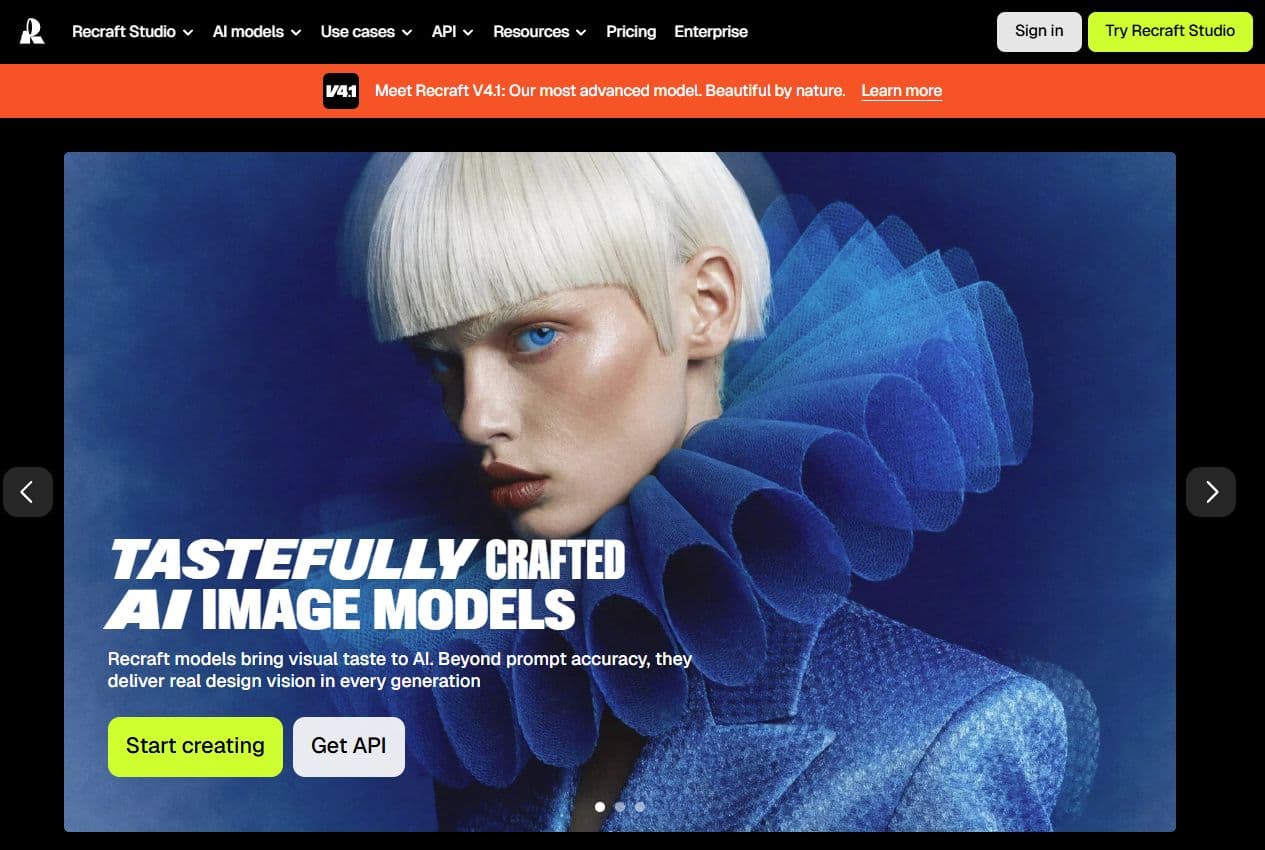
The homepage emphasizes visual design and Recraft V4.1, with a stronger creative positioning than a simple image tool.
Recraft is a creative suite for design work: images, vectors, logos, icons, mockups, styles and exports. In Spybox, it should not be read as a replacement for Midjourney, Flux AI, Leonardo AI or Krea AI. Its strongest role is to make visual assets more coherent across several campaign surfaces.
Vector, brand & mockup
Recraft
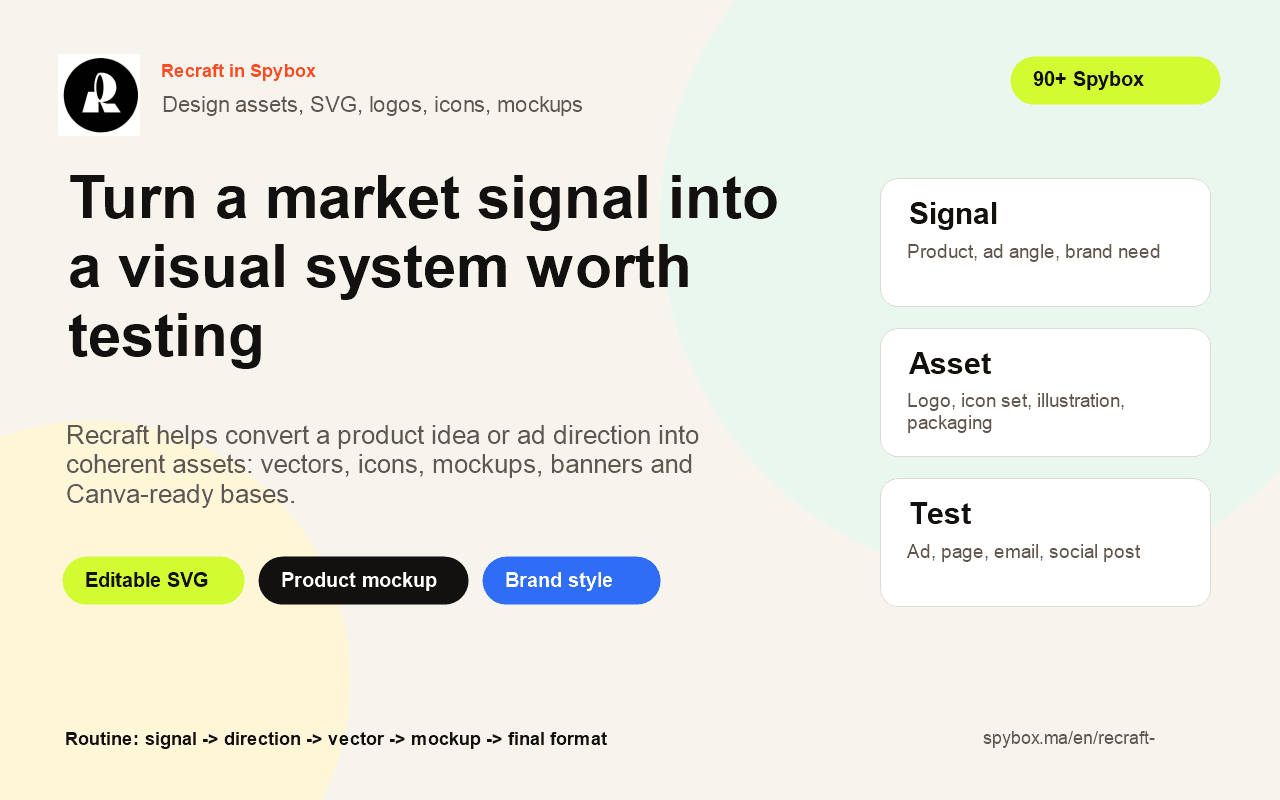
A useful Recraft session starts from a concrete signal: product to test, ad angle, brand gap, weak packshot or campaign to adapt. The signal becomes editable visual material, then Canva, a product page or an ad format finishes the work.
V4.1
model highlighted
The official homepage highlights Recraft V4.1 for visual generation and design. This page uses public pages checked on May 25, 2026.
SVG
editable output
The AI vector generator page focuses on production-ready SVGs, useful for logos, icons, illustrations and scalable assets.
100 000
SBC credits/month
In Spybox at 29,99 €/mois, Recraft complements the AI image stack, Canva and creative research tools.
Recraft becomes useful when a team already has a direction but not yet a visual system. A product appears in Minea, a competitor ad reveals a format, a brand lacks consistent icons, a packshot needs a mockup: Recraft helps move from intent to asset.
Its difference from a general image generator is the design angle. Official pages highlight images, vectors, logos, mockups and styles. For ecommerce or acquisition work, that changes the question: the goal is not only a beautiful image, but a reusable file that can live across campaign formats.
Inside a Spybox routine, Recraft often sits after research and before finishing. Product or ad research gives the signal, Recraft turns it into graphic material, then Canva, Runway or a product page takes over. That position keeps the tool away from random visual exploration.
Recraft can produce quickly, but the asset still needs product fidelity, clean source rights, mobile readability and brand coherence. A polished asset can still be wrong if it creates an impossible promise or copies a competitor too closely.
Recraft does not have the same role as the other AI image tools. It matters when the output needs to be clean, editable and reusable.
SVG is valuable for logos, icons, simple illustrations, landing page pictograms and elements that must stay sharp at several sizes.
Styles and palettes help keep product visuals, ads, banners, emails and social posts coherent.
Mockups help present an offer in a more believable context: packaging, print, device, product visual or brand support.
Recraft is strongest when the output needs to move into Canva, Figma, an ad, a product page or a brand file.
These references describe Recraft without promising exact Spybox availability or a frozen interface.
The homepage positions Recraft as an AI tool for designers, creatives, sellers and teams, with a strong visual quality promise.
Recraft page
The AI image generator and AI vector generator pages separate image creation from editable SVG production.
Vector page
The logo and mockup pages show a use case closer to branding, packaging and product presentation.
Logo page
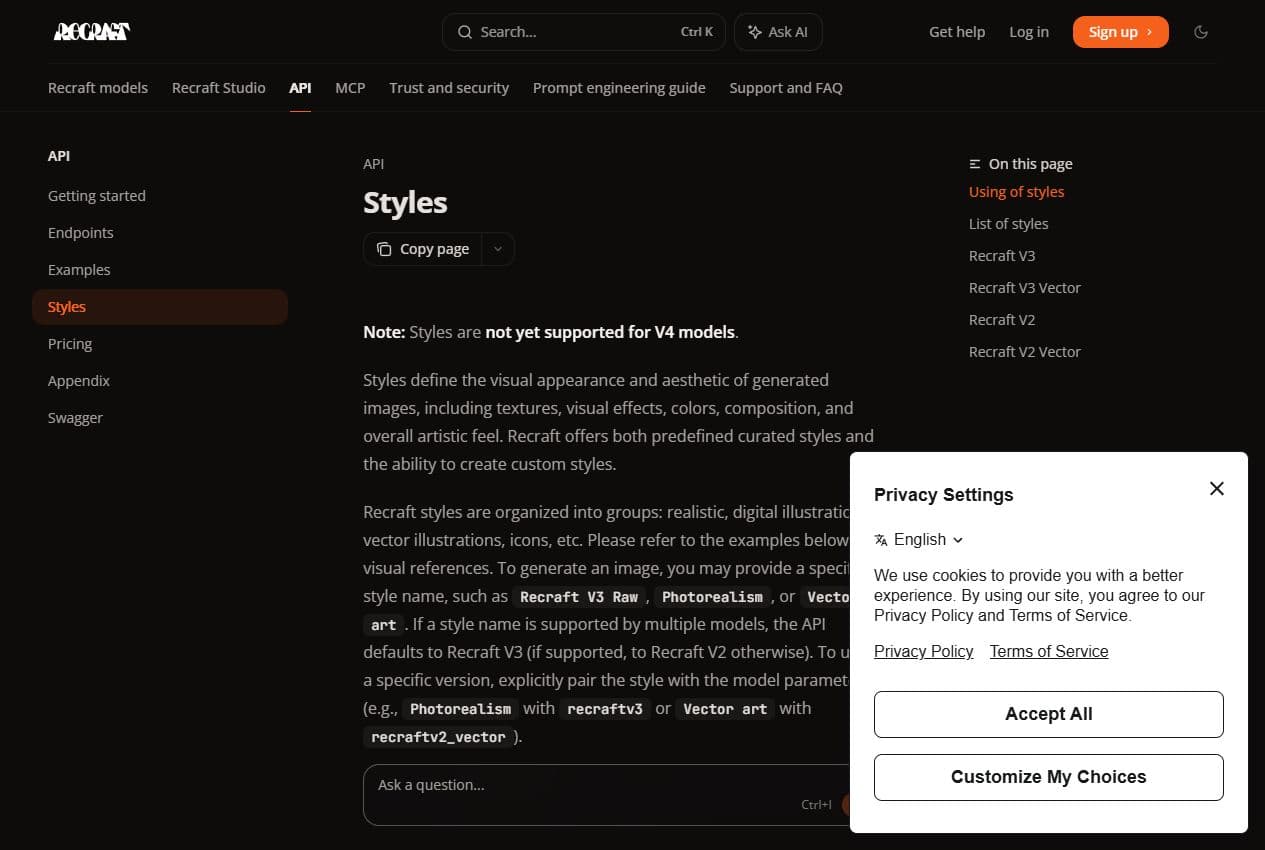
The styles documentation confirms why Recraft can help maintain reusable visual directions, including more technical workflows.
Styles docs
Useful previews
These screenshots and local visuals show where Recraft stands apart: image model, SVG, logos, mockups, production method and quality checks.
Recraft page
The homepage emphasizes visual design and Recraft V4.1, with a stronger creative positioning than a simple image tool.
Image
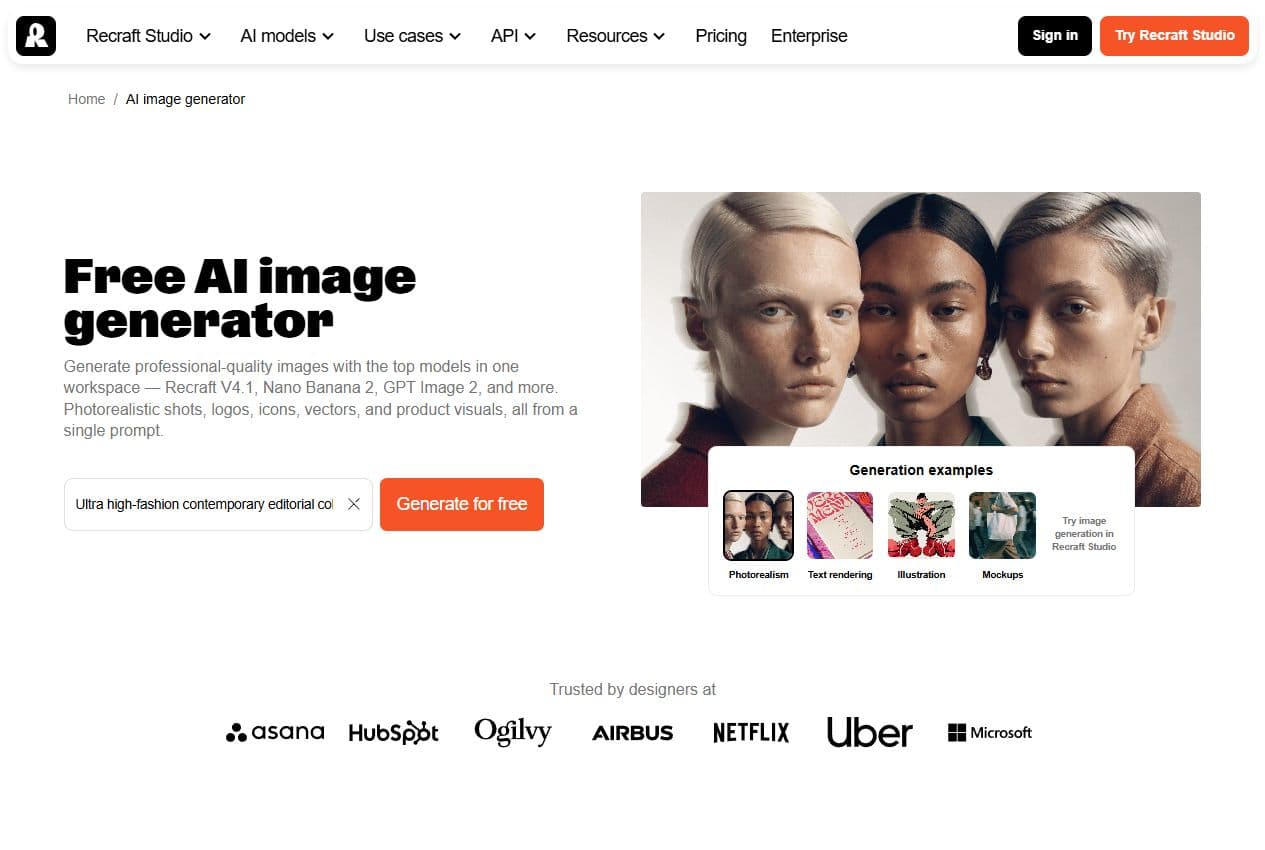
The AI image generator page presents Recraft as a visual production tool for marketing images, design and brand creative.
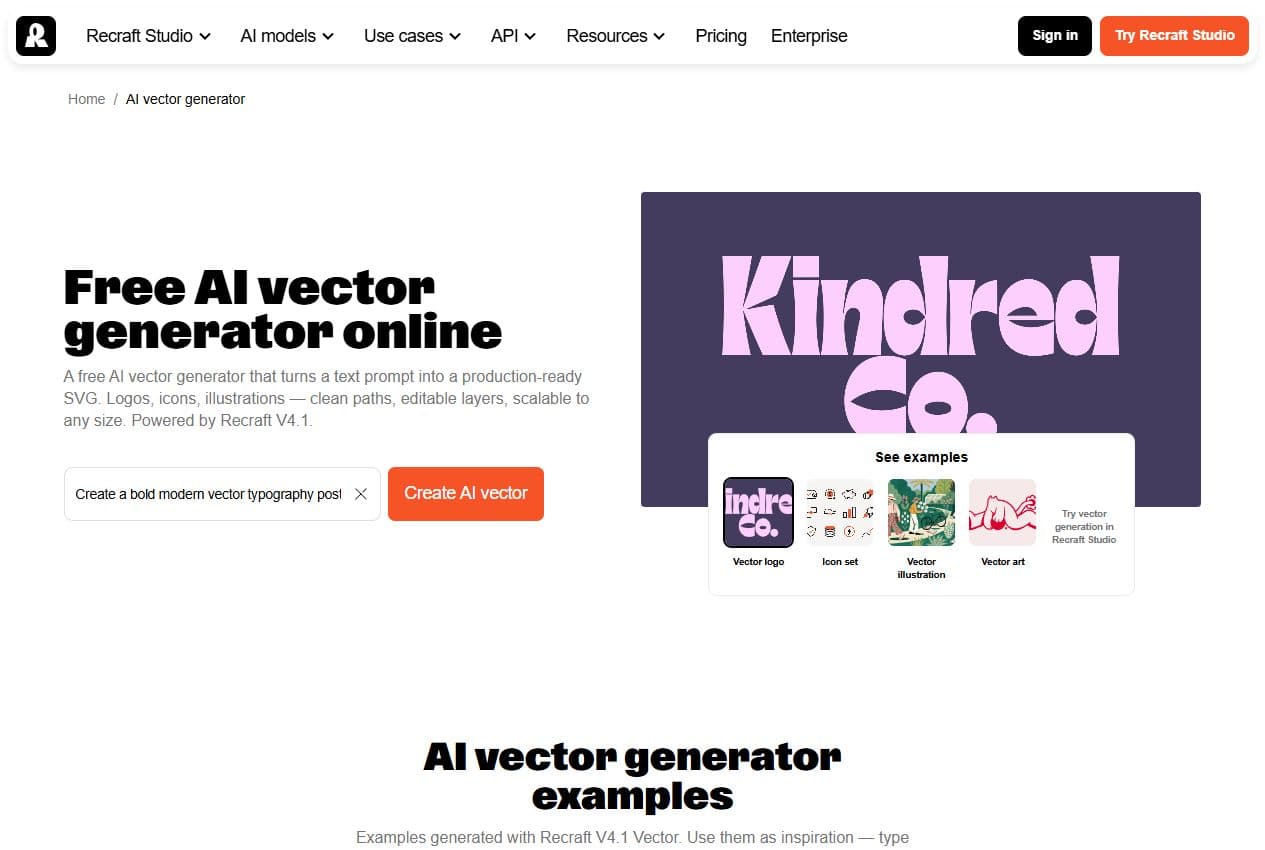
Vector
Vector output is one of Recraft's main advantages for Spybox users: logos, icons, illustrations, clean paths and resizing.
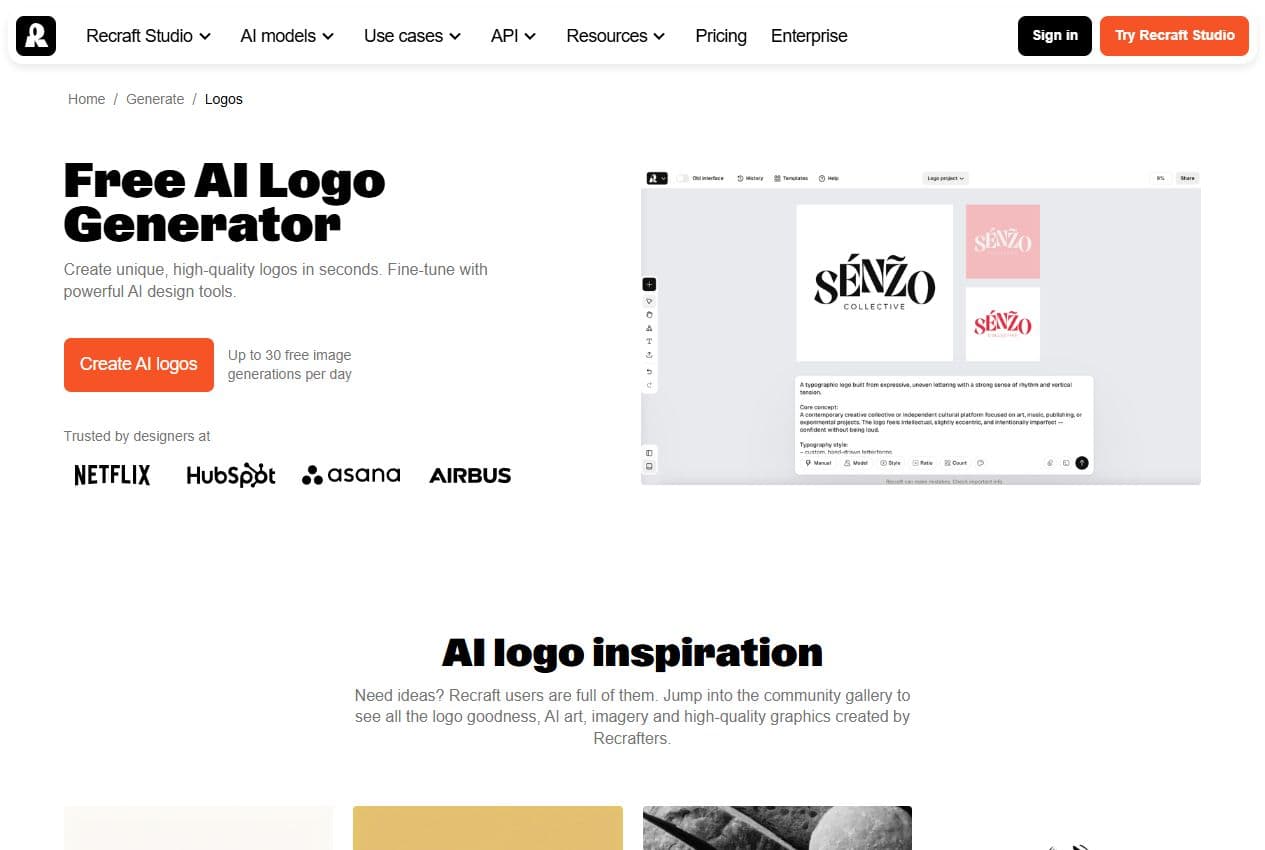
Logos
The logo generator page places Recraft around brand exploration, pictograms, typography and visual directions.
Mockups
Mockups create a concrete ecommerce output: packaging, poster, device or collection visuals presented more cleanly.
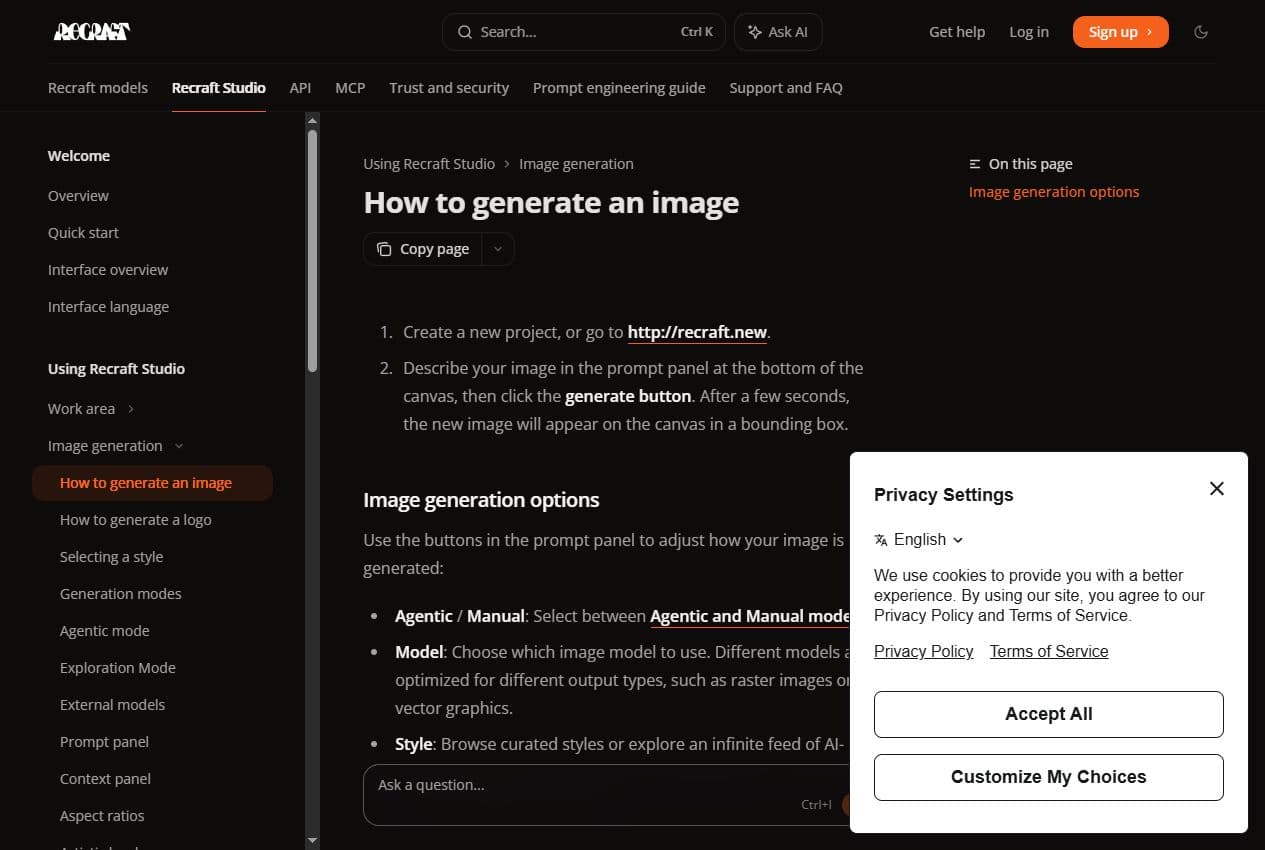
Studio docs
The image generation documentation explains how creation works in Recraft Studio, which is useful context beyond the marketing page.
Styles docs
The API styles documentation shows why Recraft can support coherent visual direction across a broader production setup.
The best method keeps Recraft attached to a decision: which asset, for which channel, under which brand constraint, and what to test next.
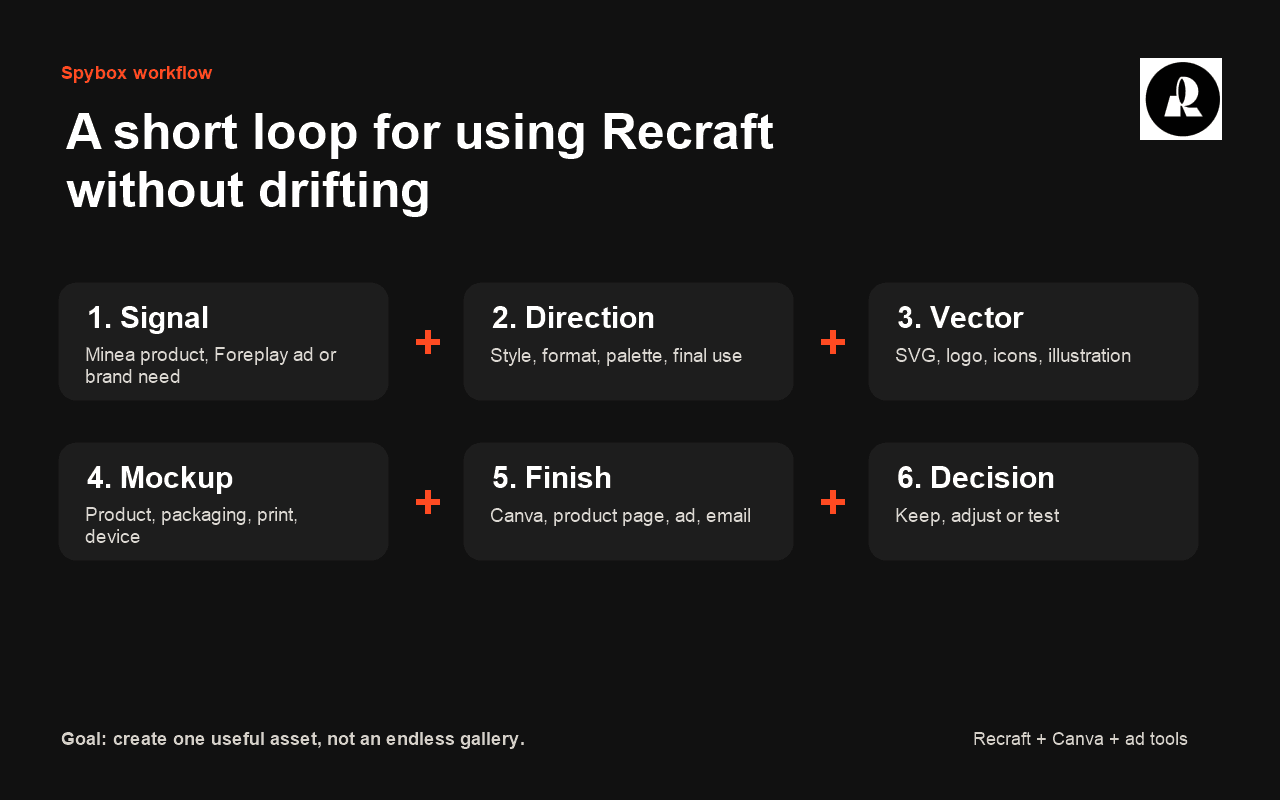
Found product, working ad, missing visuals, secondary logo, landing page icons or mockup needed to present an offer.
Define format, style, palette, subject, realism level, elements to keep and expected channels. A short direction avoids wasted variants.
Image for rich rendering, vector for editable scalable assets. The final use should decide the format.
Create logo, icon, illustration or mockup in one visual logic so the page, ad and social support do not feel disconnected.
Move into Canva, a product page, a brand file or a video tool. Recraft prepares the material; it does not always replace final layout.
Keep only assets tied to a hypothesis: better packshot, clearer readability, stronger brand trust, ad variant or visual proof.
Recraft performs best when the expected format is clear. These are the most natural uses in a Spybox stack.
Ecommerce branding
Create a secondary logo, palette, benefit icons, delivery pictograms, store illustrations or more credible brand assets.
Check: fit with the real offer, readability at small size, and no close resemblance to an existing brand.
Product pages and landing pages
Prepare icons, usage scenes, visual blocks, banners and SVG elements that make the offer easier to understand.
Check: file weight, contrast, mobile readability, and coherence with the page's proof and claims.
Meta or TikTok ads
Turn an ad angle into posters, mockups, square assets, vertical assets or elements to animate later.
Check: framing, room for text, product clarity and enough distance from competitor references.
Print or packaging support
Explore packaging, label, poster, sticker, card or mockup ideas before validating a more expensive direction.
Check: print constraints, rights, proportions, materials and real feasibility.
This matrix keeps Recraft from being opened without a goal. It connects each signal to a useful design action.
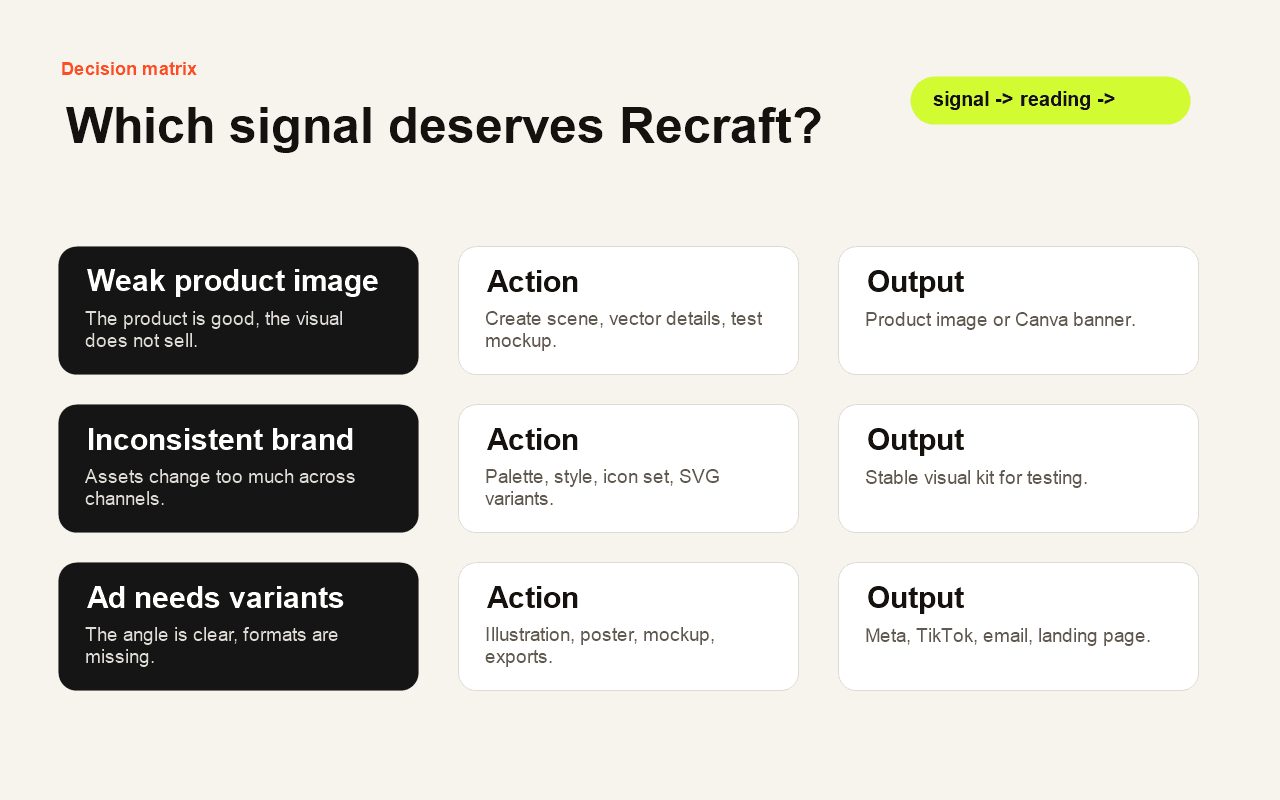
Observed signal
A product looks promising but supplier visuals are weak.Reading
The issue may be presentation and clarity rather than the offer itself.Recraft action
Create a product scene, benefit pictograms and a cleaner mockup before the final page.Observed signal
A store's visuals feel inconsistent.Reading
The brand needs a stable direction, not only another image.Recraft action
Define style, palette, icons and reusable illustrations, then finish the formats in Canva.Observed signal
A competitor ad shows an interesting format.Reading
The format is worth testing, but the creative should not be copied.Recraft action
Reuse the visual logic, create an original variation and adapt it to the product.Observed signal
A visual must be used at several sizes.Reading
The priority is sharpness and editability, not only a raster image.Recraft action
Use vector output when a logo, icon or illustration needs to stay scalable.Observed signal
An image needs to become a short video.Reading
The base image should already contain subject, space and readable identity.Recraft action
Prepare the asset in Recraft, finish the format, then send it to Runway or the AI video page.Recraft supports different roles, but it is strongest when the user has a clear design constraint.
Prepare benefit icons, usage scenes, packaging mockups, collection banners and a more credible brand identity.
Turn an ad angle into separate visual families for testing without restarting from a blank page every time.
Explore several graphic routes faster, then refine the best elements in a layout or design tool.
Create thumbnails, icons, posters or recurring visual wrappers with a more stable style.
Produce branding or campaign directions to frame a client discussion before deeper execution.
Recraft works best when it receives a signal upstream and delivers a clear asset downstream.

Find a product, store or market angle before creating presentation assets.
Analyze ads and turn observed formats into original visual directions.
Iterate, fix or enhance images when a direction exists but the result needs work.
Assemble Recraft assets into final formats: ad, banner, email, deck or product page.
Animate a strong visual base into a short shot, teaser or video creative.
Create or control product visuals before design finishing.
These checks prevent a beautiful asset from being commercially fragile.
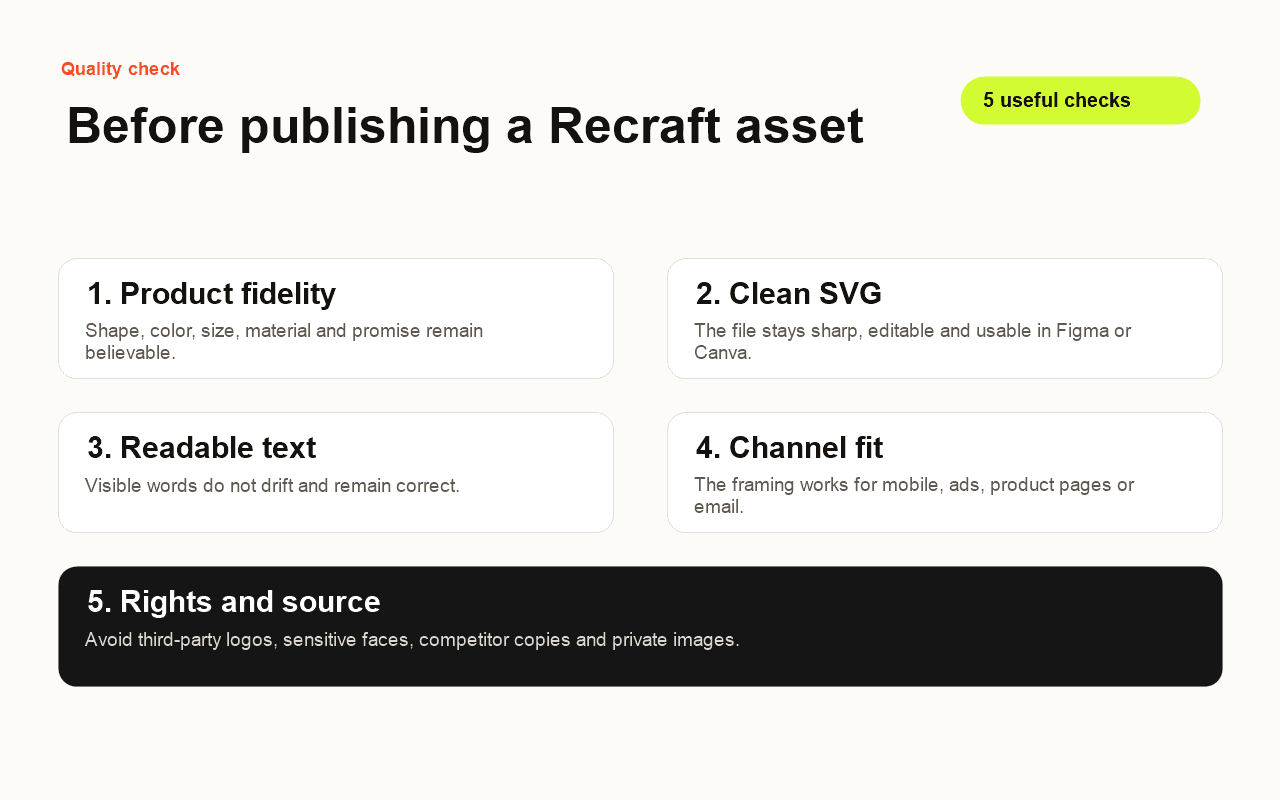
The product remains faithful: shape, color, material, size and promise do not create a false expectation.
The SVG or exported file stays clean, sharp, readable and easy to reuse in the final tool.
The visual direction stays coherent with the brand's other surfaces.
The result works in small mobile format, not only on a large screen.
Sources are public and allowed, with no third-party logo or competitor visual presented as the brand's own.
No. Recraft helps create visual assets, vectors, logos, icons or mockups. Canva remains useful for final layouts, text placement, resizing and publishing.
Recraft is more natural for design, vector, branding and mockup needs. Krea AI is better for image iteration, editing and enhancement.
Yes, mainly for presentation: benefit icons, mockups, banners, cleaner packshots and brand assets. It does not validate product demand by itself.
Because vector output changes the workflow: a logo, icon or illustration can stay sharp, editable and reusable across several formats.
Recraft becomes more valuable when it turns product or ad research into coherent assets, then Canva, Runway or sales pages take over.