
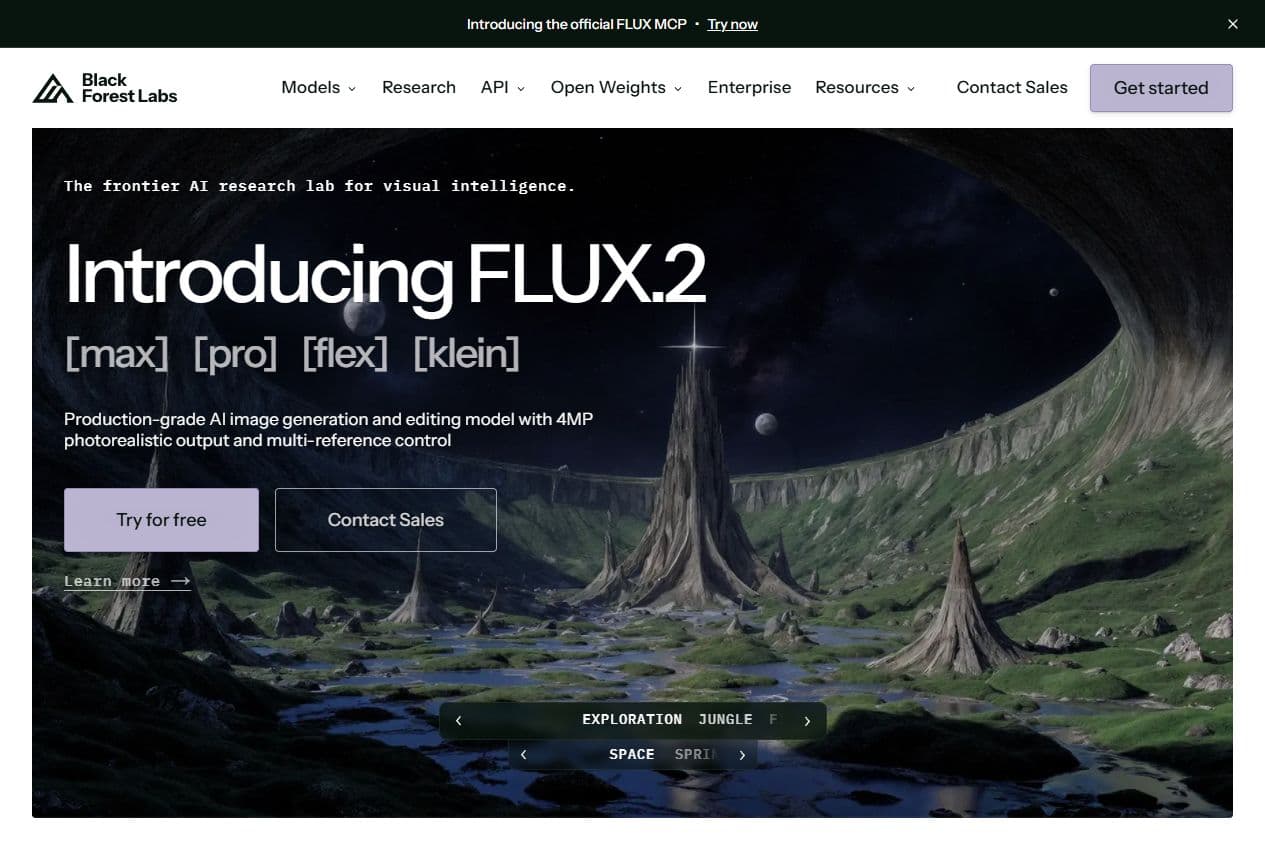
BFL page
Black Forest Labs highlights FLUX.2
The public BFL page presents FLUX.2 as an image generation and editing model family with high-resolution output and reference control.
Flux AI refers to the image model family from Black Forest Labs. In Spybox, its value is not just producing a good-looking image. The practical use is turning a market signal, a product page or an ad angle into a visual that can be reviewed, finished and tested.

Image, editing & variants
Flux AI
A useful Flux AI session in Spybox starts with a concrete signal: a product lead, an ad angle, a page that needs better visuals or a creative route to compare. The output still needs to be checked against the product, message, rights and channel.
FLUX.2
current reference
Black Forest Labs documentation presents FLUX.2 as the recommended family for new projects, covering image generation and editing.
4MP
public output claim
BFL public pages highlight up to 4MP visual output, with multi-reference control depending on the model and use case.
100 000
SBC credits/month
Inside Spybox at 29,99 €/mois, Flux AI complements product research, ad spy, writing and creative finishing tools.
A strong Flux AI page should not imply that a generated image is instantly ready to publish. The real question is decision quality: which product to show, which benefit to make visible, which variant to test, which proof to keep and which channel constraints to respect.
The public Black Forest Labs sources show an important shift: FLUX.2 is the recent reference for image generation and editing, while FLUX.1 Kontext is now mostly useful to understand image-guided editing. For a Spybox reader, Flux should be treated as a visual tool family, not as one frozen interface.
In an ecommerce workflow, Flux AI becomes especially useful after research. Minea, Dropispy, PiPiAds or Foreplay can reveal products, angles and formats. Flux AI then helps create controlled variants: contextual product shots, use-case images, static ad concepts, product-page backgrounds, banners or visuals to finish in Canva.
A Flux output does not replace product review. Before publishing, check that the item sold has not changed, that text is readable, that the claim remains faithful, that visual references are cleared and that the image does not create an expectation the offer cannot meet.
Flux AI can serve several Spybox users: advertisers, ecommerce operators, content creators, agencies and teams that need to produce faster without losing commercial consistency.
An angle spotted in an ad becomes a visual route to test, instead of staying as a note or isolated screenshot.
The strongest use cases start from a product, pack, scene or brand constraint that is already defined.
Flux is useful for comparing directions: usage, setting, crop, light, season, benefit or page style.
The visual can then move into Canva, Runway, Submagic or a landing page depending on the final channel.
The notes below come from public Black Forest Labs pages checked on May 25, 2026. They help describe Flux without inventing a specific Spybox interface or availability level.
BFL documentation describes FLUX.2 as a family for image generation and editing, with model choices based on speed, quality and control.
FLUX.2 docs
The Kontext page is now marked as legacy documentation and points new projects toward FLUX.2, which avoids presenting Kontext as the only current base.
Kontext docs
The FLUX.1 Kontext announcement shows the principle: start from an image and an instruction to modify an element, preserve a character or adapt a scene.
Kontext announcement
Previews & method
These public captures and local Spybox visuals show both the official Flux positioning and the way to place it inside a Spybox workflow.
BFL page
The public BFL page presents FLUX.2 as an image generation and editing model family with high-resolution output and reference control.
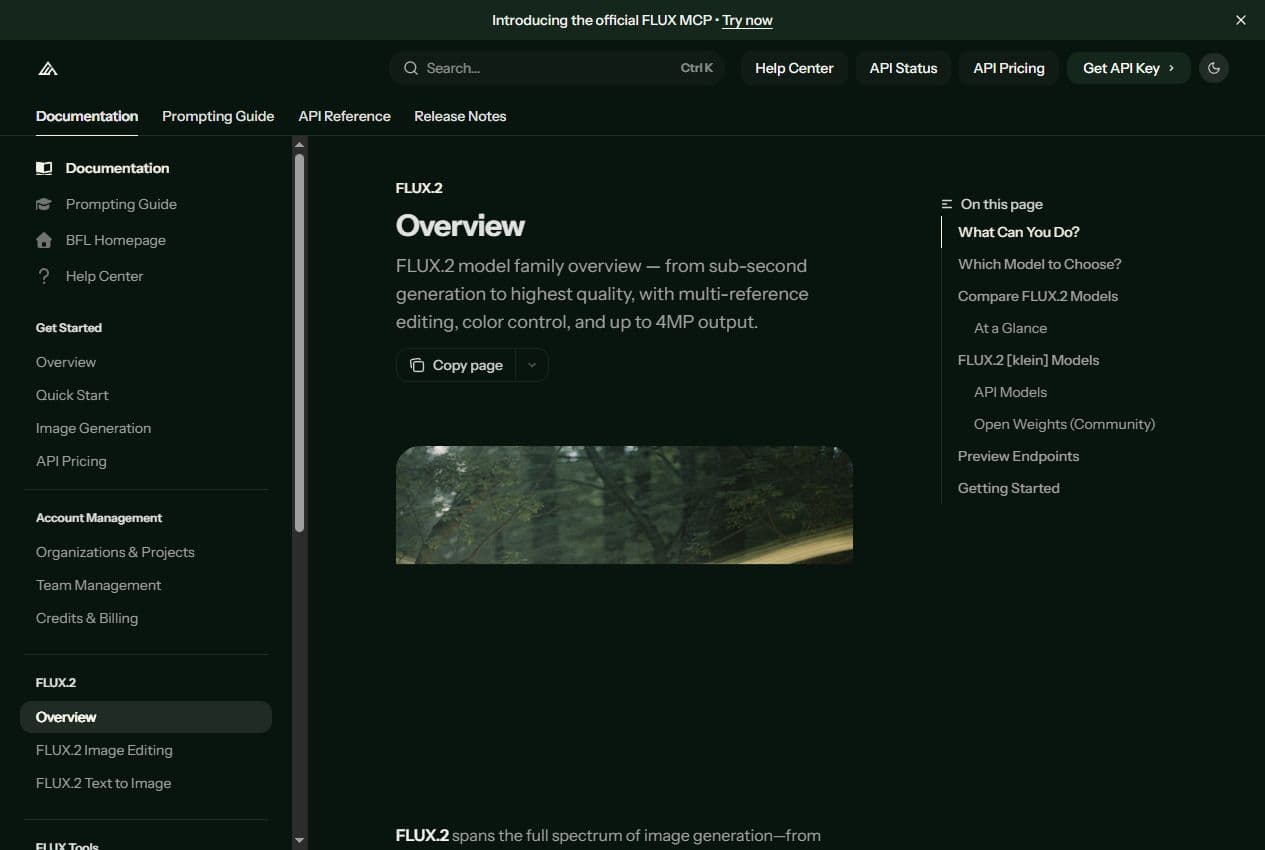
FLUX.2 docs
The official docs help distinguish models, editing capabilities, visual references and cases where quality matters more than speed.
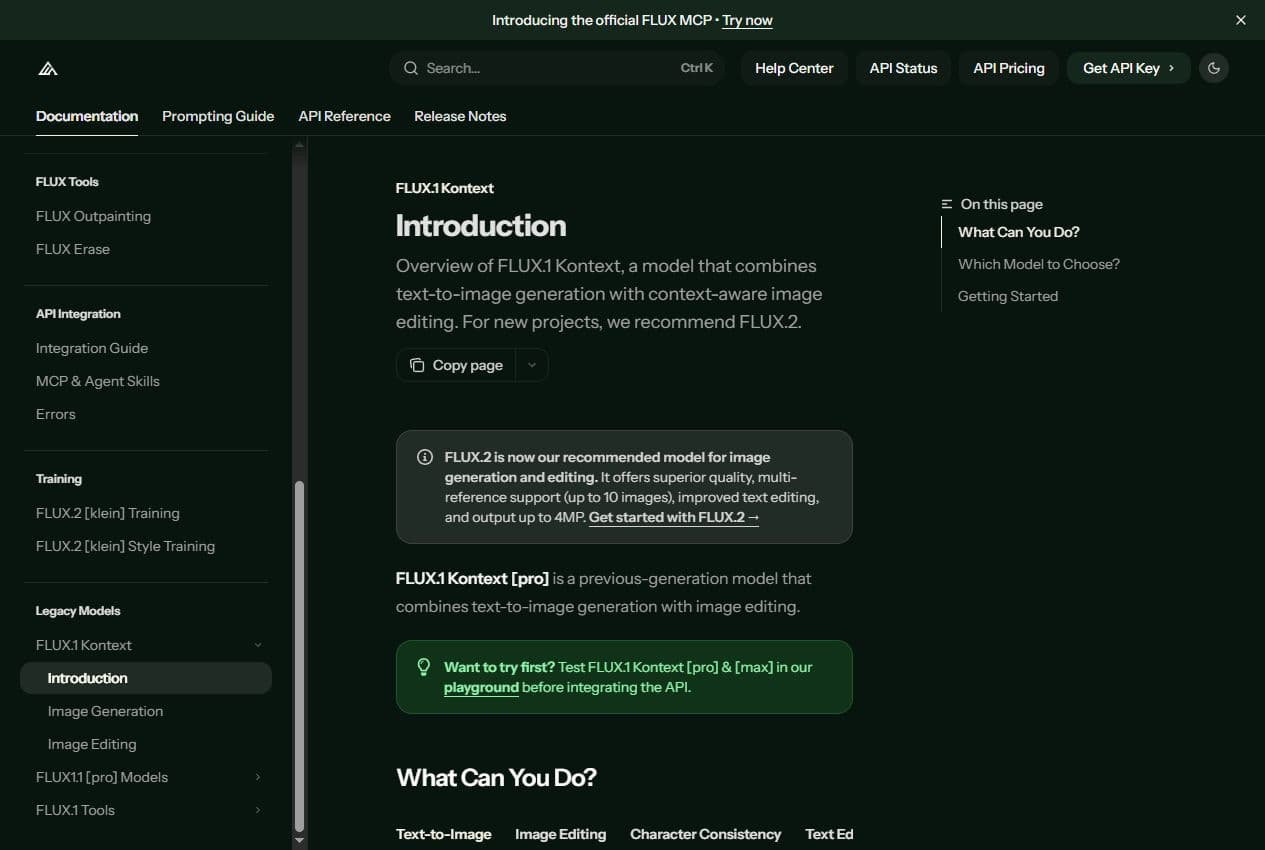
Kontext docs
The Kontext page states that the documentation is legacy and points new projects to FLUX.2.
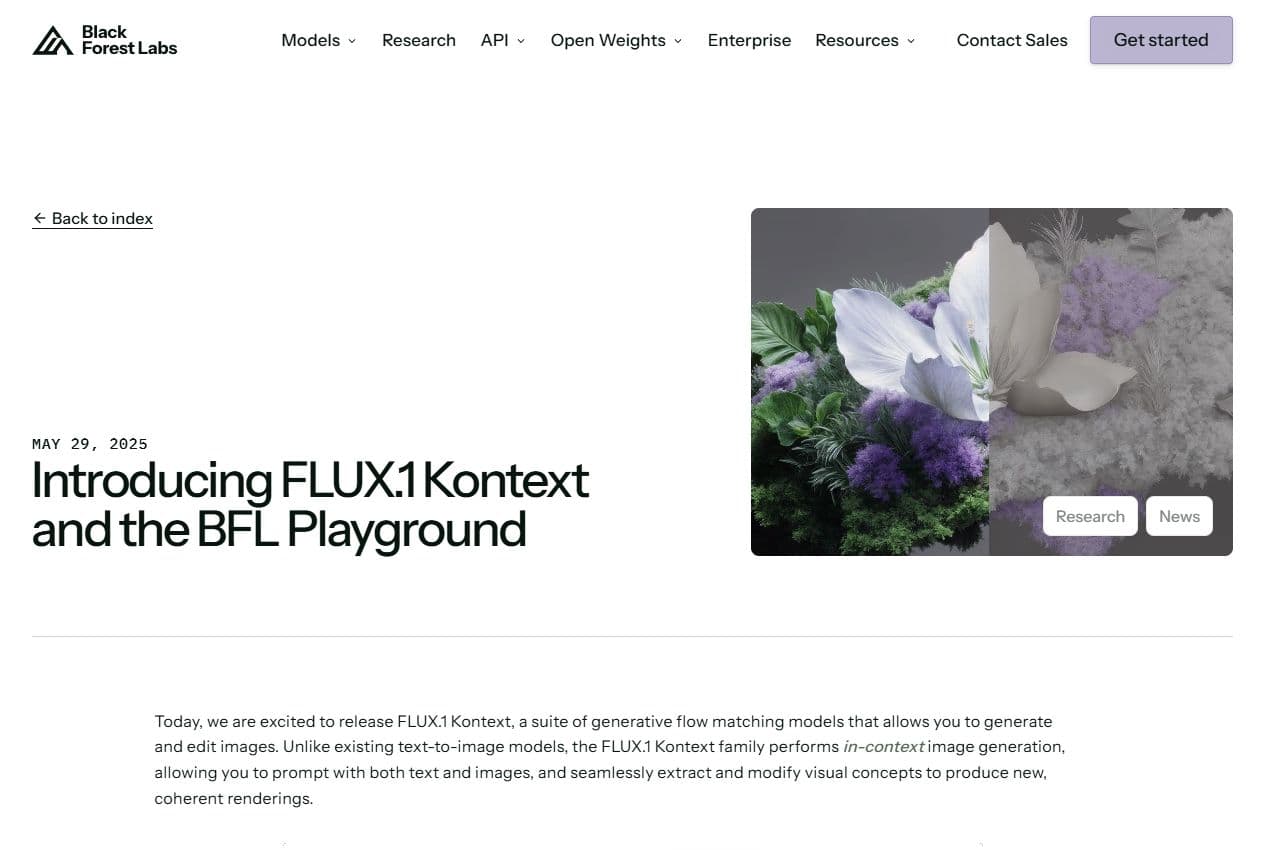
BFL announcement
The Kontext announcement shows why Flux matters for changing a scene, preserving a key element or creating coherent variants.
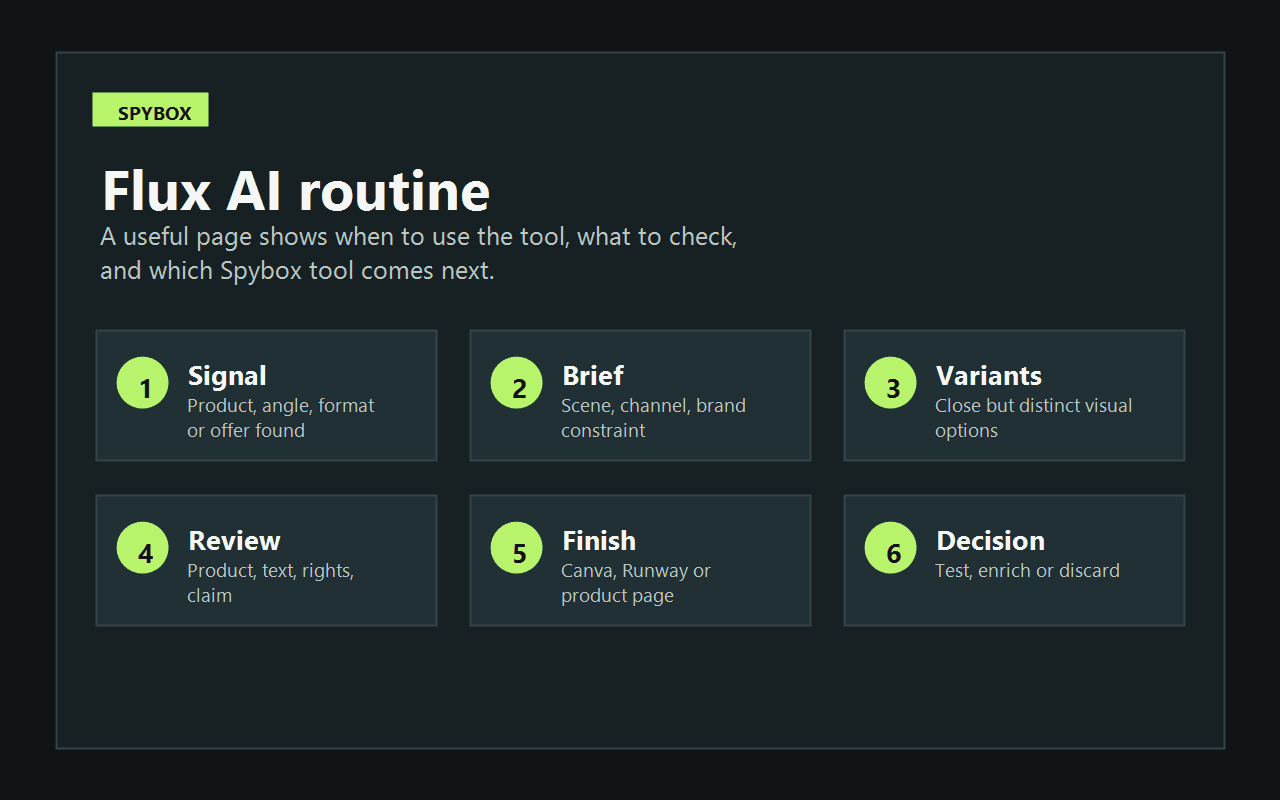
See method
Start from a signal, write a visual brief, create variants, review the output, finish the asset and decide what to test.
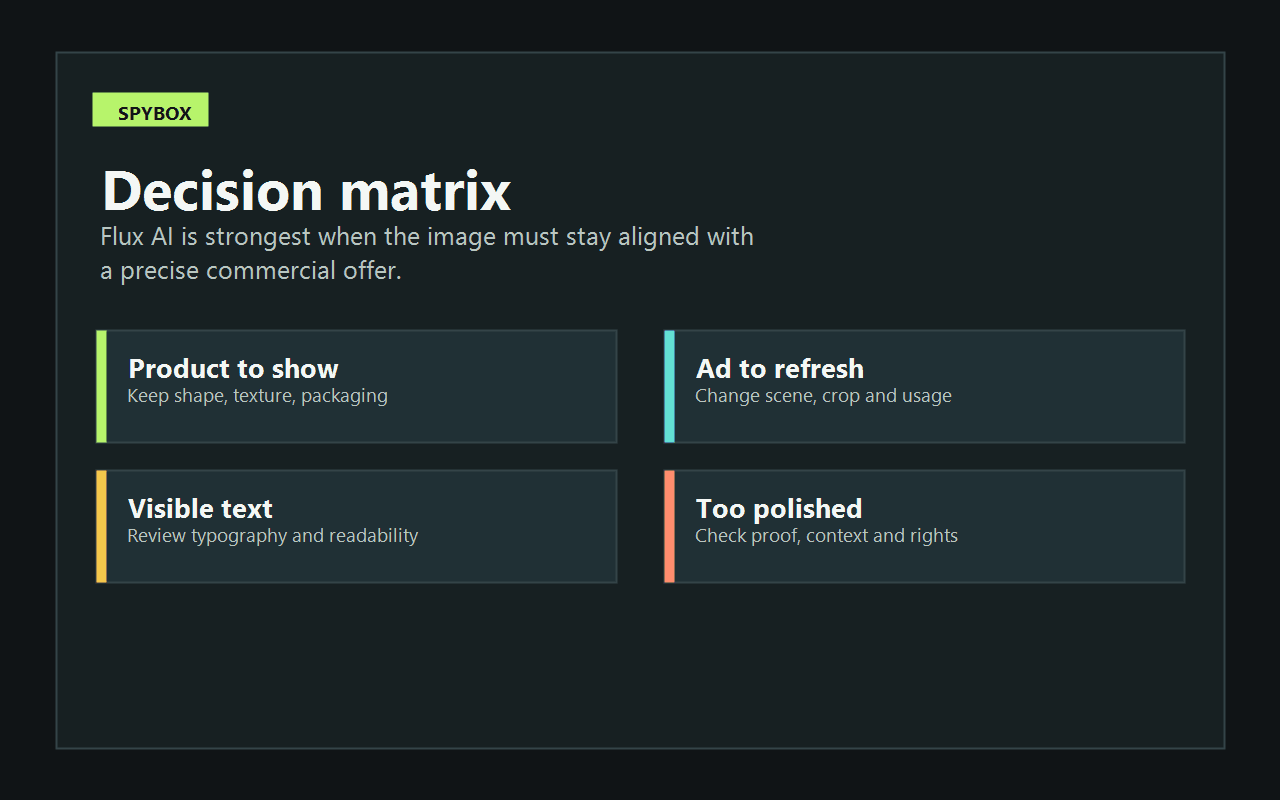
See matrix
Flux is most useful when each output answers a question: product to show, ad to refresh, visible text or proof to preserve.
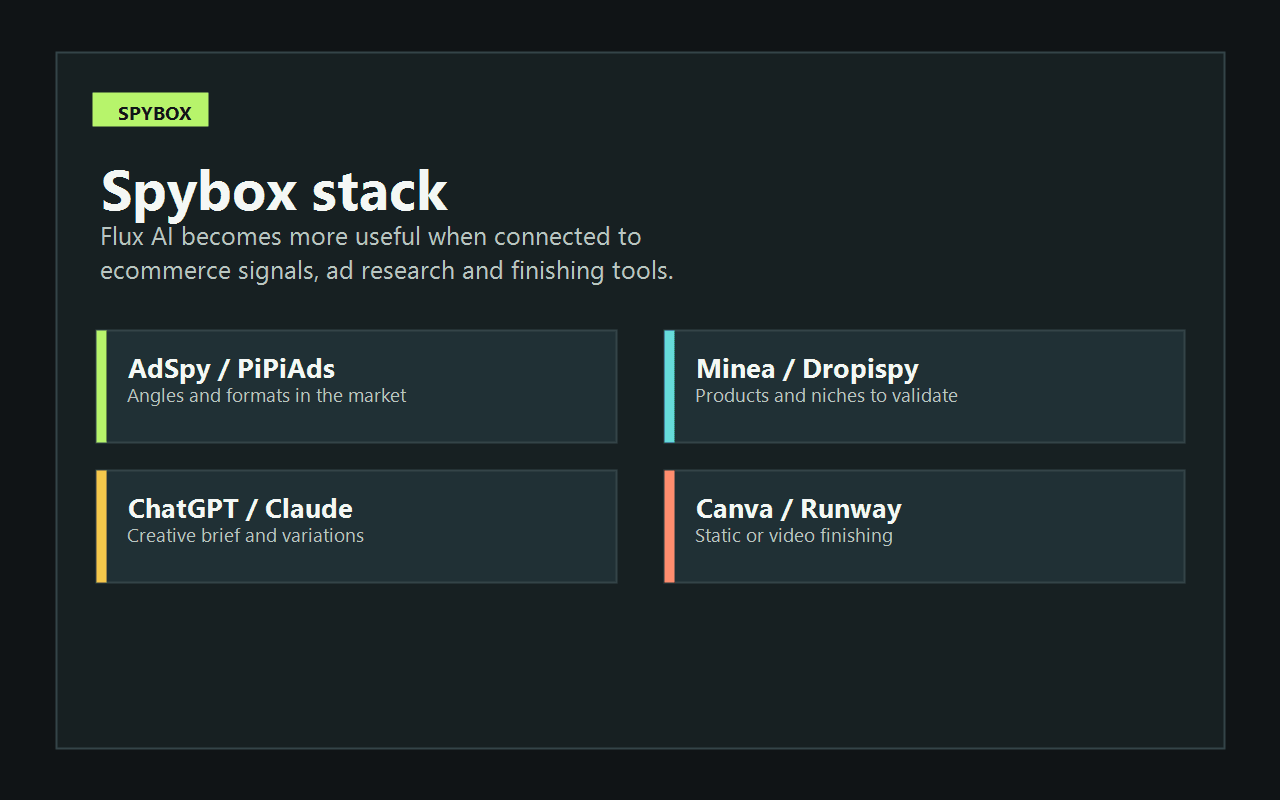
Related tools
The best sessions combine Flux with research, writing, ad spy, design and video tools already available in Spybox.
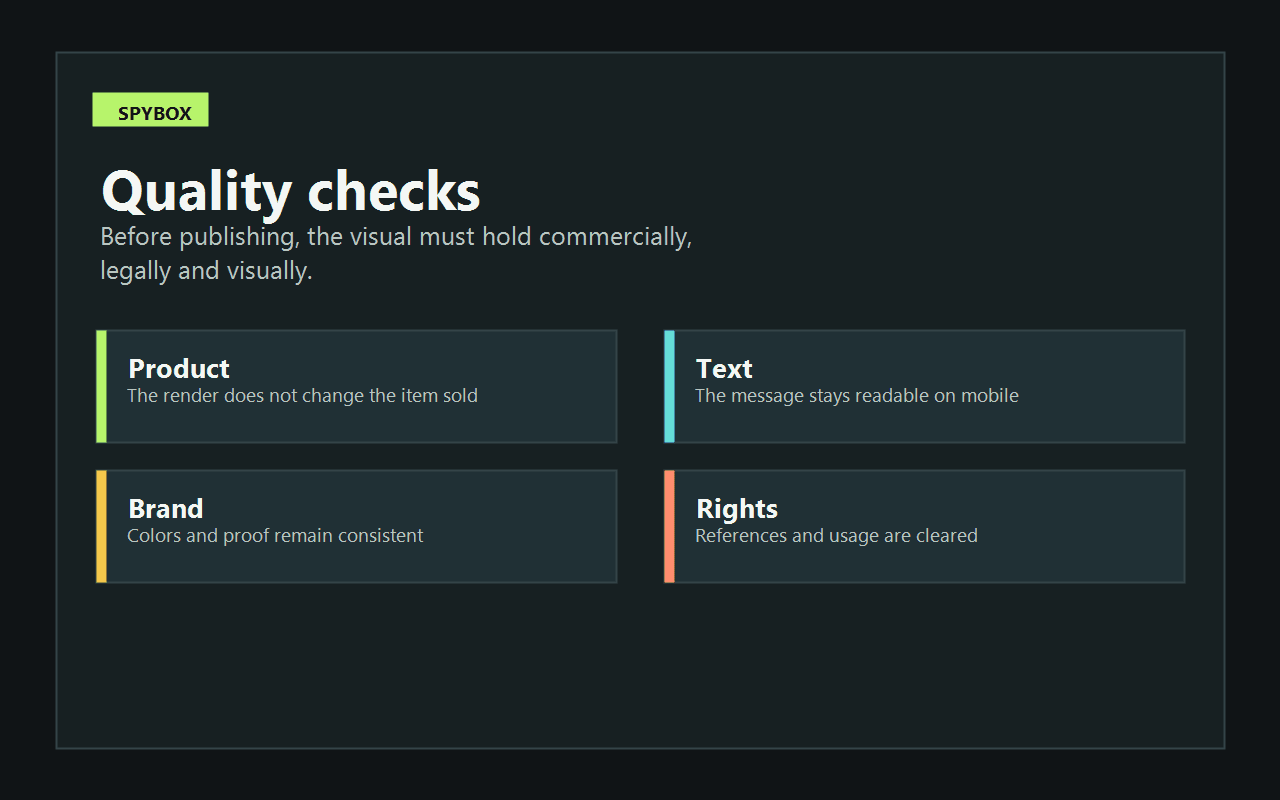
Checks
The visual must work on mobile, respect the brand, avoid changing the product and stay aligned with the commercial claim.
The right way to use Flux AI is sequential. Start from a signal or a decision, not from a vague desire to create a nice image.
Choose the angle that deserves an image: competitor product, recurring claim, winning format, season, use case or customer objection.
Define the product, scene, audience, channel, format and brand constraint. Clear input makes variants easier to compare.
Produce one realistic option, one benefit-led option and one more editorial option. The point is comparison, not volume.
Check shape, color, texture, packaging, proportions and context. A beautiful image that changes the product can harm trust.
Canva helps with text, formats and adaptations. Runway or another video tool can turn a strong image into a moving asset.
Note which version goes into testing, which needs revision and which route is dropped. That keeps production tied to action.
The right use varies by channel. A product-page image does not have the same constraints as a TikTok hook or a Meta Ads banner.
Meta Ads
Create several visual angles around the same product: everyday use, solved problem, comparison, season or gift context.
Review the claim with AdSpy, PiPiAds or Foreplay before publishing.
TikTok Shop
Prepare support images for a short video, avatar, demo sequence or shop page.
Move into Creatify, Runway or Submagic depending on the format.
Product page
Build context visuals: use case, customer situation, close-up or variant comparison.
Check price, offer, proof and consistency with Minea, Dropispy or PPSPY.
SEO & content
Illustrate a guide, comparison or resource page with more coherent branded visuals than generic stock-like images.
Use ChatGPT, Claude or RankerFox to structure the surrounding content.
A generated image has value when it helps you choose an action. This matrix gives a simple way to read a Flux session.
Observed signal
The output keeps the product faithful and improves contextReading
The route can become a static creative or video base.Spybox action
Finish in Canva, then test with a small budget or use it on a product page.Observed signal
The product looks better but less realisticReading
The visual may create an expectation above the real offer.Spybox action
Rewrite the brief, add a more precise reference or drop the direction.Observed signal
Embedded text is blurry or inconsistentReading
Typography should be handled outside the generation step.Spybox action
Keep the image without text, then add hooks and proof in Canva.Observed signal
Several variants communicate the same benefitReading
The angle may be solid, but the format still needs testing.Spybox action
Compare static image, carousel, short video and product-page placement.Observed signal
The visual looks too close to a known brand or personReading
Rights or confusion risk is too high.Spybox action
Change the visual direction, references and recognizable elements.Flux AI is most relevant for teams that need to move quickly while keeping each image tied to a real offer.
Create use-case scenes, seasonal variants, banners and product-page support visuals without starting from scratch every time.
Turn a product lead into several visual routes before deciding whether the offer deserves a test.
Produce visual angles quickly to check whether a benefit, format or context is worth spending on.
Prepare client routes, then finish them in a design tool with brand rules and approvals.
Create context images, intro shots or visual supports before filming or editing.
Illustrate guides, comparisons and resource pages with coherent visuals instead of generic imagery.
Flux is rarely the first or last tool in the chain. It works best in the middle: after research, before finishing and testing.
Compare more artistic routes, brand worlds and editorial visuals.
Add text, formats, banners, carousels and brand elements.
Turn a visual base into motion, a short shot or video asset.
Move from product and visual direction toward short ecommerce ads.
Collect ad and product signals before creating visual variants.
See the broader Spybox cluster for AI image tools and creative workflows.
Fast production only matters if the images remain usable. Run these checks before putting the visual in an ad or on a page.
The product sold is recognizable and has not been changed in an important way.
The visual benefit matches a claim the offer can actually support.
Visible text, if present, is reviewed on mobile and does not fight the final layout.
Color, crop and editing level remain aligned with the brand or store.
Visual references do not copy a protected brand, person, packaging or creative asset.
The final output is compared with at least one simpler alternative, so the most spectacular image is not chosen by default.
Ads are an important use case, but not the only one. Flux can also support product pages, banners, blog visuals, UGC assets, seasonal variants and video bases.
No. Both can create images, but they are useful in different ways. In Spybox, compare them according to product control, style, speed, consistency and finishing needs.
Yes, if the visual brief starts from a clear product and the result is checked. Avoid any output that changes the object sold, its volume, texture or real use.
The cleanest route is often to generate the image without text, then add headlines, prices, proof and calls to action in Canva or another design tool.
Spot a signal with an ad spy or product research tool, prepare the brief with ChatGPT or Claude, create images with Flux, finish in Canva, then test or turn the asset into video with Runway.
Flux AI becomes more useful when surrounded by the right signals: products, ads, angles, copy, design and video. Spybox helps build that chain from one access point.