
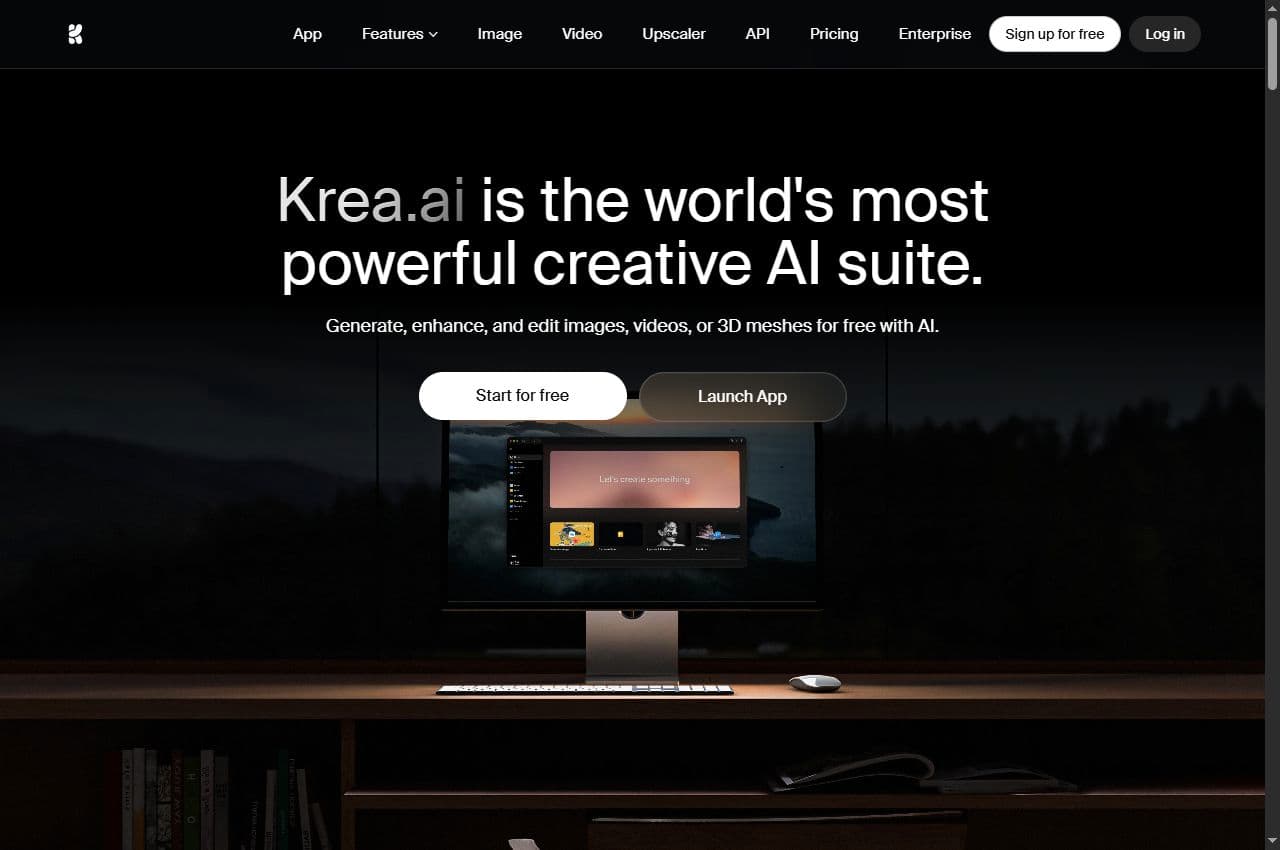
Krea page
Krea as a creative suite
The public page highlights generation, editing, video, 3D, models, realtime work and enhancement features.
Krea AI is a creative suite for images, video, 3D, editing, realtime work and quality enhancement. In Spybox, its practical role is to turn an idea or almost-good visual into creative directions that are easier to compare, fix and finish.

Style, edit & enhancer
Krea AI
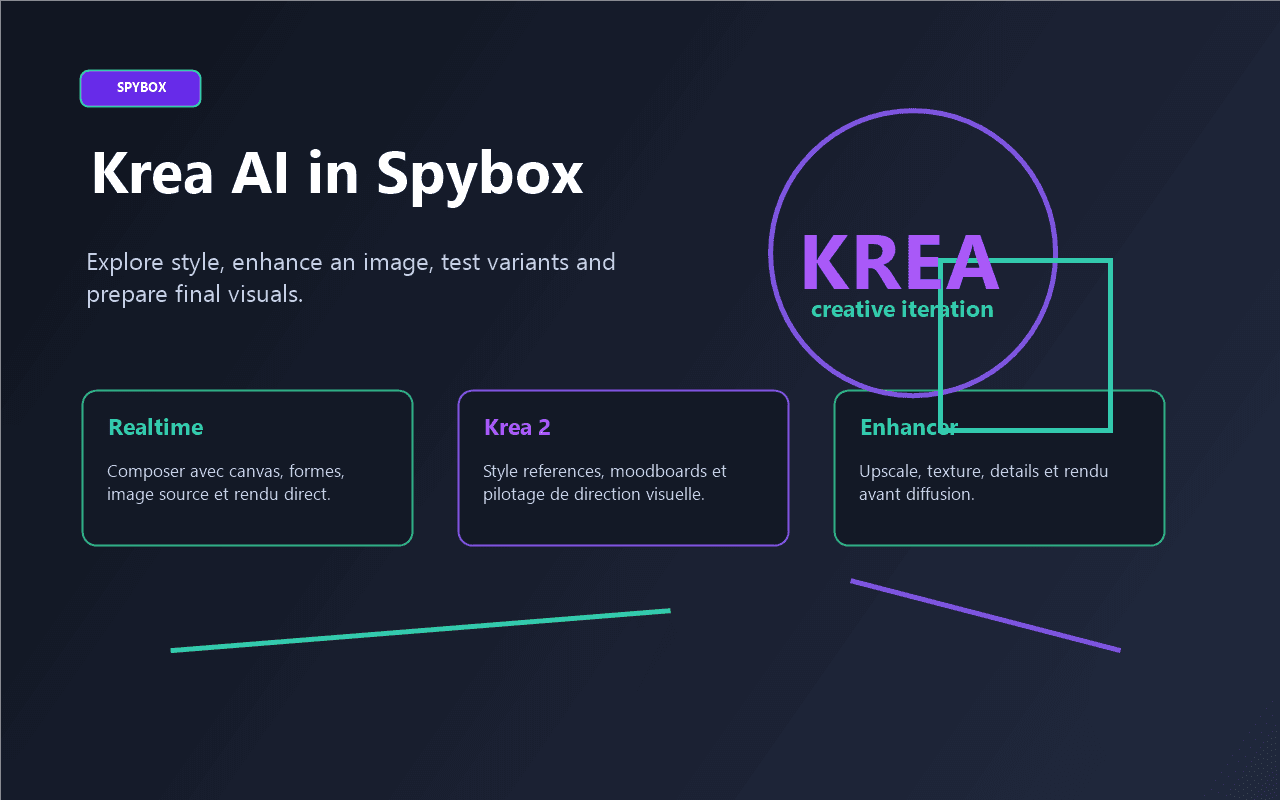
A useful Krea routine starts from a clear signal: product, ad angle, brand style or image to improve. You explore the direction, correct the useful regions, enhance the result, then keep only variants worth testing.
64+
models listed
Krea's public homepage highlights access to many image, video and creative models, with Krea 2, Flux, Realtime, Edit and Enhancer.
22K
upscale on top plan
Krea presents image enhancement up to 22K on its highest plan. In Spybox, the main point is the use case: clean, enlarge and prepare an asset.
100 000
SBC credits/month
In Spybox at 29,99 €/mois, Krea complements Midjourney, Flux AI, Leonardo AI, Canva and Runway in the visual stack.
Krea AI becomes useful when the team already has a signal but not the right visual yet. A product appears in Minea, an ad reveals an angle, a supplier image lacks quality, a Midjourney direction is strong but too far from the actual offer: Krea helps explore, adjust and compare.
The official homepage presents Krea as a creative suite for generating, editing and enhancing images, videos and 3D. The documentation adds useful detail: Realtime for working quickly with canvas and references, Image for selecting models and styles, Edit for changing one region, and Enhancer for improving quality without starting over.
Inside Spybox, the Krea page should not simply say that the tool generates images. It should help decide when to use it: before Canva to clarify a direction, after Flux or Leonardo to fix a visual, before Runway to prepare an animatable image, or after ad research to produce variants for testing.
Krea helps produce and improve fast, but a visual only works if it stays faithful to the product, brand style, source rights and final channel. Each variant should connect to a test hypothesis, not only to a nice-looking result.
Krea is transversal: exploration, style, editing, enhancement, realtime work and recent models. That is exactly why it can be useful in a Spybox workflow.
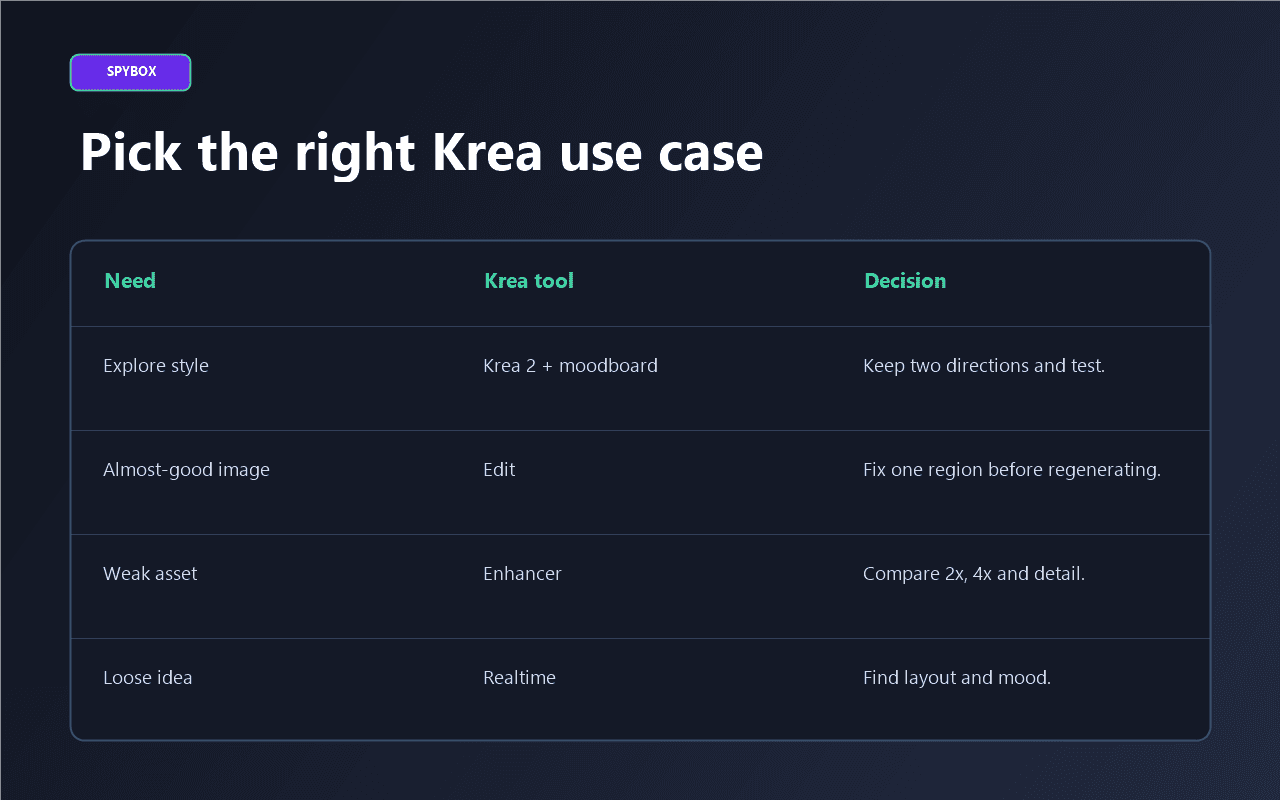
Krea 2 and style references help compare moods, palettes and textures before choosing a creative direction.
Realtime lets you work with shapes, source images, webcam or screen input to feel a composition before heavier generation runs.
Edit helps adjust a region, lighting, framing or object when the visual is almost usable.
Enhancer and upscaling help make an image cleaner for product pages, ads, banners, thumbnails or creative support.
The notes below come from public Krea pages checked on May 25, 2026. They describe Krea without promising exact availability inside Spybox.
The homepage presents Krea as a suite for generating, editing and enhancing images, videos and 3D, with recent models, realtime, editor and upscaling.
Krea page
Krea 2 is presented as a recent in-house model focused on aesthetics, style references, moodboards and creative control.
Krea 2 page
The Image documentation explains model selection, formats, styles, reference images and differences in cost or speed across models.
Image docs
The Realtime, Edit and Enhancer docs show practical uses: instant composition, targeted editing, upscale, detail recovery and cleaner output.
Realtime docs
Public previews
These public screenshots show what matters for a Spybox user: creative suite, Krea 2, image generation, realtime, editing, enhancement and upscaling.
Krea page
The public page highlights generation, editing, video, 3D, models, realtime work and enhancement features.
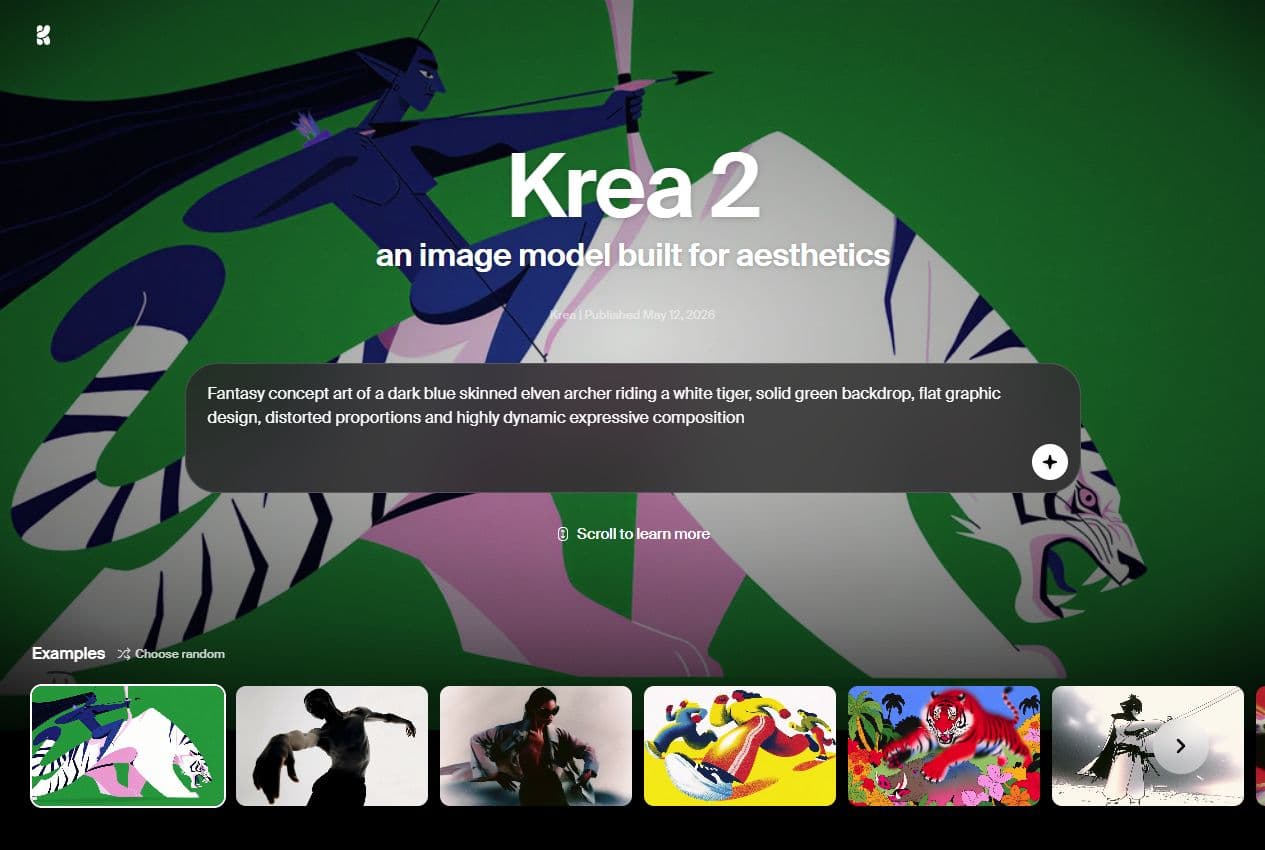
Krea 2
Krea 2 is positioned around aesthetics, styles, moodboards and the ability to explore a less generic visual direction.
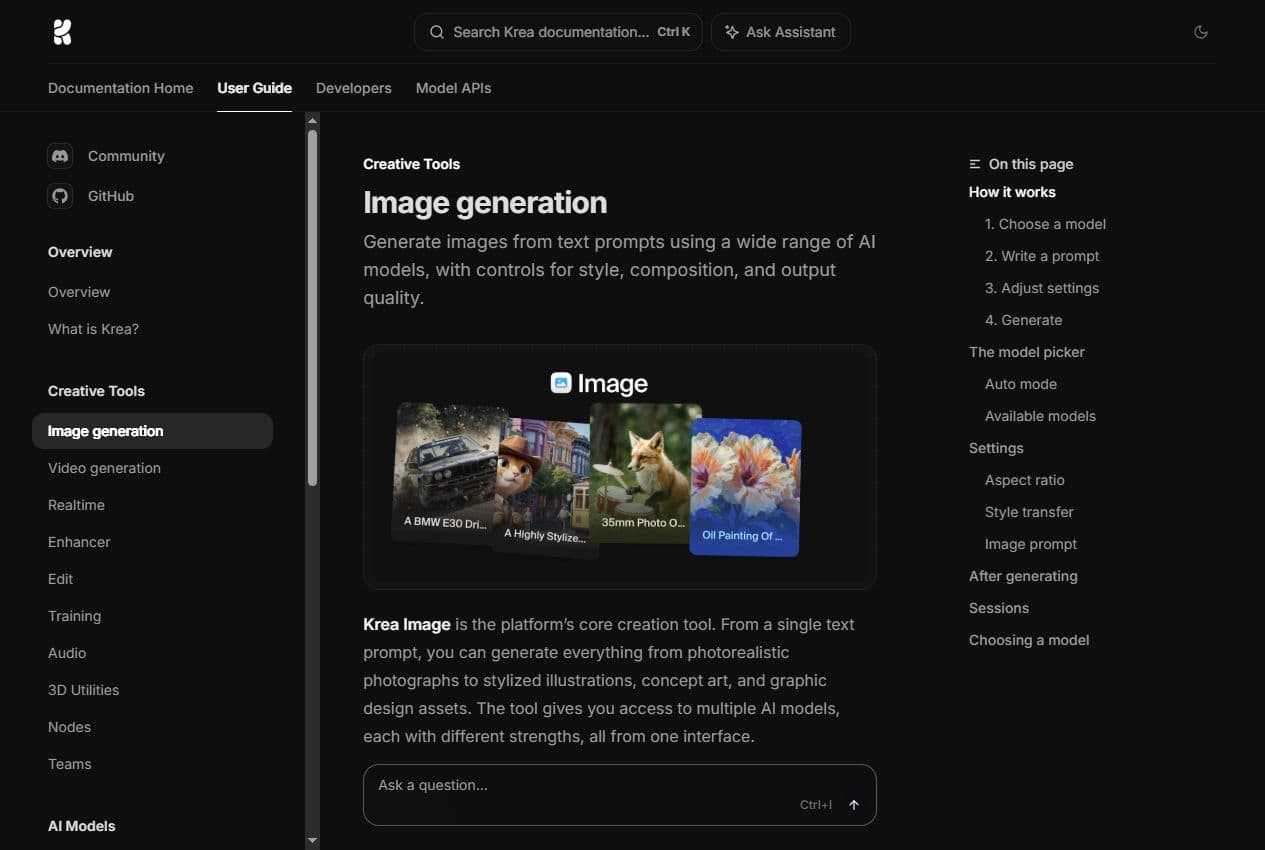
Image docs
The documentation shows the role of model choice, formats, styles and reference images in a usable generation process.
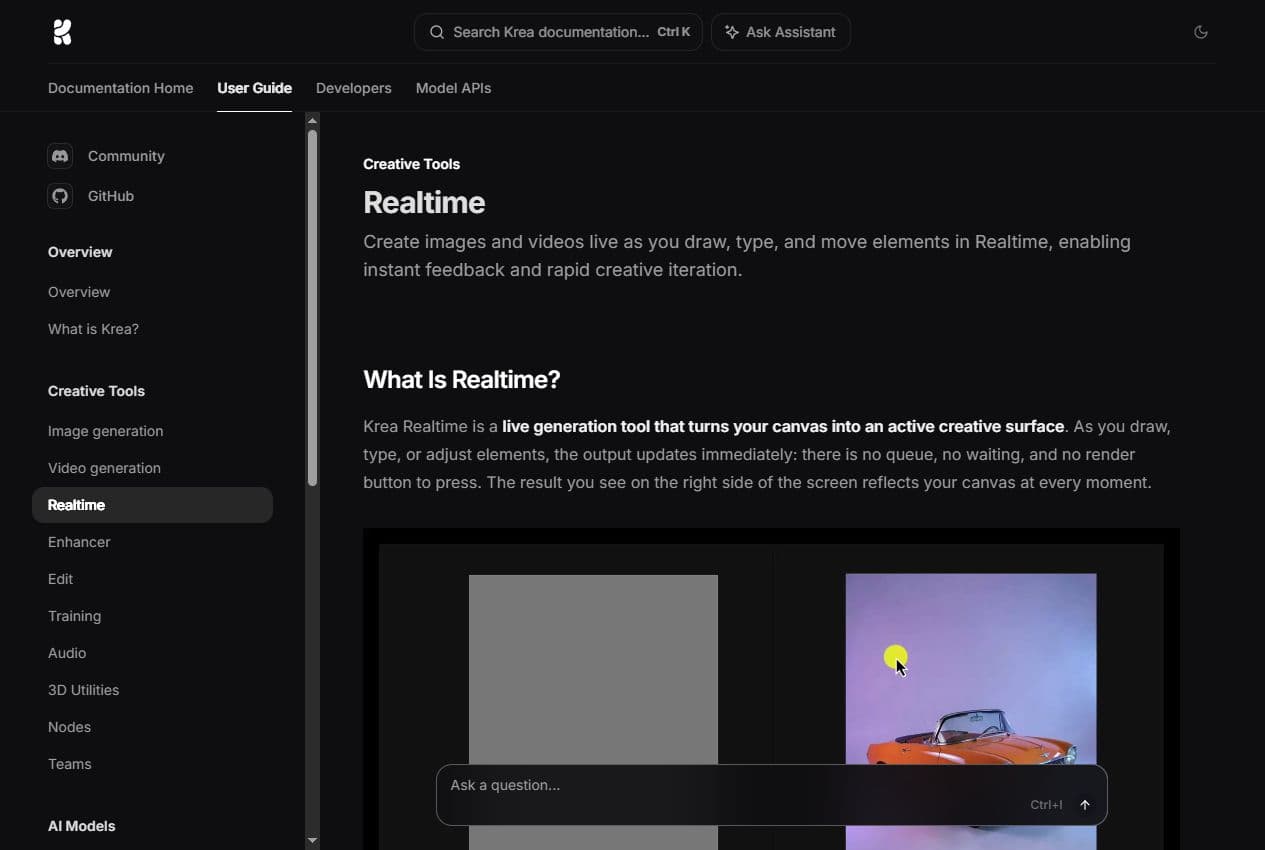
Realtime docs
Realtime is useful for quickly finding composition, visual rhythm, shapes and mood before locking a direction.
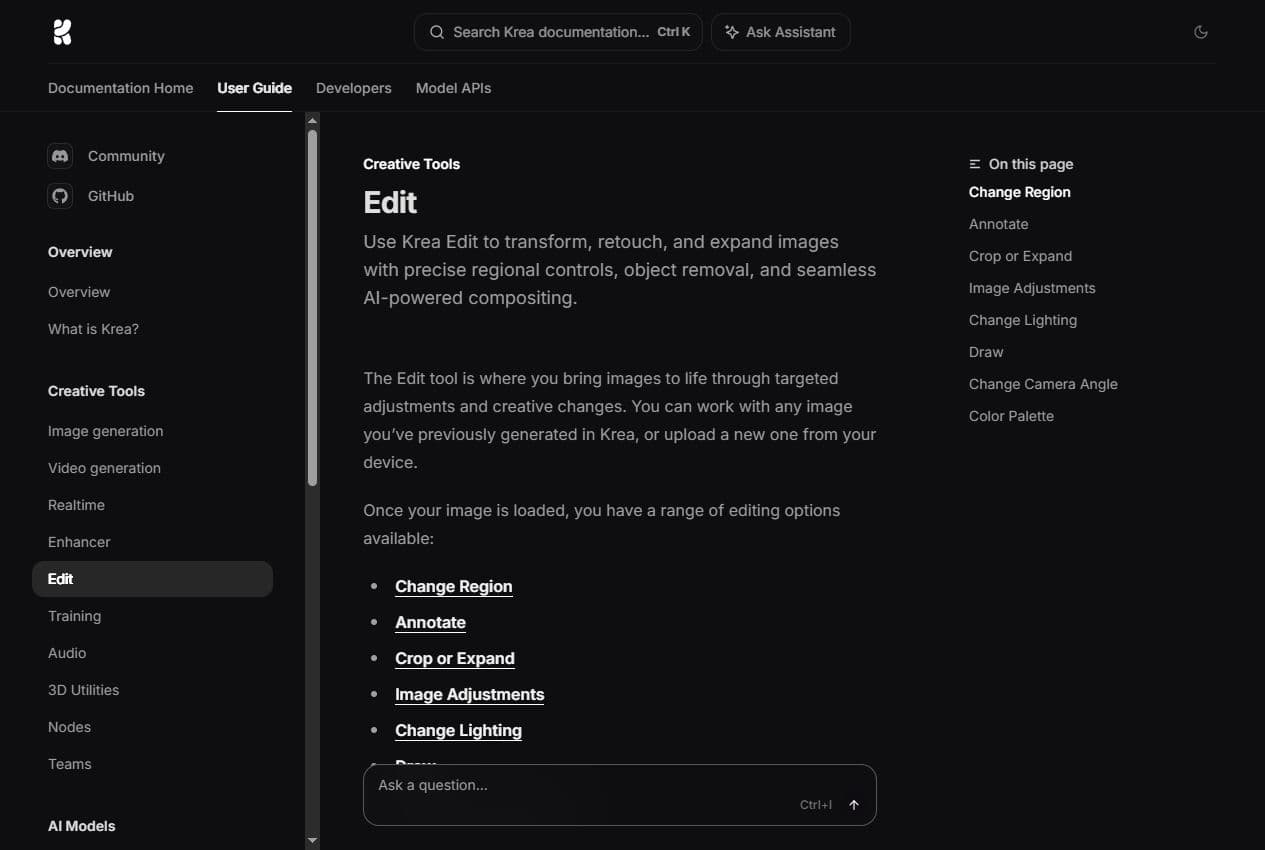
Edit docs
Edit can adjust one region, add region-by-region instructions, expand a frame or change the lighting of an image.
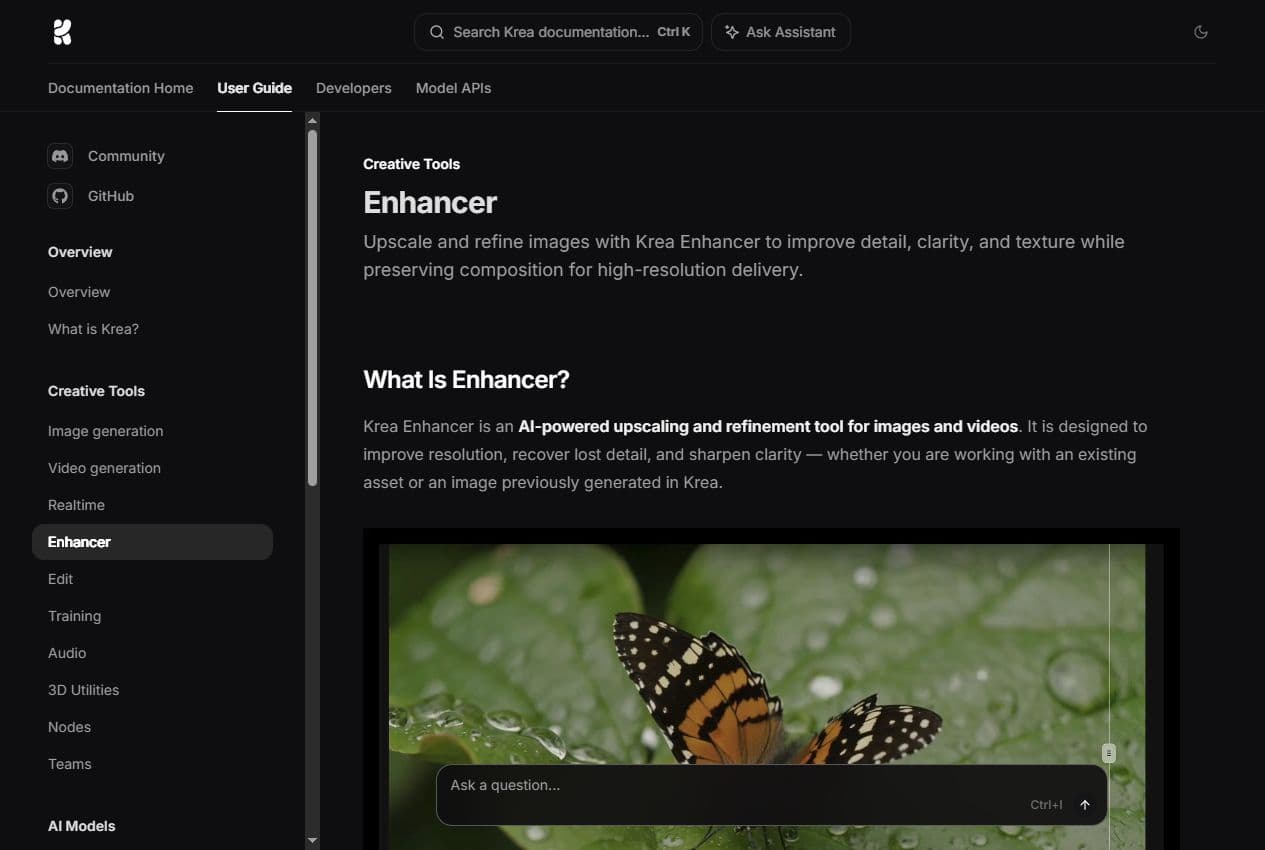
Enhancer docs
The documentation focuses on resolution, clarity, texture and the key limit: the tool reconstructs a plausible sharper result.
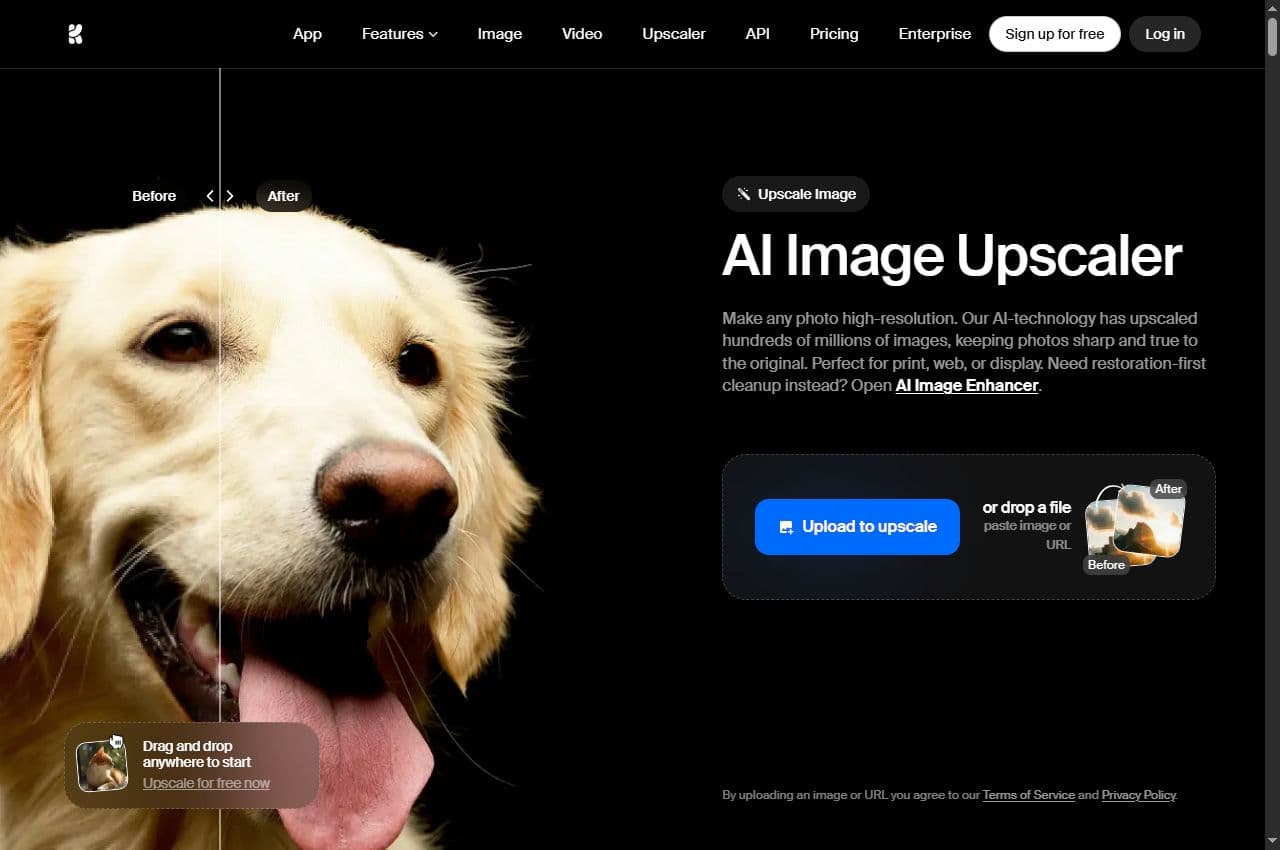
Upscaler
The upscaler page places Krea in a practical marketing use case: improving photos, graphics, AI images or campaign assets.
Krea works best in a short loop: signal, direction, exploration, generation, editing, enhancement and decision.
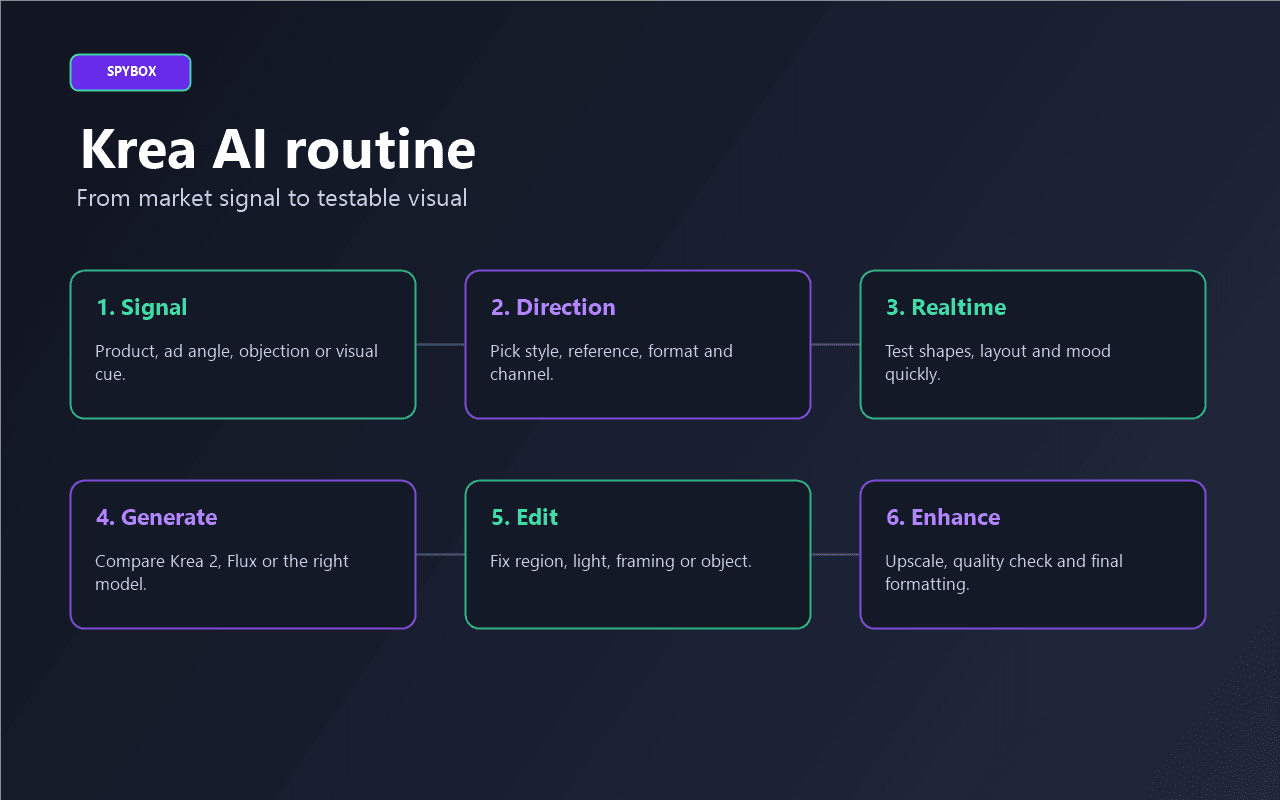
A product, ad angle, competitor page, customer objection, thumbnail need, weak supplier visual or art direction to test.
Channel, format, style, brand constraint, realism level, elements to keep and elements to avoid. A short direction avoids wasted variants.
Use the canvas, shapes, source image or screen input to find a composition before running heavier visual series.
Krea 2 can serve style exploration, Flux can fit some renders, and other models can match specific constraints. The right choice depends on channel and control.
If the image is almost right, Edit can correct a region, adjust lighting or change an object instead of throwing the direction away.
Enhance or upscale only useful candidates, then keep variants connected to an action: ad, product page, email, thumbnail or animation.
Krea does not have the same role across channels. The main point is to know what the visual must prove.
Product page
Improve a source image, create a usage scene or test a packshot style before final formatting in Canva.
Check product fidelity, material, size, color, packaging and usage context.
Meta or TikTok ads
Compare several visual directions around one angle: problem, benefit, demonstration, proof or transformation.
Check mobile readability, contrast, misleading details and clear test hypothesis.
Thumbnail or social creative
Explore composition with Realtime, then keep a visual that leaves enough space for text, face, product or hook.
Check vertical or square format, text area, subject strength and brand consistency.
Video preparation
Create a strong image before animation in Runway or another video tool. Krea acts as the stable base, not the final edit.
Check framing, possible motion, background, main subject and continuity across frames.
This grid keeps Krea from becoming random exploration. It connects the observed signal to the right creative action.
Observed signal
A product looks promising but supplier photos are weak.Reading
The issue is not the idea, but the quality and context of the visual.Krea action
Create a cleaner scene, fix with Edit, then enhance only the best variants.Observed signal
A competitor ad works through a strong visual mood.Reading
You need to use the logic without copying the image or exact style.Krea action
Explore several moodboards, choose two directions and produce test variants.Observed signal
An image from another tool is almost right.Reading
The direction already exists, but one region, light source or frame blocks it.Krea action
Use Edit or Enhancer before restarting a full generation.Observed signal
The brand lacks visual consistency.Reading
The core need is a stable visual direction, not simply more images.Krea action
Work with style references and moodboards, then finish formats in Canva.Observed signal
A creative needs to become a short video.Reading
The first image must already carry the subject, space and readability.Krea action
Prepare the image in Krea, check framing, then send it to Runway or the AI video page.Krea can support several roles, but it gives the most value when the user already knows which visual needs validation.
Improve product visuals, create usage scenes, test a brand style and prepare collection banners.
Produce several visual families for the same ad angle, then isolate what deserves a real campaign test.
Show multiple directions to a client before production, shoot, video edit or Canva formatting.
Create useful illustrations for guides, comparisons and informational pages that need clear visuals.
Prepare thumbnails, post visuals, vertical scenes and animation bases for short-form content.
Keep a more consistent visual direction across social posts, emails, product pages and campaign assets.
Krea makes more sense when it does not work alone. It should receive a signal upstream and deliver a usable asset downstream.

Start from a product, store or market signal before producing visuals.
Compare advertising image renders and controlled variants.
Complement product asset production, retouching and upscale in another workflow.
Open a strong art direction before making it more usable.
Add text, format, brand, carousel, banner or final support.
Animate a selected image and move into short video formats.
These checks keep a nice-looking visual from becoming a weak commercial asset.
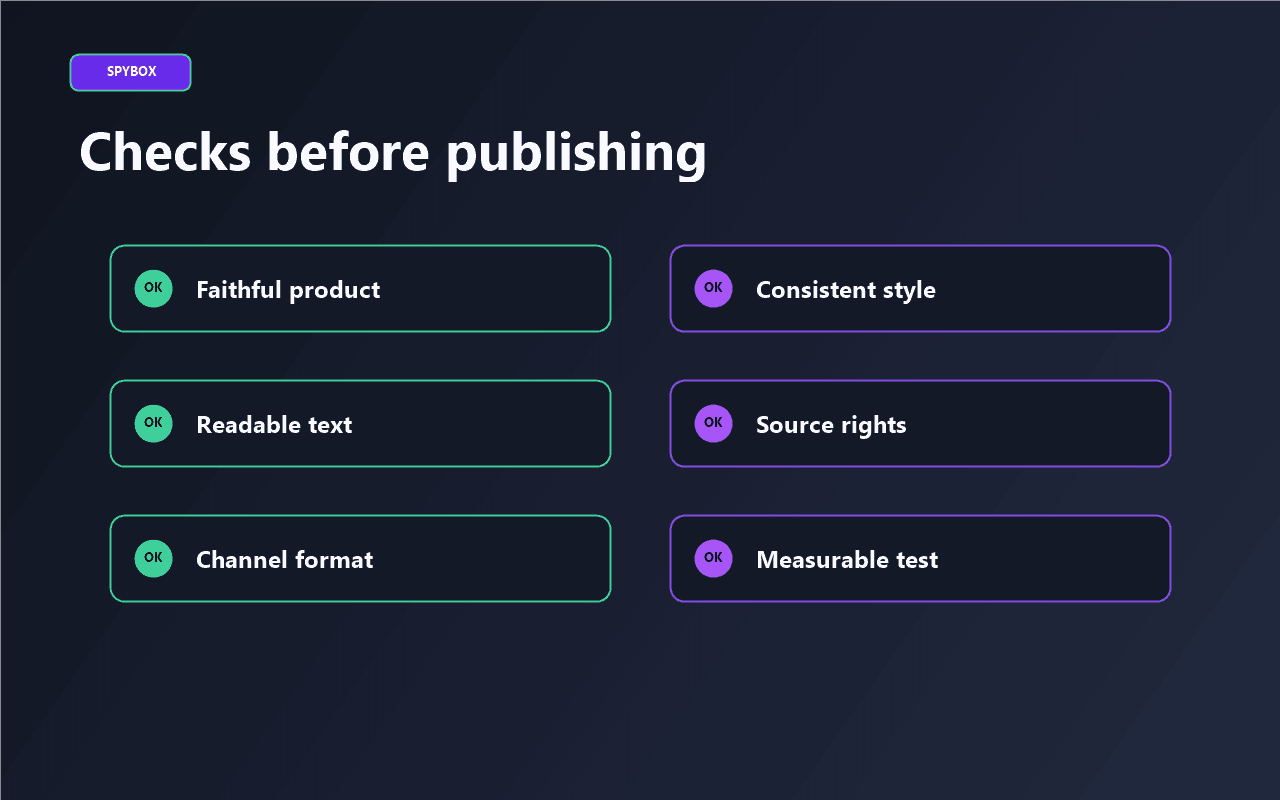
The product or main subject is recognizable at first glance.
Color, material, size and packaging do not change the real offer.
The selected style serves the channel: product page, ad, thumbnail, email or video.
The image contains no unreadable text, fake logo, unauthorized brand or misleading detail.
Upscaling truly improves the asset instead of adding artificial texture.
Each variant connects to a hypothesis: angle, objection, benefit, audience or format.
Source images, references, people and usage rights are checked before publication.
No. Krea is strongest for iteration, style, editing and enhancement. Midjourney often opens strong art directions, Flux AI helps with controlled ad visuals, and Leonardo complements product assets, editing and upscale.
Take an already identified visual or angle, then produce two or three comparable directions. That is more useful than generating many images without a decision to make.
Yes, especially for improving product visuals, creating usage scenes, preparing banners and testing an angle before a shoot. Strict fidelity to the actual product still matters.
Because Krea 2 is highlighted on current public pages as an in-house model for style, moodboards and aesthetic control. It is important context for understanding Krea's direction.
No. Upscaling consumes time and resources. Improve only visuals that already passed the strategic filter: faithful product, clear angle, useful format and test potential.
Krea becomes more valuable when connected to product research, ad research, other AI image tools, Canva finishing and video production.