
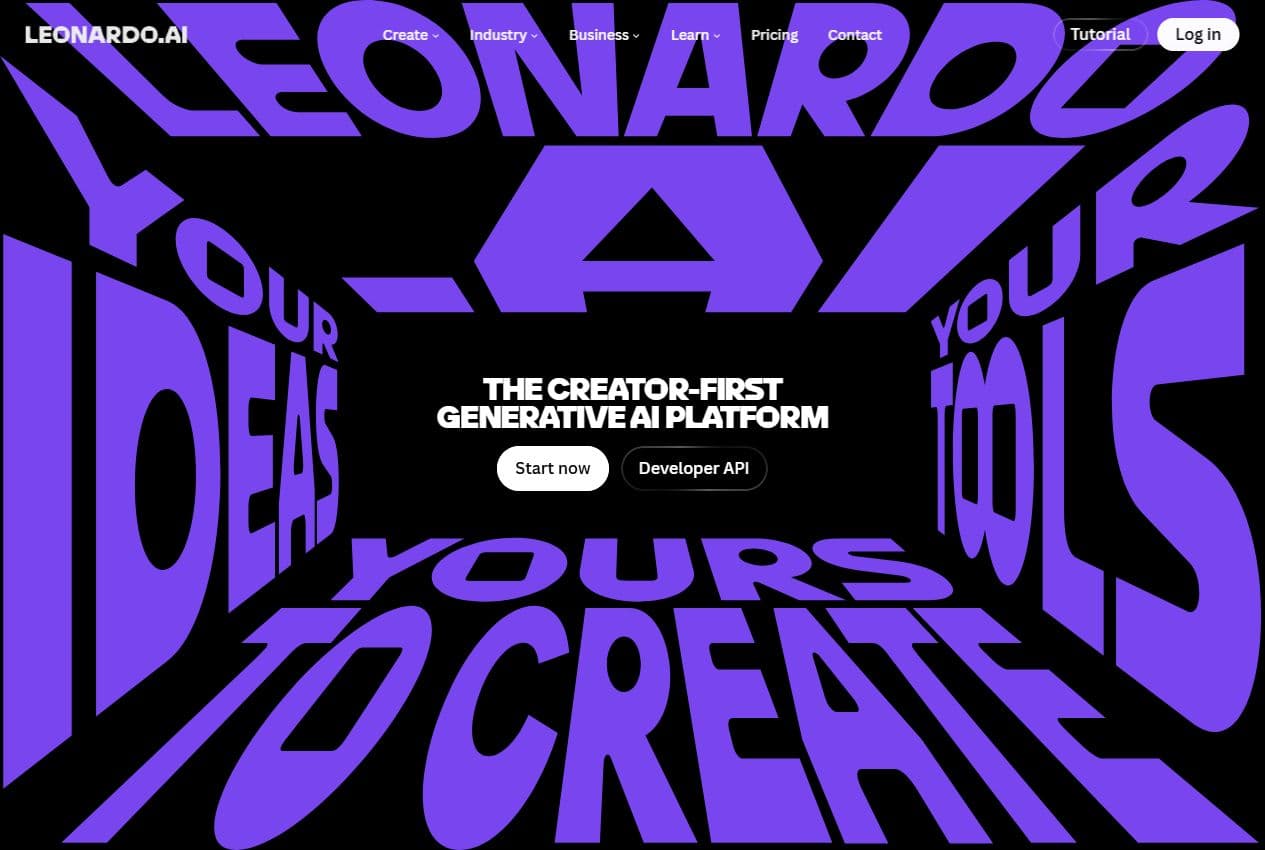
Leonardo page
Leonardo as a creation platform
The public homepage presents Leonardo as a creator-first generative platform covering image, video, editing, upscaling and API access.
Leonardo AI is a visual creation platform for images, editing, upscaling and creative content. In Spybox, its strongest role is practical: build product visuals, style variants, backgrounds, campaign images and assets that can be finished in Canva or animated later with Runway.
Image, editing & upscale
Leonardo AI
A useful Leonardo AI routine starts from a product or market angle. You create several visual directions, edit what must stay faithful, improve quality, then decide what should be published, adapted or revised.
Images
creation and editing
Leonardo public pages highlight image generation, guided editing, image-to-image, Blueprints and consistency tools.
105MP
public upscale claim
The Pro Upscaler page states output up to 105 megapixels for cleaner assets across social, web and print.
100 000
SBC credits/month
Inside Spybox at 29,99 €/mois, Leonardo AI complements Canva, Flux AI, Midjourney, Runway and research tools.
Leonardo AI is most useful when a team needs a usable set of visuals, not just one spectacular image. For ecommerce, the practical questions are simple: how should the product be shown, how can the benefit appear in context, how can the same style be adapted across formats and how much control is needed to keep the offer honest.
The official pages position Leonardo across image creation, image transformation, editing, upscaling and structured workflows through Blueprints. In Spybox, it should be treated as a visual production workspace rather than a basic image generator.
The Leonardo AI page fits next to Flux AI and Midjourney. Midjourney is strong for wider visual exploration, Flux AI for controlled product-led renderings, and Leonardo AI for a broader production chain: idea, style, edit, background, quality improvement and export into final formats.
A product visual must stay faithful to what will be sold. Before publishing, check shape, color, material, packaging, visible text, reference rights and consistency across variants.
Leonardo AI is not just one more option in the AI image cluster. Its value comes from combining creation, editing, control, upscaling and asset series.
A packshot, lifestyle scene, banner, product-page background or ad variant can come from the same visual direction.
Leonardo's editor can change an element, adjust composition or correct an image without throwing away what already works.
Pro Upscaler helps prepare a cleaner output when an image needs to work in a campaign, product page or print support.
Blueprints and series logic matter when a brand needs multiple visuals that still belong together.
The references below come from public Leonardo pages checked on May 25, 2026. They help describe the tool without promising a specific Spybox interface.
The dedicated page presents creation from text or image, styles, editing, export, Image-to-Image, Image-to-Video, Background Removal, Image Guidance, Upscaling and Blueprints.
Image generator page
The editor page focuses on targeted edits: removing or replacing objects, adjusting backgrounds, changing details and preserving what already works.
Editor page
The Upscaler page highlights output up to 105MP, Precise and Creative modes, and use cases across social, web, high-resolution displays and print.
Upscaler page
Previews & method
These public captures and local Spybox visuals show where Leonardo fits: create, edit, improve, finish and test.
Leonardo page
The public homepage presents Leonardo as a creator-first generative platform covering image, video, editing, upscaling and API access.
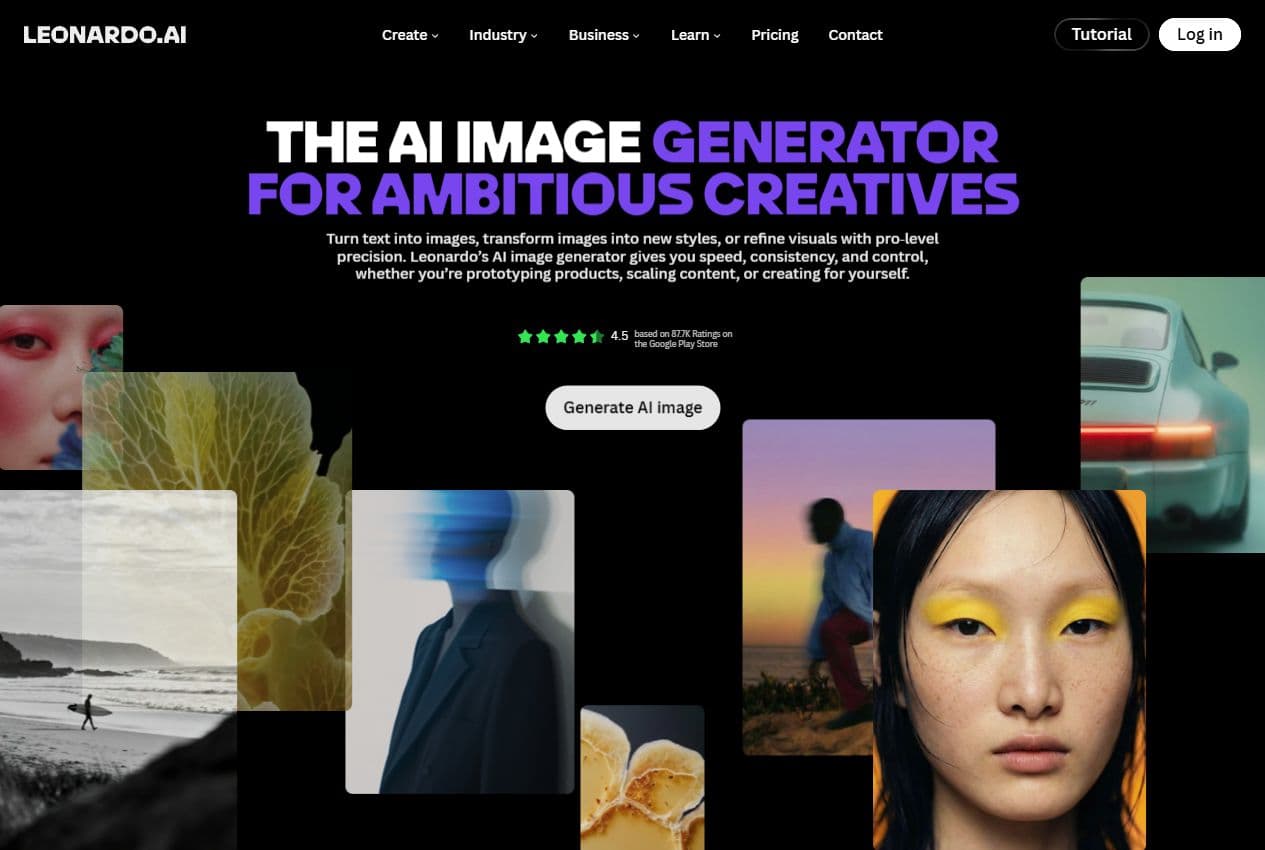
Image generator
The AI Image Generator page emphasizes speed, consistency, control, styles and use cases such as product prototyping and content scaling.
Image editor
The editor matters when an image is close but needs a background, object, crop, lighting or detail change.
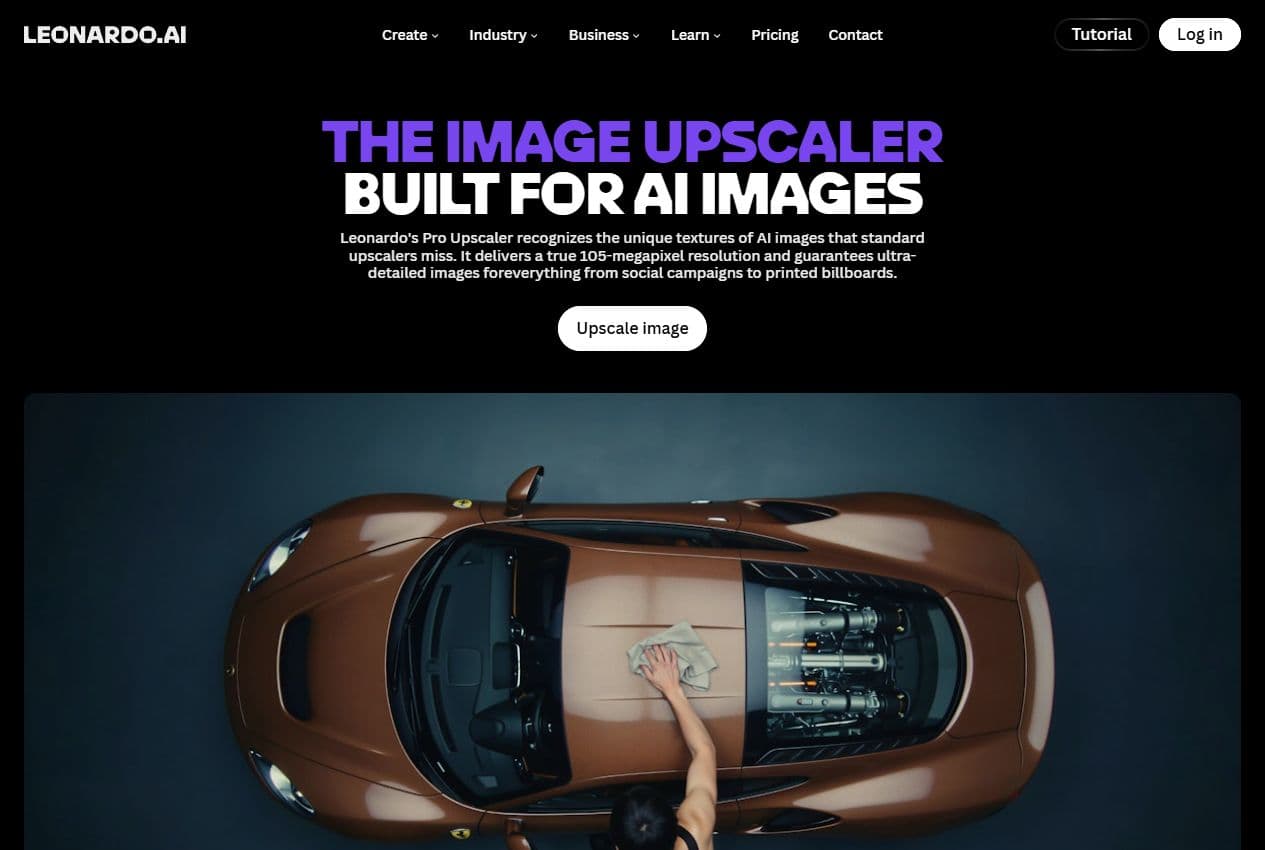
Upscaler
Pro Upscaler helps clean and enlarge images for campaigns, product pages and larger delivery formats.
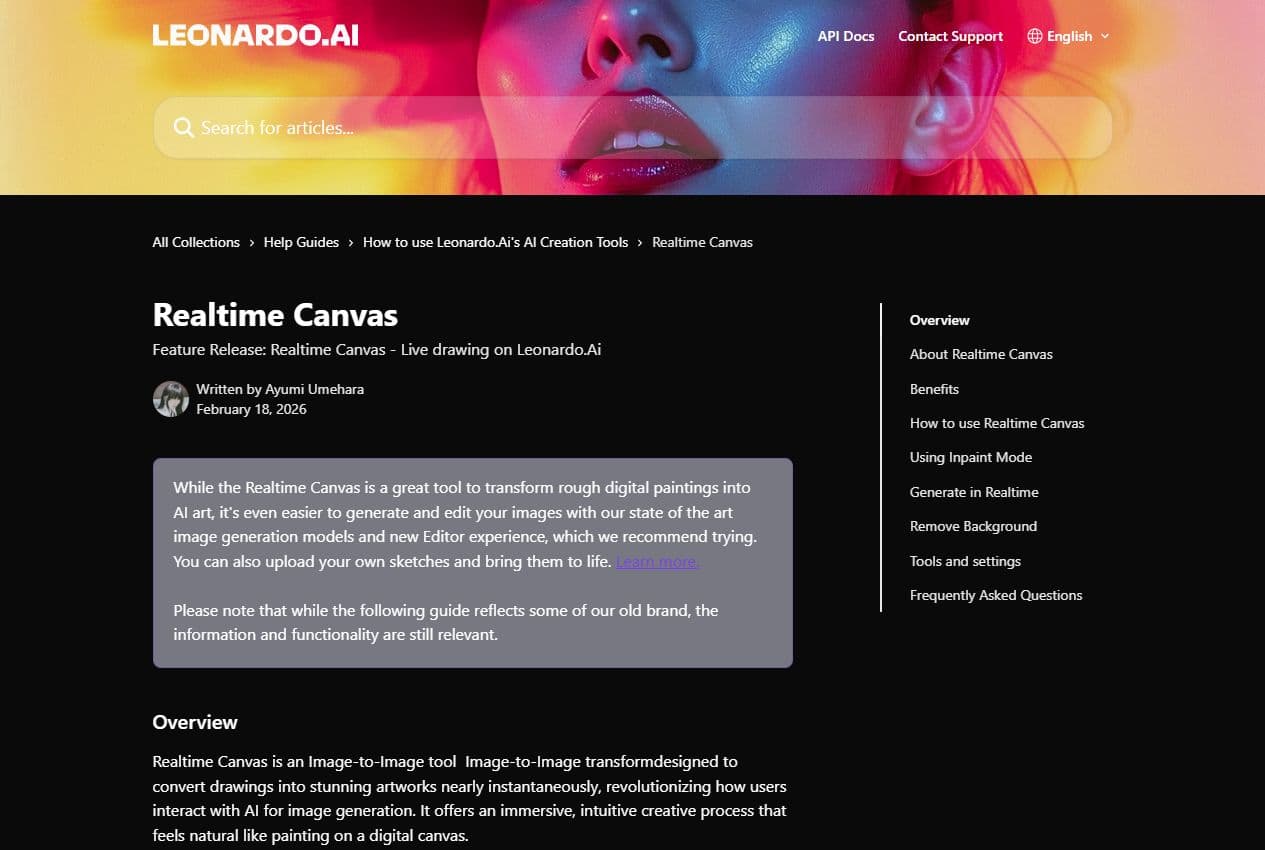
Realtime Canvas help
The help center describes an image-to-image tool that turns sketches and visual inputs into detailed outputs, with styles, inpainting and refinement.
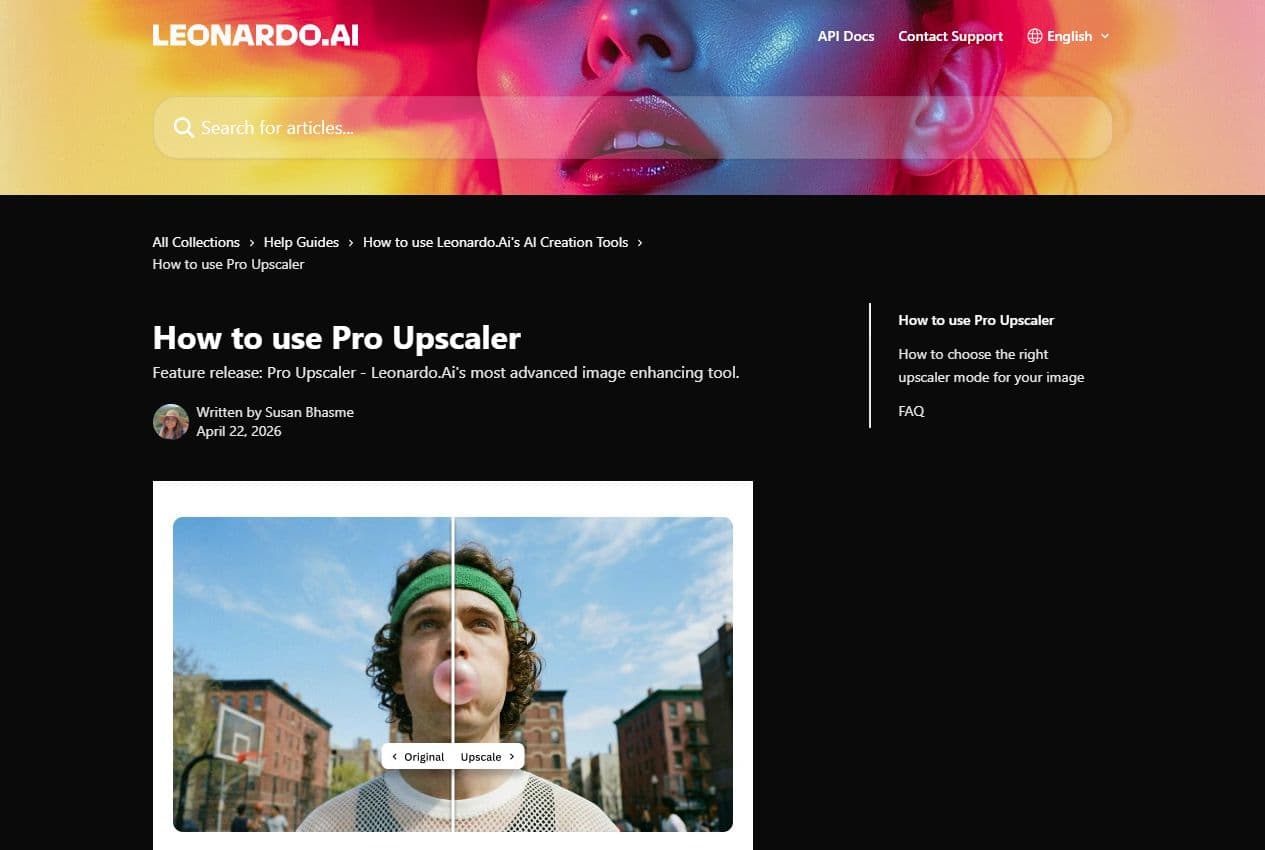
Upscaler guide
The official guide explains Precise and Creative modes, AI artifact cleanup, the multiplier and cases where fidelity matters most.
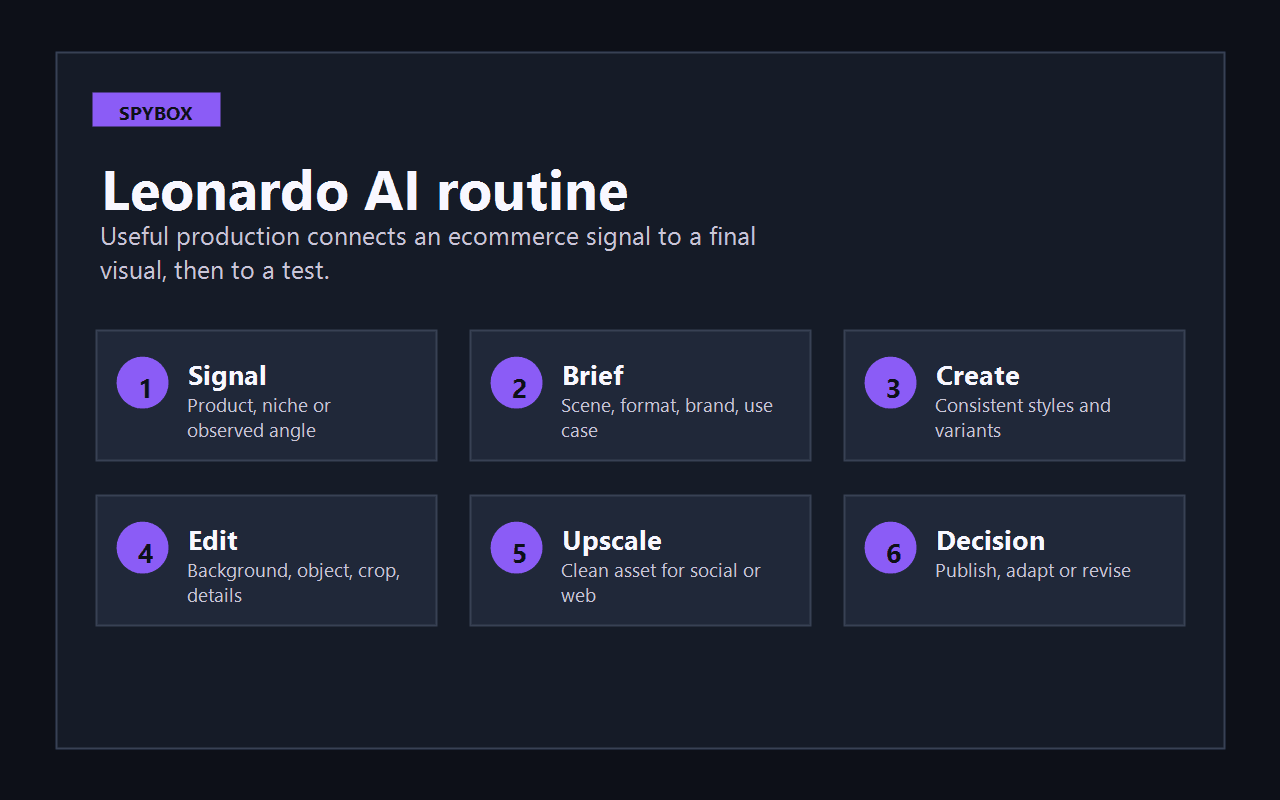
See method
Start from a signal, frame the visual brief, create variants, edit, improve quality, then decide what to publish or revise.
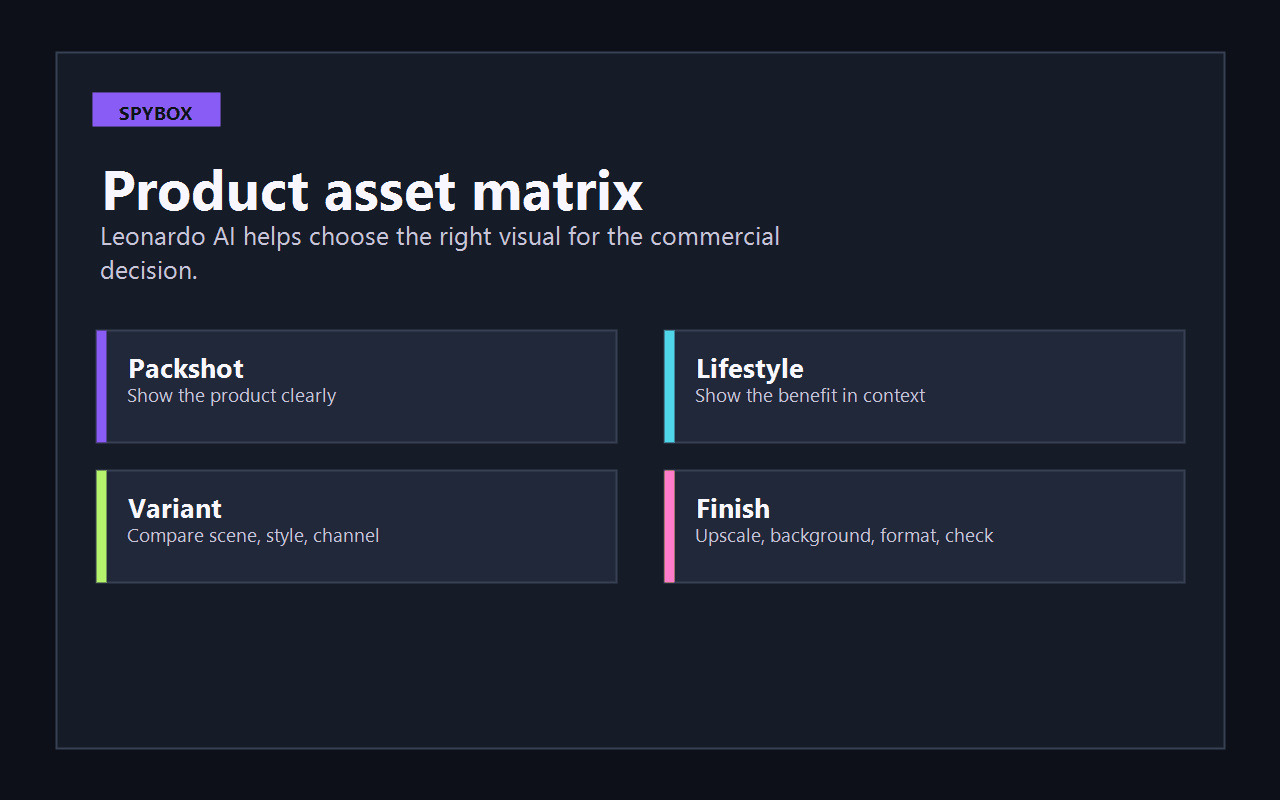
See matrix
The expected output changes by need: clear packshot, lifestyle context, ad variant or visual ready for final formatting.
A Leonardo AI session should produce a usable asset, not a gallery of images that are hard to choose from. This routine keeps production tied to a decision.
Choose a product, observed angle, customer objection, season or ad format to translate into an image.
Define product, scene, audience, channel, style, format and brand constraints. Keep it short enough to control.
Compare packshot, real use, lifestyle scene, banner, collection background or ad visual.
Use editing tools to adjust background, object, details, light or composition without breaking image consistency.
Upscale only when the visual direction is already clear. A weak image made bigger is still a weak image.
Add copy and formats in Canva, animate a base in Runway, or compare the angle with AdSpy, PiPiAds and competitor pages.
Leonardo AI is useful when the expected output is not one isolated image but a family of assets across several supports.
Product page
Create secondary product images: use case, detail, atmosphere, benefit, before/after or background variant.
Then review format in Canva and product fidelity against the real item.
Meta Ads
Produce several static directions to test: premium packshot, use-case scene, solved problem, proof or season.
Compare with AdSpy, PiPiAds, Foreplay or FutureLib before spending.
TikTok Shop
Prepare support images for a video, avatar, store page or thumbnail.
Move into Runway, Creatify or Submagic depending on the video type.
SEO & content
Illustrate a guide, comparison or product explanation with visuals that feel more coherent than generic imagery.
Structure the surrounding content with ChatGPT, Claude or RankerFox.
Each visual should support a decision. This matrix prevents keeping an image only because it looks good.
Observed signal
The product is faithful and the context clarifies usageReading
The visual can support a product page or ad.Spybox action
Finish format, copy and contrast in Canva.Observed signal
The scene is strong but the product shape changesReading
The output may mislead the customer or reduce trust.Spybox action
Revise the direction with stricter product reference.Observed signal
The style stays consistent across variantsReading
The series can become a campaign kit or collection set.Spybox action
Adapt social, page, email and retargeting formats.Observed signal
The visual lacks sharpness or contains artifactsReading
The idea may be good but the execution is not ready.Spybox action
Test Pro Upscaler, then review detail and fidelity.Observed signal
The image feels too close to a known brandReading
Confusion or rights risk is too high.Spybox action
Change references, colors, composition and recognizable elements.This page is for teams that produce recurring visuals and need to move faster from a lead to a usable asset.
Create secondary product-page visuals, collection banners and context images before a heavier photo production.
Test a cleaner product direction than supplier photos without promising a result the real item cannot deliver.
Compare static angles before choosing which ones move into video or campaigns.
Prepare client routes, coherent series and clean exports for the design stage.
Produce support images, thumbnails, transitions or backgrounds for short-form video.
Create guide, comparison, demo or tutorial images that keep the same brand direction.
Leonardo AI becomes stronger inside a complete chain: signal, brief, creation, finishing, video and test.

Compare controlled renderings around a product, scene or ad angle.
Explore broader visual directions before selecting a usable style.
Finish copy, formats, banners, carousels, thumbnails and brand elements.
Turn a strong product image into a video shot, short motion asset or social creative.
Move from product and visual direction toward short ecommerce ads.
See the broader Spybox cluster for AI image tools and workflows.
Leonardo AI can move fast, but speed is not enough. A product visual must hold commercially and visually before publication.
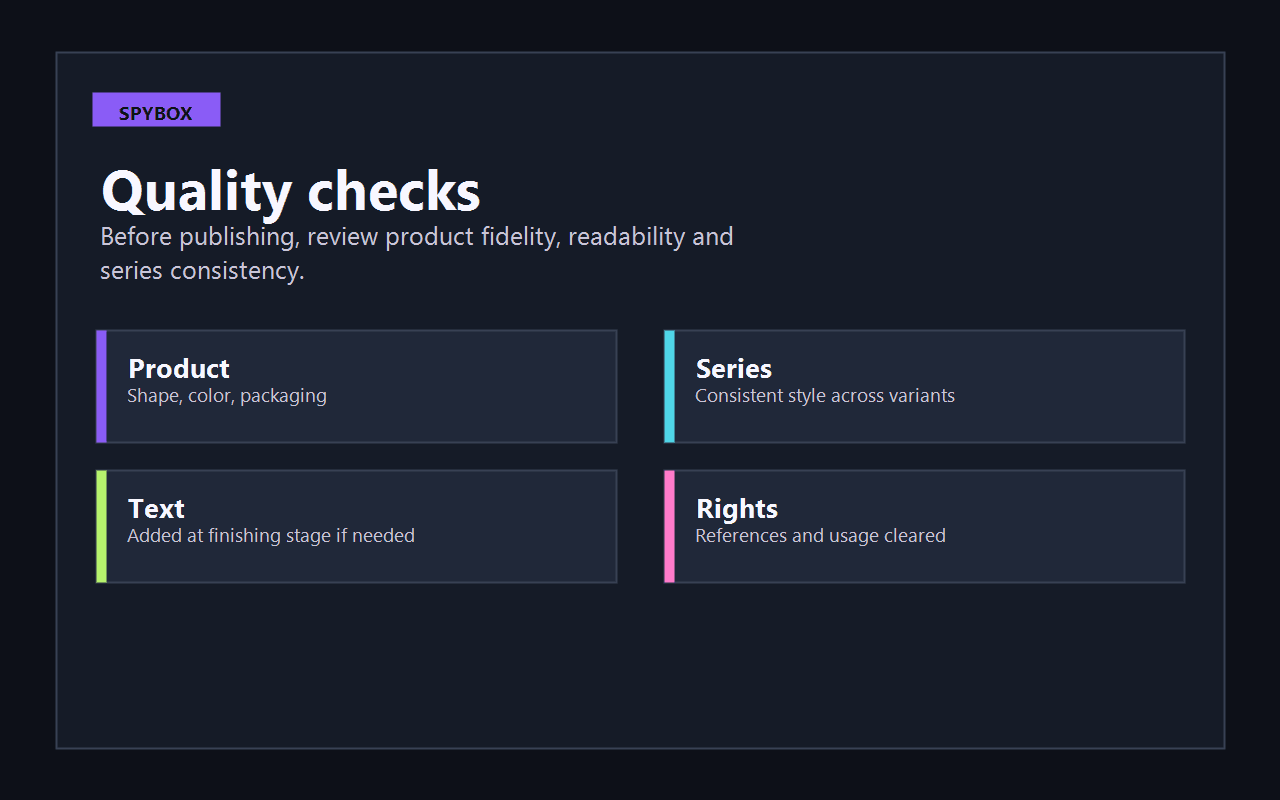
The product remains faithful: shape, material, color, packaging, proportions and use case.
The visual series keeps a coherent style across packshot, lifestyle scene, banner and social format.
Important text is added in a design tool when generation makes it unstable or hard to read.
Upscaling improves quality without changing important details.
Visual references do not copy a protected brand, creative asset, person or packaging.
Every variant maps to a test hypothesis: angle, benefit, objection, season or audience.
That is one of its strongest Spybox uses, but it can also support banners, content visuals, social images, backgrounds, edits and video bases.
No. Leonardo is better for creating or improving the image. Canva remains better for final copy, formats, adaptations and layout.
Leonardo is useful when you want a broader workflow with creation, editing, upscaling and asset series. Flux AI is useful for controlled renderings around a precise visual brief.
No. Upscaling should come after choosing a strong direction. It improves an already useful image, not a weak idea.
Find a signal with Minea, Dropispy or AdSpy, prepare the visual brief with ChatGPT or Claude, create the images in Leonardo, finish in Canva, then test or animate with Runway.
Leonardo AI makes the most sense when connected to product signals, ad angles, design tools and video. Spybox helps build that chain from one access point.