

Image-to-video
animated image
Kling’s official page describes the direct flow: upload an image, describe the motion, generate, then export the video.
Video 3.0
audio and short shots
Kling presents Video 3.0 around native audio, character consistency, sequences up to 15 seconds and 4K output depending on the plan.
100 000
SBC credits/month
Inside Spybox at 29,99 €/mois, with access to the 90+ premium-tool stack depending on available credits.
Kling AI is useful when a static image is no longer enough. A product photo can become a short demonstration. A Midjourney visual can be tested as a vertical creative. A portrait can become a short talking image. A scene can become the opening shot for a social ad.
The common mistake with AI video tools is producing motion without a clear decision. In Spybox, Kling should therefore come after research: a product found in Minea, an ad angle seen in Foreplay, a visual direction prepared in Midjourney or Recraft, oral copy reviewed with Claude, then finishing in Submagic or Canva.
Kuaishou’s February 5, 2026 release presents Kling 3.0 as a multimodal family around text, image, audio and video. That is powerful, but it does not remove the need for review: product consistency, faces, hands, rights, brand clarity, mobile readability and claim accuracy still matter before publishing.
Official model announcement: Kuaishou release on Kling AI 3.0.
The point not to miss
A Kling clip can look impressive and still be unusable for an ad or product page. If the product changes, a face drifts, a brand becomes unreadable or the motion distracts from the offer, it is better to regenerate a short version than to force the edit.
Visual references
Understand Kling before spending renders
The visuals below combine public Kling pages and Spybox diagrams. They connect visible features to practical decisions: source, motion, format, review and companion tools.
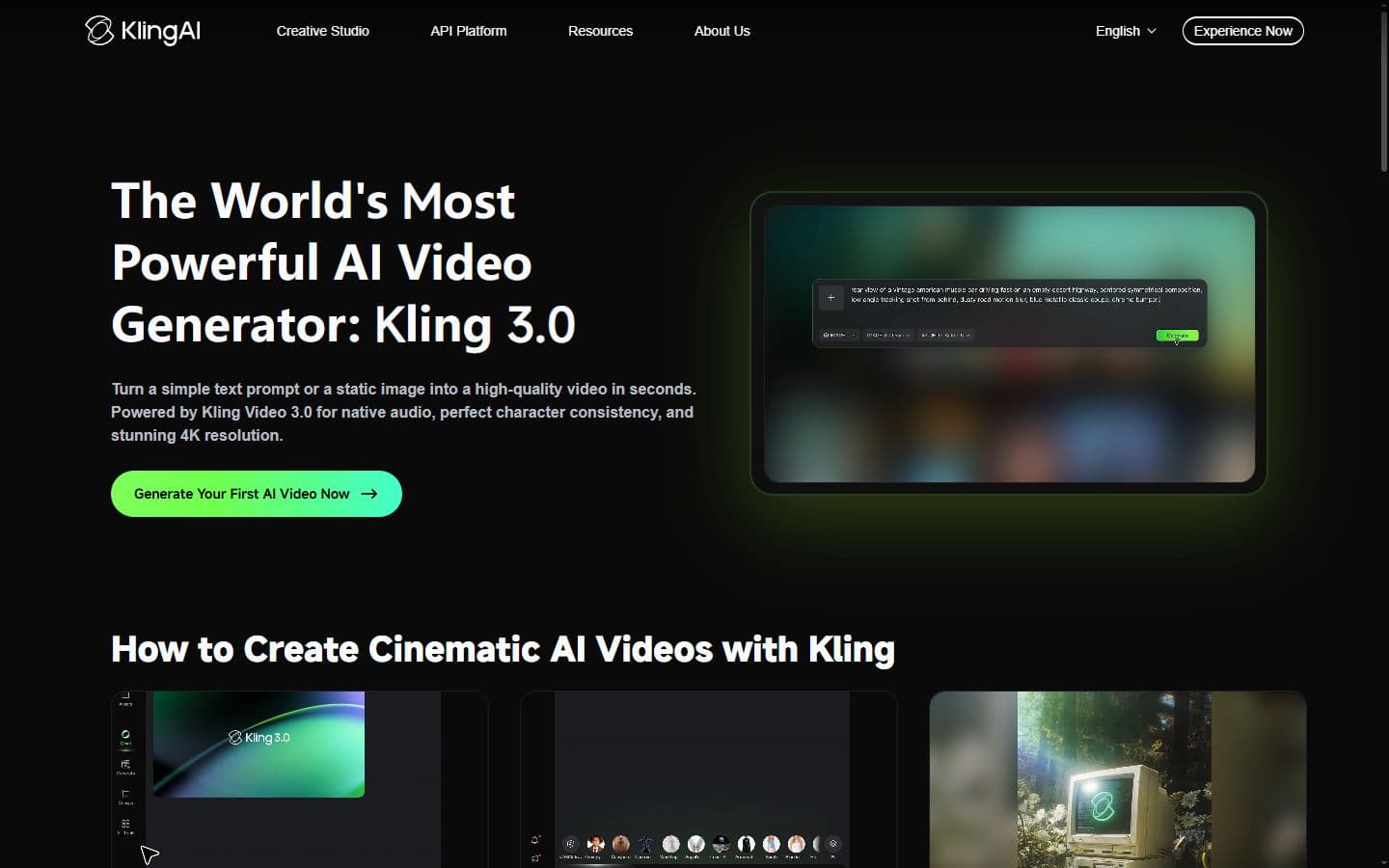
Generate from text or image
The AI Video Generator page positions Kling as a video generator that can start from descriptive text or an image. In Spybox, that helps choose the right starting point before using credits.
Official AI Video Generator page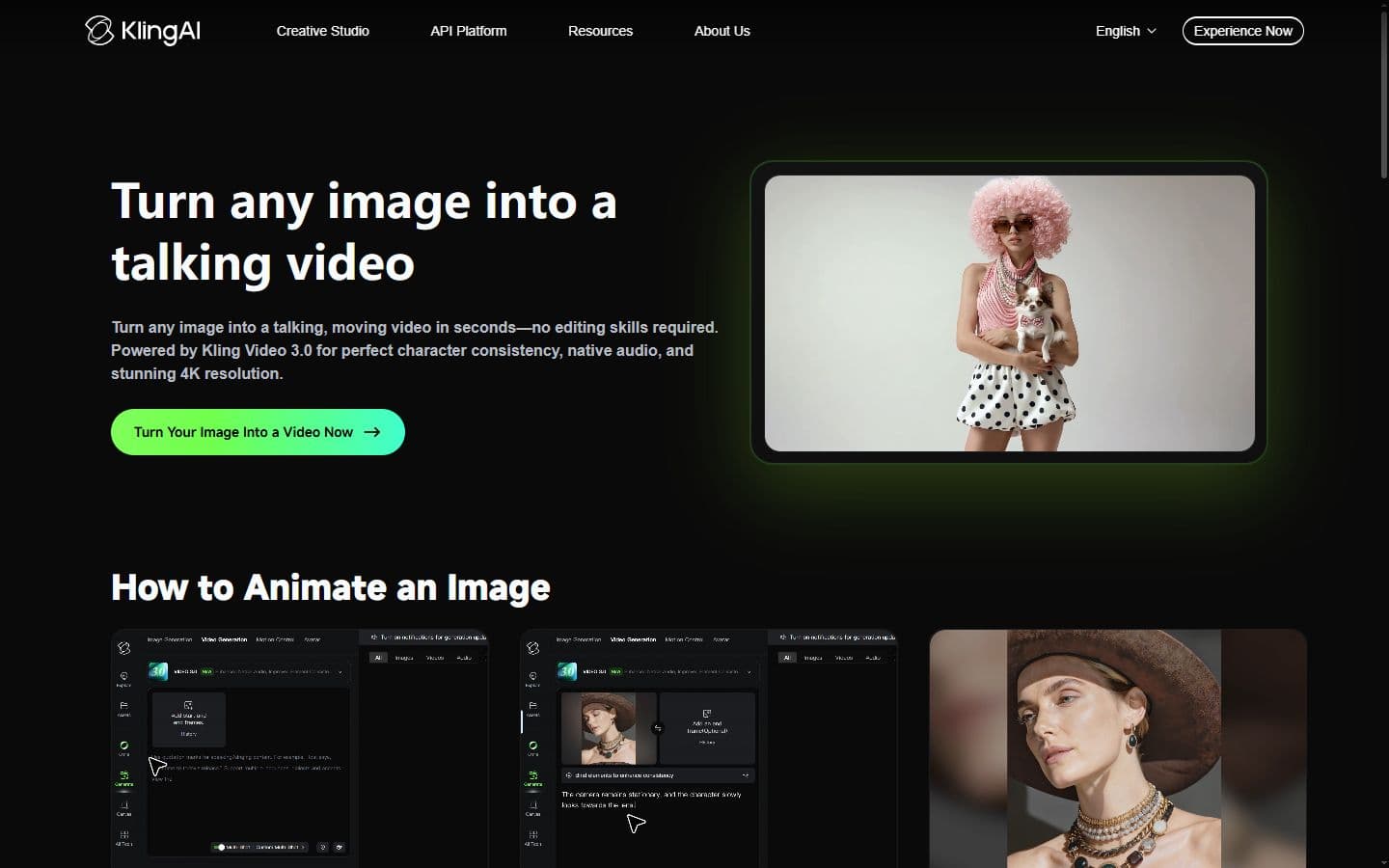
Animate a source image
Image-to-video is the clearest use case for ecommerce: start with a product photo, portrait or scene, then create a short motion test.
Official Image to Video page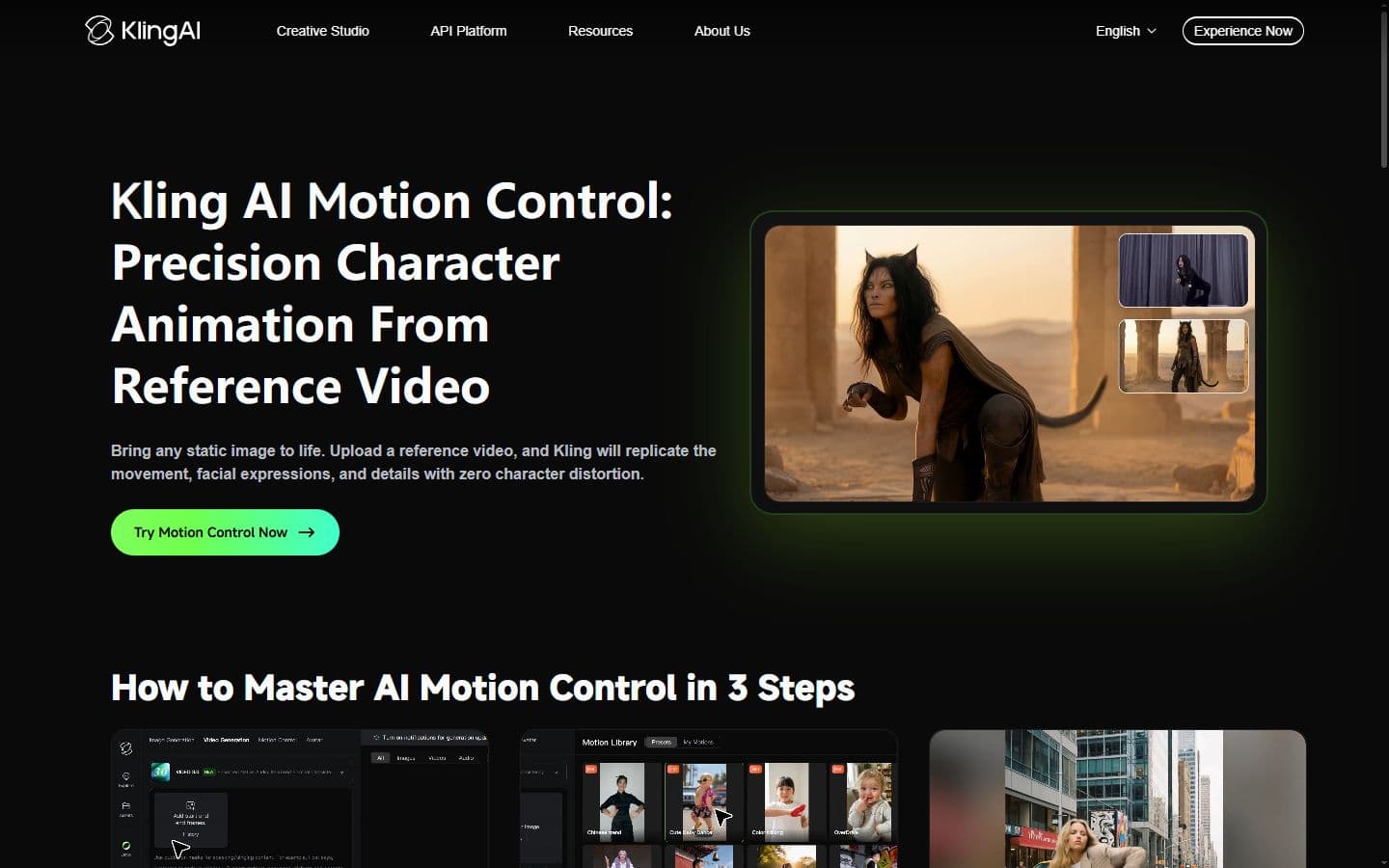
Control motion
The Motion Control page highlights motion references and subject consistency. That matters when a gesture or expression is more important than a simple camera effect.
Official Motion Control page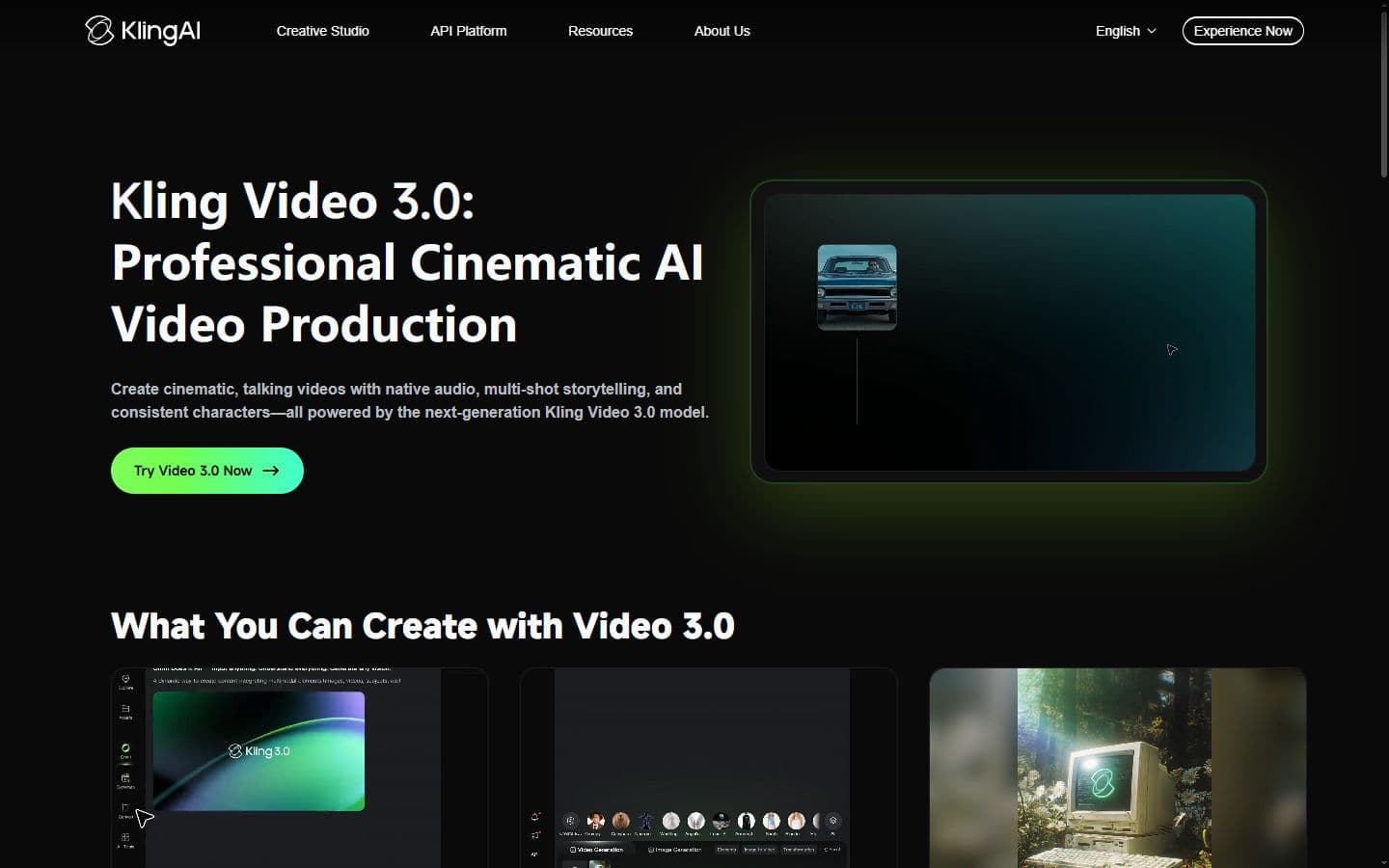
Think in short clips
Video 3.0 is presented around native audio, consistency and short sequences. For Spybox, this encourages short shots that are easier to judge and correct.
Official Kling Video 3.0 page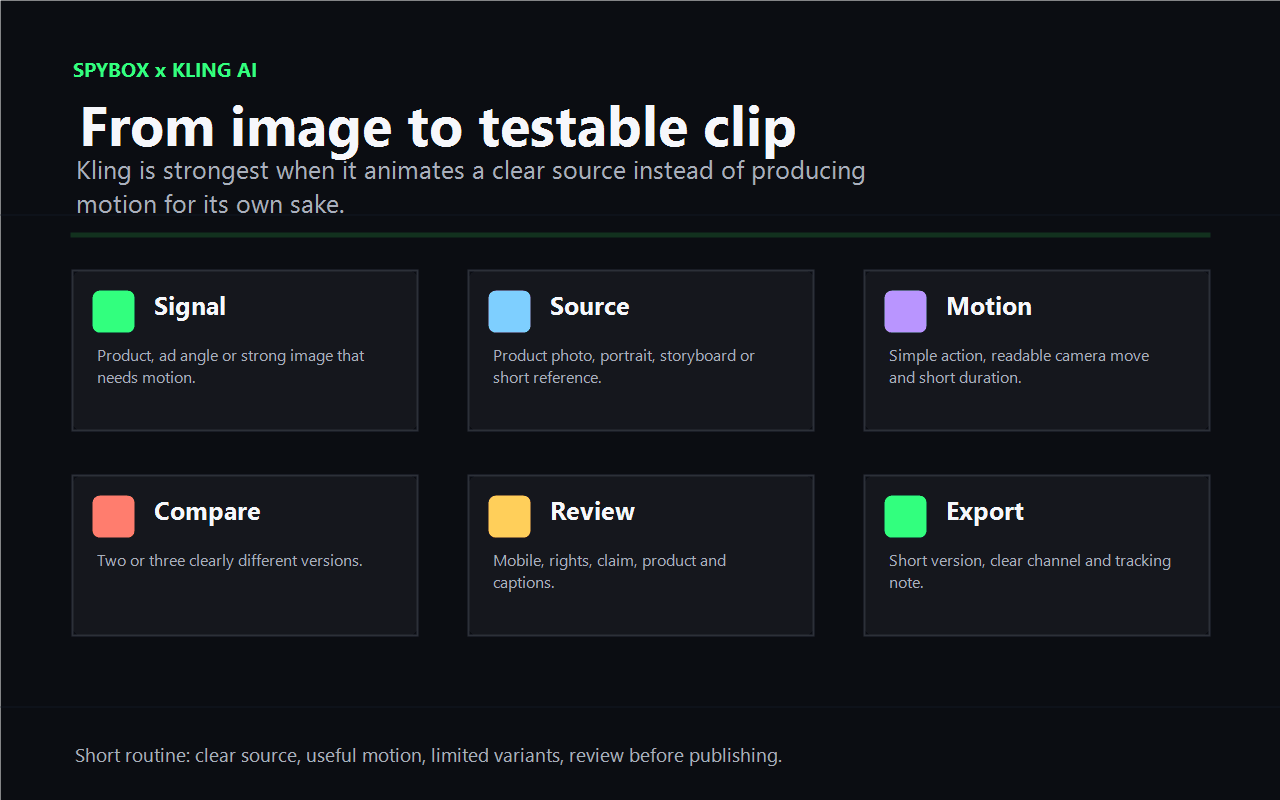
The Spybox routine
Useful work starts with a source and a decision: what motion makes the offer clearer, what format will be tested and what review will decide whether to keep it.
AI video in Spybox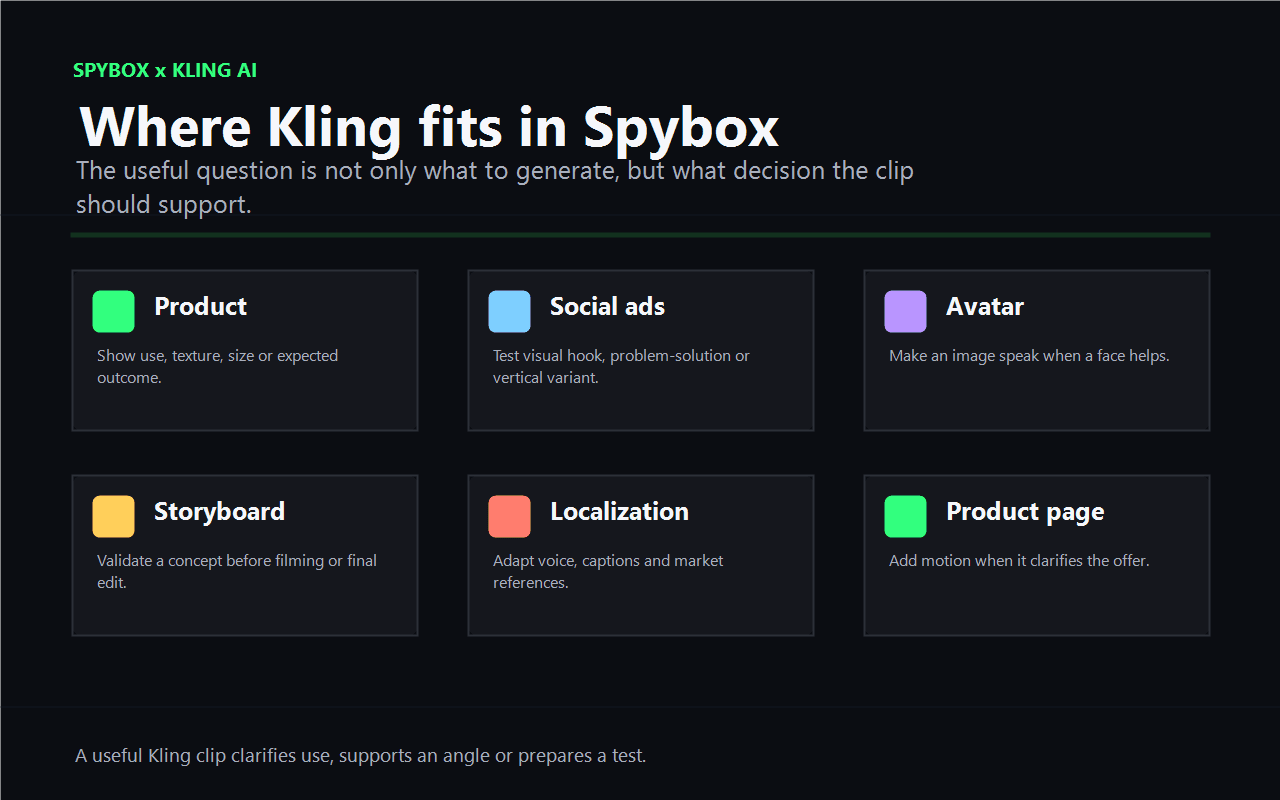
Choose the right use case
Product, social ads, avatar, storyboard, localization and product page do not need the same pace. The clip role should come before the render.
UGC creatives in Spybox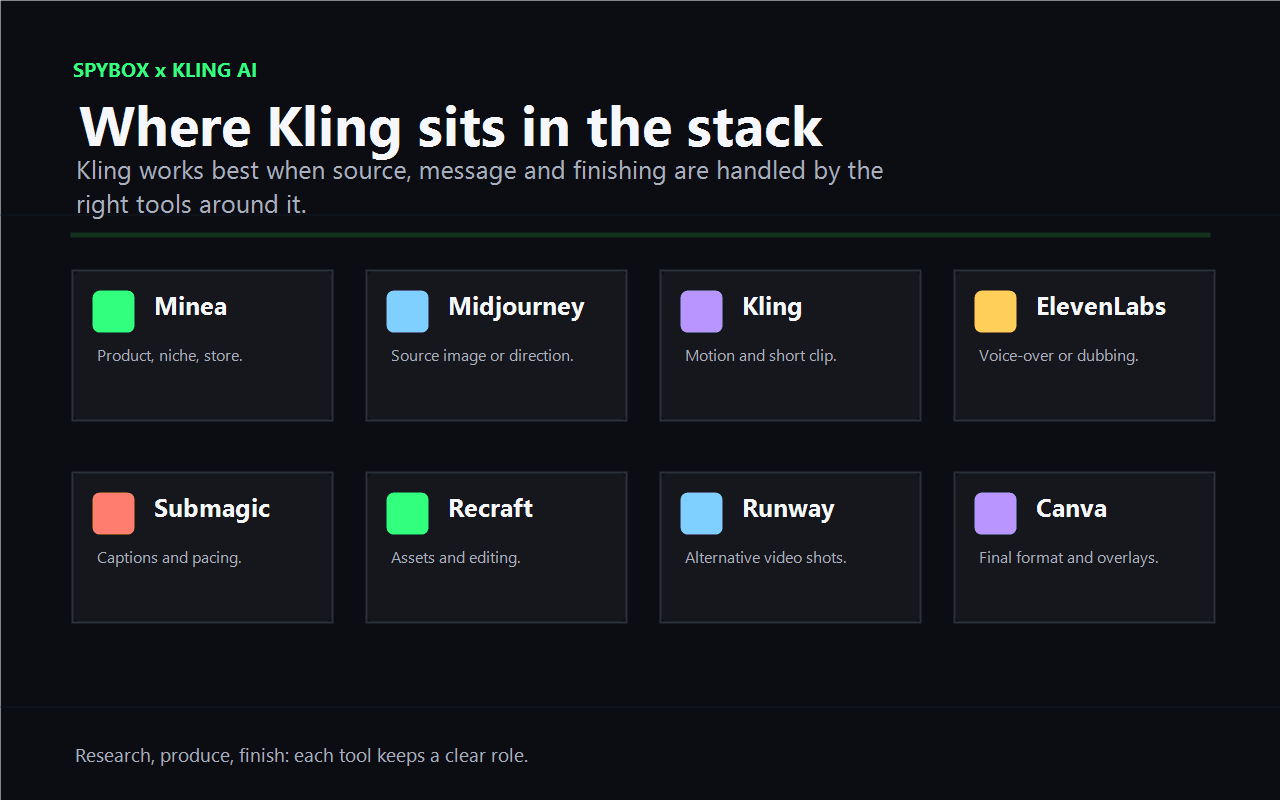
Connect Kling to the rest of the stack
Kling works better when the source image, message, voice, captions and final format are handled by the right tools around it.
Runway in Spybox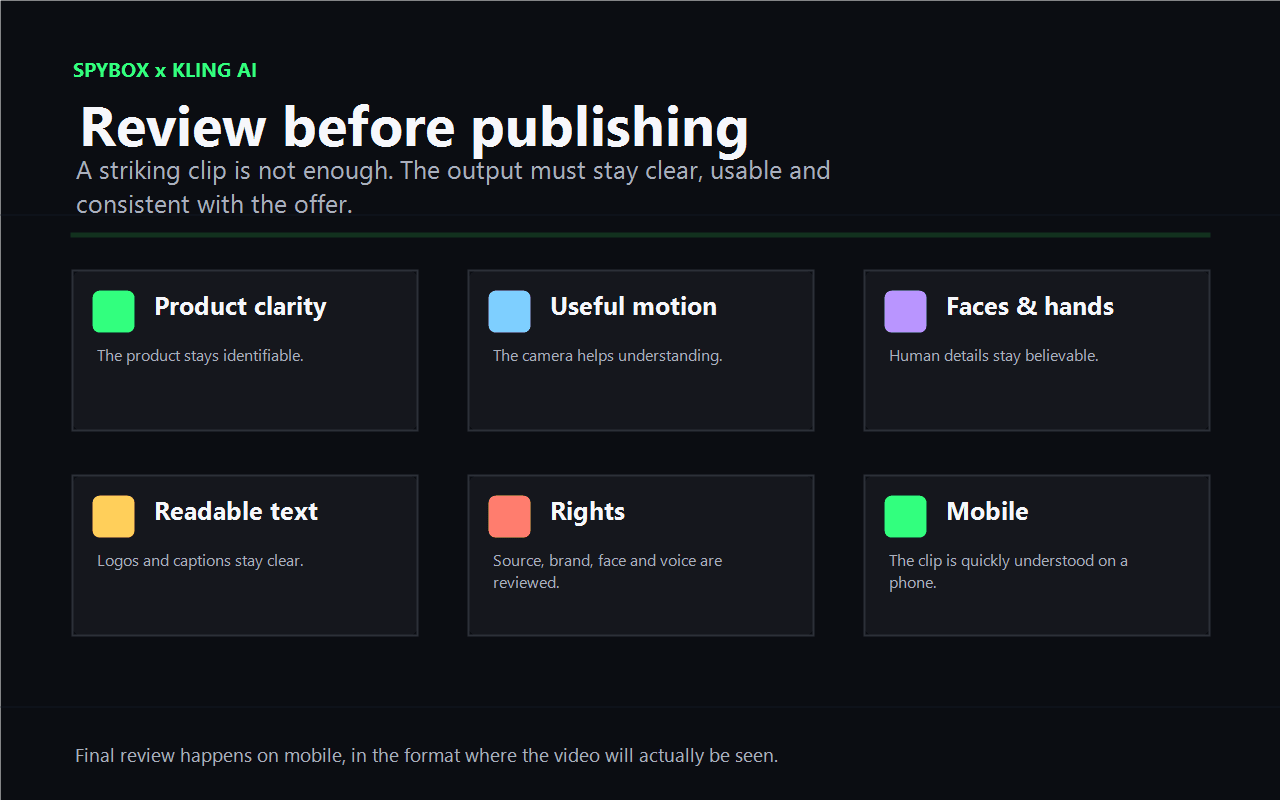
Review before publishing
The video should be watched as the final user will see it: phone, sound off, captions, visible product, readable brand and realistic claim.
Submagic in SpyboxWho Kling AI really helps inside Spybox
Kling is relevant for people who need to produce a short clip without immediately launching a heavy shoot, while still keeping enough control to protect trust.
Ecommerce operator
Animate a product photo, show a usage gesture, prepare a mini demonstration or add a short sequence to a sales page.
Dropshipper
Test a product scene or social angle before ordering UGC, filming or buying more creative variants.
Acquisition agency
Turn an angle spotted in Foreplay, AdSpy or PiPiAds into an original shot, then compare two or three creative directions.
Content creator
Animate a strong image, create a transition, produce a support shot or add rhythm to a short video.
Local brand
Prepare a seasonal concept, animated showcase or short presentation when filming budget is limited.
Content team
Illustrate a mechanism or step that text alone explains poorly, then finish with voice, captions and light design.
A 6-step Kling method
Quality mostly comes from the framing before generation. A clear source, a precise role and a short review beat a long series of outputs that are hard to compare.
Start from a real signal
Found product, competitor ad, customer objection, strong image, usage scene or demonstration need. Without a signal, the clip becomes an effect.
Choose the source
Product photo, portrait, AI visual, scene reference or page image. The source must be clear, brand-consistent and legally usable.
Define the motion
Camera push, usage gesture, light rotation, expression, transition or short narrative shot. One strong motion per version is usually enough.
Generate short
A short clip makes it easier to judge product fidelity, hands, face, text and readability before extending or adding complexity.
Compare few variants
Keep genuinely different directions: product shot, social shot, explanatory shot. Tiny variations consume credits without helping the decision.
Finish elsewhere if needed
Submagic for captions, ElevenLabs for voice, Canva for overlays, Runway or Recraft if another visual path gives a cleaner result.
Turn a signal into a video decision
Kling is more valuable when each output answers a hypothesis. The table helps decide what to do after the first clip.
A product photo already attracts attention
The visual has potential, but motion may clarify use.
Create a short usage shot, then check product fidelity and readability.
A competitor scene keeps appearing
The attention mechanic deserves a test, without copying the content.
Reuse the motion logic, then change subject, setting, angle and visible proof.
The output changes the product
The clip may damage trust or create a false expectation.
Reduce motion, use a cleaner source or switch back to an improved still image.
Face or hands break believability
The realism is not stable enough for direct publishing.
Avoid close-ups, test a product-only scene or use a dedicated avatar tool.
The clip works without sound
The motion already carries the idea, audio should only reinforce it.
Add a short voice only if it clarifies, then caption and review the mobile format.
Formats where Kling is most useful
The format should be decided before generation. A vertical ad shot is not judged like a product-page animation or a client concept video.
TikTok, Reels, Shorts
Visual hook, quick motion, problem-solution scene, stronger first frame.
The main subject is understood in three seconds, even without sound.
Meta Ads
Test a product scene, creative variation or ad angle.
Keep enough room for captions, added text and call to action.
Product page
Show texture, size, gesture, transformation or detail missing from photos.
Do not replace real proof: the video should explain, not invent.
Client presentation
Show a creative direction before final production.
Present the clip as a concept or test if the product is not yet validated.
Short localization
Adapt a scene with voice, captions or market context.
Review local references and make sure the message stays natural.
Tools to combine with Kling AI
Kling should not carry the whole production. It becomes more useful when research, source image, audio, captions and final format are handled in the right order.
Runway
Compare another video approach, sometimes better for controlled shots or more advanced sequences.
Hailuo AI
Compare another image-to-video output when motion, ending frame or style needs testing.
Higgsfield
Choose a more precise camera intention when shot direction matters as much as animation.
Kie AI
Decide between video, image, audio and LLM model families before spending credits.
Midjourney
Prepare source images, product scenes or visual directions to animate later.
Recraft
Create or clean brand visuals, assets and product images before animation.
ElevenLabs
Add voice-over, dubbing or short narration when the clip needs to be understood with sound.
Submagic
Add captions, pacing, cuts and social export after generation.
Workflow
Where Kling belongs in a Spybox routine
Kling sits at the motion step. Before it, you need source and message. After it, you need finishing, review and a publishing decision.
Research
Minea, Foreplay, Perplexity
Identify the product, angle, scene or objection that deserves video.
Visual source
Midjourney, Recraft, Canva
Prepare a clean, consistent and usable image for animation.
Motion
Kling AI
Turn the image or idea into a short clip, talking image or image-to-video variant.
Audio
ElevenLabs, HeyGen
Add voice, dubbing or human presence when it improves understanding.
Finishing
Submagic, Canva
Caption, cut, dress, export and review the final output.
Quality checks before publishing
AI video should be judged by what it helps the viewer understand, not only by realism. Before publishing, review each point in the real target format.
The product stays recognizable from beginning to end.
The motion helps explain the offer or usage gesture.
Hands, faces, eyes, reflections and textures do not break trust.
Logos, text, packaging or labels remain readable.
The source visual, brand, face and voice can be used.
The clip leaves room for captions and added text.
The final version is checked on a phone, sound off and sound on.
Limits to keep in mind
Kling AI in Spybox FAQ
Is Kling AI mainly for image-to-video?
That is the clearest use case for many Spybox users: start from a product image, portrait or AI visual, then create short motion. Kling also covers text-to-video, Motion Control and audio features depending on availability.
Should I use Kling or Runway?
Both can be useful. Kling is often interesting for animating an image or testing motion quickly. Runway can be preferred for certain shots, edits or more controlled video workflows. The right choice depends on the source and expected output.
Can clips be used for ads?
Check source, brand, face and voice rights, then review the commercial claim. A clip used in advertising must stay faithful to the real product.
How many variants should I produce?
Start with two or three clear directions: product shot, social shot, explanatory shot. Then refine the version that actually helps the decision.
Which tool should come after Kling?
Submagic for captions and pacing, ElevenLabs for voice, Canva for overlays, Recraft to clean visuals, or Runway if another video approach should be compared.
Test Kling AI inside a broader stack
Spybox gives access to 90+ premium tools with 100 000 SBC credits/month. The point is to connect research, image, video, voice, captions and review in one complete routine.
See Spybox pricing