

UGC
main angle
Vmake presents itself as an all-in-one UGC video generator for sellers, creators, affiliates and small businesses that need product videos faster.
Image + video
two use cases
A useful Vmake page has to cover product image preparation, shoppable videos, avatars, short-form recreation and ecommerce ad variants.
100 000
SBC credits/month
In the Spybox plan at 29,99 €/mois, Vmake sits next to a 90+ premium-tool stack depending on available credits.
Vmake becomes useful when a product deserves a visual test but the starting material is too weak for a clean ad. A supplier photo, product page, store image or short video reference can provide direction, as long as the test is clear: usage, benefit, objection, proof, context or basic product readability.
Inside Spybox, Vmake comes after market reading. Minea, Dropship.io, Kalodata, Foreplay, Adsparo and Gethookd help understand what is already earning attention. Canva, Recraft, Krea AI, Leonardo AI and Flux AI can prepare static visuals. Vmake then turns that material into more concrete product variants, while Submagic, Creatify or Hoox can finish or compare video approaches.
Vmake's public pages support that role. The homepage focuses on shoppable UGC videos for sellers, creators and affiliates. The UGC page describes Product Showcase, AI Avatar Video and Recreate Video. The Image Enhancer page focuses on improving low-resolution images, portraits, old photos and product images. The X-Design documentation connected to Vmake also shows an API-style path for generating fashion model images from flatlay apparel.
Vmake pages checked : Vmake, UGC video, Product Showcase, AI Avatar, Image Enhancer.
The point to keep
Vmake can make a product look presentable quickly, but the final check stays human. Reject a variant if the product changes too much, if the avatar sounds like an unverified testimonial, if the benefit is exaggerated or if the visual creates an expectation the product page cannot meet.
Visual references
Understand Vmake before producing variants
These references show the Spybox use cases that matter most: UGC video, product showcase, avatars, structure recreation, social ads, image enhancement and fashion-catalog workflows.
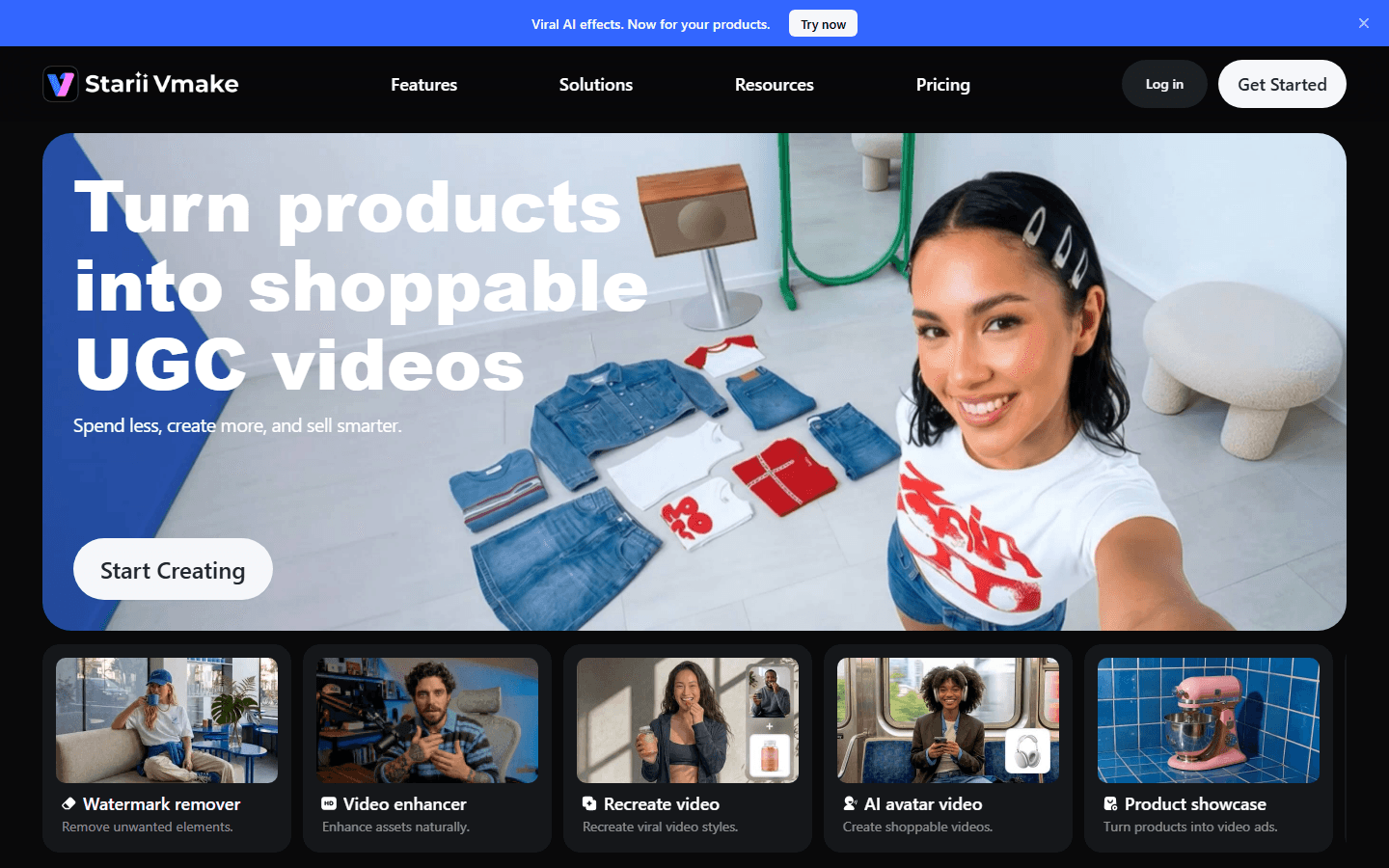
Vmake as an ecommerce UGC generator
The homepage positions Vmake around shoppable UGC videos designed to create faster, sell more clearly and fit short-form platforms.
See Vmake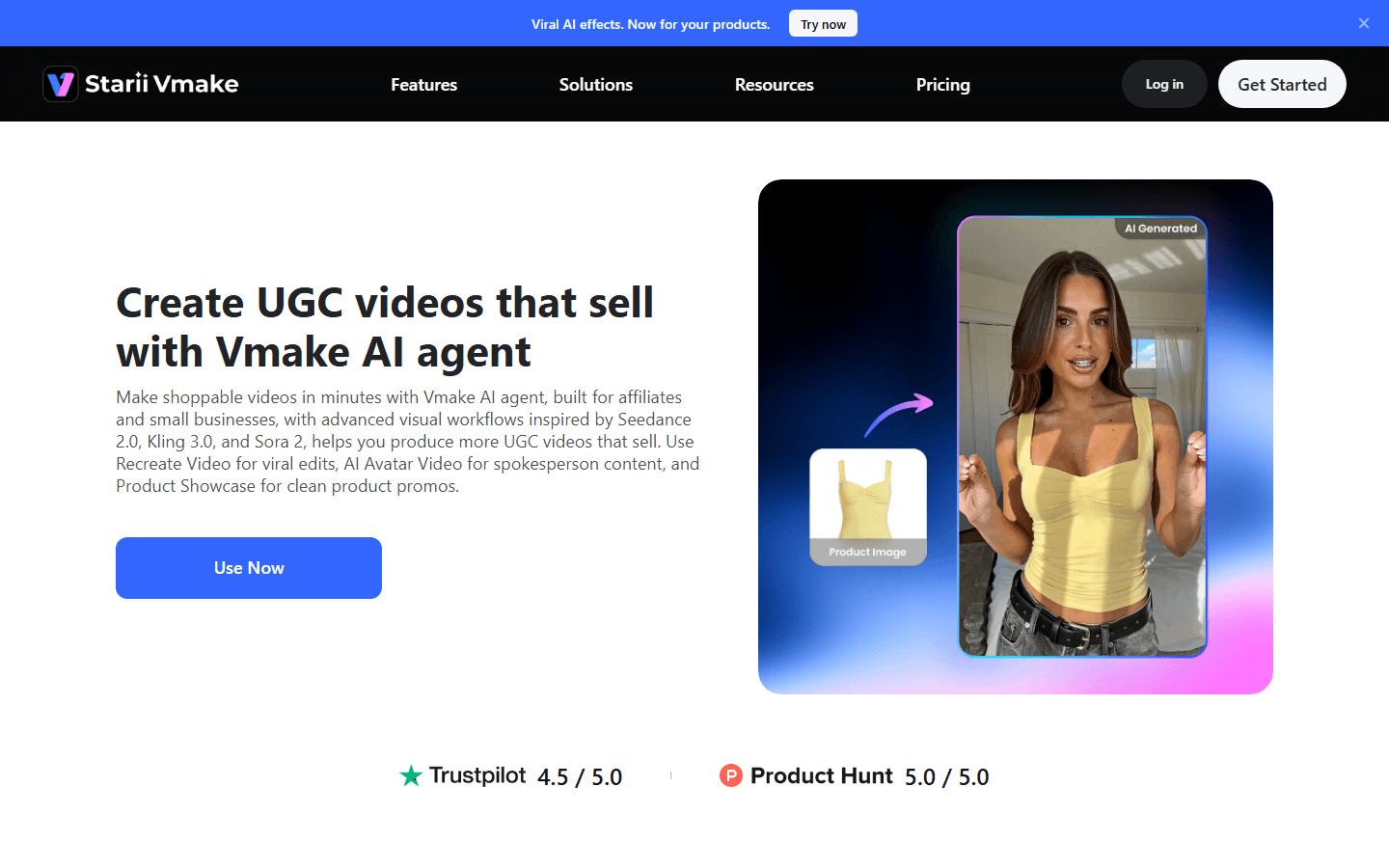
Choose the right UGC path
The UGC page highlights three paths that matter for Spybox: product showcase, avatar and recreated structure. That choice should happen before generation.
See the UGC page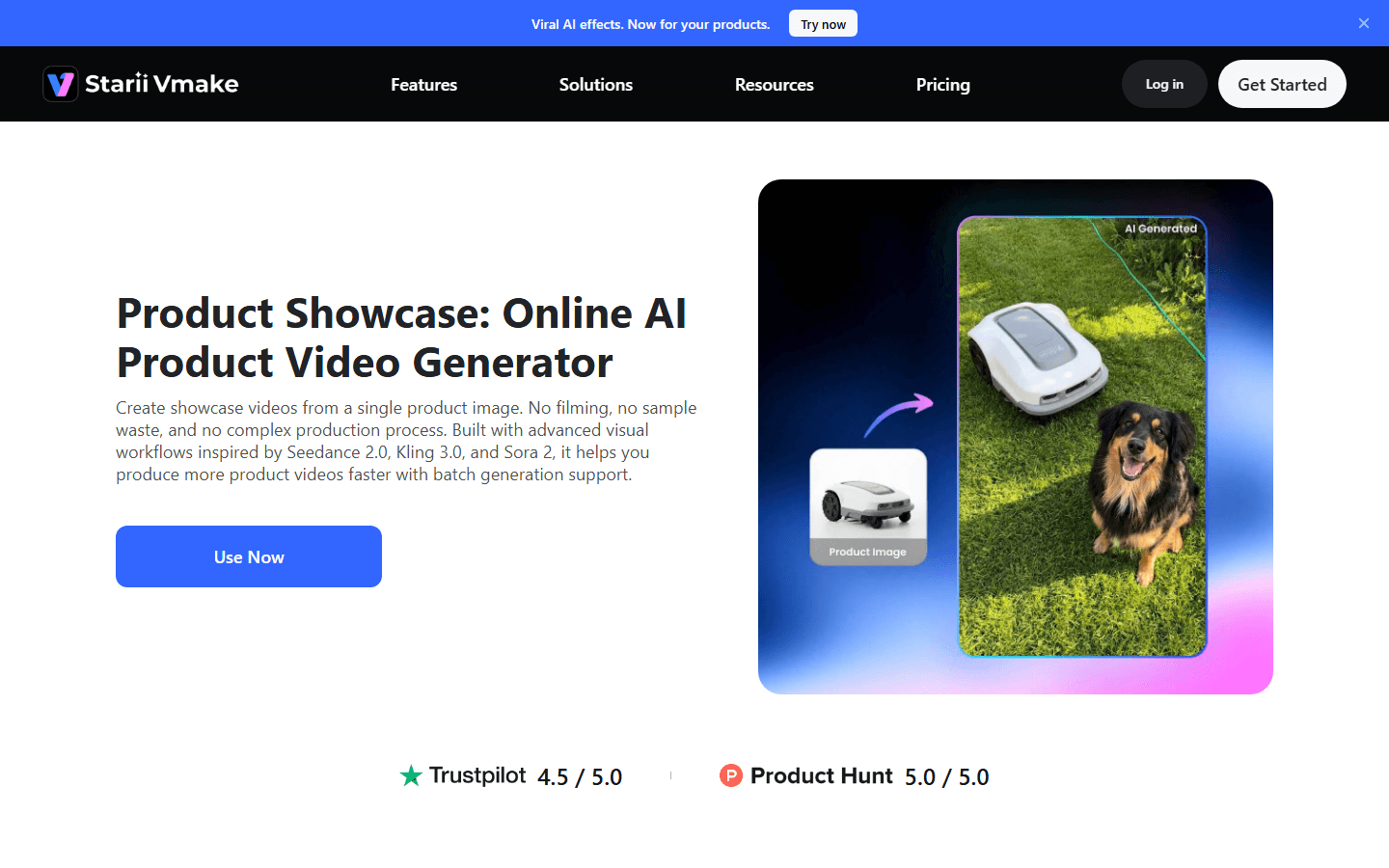
Turn a product image into video
Product showcase gives a product movement without organizing a full shoot. It fits catalogue tests, landing pages and product-page campaigns.
See Product Showcase
Test a virtual spokesperson
An avatar can explain a product or carry a short recommendation. It has to stay credible: right market, right tone, right language and a measured claim.
See AI Avatar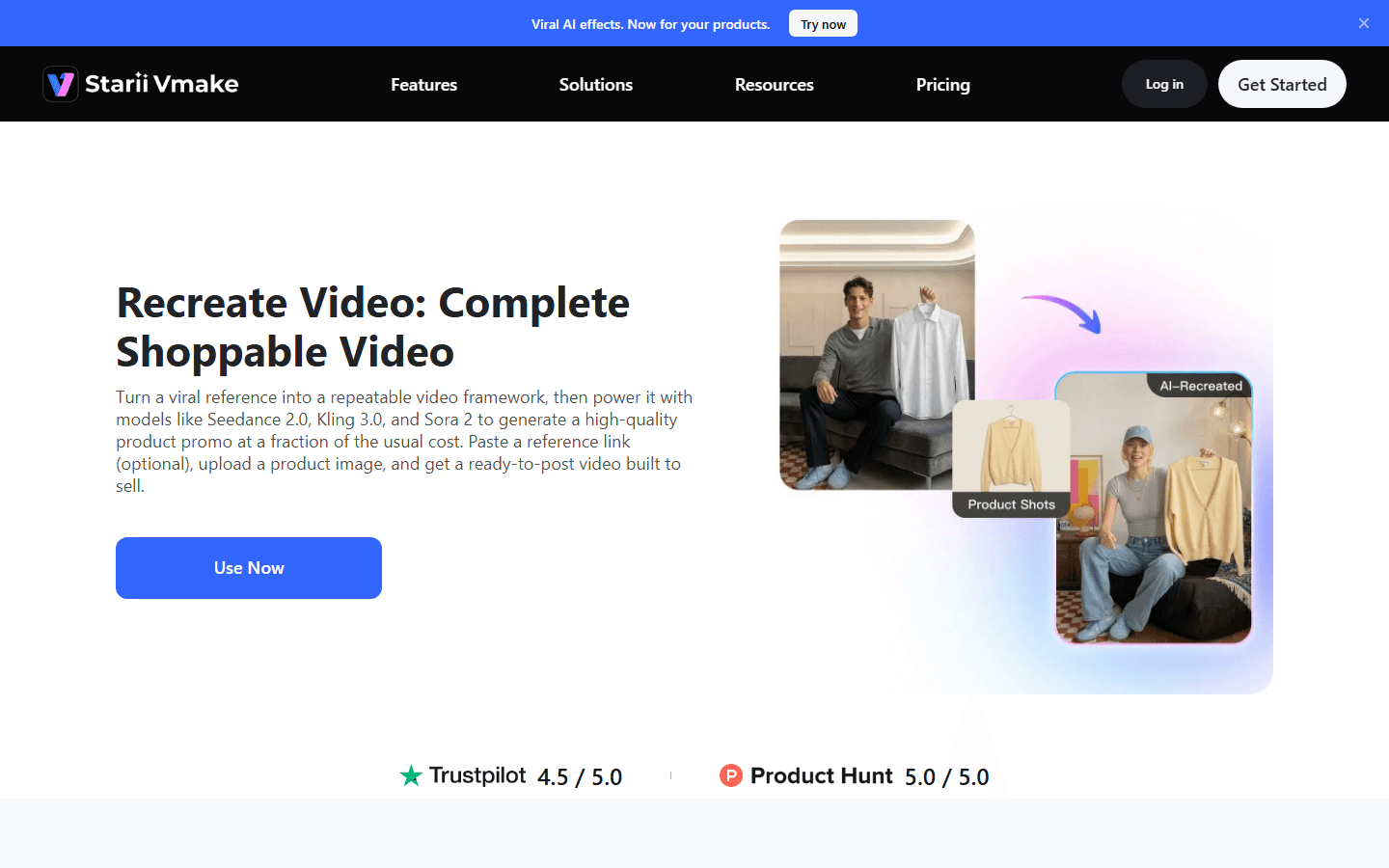
Reuse a short-form structure without copying
Recreate Video starts from a reference and product image to reuse a structure. In Spybox, it should guide rhythm, not copy an ad.
See Recreate Video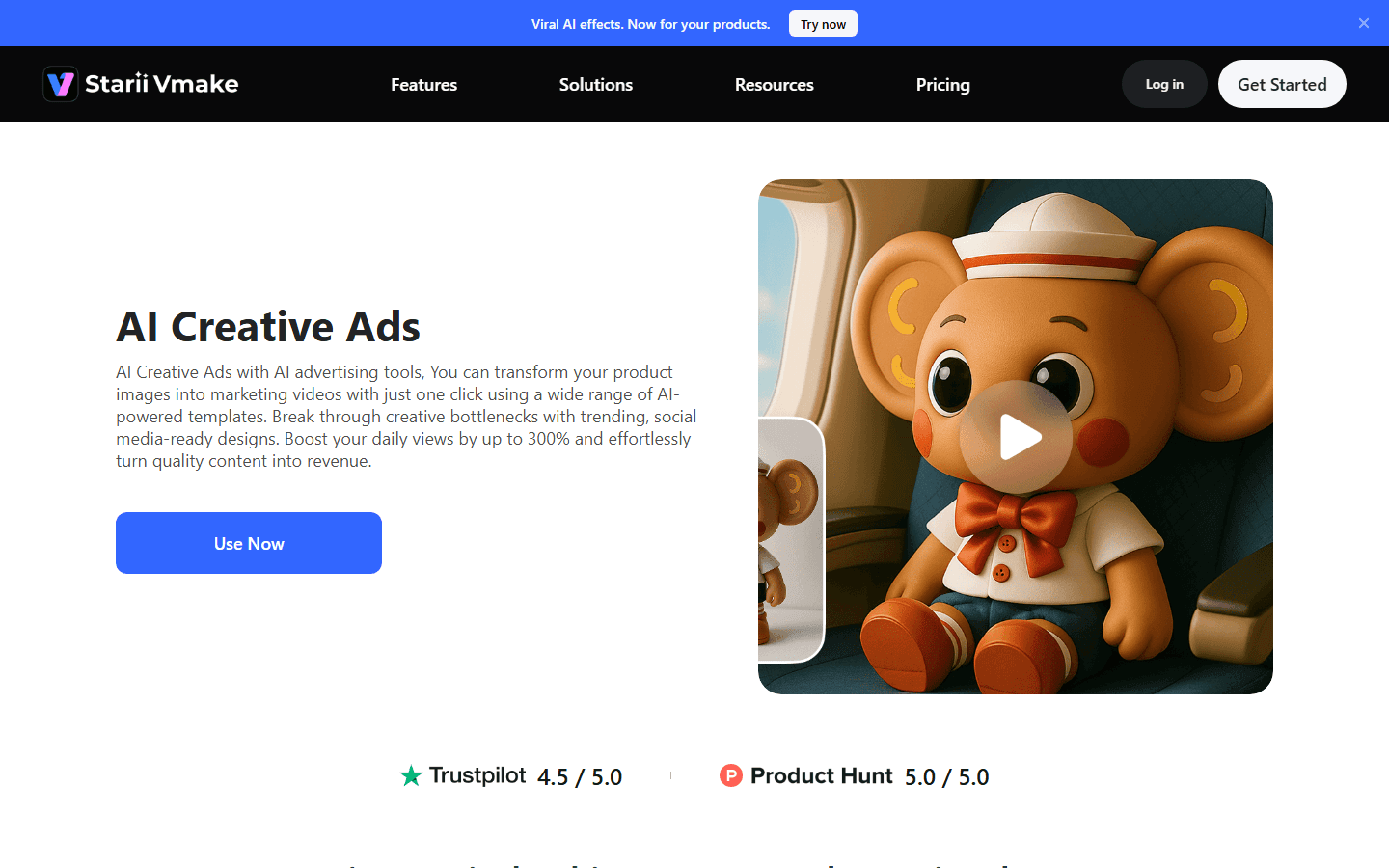
Create product-led social ads
AI Creative Ads turns product images into marketing videos for Instagram, TikTok or YouTube. It is useful when the need is more promotional than explanatory.
See AI Creative Ads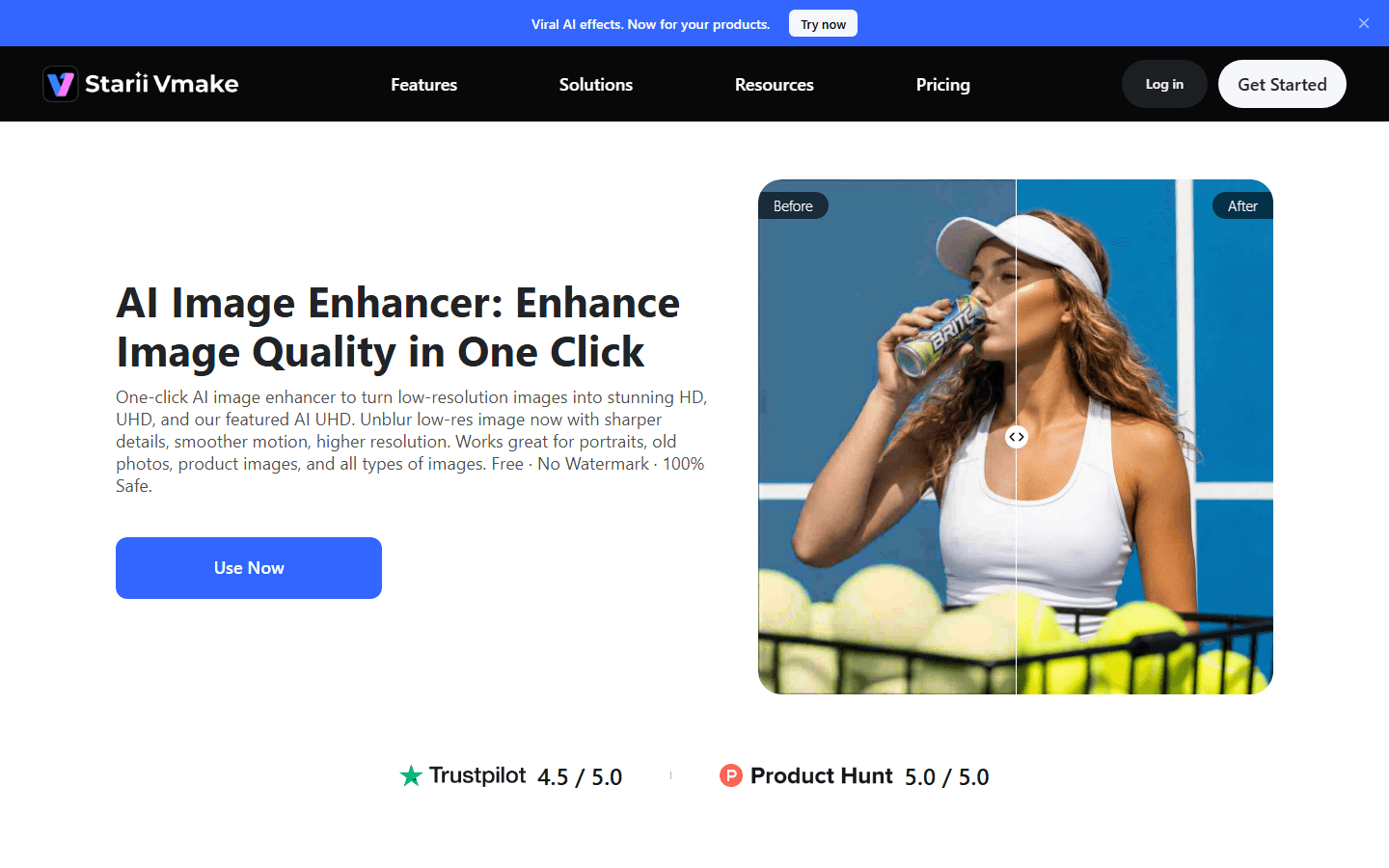
Improve images before video
Image Enhancer helps make a photo sharper before building variants. For a product, this is often the first step before animation, avatar or ad output.
See Image Enhancer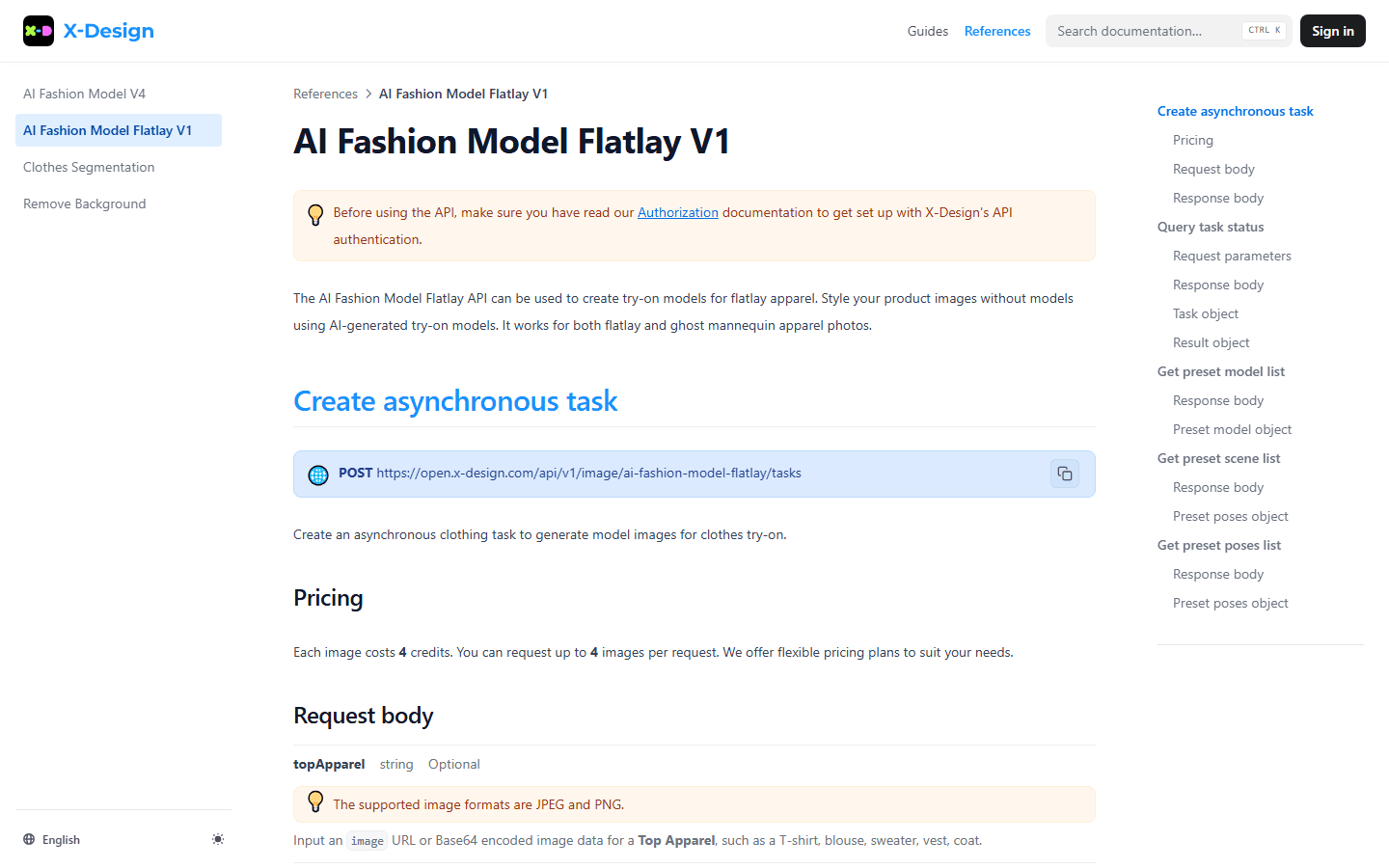
Fashion and catalogue: a more specialized use
The X-Design documentation connected to Vmake shows a fashion-model flatlay endpoint with image credit pricing. It is especially relevant for apparel stores and catalogues.
See the X-Design documentation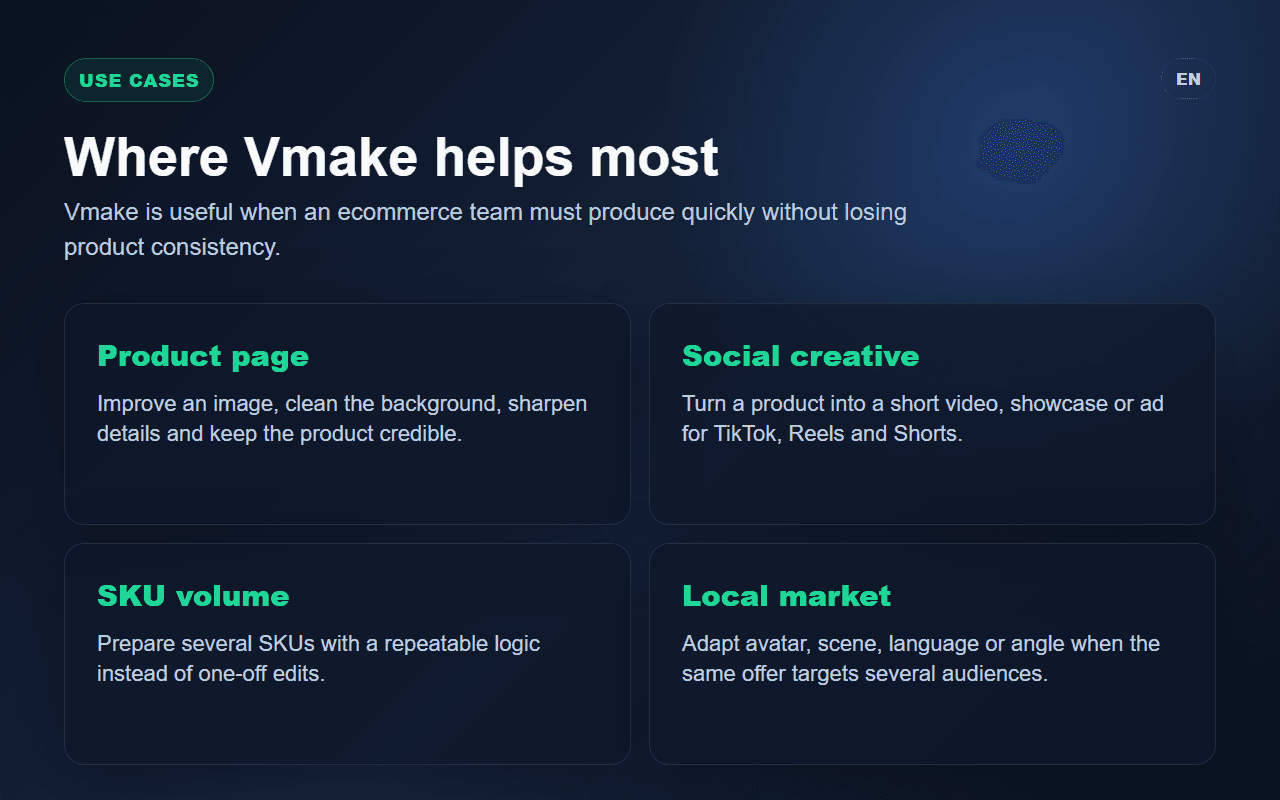
Choose the use case before the tool
Vmake does not answer one single need: it can clean a photo, show a product, add an avatar, create a short variant or support fashion catalogues.
See UGC creatives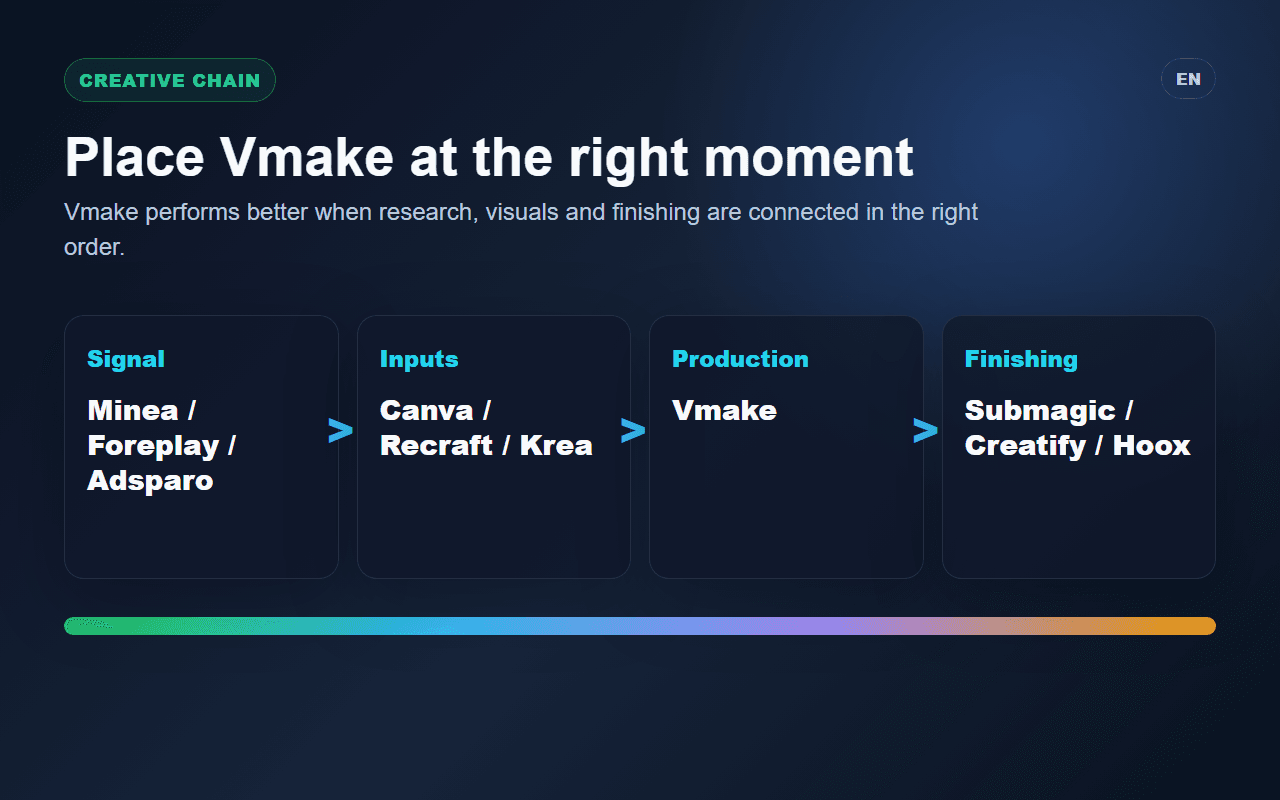
Place it inside the Spybox chain
Vmake gains value when it follows market signals and comes before short-form finishing. That position prevents output without interpretation.
See AI video tools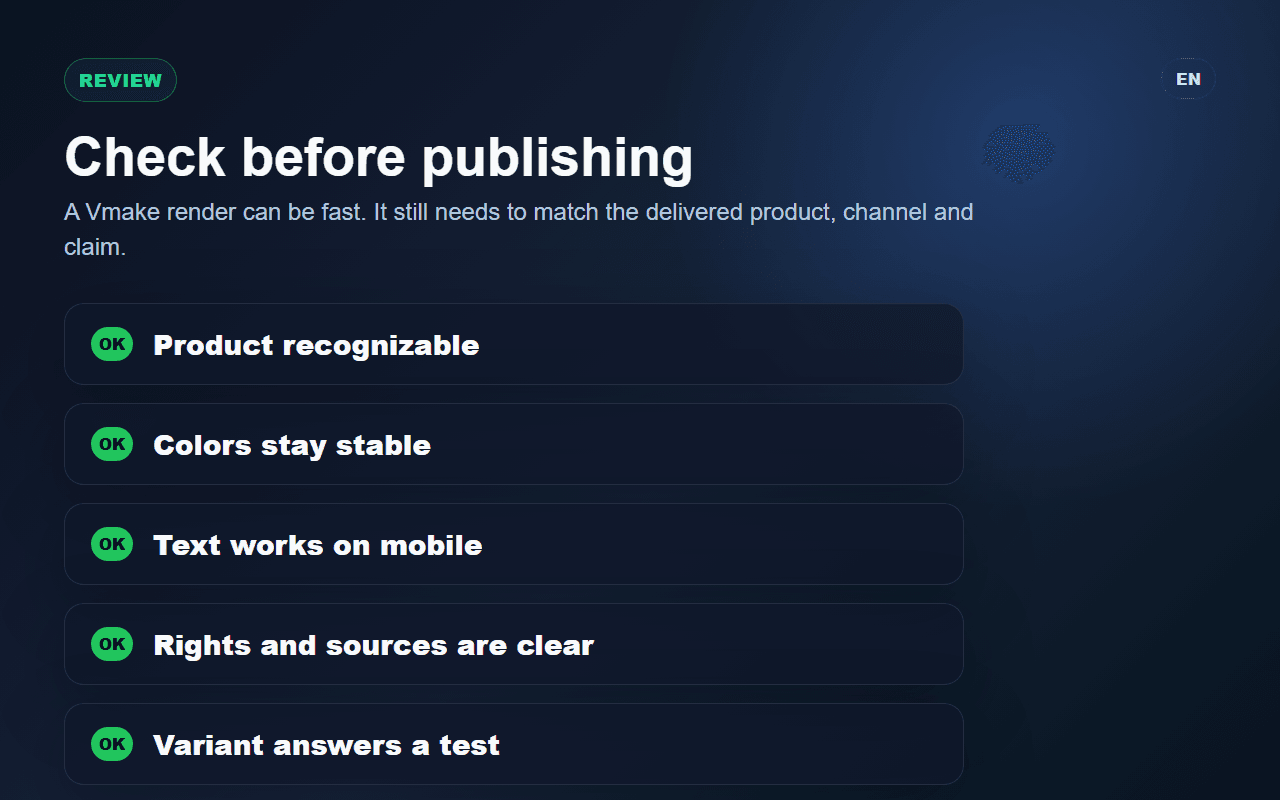
Check before publishing
Each output needs review: product fidelity, mobile readability, claim strength, avatar credibility, rights, page consistency and test clarity.
See ad optimizationWho gets the most from Vmake
Vmake fits teams that already have a product to show and need quick visual variants. It is less useful when the offer, audience or proof is still unclear.
Ecommerce or DTC brand
Turn product photos into short videos, improve product-page visuals and create social variants for a collection or launch.
Dropshipper
Move from a supplier image to a cleaner product presentation, then test several angles before committing to heavier production.
Creative agency
Produce several directions quickly for a client: product-only visual, avatar, short demonstration, social ad or catalogue-style variant.
Creator or affiliate
Turn a product into more readable video content for TikTok, Reels, Shorts or an affiliate landing page.
Vmake routine inside Spybox
Keep the routine tight: start from a signal, prepare the visual, choose a format, generate a few variants, then review them as if they were going to paid media.
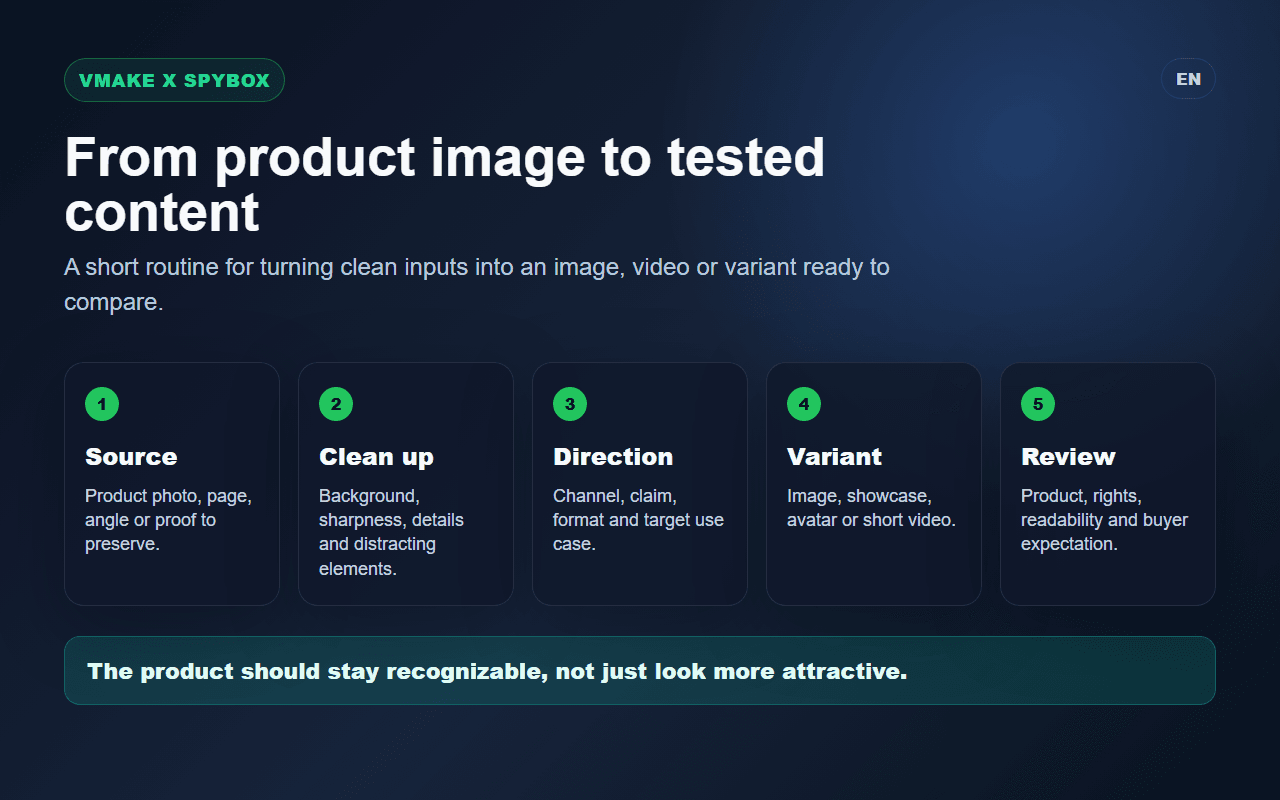
1. Identify the product signal
A recurring ad, a product with decent margin, a selling page, a customer objection or a use case that is hard to understand.
2. Prepare the visual material
Pick the most faithful product image, check framing, sharpen if needed and keep the original reference for comparison.
3. Choose the right format
Enhanced image for a product page, product showcase for usage, avatar for explanation, recreation for rhythm, social ad for a new opening angle.
4. Generate less, compare better
Change one lever where possible: benefit, scene, avatar, language, format, length or main product visual. Otherwise the test becomes hard to read.
5. Review the claim
The video must stay aligned with the actual product, price, proof, platform constraints and landing page.
6. Finish in the right tool
Submagic can improve captions and pacing, Canva can adapt static assets, while Creatify or Hoox can create another ad family to compare.
Vmake decision matrix
The right move depends on what the variant needs to clarify. Vmake should not replace market reading; it should make a test easier to understand.
The product photo is weak
The issue may be sharpness, framing or perceived quality rather than the offer itself.
Improve the image, create a clearer product visual and compare it against the original in a simple page or ad test.
The product needs demonstration
The buyer has to see the use case or outcome before believing the benefit.
Create a short product showcase, keep the product visible early and avoid decorative scenes that take too long.
A video structure keeps repeating
The rhythm may be useful, but the benefit must remain specific to your product.
Use Recreate Video for the general flow, then rewrite the benefits and review compliance.
The brand needs fast localization
An avatar can help when language, tone and market expectations are aligned.
Test a short avatar variant, then check accent, gesture, claim strength and credibility before export.
Formats to test with Vmake
Each format solves a different problem. The choice should come from the reading need, not just from the visual effect.
Enhanced product image
Store pages, carousels, product pages, static ads and catalogue visuals.
Compare against the original to make sure color, texture, packaging and proportions still match the product.
Product showcase
Show usage, present a collection, give a product movement or make an offer more concrete.
The product should be readable without sound from the first seconds, with an understandable scene.
Avatar
Present a product, localize an ad, explain a benefit or answer a recurring objection.
The person on screen must not imply a personal experience or customer review that cannot be verified.
Recreated structure
Test the rhythm of a short-form reference, reuse a working flow and produce a clean variant.
Do not copy distinctive elements from the observed creative: keep the logic, adapt the substance.
Tools to combine with Vmake
Vmake becomes stronger when other Spybox tools bring the signal, visual direction or finish. Alone, it creates quickly; in the right place, it creates more useful variants.
Minea
Find the products, stores and ads that justify visual production.
Foreplay
Save creative references and understand pacing before producing a variant.
Canva
Adapt Vmake visuals into static formats, carousels, stories and brand assets.
Submagic
Finish short videos with captions, pacing, cuts and mobile readability.
Creative chain
Place Vmake at the right moment
Vmake's place inside Spybox depends on the output. The most useful way to see it is as a bridge between product signal and testable creative.
Before Vmake
Minea, Dropship.io, Kalodata, Foreplay, Adsparo
Understand the product, niche, ads, repeated formats and reason to create a variant.
During Vmake
Image Enhancer, Product Showcase, AI Avatar, Recreate Video
Turn product material into a cleaner visual or short video around usage, claim or localization.
After Vmake
Submagic, Canva, Creatify, Hoox, ChatGPT
Finish the format, adapt assets, compare another creative family or prepare another spoken-text variation.
Checks before publishing
Treat the result like a real ad. The risk is not only an imperfect image; it is an attractive image that says something false.
The product remains faithful: color, shape, texture, packaging and size do not change the meaning of the offer.
The first screen clearly shows what is being sold, without scenery hiding the product.
The avatar or voice does not imply an unverifiable personal experience.
The claim stays aligned with the product page, price, proof and ad-platform rules.
The video remains readable on mobile: captions, safe zones, rhythm and call to action.
References, photos and brand assets can be reused for the intended channel.
The variant changes one identifiable lever so the test can be understood.
The landing page keeps the same promise as the visual or video.
Limits to keep in mind
Vmake in Spybox FAQ
Is Vmake mainly for images or videos?
Both. In Spybox, it is useful for preparing cleaner product images and producing short videos: product showcase, avatar, recreated structure or social ad creative.
What is the best first use of Vmake?
Start from a product that already has a signal, improve the visual material, then create a short product video. That is usually more useful than generating a full ad without a reason.
Does Vmake replace Creatify or Hoox?
Not really. Vmake is especially strong around product images and ecommerce visual formats. Creatify and Hoox remain useful to compare other AI UGC and avatar-video approaches.
Can Vmake be used for fashion?
Yes, carefully. Public pages and documentation show flatlay, fashion-model and catalogue use cases. The key is to check garment fidelity and the expectations created by the image.
How many variants should a team generate?
A few readable variants are better than a large confusing batch. Three to five well-separated outputs are often enough to compare an angle, format or scene.
Test Vmake inside the Spybox stack
With Spybox, Vmake sits next to product research, ad inspiration, AI image, short-video and finishing tools. The current offer shows 100 000 SBC credits per month at 29,99 €/mois.