

20,000+
creative layouts
CreativeOS promotes a library of more than 20,000 creative layouts for ads, emails and landing pages.
9
AI Lab tools
The AI Lab page lists 9 tools to analyze, generate, score and iterate creative work.
100 000
SBC credits/month
In Spybox at 29,99 €/mois, CreativeOS complements a 90+ premium-tool stack depending on available credits.
The problem CreativeOS solves is practical: when a brand needs fresh creative every week, starting from scratch slows the team down. People lose time on structure, copy density, format, Canva or Figma adaptation, then discover too late that the ad does not match the page or offer.
Inside Spybox, CreativeOS sits between research and production. AdSpy, PiPiAds, Foreplay, Adsparo, Atria and Gethookd help read the angles already moving in the market. CreativeOS then gives the team editable structures and AI tools to turn those signals into assets worth comparing. Canva, Recraft, Vmake, Creatify, Hoox or Submagic can finish static or video variants.
The official pages support that role. The homepage mentions tools that analyze, generate and score creative, plus more than 20,000 layouts. The AI Lab page covers Customer Voice, Copy Lab, Concept Studio, Creative Analyzer, Funnel Check, Live Resonance, Image Iteration, layout matching and Emotional Resonance. Creative Packs add niche organization, while the comparison page positions CreativeOS as an ecommerce-focused solution for ads, emails and landing pages.
CreativeOS pages checked : CreativeOS, AI Lab, Creative Packs, Comparison.
The point to keep
A CreativeOS layout gives structure, not guaranteed performance. Adapt product, proof, tone, price, landing page and channel. A polished creative that is disconnected from the offer can hurt trust as quickly as a weak creative.
Visual references
Understand CreativeOS before producing
These public screenshots show the main use cases: creative library, AI Lab, ad/email/landing-page layouts, niche packs, team projects and comparison with other ad-design tools.
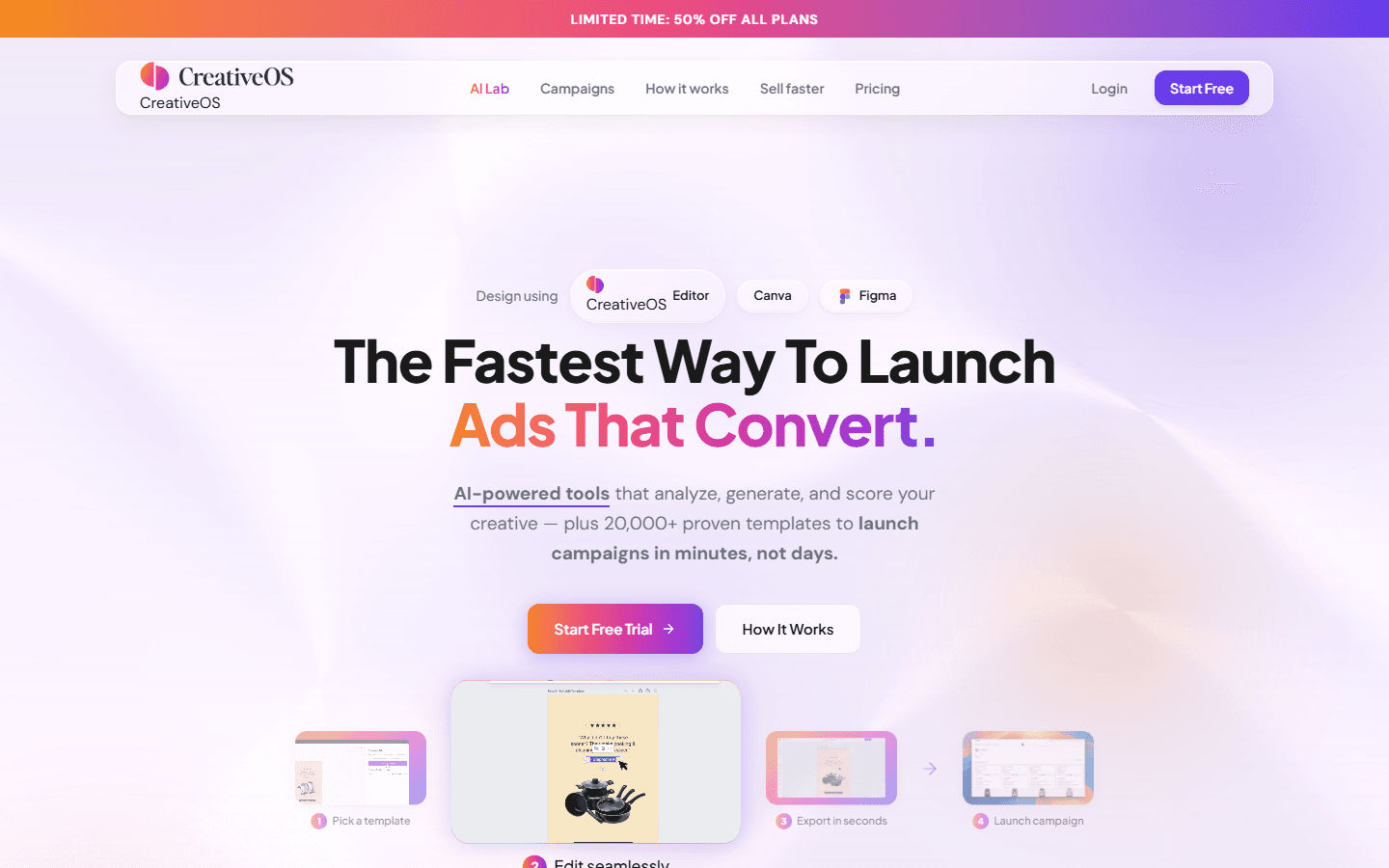
Launch from a structure
The homepage presents CreativeOS as a faster path from idea to launch, with editing in CreativeOS, Canva or Figma.
See CreativeOS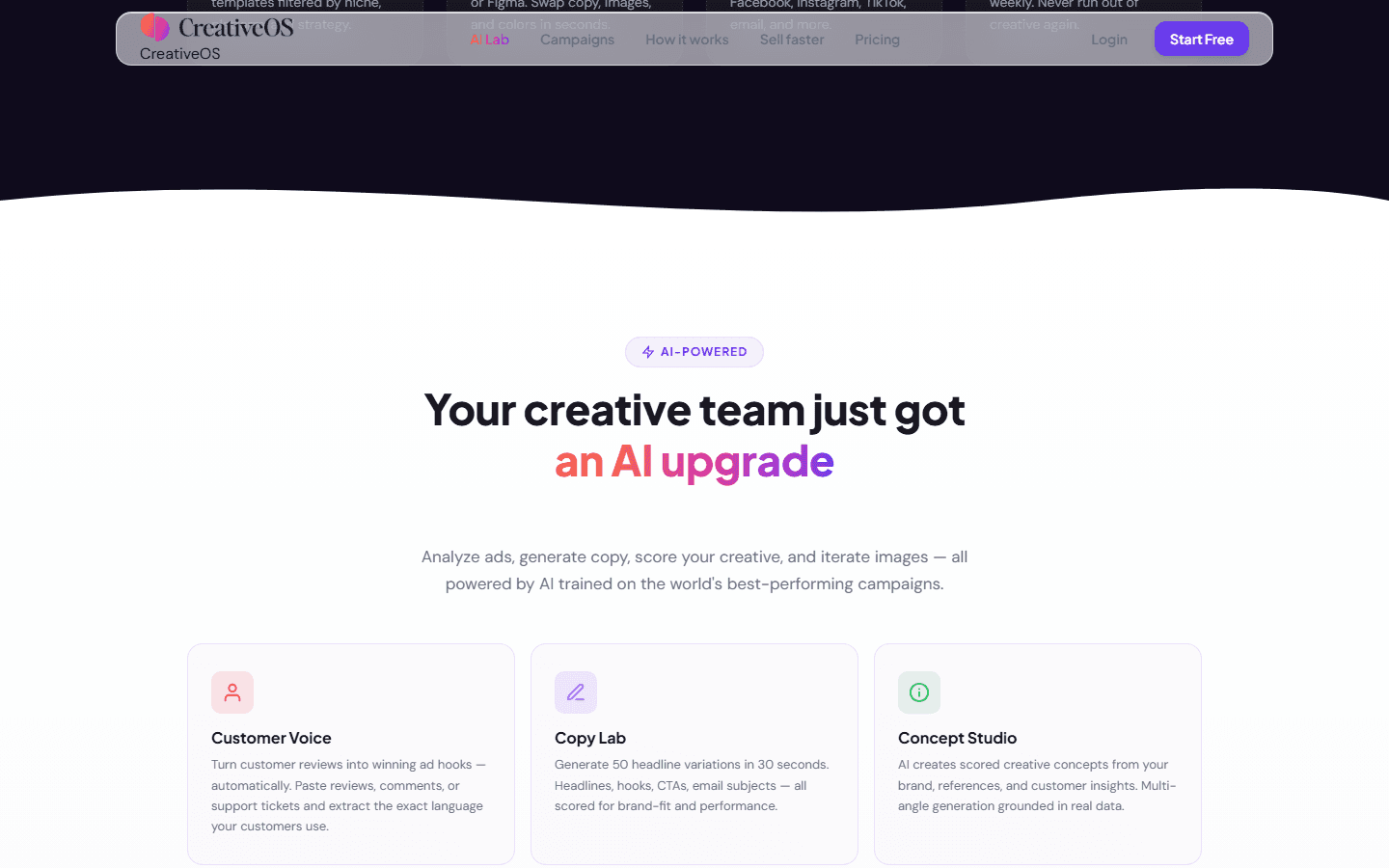
Use AI Lab for analysis and iteration
AI Lab groups functions for customer language, copy variants, creative analysis and gaps between ad and landing page.
See AI Lab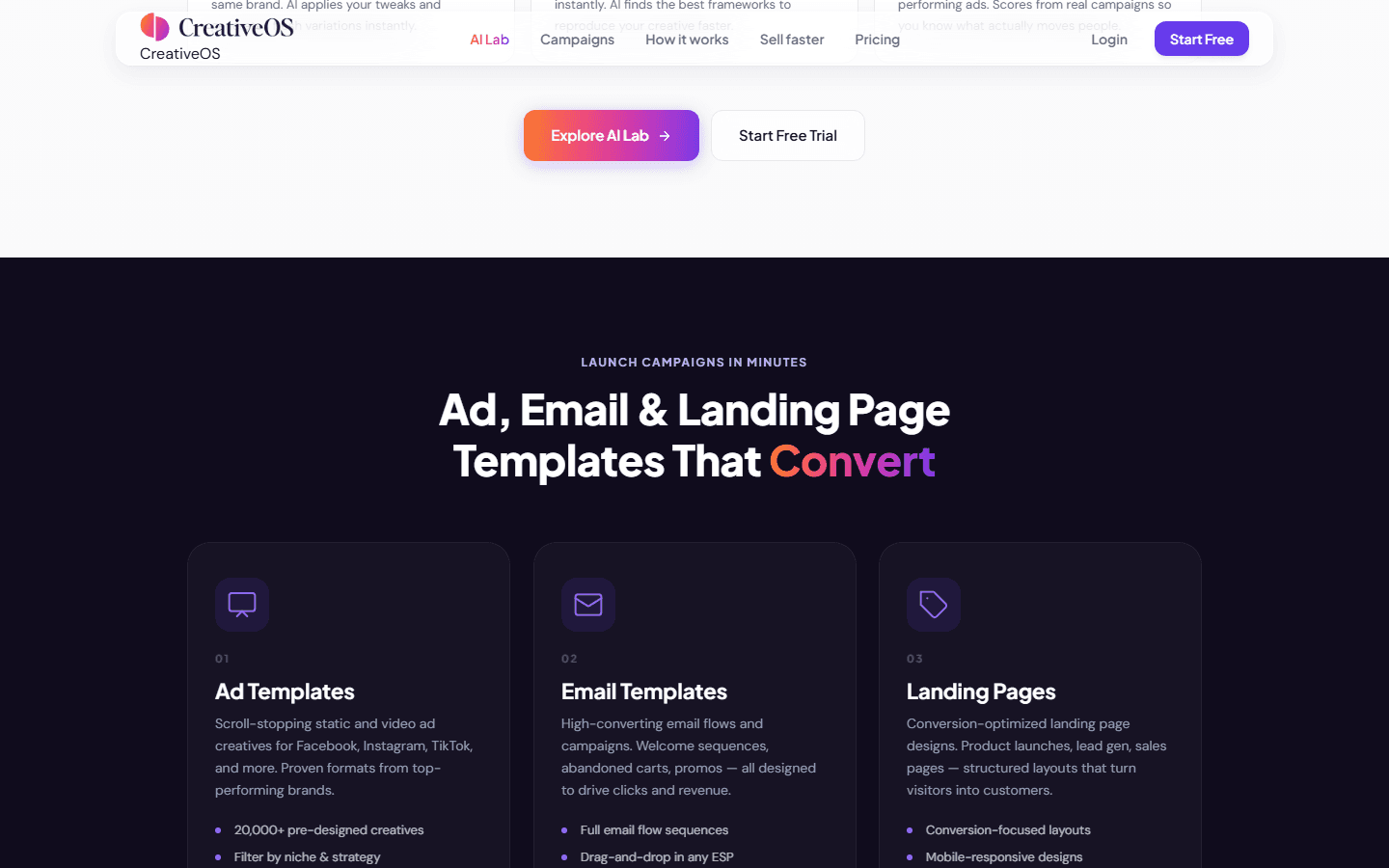
Ads, emails and landing pages
CreativeOS is broader than Meta visuals. Official categories also cover email and landing pages, helping teams keep message continuity.
See CreativeOS layouts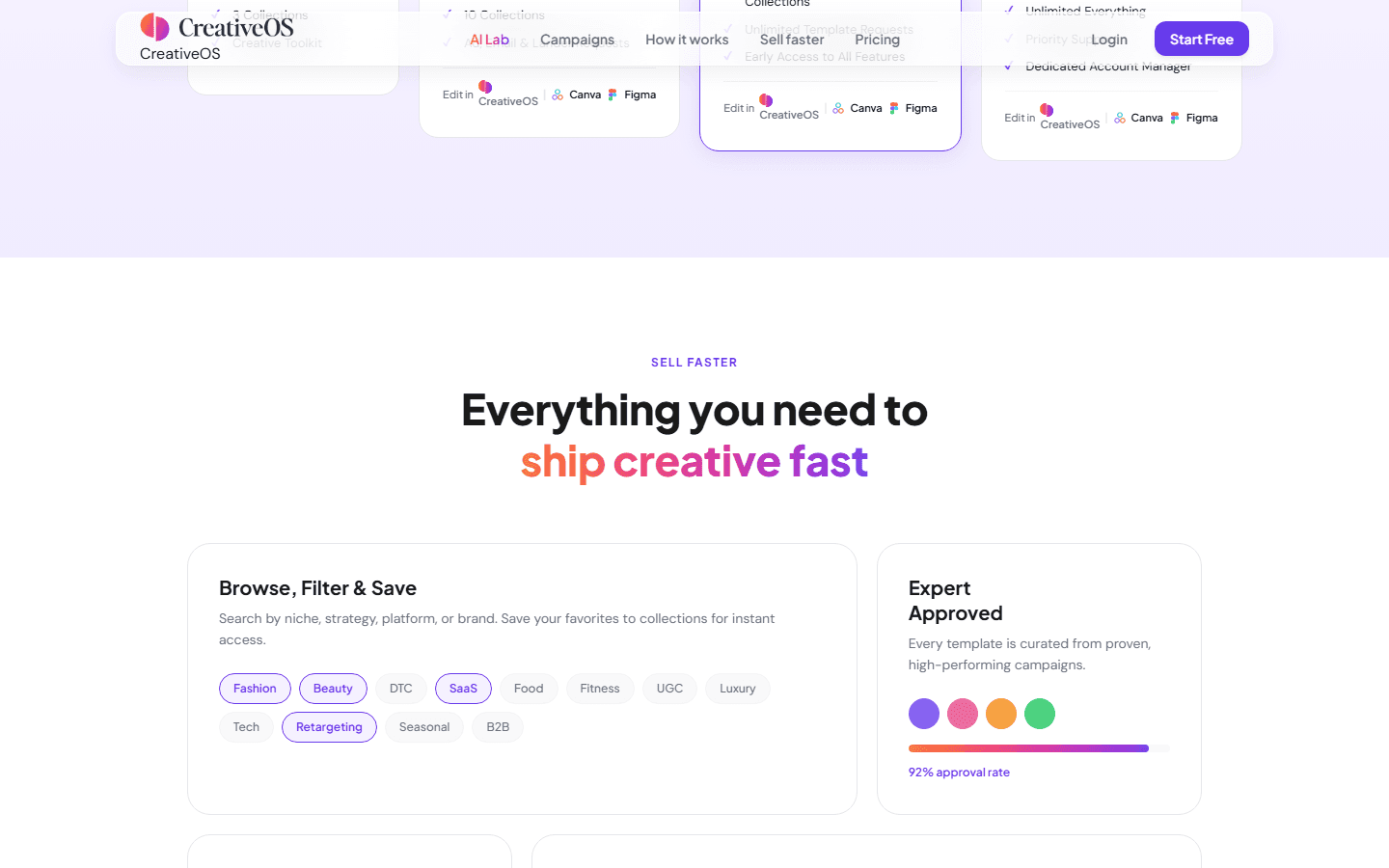
Filter by niche, strategy or platform
The Sell Faster section highlights search by niche, strategy, platform or brand, with editing in CreativeOS, Canva or Figma.
See Sell Faster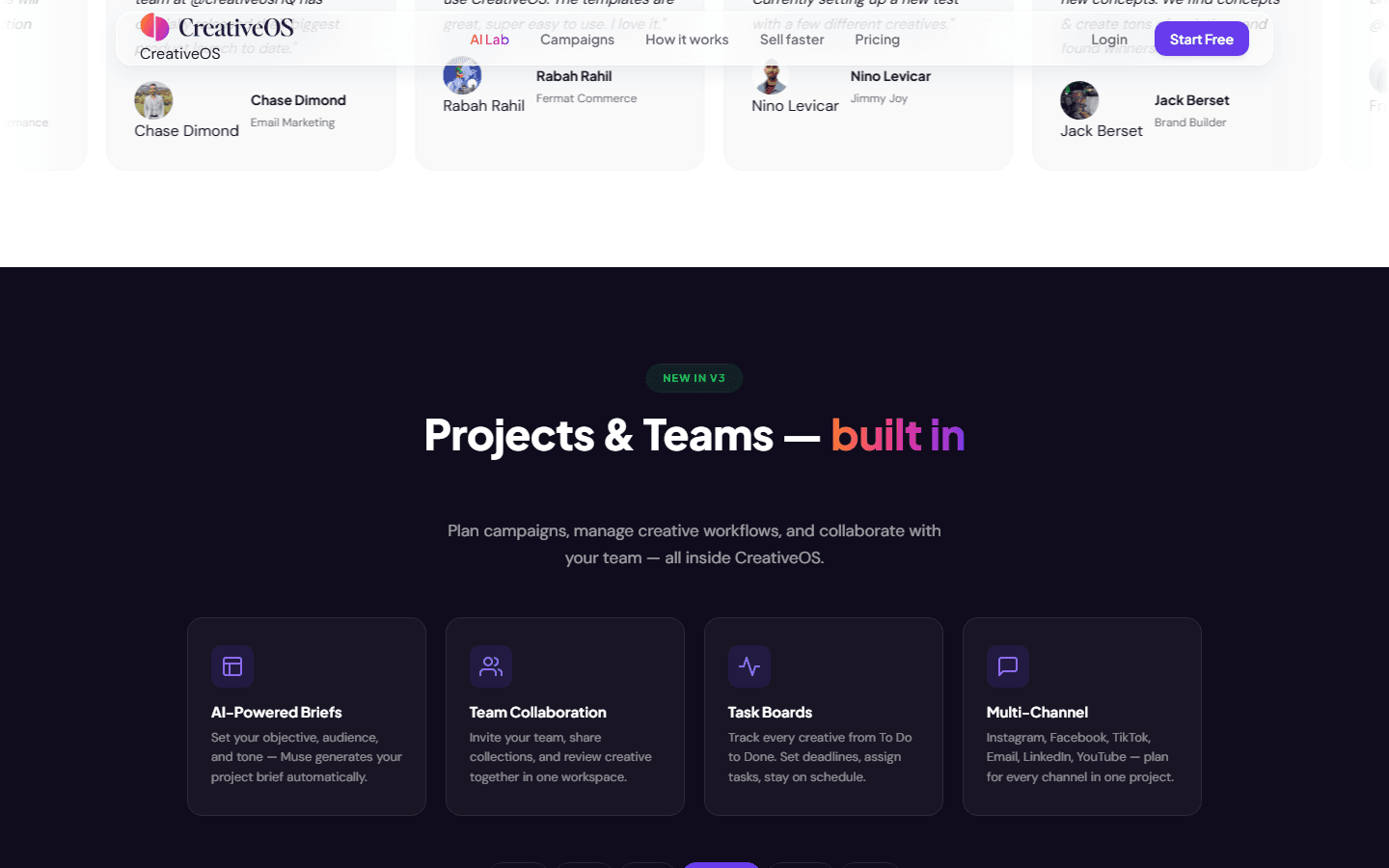
Plan campaign and team work
Projects & Teams shows the operational layer: objective, audience, tone, collaboration, task board and channels to produce.
See Projects & Teams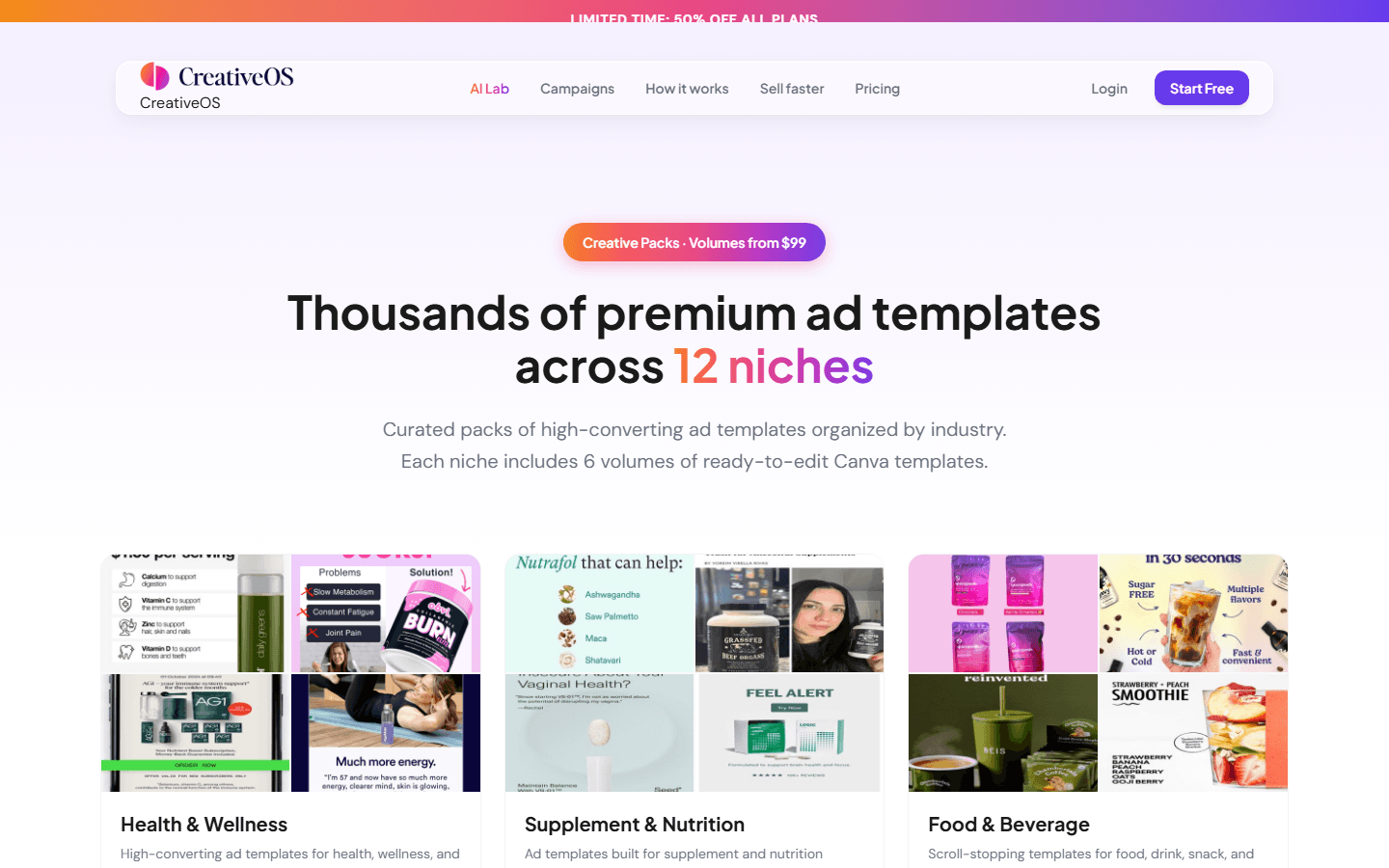
Read niche packs
Creative Packs organize layouts by industry. For Spybox, this helps when the team starts from a specific ecommerce niche rather than a vague design need.
See Creative Packs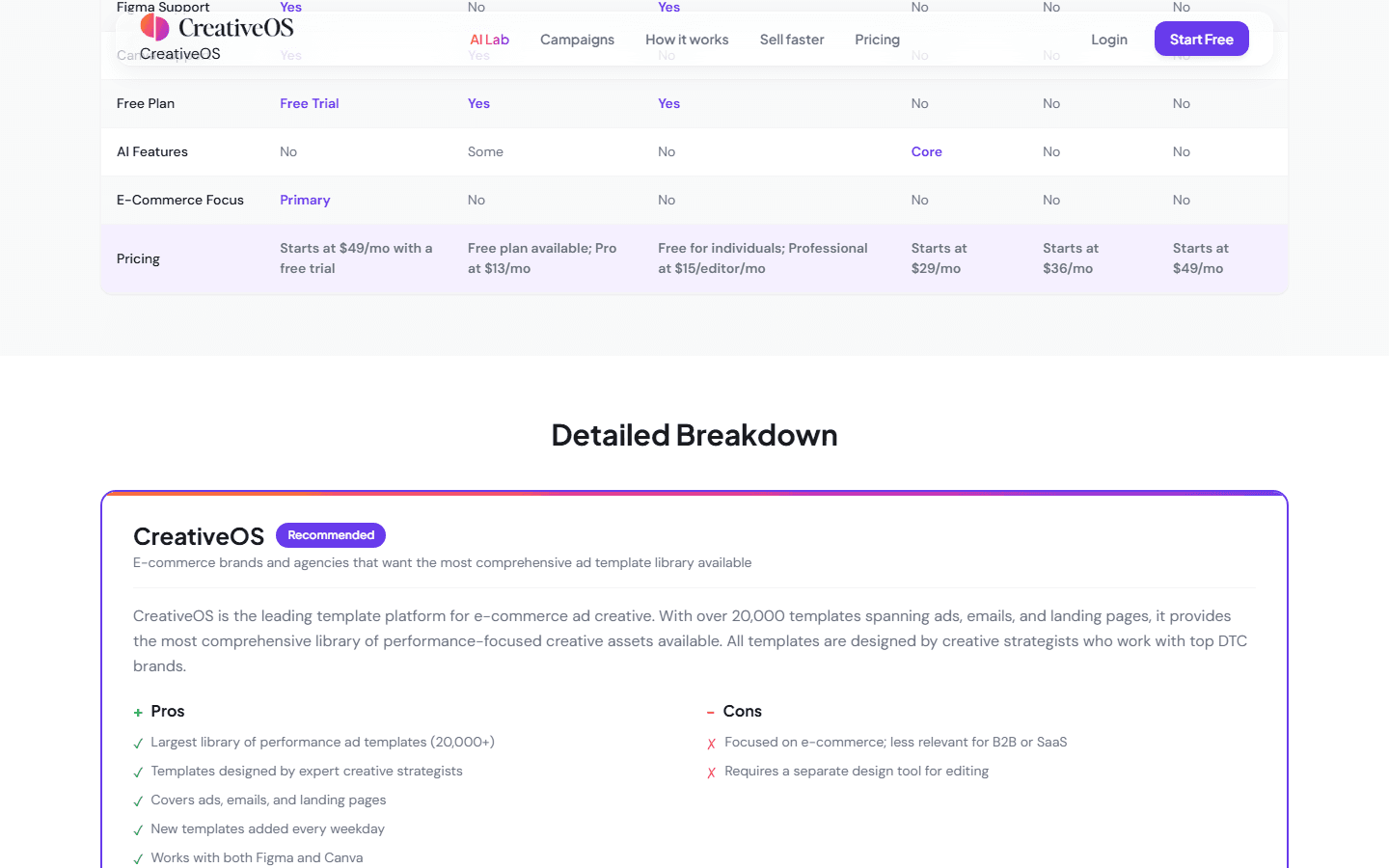
Place CreativeOS against other tools
The official comparison page positions CreativeOS as ecommerce-oriented and lists strengths and limits against Canva, Figma, AdCreative.ai, Creatopy and Foreplay.
See the official comparisonWho gets the most from CreativeOS
CreativeOS fits teams that already know which product or angle they want to test but need stronger starting structures. It is less useful when the offer and proof are still unclear.
Ecommerce or DTC brand
Prepare static ads, carousels, emails and campaign pages around a launch, promotion or winning product.
Media buyer
Produce several directions to test hook, proof, angle, format and copy density without waiting for a designer at every step.
Creative agency
Show visual directions quickly, organize tasks and turn a client reference into cleaner campaign options.
Brand facing creative fatigue
Refresh ad structures, borrow ideas from nearby niches and avoid repeating the same visual for too long.
CreativeOS routine inside Spybox
Keep CreativeOS tied to decisions: start from a signal, choose a structure, adapt it, check it, then measure a clear variation.
1. Start from a signal
Recurring competitor ad, moving product, customer objection, UGC angle, strong email or landing page that already converts.
2. Choose the structure
Filter by niche, platform, strategy or asset type: static ad, email, landing page, carousel or campaign concept.
3. Adapt to the product
Replace visuals, benefits, proof, price, tone and call to action. The structure should serve the brand, not the other way around.
4. Use AI Lab carefully
Customer Voice, Copy Lab, Concept Studio and Creative Analyzer can help read the message, but the claim still has to be true.
5. Check continuity
Compare ad, email and landing page: same benefit, same proof, same expectation level, same visible product.
6. Launch a readable test
Change a small number of levers across variants so the result can be traced back to the visual, hook, proof or channel.
CreativeOS decision matrix
CreativeOS helps most when the question is about creative structure. The matrix keeps teams from choosing a layout because it looks good rather than because it solves the right problem.
The brand lacks fresh ideas
Fatigue may come from repeated structures, not only from the product.
Explore nearby niches in CreativeOS, then keep three genuinely different structures to adapt.
Click-through is weak
Hook, contrast, mobile readability or the main benefit may not appear quickly enough.
Try a more direct structure and review the first screen before launch.
Clicks do not convert
The ad attracts attention, but the page may not confirm the promise or proof.
Compare the creative with the landing page and build a more aligned version before raising budget.
The product needs explanation
A simple product image is not enough; the buyer needs problem, use case, proof or outcome.
Choose an educational structure, then finish with Vmake, Canva or Creatify depending on the final format.
Tools to combine with CreativeOS
CreativeOS structures creative work. It becomes stronger when other Spybox tools bring market signals, product visuals, video or finishing.
Foreplay
Save ad references and understand recurring patterns before choosing a CreativeOS structure.
Gethookd
Turn an observed angle into hook, objection, proof and usable UGC copy.
Canva
Adapt layouts into branded formats, carousels, stories, banners and static assets.
Vmake
Prepare cleaner product visuals or short product videos before integrating the final visual.
Checks before publishing
The risk with a creative library is publishing a polished structure that does not match the product closely enough. Review it commercially, not just visually.
The product is visible and faithful: no generic visual that creates the wrong expectation.
The first screen communicates a clear benefit, not only an attractive design.
The copy matches the page, price, proof and ad-policy constraints for the channel.
The structure fits the audience stage: discovery, retargeting, promotion, proof or comparison.
The landing page or email keeps the same promise as the ad.
Each variant changes an identifiable lever so the test can be interpreted.
Assets edited in Canva, Figma or CreativeOS keep mobile margins, type size and safe zones.
Visual sources and customer language can be reused legally.
Limits to keep in mind
CreativeOS in Spybox FAQ
Is CreativeOS only for ads?
No. Official pages also cover emails and landing pages. In Spybox, the benefit is keeping continuity between ad, message and conversion page.
Does CreativeOS replace Canva?
Not really. CreativeOS gives structures and creative analysis tools. Canva remains useful for brand formatting, resizing and final static production.
What is the best first use?
Start from an ad reference or customer angle found in Spybox, then look for a nearby CreativeOS structure to adapt instead of creating blindly.
Should AI Lab be used for every creative?
No. It is useful when you need customer language, hook variants, creative analysis or ad-to-page continuity checks.
How many variants should a team create?
Three to five strong directions are often enough for a first test. The goal is to understand the difference, not fill a library.
Use CreativeOS with the Spybox stack
With Spybox, CreativeOS works alongside ad research, AI image tools, Canva, Vmake, Creatify and Submagic. The Spybox offer shows 100 000 SBC credits per month at 29,99 €/mois.